
The Yoast SEO logo shows up all over WordPress, yet many of us use it on our sites without thinking about what it actually stands for. When we look closer at the Yoast SEO logo, we see more than a colorful icon, we see a signal of trust, search expertise, and a familiar tool in our publishing routine. In this guide, we walk through what the logo means, where it appears, and how to use it correctly so our own brand still stays clear and professional.
Key Takeaways
- The Yoast SEO logo acts as a visual signal for trustworthy search help, associating your content with the popular WordPress SEO plugin.
- Its design—lowercase “y” in a rounded speech-bubble shape with purple and green colors—reflects Yoast’s brand values of clarity, guidance, and accessibility.
- Always use official Yoast SEO logo files, keep colors and proportions intact, and add clear context like “We use Yoast SEO for our WordPress SEO setup.”
- Place the Yoast SEO logo with proper sizing, spacing, and neutral backgrounds, and never treat it as your own brand logo or imply an official partnership without permission.
- When in doubt, rely on text mentions such as “Content checked with Yoast SEO” or custom neutral badges to reference the tool without risking brand or legal issues.
What The Yoast SEO Logo Represents
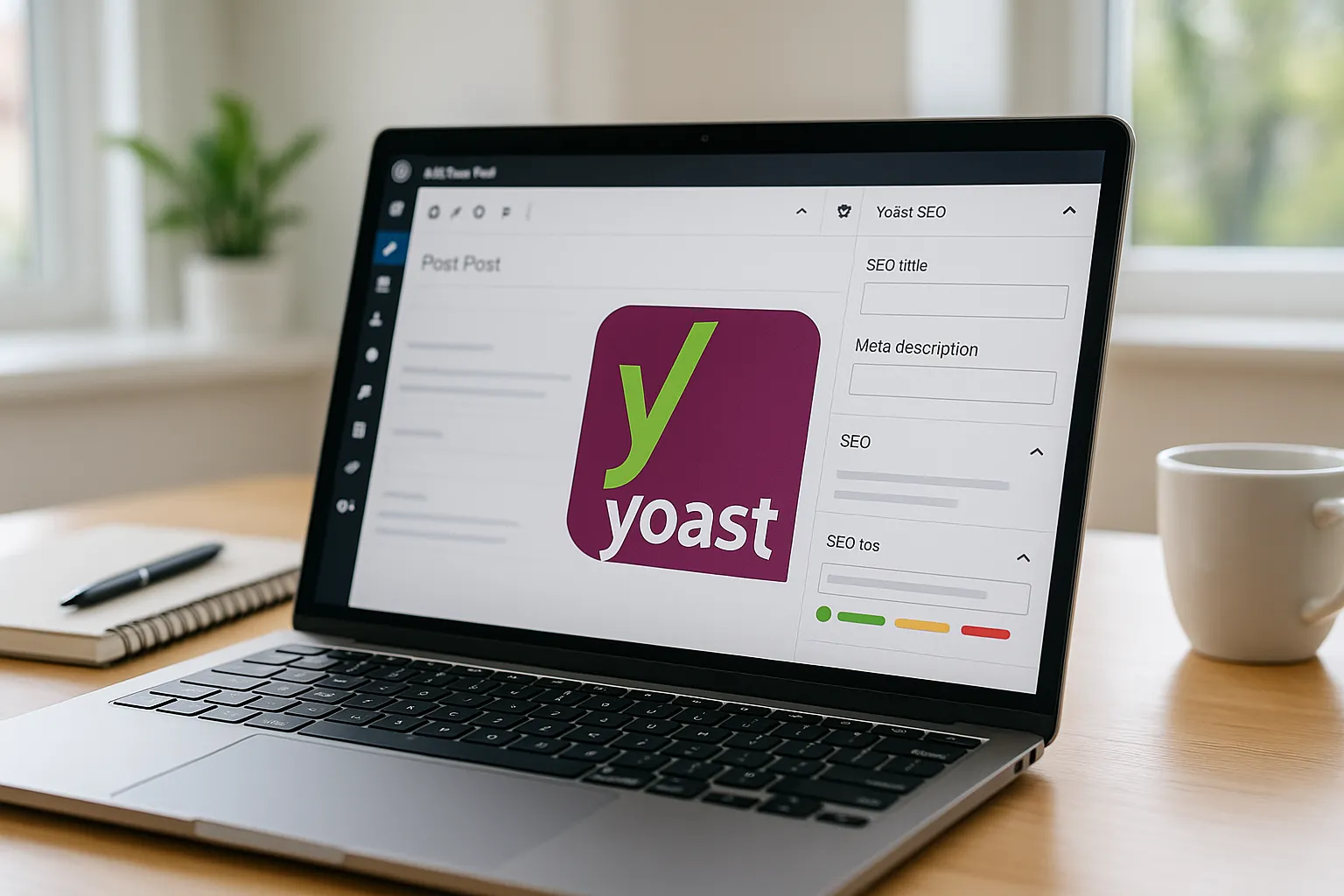
The Yoast SEO logo is a visual shortcut for “search help lives here.“ When visitors spot it, they connect our content with the well known WordPress plugin that helps tune titles, descriptions, and structured data. To use the mark correctly, it helps to understand what the shapes and colors try to say.
Visual Elements And Color Palette
The current Yoast SEO logo centers on a lowercase y inside a rounded shape, paired with the word yoast in a friendly, modern typeface. The core shape looks like a speech bubble or chat balloon, which hints at communication and content.
Color is a big part of the identity:
- Deep purple base that signals reliability and experience
- Bright green accent that hints at growth and “green bullet” success in the plugin
- Occasional blue or orange accents in older or alternate versions
Yoast‘s official brand page keeps an updated overview of approved logo files, colors, and usage notes, so we should check there before we design anything complex.
Source: “Brand assets,“ Yoast, 2024, https://yoast.com/media-kit/
How The Logo Reflects Yoast‘s Brand Values
The Yoast SEO logo points to three main themes that match how the plugin works.
- Clarity
The simple letterform and single icon keep the design easy to recognize in crowded WordPress dashboards.
- Guidance
The speech bubble feel and bright accent colors match the way Yoast SEO gives us traffic‑light style feedback while we edit content.
- Accessibility
Rounded corners, soft letter shapes, and high contrast colors echo Yoast‘s focus on education, courses, and SEO help for non‑technical users.
When we add the Yoast SEO logo to a site, we tap into that reputation. Visitors familiar with WordPress often read it as “these people care about search quality and structure.“
Where You See The Yoast SEO Logo In Practice
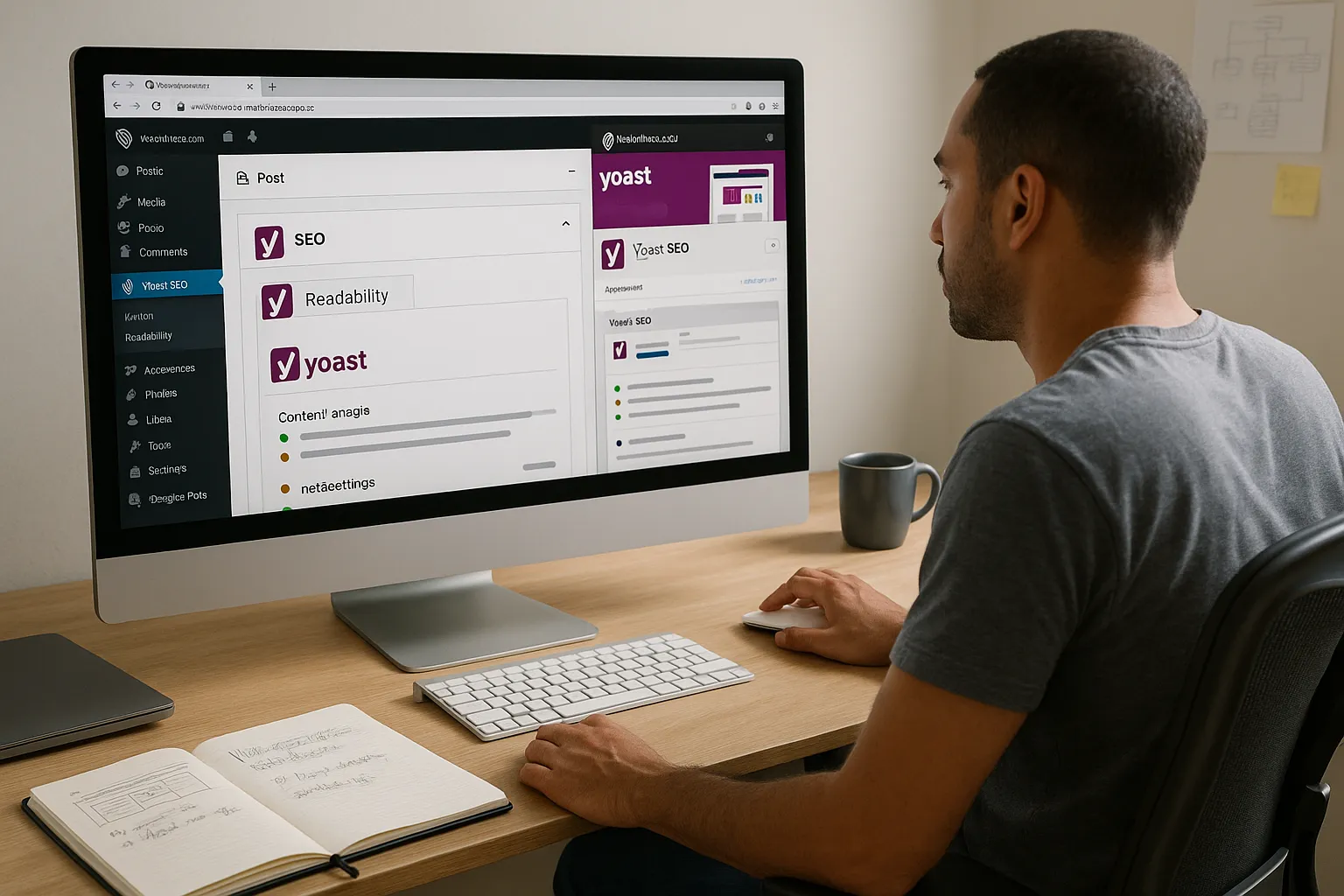
We bump into the Yoast SEO logo in more places than we first think. Here is where it usually appears and what that means for our own branding.
Inside WordPress Dashboards And Plugins
Inside WordPress, the Yoast SEO logo appears in several spots:
- On the left admin menu next to the Yoast SEO menu item
- Inside the post and page editor near SEO and readability tabs
- In the plugin settings pages and help sections
On WordPress.org, the Yoast SEO plugin page also uses the logo consistently, near screenshots and banners.
Source: “Yoast SEO,“ WordPress.org Plugin Directory, 2024, https://wordpress.org/plugins/wordpress-seo/
Because users see the mark so often inside WordPress, they learn to associate it with content scoring, XML sitemaps, and schema features. That constant exposure shapes how visitors react when they see the same logo on our site.
On Websites, Tutorials, And Training Materials
We also see the Yoast SEO logo:
- Inside Yoast Academy course screenshots and slide decks
- On blog tutorials that teach how to use WordPress SEO tools
- In agency portfolios that mention “built with WordPress and Yoast SEO”
In these cases, the logo signals “we rely on this plugin for our SEO workflow.“ This is helpful, as long as we do not give the impression that we own or created the tool. Our /yoast-seo-settings/ guide or our /wordpress-seo-checklist/ article, for example, can reference Yoast SEO clearly without looking like official Yoast material.
How To Correctly Use The Yoast SEO Logo On Your Site
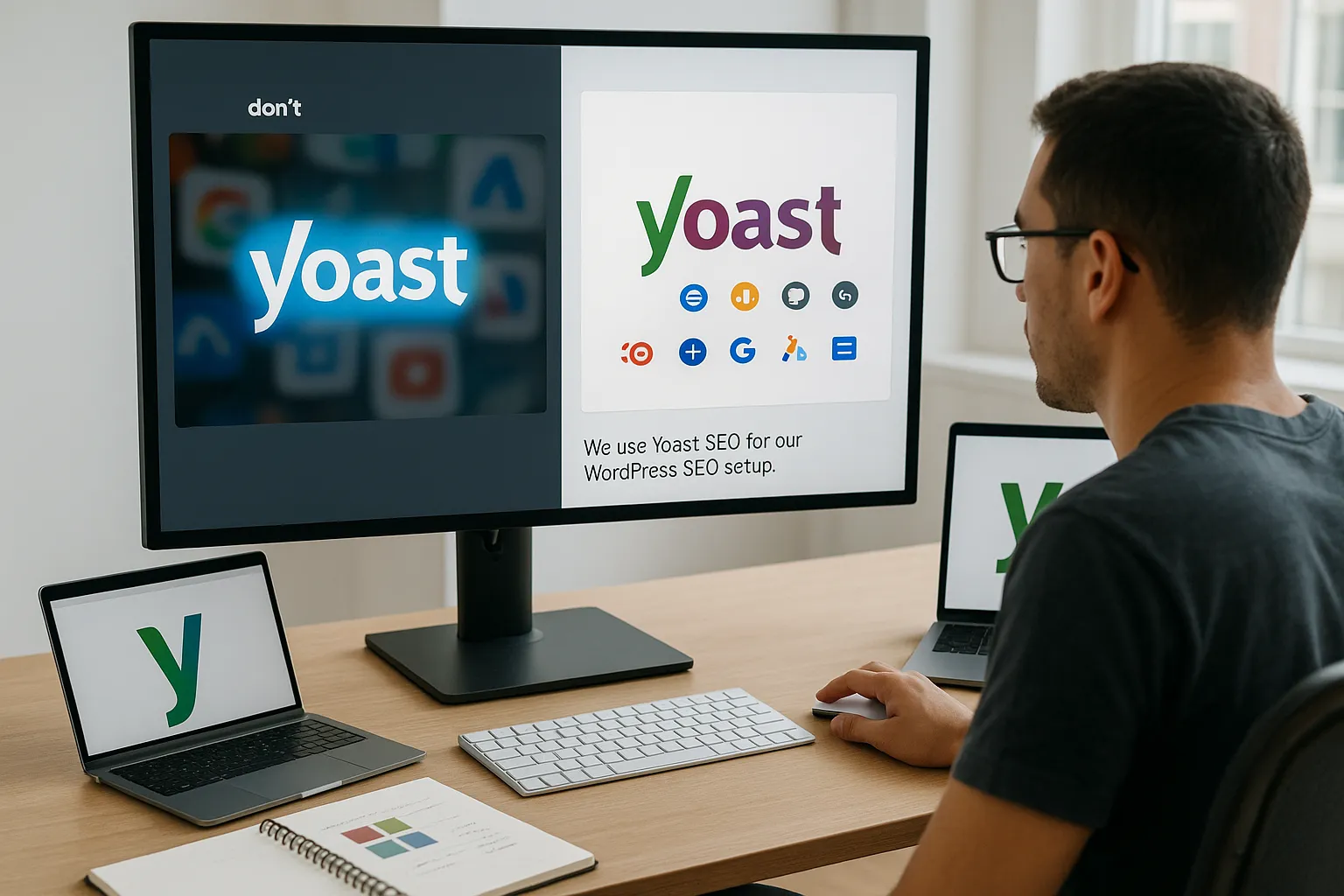
If we want to place the Yoast SEO logo on our site, we need to respect the brand and also protect our own credibility. Here is how we do that.
Basic Do’s And Don’ts For Brand Compliance
Let’s start with simple rules that keep us safe.
Do:
- Use only the official Yoast SEO logo files from Yoast
- Keep the colors, shapes, and aspect ratio intact
- Use the logo to show that we use or recommend the plugin
- Add context text such as “We use Yoast SEO for our WordPress SEO setup”
Don’t:
- Redraw, stretch, or recolor the Yoast SEO logo
- Add drop shadows, glows, or busy effects around it
- Use the logo as our own company logo or in our main site header
- Suggest a partnership, sponsorship, or endorsement unless we have one
These simple habits keep the mark recognizable and respectful. They also lower the chance of confusion or a legal complaint.
Sizing, Spacing, And Background Recommendations
We get the best result when we treat the Yoast SEO logo like any professional brand asset.
- Minimum size
Keep it large enough that the letter “y” looks sharp and legible. On screens, 24–32 pixels high is often the smallest we should go.
- Clear space
Leave breathing room around the logo. A common rule is at least the height of the “y” as padding on all sides.
- Backgrounds
Use neutral backgrounds such as white, very light gray, or deep solid colors with enough contrast. Avoid busy photos that clash with the purple and green.
If we place the Yoast SEO logo in a grid with other tools we use, we keep all logos around the same size so no single brand overpowers ours.
Where To Download Official Yoast SEO Logo Files
We should always grab the Yoast SEO logo from official channels so colors and proportions stay correct.
File Formats (PNG, SVG) And When To Use Each
Yoast usually offers the logo as PNG and SVG.
- PNG
Good for most sites and documents. It supports transparency, so the logo can sit cleanly on white or colored backgrounds.
- SVG
Vector format that stays sharp at any size and loads quickly as code. It works best in modern browsers and is ideal for responsive layouts.
For print, agencies may request PDF or EPS. In that case, we reach out to Yoast or check the media kit for extra formats.
Source: “Media kit,“ Yoast, 2024, https://yoast.com/media-kit/
Checking Licensing And Attribution Requirements
Before we host the Yoast SEO logo on our server, we read the current usage notes in the Yoast media kit and terms of use. Points to confirm:
- Whether we can host the logo or should hotlink from a Yoast CDN
- If attribution text such as “Yoast is a trademark of Yoast BV“ is needed
- Any limits on commercial use or paid advertising that features the logo
Terms may change over time, so we revisit the official site if we plan a campaign, ebook, or large training portal that uses the Yoast SEO logo heavily.
Branding Tips For Businesses Using Yoast SEO
We want to show that we work with strong SEO tools without losing our own identity. The way we present the Yoast SEO logo can help.
Showcasing Tools You Use Without Confusing Your Audience
One simple pattern works well. We create a “Tools we trust“ or “Built with” section and place the Yoast SEO logo next to other familiar logos such as WordPress.org, WooCommerce, or Google Analytics.
To keep the story clear:
- Add short labels like “WordPress plugin” under the Yoast SEO logo
- Pair logos with one‑sentence text that explains how we use each tool
- Keep our own logo larger or placed first so our brand stays central
If we offer SEO services, we also explain that Yoast SEO is just one part of our process. Clients then see the plugin as helpful but not the only ingredient.
Alternatives To Using The Official Logo (Text Mentions, Badges)
In some cases, the safer route is to skip the Yoast SEO logo and rely on text.
Options that work well:
- Short claims such as “All content checked with Yoast SEO“ in body copy
- A sentence in our footer that lists tools we use
- Our own custom badges that say “SEO ready” or “Schema friendly” without using the official Yoast SEO logo
When we stick to text mentions, we avoid any confusion about partnerships while still catching search intent around Yoast SEO and WordPress SEO topics. That helps both humans and search engines understand what our pages cover.
Common Mistakes To Avoid With The Yoast SEO Logo
We see the same errors repeated on portfolios, agency sites, and tutorial blogs.
Here are the main ones to avoid:
- Using the Yoast SEO logo as our company logo
This confuses visitors and can suggest we are part of Yoast BV.
- Recoloring the logo to match our brand palette
That may look neat at first, but it breaks recognition and goes against brand rules.
- Stacking the logo in cramped areas
Placing the Yoast SEO logo inside a crowded footer or busy sidebar makes it look messy.
- Implying official status
Taglines like “Official Yoast SEO partner“ or “Certified by Yoast SEO“ require real agreements. Without those, we stick to neutral phrases like “We use Yoast SEO on all WordPress builds.“
If we are ever unsure, we keep usage small, clear, and factual. We can still write strong how‑to content on Yoast, such as a detailed Yoast SEO setup guide, without overusing the mark.
Conclusion
The Yoast SEO logo carries more weight than a simple icon in our WordPress sidebar. It signals a known plugin, a set of training resources, and a track record with search. When we use the Yoast SEO logo carefully, we borrow that credibility without confusing visitors about who owns what.
Our checklist is short. Use only official files, keep the logo clear and unedited, add honest context, and respect Yoast‘s current brand notes. If we treat the Yoast SEO logo with the same care we give our own, it becomes a helpful signpost in our design instead of a legal or branding headache.
Yoast SEO Logo – Frequently Asked Questions
What does the Yoast SEO logo represent in WordPress and on websites?
The Yoast SEO logo represents a trusted WordPress SEO plugin focused on clarity, guidance, and accessibility. Its speech‑bubble shape and bright accent colors echo how Yoast gives traffic‑light feedback, helps structure content, and supports non‑technical users, signaling that “search help lives here.”
How should I correctly use the Yoast SEO logo on my website?
Use only official logo files, keep colors and proportions intact, and place the Yoast SEO logo with clear context like “We use Yoast SEO for our WordPress SEO setup.” Never redraw, recolor, or use it as your company logo, and avoid implying a partnership you don’t actually have.
Where can I download an official Yoast SEO logo for my projects?
You should download the Yoast SEO logo from Yoast’s official media kit or brand assets page. There you’ll find approved PNG and SVG files, color values, and usage notes. Always check their latest branding and legal guidelines before using the logo in sites, documents, or marketing materials.
Can I change the Yoast SEO logo colors to match my brand?
No. Recoloring the Yoast SEO logo breaks brand recognition and usually violates Yoast’s brand rules. Instead, keep the logo in its official purple and green, then use your own brand colors in surrounding design elements so you respect Yoast’s trademark while still maintaining your visual identity.
Is it better to mention Yoast SEO in text or show the Yoast SEO logo?
Both can work. Use the Yoast SEO logo when you want quick visual recognition, such as in a “Tools we use” section. If you want to avoid any risk of implying endorsement, stick to text mentions like “All content checked with Yoast SEO” or create your own neutral badges.
Some of the links shared in this post are affiliate links. If you click on the link & make any purchase, we will receive an affiliate commission at no extra cost of you.
