

When a new client tells us, “We rank fine nationwide, but nobody finds us in our own city,“ we know Yoast SEO Local will probably earn its keep. Local search is its own beast: people want a nearby dentist, not just any dentist: a pizza place within 10 minutes, not the internet’s favorite pizzeria on another continent. In this guide, we walk through how we use Yoast SEO Local to turn that local intent into foot traffic, booked calls, and real revenue.
Key Takeaways
- Yoast SEO Local helps WordPress sites send clear local business signals—address, schema, maps, and hours—to search engines so nearby customers actually find you.
- Local SEO focuses on proximity, relevance, and prominence, so you must pair Yoast SEO Local with consistent NAP data, a strong Google Business Profile, and solid reviews.
- Set up Yoast SEO Local carefully by entering accurate business details, configuring opening hours, creating robust location pages, and embedding correct maps or a store locator.
- Avoid thin, duplicate location pages and outdated contact info, because these undermine the local authority boost Yoast SEO Local is designed to provide.
- Measure success through map pack impressions, calls, directions, local organic traffic, and in‑person visits, then regularly update Yoast SEO Local settings and content as your business or competition changes.
What Yoast SEO Local Is And Who It Is For
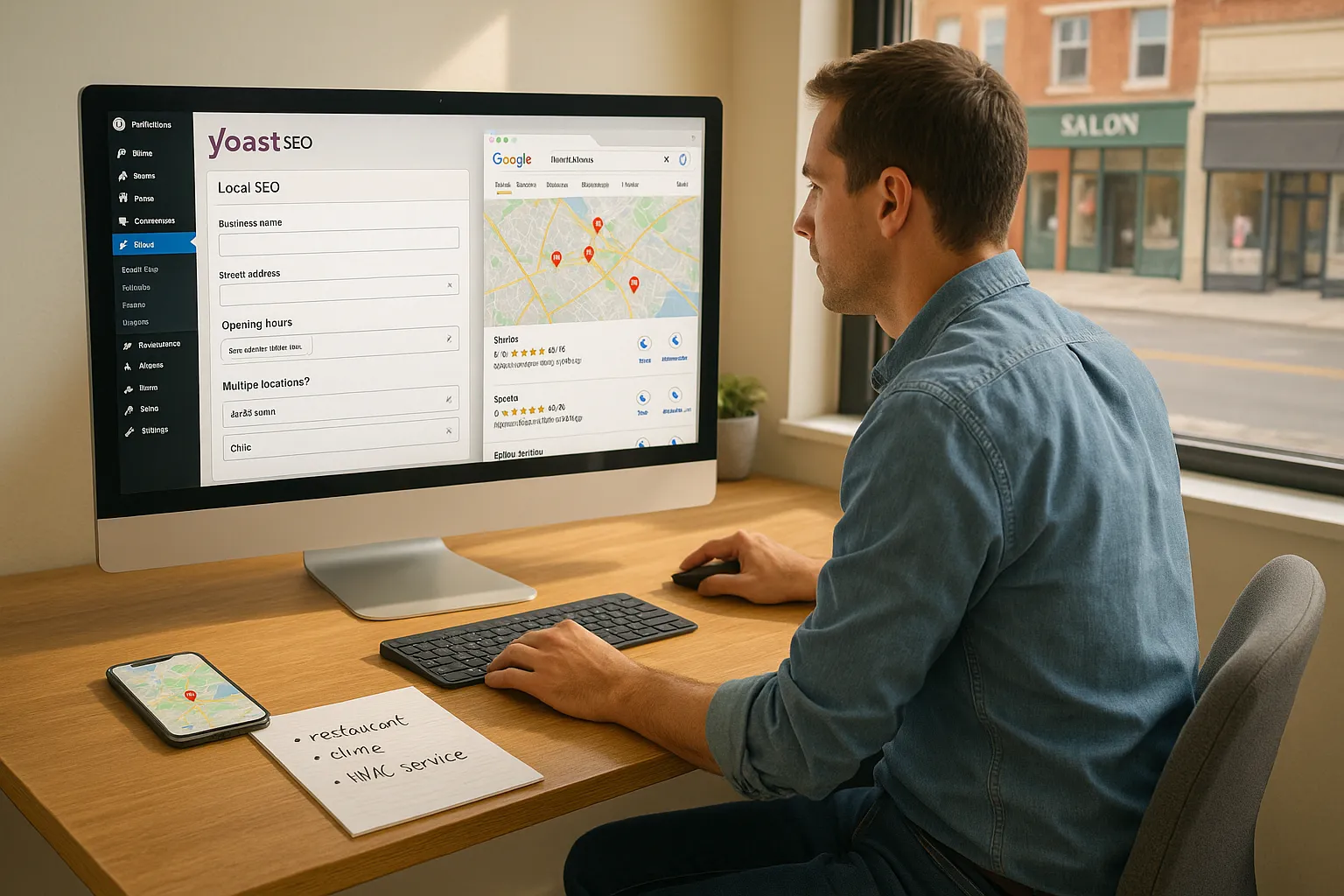
Yoast SEO Local is a premium add‑on for the standard Yoast SEO plugin that helps us send clear, machine‑readable local signals to Google, Bing, Apple Maps, and other services. It does this by handling local business schema, maps, addresses, opening hours, and multi‑location data inside WordPress.
Here is the short version. Yoast SEO Local tells search engines: “This exact business, at this exact address, offers these services to people in this exact area.“ Google then combines that with proximity and reviews to decide who shows in the local pack and map results.
Yoast SEO Local tends to fit:
- Brick‑and‑mortar businesses that want more walk‑ins, like restaurants, clinics, salons, gyms, and retail.
- Service providers with a service area, like lawyers, HVAC companies, agencies, plumbers, and consultants.
- Multi‑location brands that need a location page per branch.
If our goal is more calls, bookings, or visits from nearby people, Yoast SEO Local belongs on the shortlist of tools we consider.
How Local SEO Differs From Regular SEO
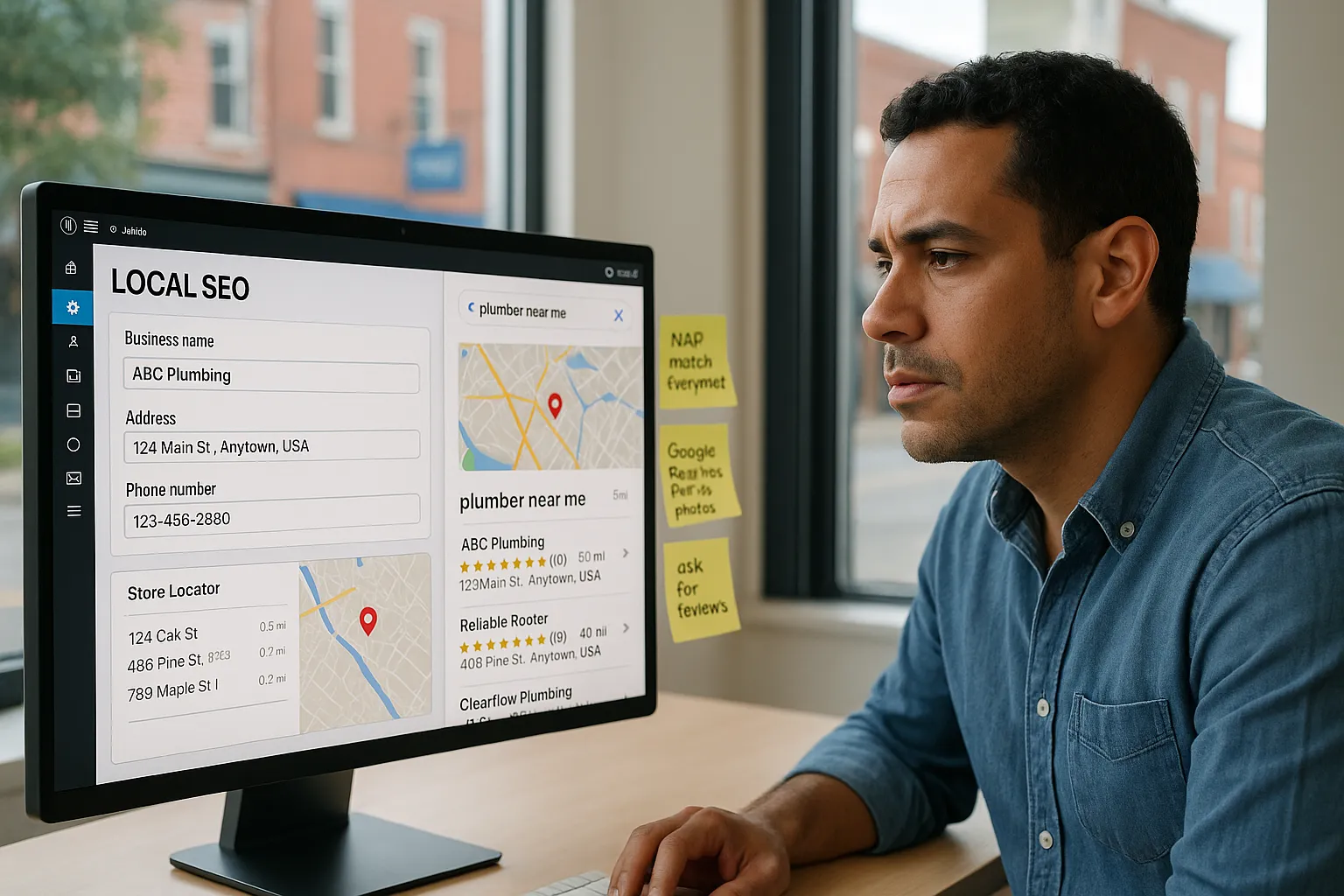
Local SEO shifts the game from “most relevant content on the internet” to “most relevant nearby provider.“ That single word, nearby, changes our strategy.
According to Google’s own help article on local results, proximity, relevance, and prominence drive local rankings (Source: “Improve your local ranking on Google“, Google Support, 2023, https://support.google.com/business/answer/7091). Traditional SEO leans heavily on content and links. Local SEO adds:
- NAP consistency: Name, address, phone number identical everywhere.
- Google Business Profile strength: categories, photos, posts, accurate info.
- Reviews and star ratings.
- Local citations on trusted directories.
Yoast SEO Local slots into this picture by handling on‑site local signals: schema, maps, and store locators. We still need off‑site work (reviews, citations, Google Business Profile), but our site becomes a clear source of truth that search engines can trust.
We like to think of it this way. Regular SEO tells Google why we matter. Local SEO tells Google where we matter and who we serve nearby.
Core Features Of Yoast SEO Local
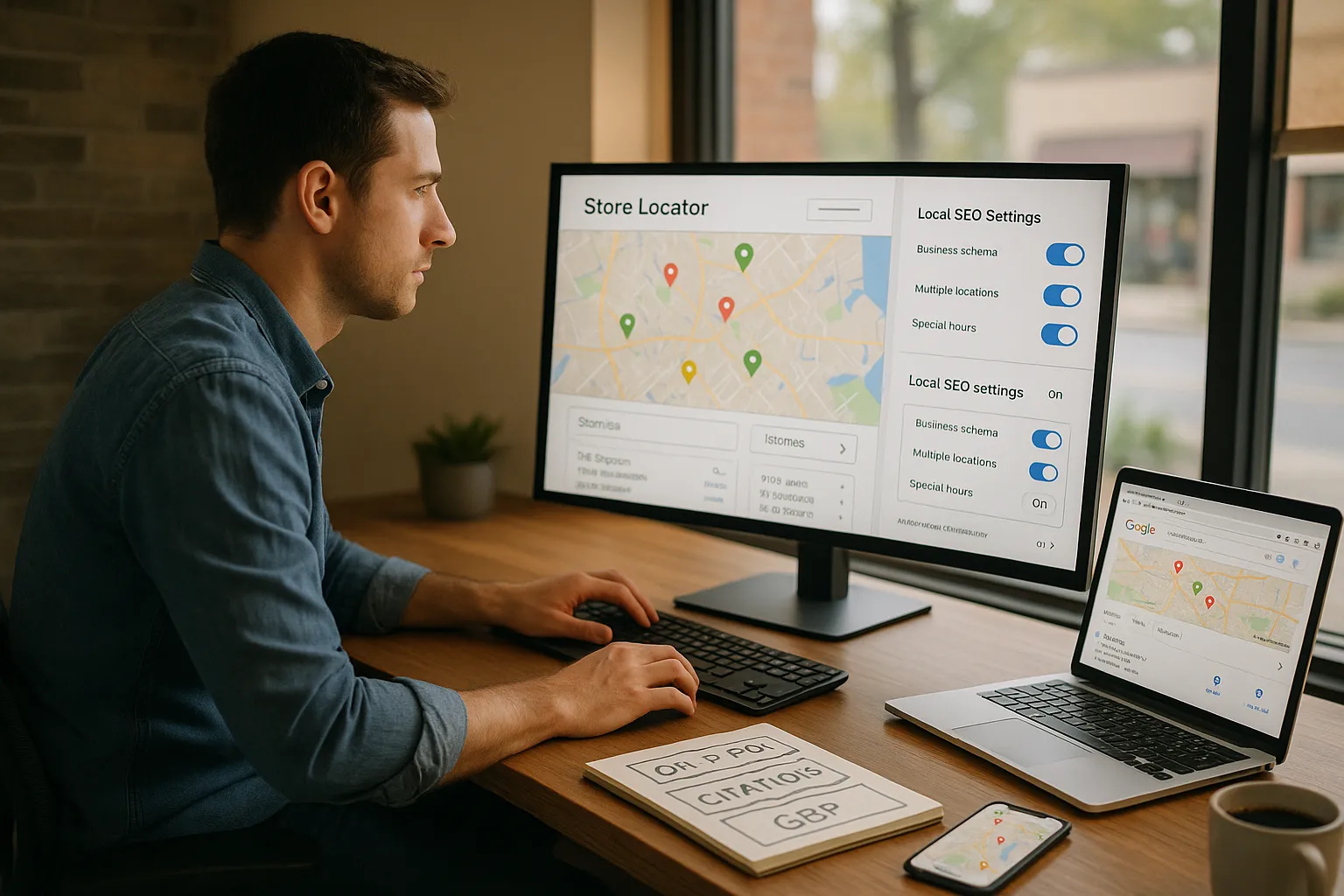
Yoast SEO Local packs several features that help local rankings and maps visibility without extra custom code.
The core pieces we use most are:
- Local business schema: The plugin adds structured data that matches our address, geo‑coordinates, phone, business type, and opening hours. This helps search engines confirm that our site, our map pin, and our listings all describe the same entity.
- Multiple locations support: We can store details for each branch and generate unique location pages with consistent schema. That matters a lot for franchises and chains.
- Store locator and maps: We can add a map and a search box for users to find the closest branch. This improves on‑site experience and supports proximity signals.
- Opening hours and special days: Holidays and special hours stay in sync with schema so Google sees accurate info.
When we combine Yoast SEO Local with strong content and a solid Google Business Profile, we usually see better placement in the map pack for branded and service queries. Moz‘s research continues to show on‑page and citation signals among top local ranking factors (Source: “Local Search Ranking Factors“, Moz, 2023, https://moz.com/local-search-ranking-factors).
Setting Up Yoast SEO Local Step By Step
We like a simple checklist when we set up Yoast SEO Local on a new site.
- Install and connect
Install the premium Yoast SEO Local plugin and make sure the base Yoast SEO plugin is active. Confirm that WordPress and PHP meet the current Yoast requirements.
- Enter business details
In the Yoast Local settings, we add:
- Official business name
- Full address in local format
- Phone number and contact email
- Business type (matches schema.org types)
- Geo coordinates if we have them
- Configure opening hours
We add regular weekly hours, then set special days like holidays or seasonal closures. This keeps schema and any on‑page widgets in sync.
- Create location pages
For single‑location sites, we build one main contact or location page and assign it in the plugin. For multiple locations, we create a custom post type entry per branch and let Yoast SEO Local generate a location finder.
- Embed maps and locator
We generate a map for each location and a store locator if needed. We check that pins land in the correct spot and that directions load quickly.
If we want more technical depth on schema, we often pair this setup with a local business schema guide so the dev team understands what the plugin outputs.
Optimizing Local Content For Different Professional Fields
Yoast SEO Local handles the data layer. Our content still needs to match how people search in different professions and cities.
Here is how we think about it across fields:
- Medical and dental
We keep E‑E‑A‑T in mind from Google’s Search Quality Rater Guidelines, with clear doctor bios, credentials, and procedures explained in plain language (Source: “Search Quality Rater Guidelines“, Google, 2023, https://static.googleusercontent.com/media/guidelines.raterhub.com). Local pages include insurance info, parking, and real photos.
- Lawyers and financial pros
We cover practice areas by city and neighborhood: “personal injury lawyer in Austin“ instead of only broad terms. Each office page explains local courts, regulations, or tax rules that matter in that region.
- Restaurants and hospitality
Menus, allergens, parking, and nearby attractions matter more here. We mix in phrases like “near [landmark]“ because people often search that way on mobile.
- Tech, agencies, and B2B
We highlight the local benefit even if work is remote: time zone, on‑site meetings, and local case studies.
In all cases, we pair Yoast SEO Local schema with clear NAP info, internal links to service pages, and supporting guides such as a technical SEO checklist so teams keep pages fast and crawlable.
Common Mistakes To Avoid With Yoast SEO Local
Yoast SEO Local helps with the heavy lifting, but we still see the same mistakes over and over.
The big ones:
- Wrong or outdated NAP
If the address or phone in Yoast SEO Local differs from Google Business Profile or major directories, we send mixed signals.
- Thin location pages
Many teams rely on the auto‑generated location template and add two sentences. We need real content: services at that branch, staff, photos, directions, and nearby landmarks.
- No unique content per branch
Copy‑pasting the same text for every city with only the name swapped can hurt relevance. Each location deserves at least some local detail.
- Ignoring reviews
Yoast SEO Local does not manage reviews. If we fix schema but ignore reputation on Google, Yelp, or Healthgrades, rankings stall.
- Over‑reliance on plugins
The plugin does not fix slow hosting, poor mobile design, or missing content. It boosts clear local signals, but the site still needs solid technical SEO and real value for humans.
We treat Yoast SEO Local as part of a system, not a magic switch.
Measuring Local SEO Success And When To Adjust Your Strategy
We judge Yoast SEO Local success by real‑world movement, not just vanity metrics.
Metrics we track:
- Map pack impressions and clicks in Google Search Console
- Calls, direction requests, and website clicks inside Google Business Profile
- Local organic traffic to location pages in Google Analytics
- Store visits, appointment volume, and revenue by region
If we see impressions rise but clicks stay flat, our titles, photos, or reviews may not persuade people to choose us. If clicks rise but foot traffic does not, tracking or on‑site conversion paths may need work.
We adjust our approach when:
- New competitors enter the area
- We change hours, services, or address
- Reviews drop below local averages
- We expand to new neighborhoods or cities
Local SEO is not set‑and‑forget. We review Yoast SEO Local settings whenever the business changes and compare them to data from Google’s local ranking guidance and our own analytics (Source: “How local results work”, Google Business Profile Help, 2023, https://support.google.com/business/answer/6333471).
Conclusion
Yoast SEO Local gives us a clean way to talk to search engines about where we are and who we serve. When we pair that with strong local content, a healthy review profile, and accurate data across the web, we give our business a real chance to stand out in local results.
If we run a clinic, restaurant, firm, or any office that depends on nearby clients, this plugin can turn our WordPress site from a digital brochure into a trusted local signal. The setup is not hard, but the payoff often shows up in very real ways: more map views, more calls, and more people walking through the door.
Our suggestion: treat Yoast SEO Local as a foundation. Then keep testing, keep refining content for each city, and let data guide where we go next.
Yoast SEO Local – Frequently Asked Questions
What is Yoast SEO Local and who should use it?
Yoast SEO Local is a premium add-on for the Yoast SEO plugin that adds local business schema, maps, opening hours, and multi-location support in WordPress. It’s ideal for brick-and-mortar businesses, local service providers, and multi-location brands that want more calls, bookings, and walk-in traffic from nearby customers.
How does Yoast SEO Local improve local SEO rankings?
Yoast SEO Local sends clear, machine-readable local signals to search engines by structuring your business name, address, phone number, geo-coordinates, hours, and locations. Combined with strong content and a well-optimized Google Business Profile, it helps search engines understand where you operate and increases visibility in local map pack and nearby search results.
How do I set up Yoast SEO Local on my WordPress site?
First install the Yoast SEO plugin, then add the Yoast SEO Local premium add-on. Enter your official business details, configure opening hours and special days, create location pages for each branch, and embed maps or a store locator. Finally, verify that NAP data matches Google Business Profile and major directories.
Is Yoast SEO Local enough on its own to rank in the local pack?
No. Yoast SEO Local handles on-site local signals, but local rankings also depend on reviews, citations, Google Business Profile optimization, links, and overall website quality. Think of it as a strong technical foundation. You still need fast pages, unique local content, consistent NAP, and active reputation management to compete.
What is the difference between Yoast SEO and Yoast SEO Local?
The core Yoast SEO plugin focuses on general SEO tasks like titles, meta descriptions, readability, and schema for content. Yoast SEO Local is an additional premium module specifically for local SEO, adding location pages, local business schema, maps, opening hours, and multi-location management tailored to businesses serving a specific geographic area.
Some of the links shared in this post are affiliate links. If you click on the link & make any purchase, we will receive an affiliate commission at no extra cost of you.
