

The first time we ran a Yoast SEO audit on a client site, we watched organic traffic jump while they were on a flight home from a conference. Nothing else changed: same content, same budget, same team. Only one thing was different. We finally had a clear, structured way to fix what search engines actually cared about.
In this guide, we walk through how to use a Yoast SEO audit to do the same for your site, without living inside WordPress all day. If you run a business, create content, lead a practice, or manage any digital presence, this is a fast route to cleaner pages, stronger rankings, and fewer SEO surprises.
Key Takeaways
- A Yoast SEO audit gives you a structured, page-level checklist for content, technical SEO, and readability, so you can fix what actually impacts rankings.
- Preparing for a Yoast SEO audit by configuring core WordPress and Yoast settings, plus connecting tools like Google Search Console and Analytics, prevents wasted time and messy data.
- Running a Yoast SEO audit on high-value pages means systematically optimizing focus keyphrases, titles, meta descriptions, internal links, and schema without over-optimizing for the plugin.
- Prioritize fixes by tackling visibility blockers first (indexing, canonicals, titles), then improving click-through rates, on-page relevance, and readability for real users.
- Building an ongoing workflow around your Yoast SEO audit—before publishing, weekly checks, quarterly reviews, and post-migration spot checks—creates continuous SEO improvements instead of one-off fixes.
What A Yoast SEO Audit Actually Covers
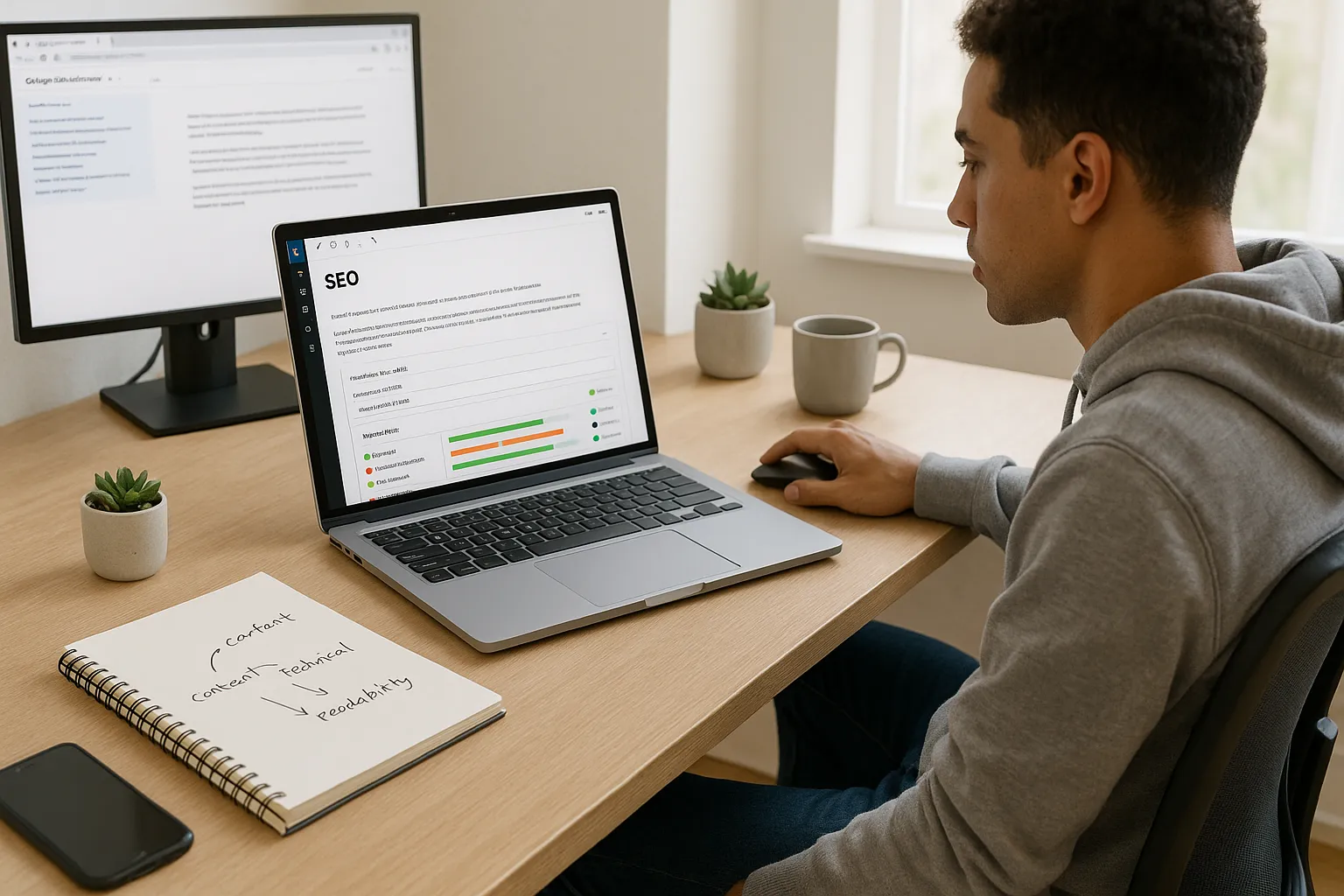
A Yoast SEO audit in WordPress checks three broad areas: content, technical SEO, and readability. Yoast SEO does not replace tools like Google Search Console or an external crawler, but it gives us a quick, page‑level health check while we work.
Here is what it looks at:
- On-page SEO basics: Focus keyword, SEO title, meta description, URL slug, internal links, outbound links, image alt text, and text length.
- Content relevance: How often the keyphrase appears, where it appears (title, first paragraph, subheadings), and whether competing keyphrases overlap.
- Technical hints: Index/noindex settings, canonical URL, schema type, robots meta directives, and XML sitemap entries.
- Readability: Sentence length, paragraph length, transition words, passive voice, and subheading use.
We use the Yoast traffic light system as a quick triage, not a religion. Green is helpful, but the real goal is a page that satisfies search intent and meets Google’s guidance on helpful content.
Reference: “Search Essentials,“ Google Search Central, Google, updated 2023, https://developers.google.com/search/docs/fundamentals/seo-starter-guide
Why A Yoast SEO Audit Matters For Modern Professionals And Businesses
If our website prints money, a Yoast SEO audit is the low-cost inspection that keeps the machine running.
Here is why it matters for busy professionals:
- It catches silent SEO errors. A noindex tag on a key service page, a missing canonical, or a broken meta description can quietly block growth.
- It standardizes quality across teams. Writers, marketers, and developers see the same signals inside WordPress, so we argue less and fix more.
- It turns vague SEO advice into checklists. Instead of “write better titles,“ Yoast tells us whether a title is too short, too long, or missing the focus phrase.
- It scales with our content. As we publish blog posts, product pages, or legal resources, every piece can pass through the same Yoast SEO audit process.
For lawyers, clinics, SaaS teams, restaurants, or educators, this structure keeps important pages discoverable without a full-time SEO specialist shadowing every update.
Reference: “SEO Starter Guide,“ Google Search Central, Google, updated 2023, https://developers.google.com/search/docs/fundamentals/seo-starter-guide
Preparing Your Site For A Yoast-Powered Audit

Before we run a Yoast SEO audit, we set the stage. A few small steps make the audit faster and the results cleaner.
- Confirm WordPress basics
- Check Settings → General for the correct site title and tagline.
- In Settings → Reading, confirm the site is not set to “Discourage search engines from indexing this site.”
- Install and configure Yoast SEO
- Install from the official WordPress plugin directory.
- Run the configuration wizard for site type, organization name, logo, and social profiles.
- Connect supporting tools
- Verify the site in Google Search Console for crawl and indexing data.
- Link Google Analytics 4 for engagement insights.
- Keep an external crawl tool handy like Screaming Frog, Ahrefs, or Moz Pro.
- Pick one content segment to start
Instead of trying to fix the entire site in one night, we pick a small batch: top 10 landing pages, one service area, or one content hub such as “blog / SEO” or “resources / legal guides.“
This prep means when we run the Yoast SEO audit, we spend time in the editor fixing pages, not chasing missing settings.
Running A Step-By-Step Yoast SEO Audit In WordPress
Once Yoast is ready, we run the Yoast SEO audit page by page. Here is a compact workflow we use with clients.
Checking Core Site Settings
We start at the global level before touching content.
- Go to SEO → General → Features and keep SEO analysis, readability analysis, and schema enabled.
- Under SEO → Search Appearance, confirm default templates for titles and meta descriptions make sense for posts, pages, and custom post types.
- In SEO → Search Appearance → Taxonomies, decide whether categories and tags should appear in search results or be noindex.
These settings decide how Yoast treats each new piece of content, so they form the base for every Yoast SEO audit we run later.
Auditing Content And On-Page SEO With Yoast
Now we open a high-value page in the WordPress editor and scroll down to the Yoast SEO panel.
We:
- Set the focus keyphrase that reflects real search behavior, not just internal jargon. Keyword research tools from Ahrefs, Semrush, or Google Keyword Planner help here.
- Tune the SEO title and meta description. We keep them clear, benefit-driven, and within Yoast‘s length bar.
- Check the Yoast bullets. We watch for missing internal links, missing alt text, too short content, and absent keyphrase in headings or introduction.
- Pass the sniff test. If adding the keyphrase one more time makes the text sound robotic, we ignore the suggestion.
The goal is a page that satisfies both Yoast and a skeptical human reader.
Reviewing Technical SEO Signals Inside Yoast
Yoast gives several technical checks baked into the content editor.
We confirm:
- Indexing choice is set correctly using the “Allow search engines to show this Page in search results“ toggle.
- Canonical URL exists for pages that risk duplicate content, such as print views or campaign variants.
- Schema type matches the content: Article, Web Page, FAQ, Product, Local Business, and so on.
We cross-check this with Google Search Console coverage reports to see if any pages from the Yoast SEO audit still fail indexing.
Reference: “Yoast SEO: The Complete Guide,“ Yoast, updated 2024, https://yoast.com/wordpress/plugins/seo/
Using Yoast Insights To Improve Readability And Engagement
Finally, we open the Readability tab.
We watch for:
- Very long sentences and paragraphs that drown readers.
- Missing subheadings on pages longer than a few hundred words.
- Excessive passive voice that makes content feel vague.
- Low use of transition words that help readers follow the story.
We rarely chase a perfect wall of green. Instead, we adjust where the Yoast SEO audit reveals genuine friction. If we write for busy surgeons, pilots, or engineers, clarity beats playful language every time.
Prioritizing And Fixing Issues Found In Your Yoast SEO Audit
Once we run a Yoast SEO audit on a batch of pages, the real work starts: choosing what to fix first.
We rank fixes like this:
- Visibility blockers
- Wrong noindex settings on money pages.
- Misleading canonicals that point away from the main version.
- Titles or descriptions that hide the main topic.
- Click-through boosters
- Weak or vague titles on high-impression pages from Search Console.
- Missing meta descriptions on pages that already rank.
- On-page relevance gaps
- Pages where the focus keyphrase barely appears in body text or headings.
- Thin content that cannot satisfy searcher intent.
- Readability friction
- Walls of text, especially on mobile.
- Content that buries the answer several screens below the fold.
We log these in a simple spreadsheet or project tool and tie each issue to a URL, owner, and due date. A Yoast SEO audit surfaces problems. Clear ownership and deadlines solve them.
If you maintain topic clusters, you can also crosslink Yoast findings with a content hub map such as an internal page like /topic-cluster-strategy/ or a technical SEO checklist such as /technical-seo-checklist/. That keeps content, links, and technical fixes moving in the same direction.
Building An Ongoing SEO Workflow Around Yoast
A one-off Yoast SEO audit helps, but a simple rhythm around Yoast helps even more.
Here is a workflow that fits most teams:
- Before publishing
Every new post or page passes a Yoast review. We confirm focus keyphrase, clean titles, sensible meta descriptions, and noindex settings.
- Weekly or biweekly
We open Google Search Console, filter for pages with impressions and low click-through rates, and re-run a Yoast SEO audit on those URLs. Often a sharper title and meta description are enough to win more clicks.
- Quarterly
We audit a segment, such as all service pages or all guides. We apply Yoast findings, refresh outdated content, and improve internal links between related topics.
- After big changes
Any theme switch, migration, or structural change triggers a spot check in Yoast. We confirm canonical rules, schema defaults, and indexing settings did not drift.
We treat Yoast as the always-on assistant inside WordPress, while tools like Google Search Console and an external crawler act as the outside inspectors.
Reference: “Search Console Help,“ Google, updated 2024, https://support.google.com/webmasters/answer/9128668
Conclusion
A Yoast SEO audit will not turn a weak offer into a strong business, but it will stop simple SEO mistakes from choking growth.
When we use Yoast with clear intent, each audit becomes a short feedback loop: fix titles and indexing, sharpen content, smooth readability, then check the data. Over a few months, this steady work builds stronger rankings and a smoother reading experience for the people we serve.
If we run a practice, ship products, publish research, or grow a channel, we owe our content at least that level of care. Start with ten pages, run a focused Yoast SEO audit, ship improvements, and watch what happens in your next Search Console report.
Yoast SEO Audit: Frequently Asked Questions
What is a Yoast SEO audit and what does it check on my WordPress site?
A Yoast SEO audit is a page-level review using the Yoast SEO plugin in WordPress. It evaluates on-page SEO basics (titles, meta descriptions, keyphrases, links, image alt text), content relevance, technical hints (indexing, canonicals, schema), and readability factors like sentence length, subheadings, and passive voice.
How do I run a Yoast SEO audit step by step?
First, configure Yoast under SEO → General and SEO → Search Appearance. Then open a key page in the WordPress editor, set a focus keyphrase, and optimize the SEO title and meta description. Review Yoast’s SEO and Readability bullets, confirm indexing and canonicals, adjust schema type, and fix flagged issues that genuinely improve clarity and relevance.
Why does a Yoast SEO audit matter for businesses and professionals?
A Yoast SEO audit quickly catches silent SEO errors like wrong noindex tags, missing canonicals, and weak titles. It gives teams a shared checklist, turning vague advice into specific fixes. For busy professionals, it keeps important pages discoverable and consistent without needing a full-time SEO specialist to review every update.
How often should I perform a Yoast SEO audit on my content?
Use a Yoast SEO audit before publishing every new page, then revisit key URLs weekly or biweekly based on Google Search Console data—especially pages with high impressions but low CTR. Run broader audits quarterly on segments like service pages or guides, and after major theme, migration, or structural changes to catch indexing or schema shifts.
Is a Yoast SEO audit enough for complete SEO, or do I need other tools?
A Yoast SEO audit is powerful for on-page SEO and readability, but it’s not a full replacement for other tools. You should still use Google Search Console for indexing and performance insights, Google Analytics for engagement data, and an external crawler like Screaming Frog or Ahrefs to uncover site-wide technical issues and broken links.
Some of the links shared in this post are affiliate links. If you click on the link & make any purchase, we will receive an affiliate commission at no extra cost of you.
