

The first time we watched a post jump from page 3 to page 1 after a few careful tweaks in Yoast, we did not rewrite the whole site. We just fixed the right on-page details and suddenly traffic graphs moved in a way we could feel in our stomach. That is the power of clear structure, strong intent, and smart use of on page SEO Yoast settings. In this guide we walk through how we can get that same lift, in a calm and repeatable way, across a professional site.
Key Takeaways
- On page SEO Yoast work starts with a clean setup, including correct site metadata, search visibility choices, and title templates that match your real site structure.
- Using a clear focus keyphrase in Yoast—placed naturally in the SEO title, meta description, intro, headings, and URL—anchors your on-page SEO around real search intent.
- Yoast’s SEO and readability checks act as a coach, helping you refine titles, links, structure, and clarity so pages are easy for both search engines and humans to understand.
- Tuning technical on-page elements with Yoast—like SEO titles, slugs, meta descriptions, canonicals, and index settings—builds consistent, crawlable pages that perform better in search.
- Adapting your on page SEO Yoast strategy to your industry (B2B, local, regulated fields, or creators) means choosing specific keyphrases, clear outcomes, and strong internal links tailored to your audience.
What Yoast SEO Is And Why It Matters For Your Website
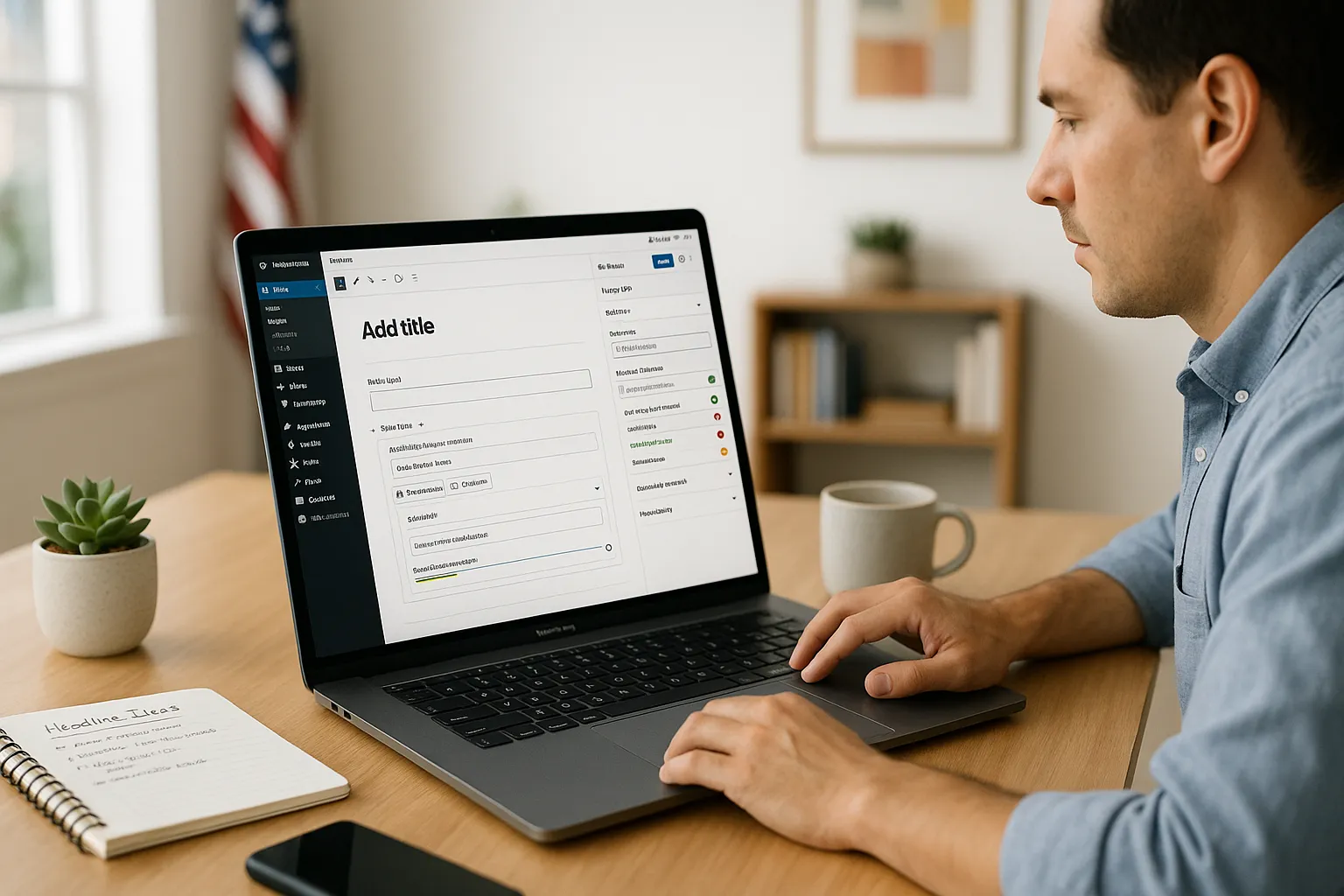
Yoast SEO is a WordPress plugin that helps us shape pages so search engines and people understand them quickly. It guides on page SEO Yoast decisions like titles, meta descriptions, internal links, and readability without forcing us to learn every ranking factor by heart.
Here is why that matters. Search engines rely on clear signals, like page titles, headings, and content structure, to match our pages with real queries. If we handle those details by guesswork, we waste impressions and clicks we already earned. Yoast shows red, orange, and green indicators that keep us honest. When we pair that feedback with our knowledge of the audience, we get pages that attract clicks and hold attention.
For busy professionals, Yoast turns on-page SEO from an abstract checklist into a simple workflow inside the WordPress editor. We still need judgment, but the plugin acts like a second pair of eyes every time we hit publish.
Getting Started: Setting Up Yoast SEO Correctly

We get the most from on page SEO Yoast work when the plugin is set up cleanly from day one.
Here is a quick setup path:
- Install and activate Yoast SEO in WordPress.
- Run the configuration wizard. Answer questions about site type, organization or person, and visibility of content types.
- Connect site basics. Add organization name, logo, and social profiles so Yoast can output consistent metadata.
- Decide what should appear in search. Many sites do not want attachment pages, tag archives, or test content indexed.
- Set title templates. Use patterns like
%%title%% | %%sitename%%so every post starts with a clean, readable title tag.
We want the plugin to reflect our real structure. If we run a firm with practice areas, or a restaurant with separate menus and events, we check how those custom post types appear. That way, when we later tune on page SEO Yoast details on each template, Yoast uses the right defaults instead of random ones from the theme.
Using The Focus Keyphrase For Stronger On-Page SEO
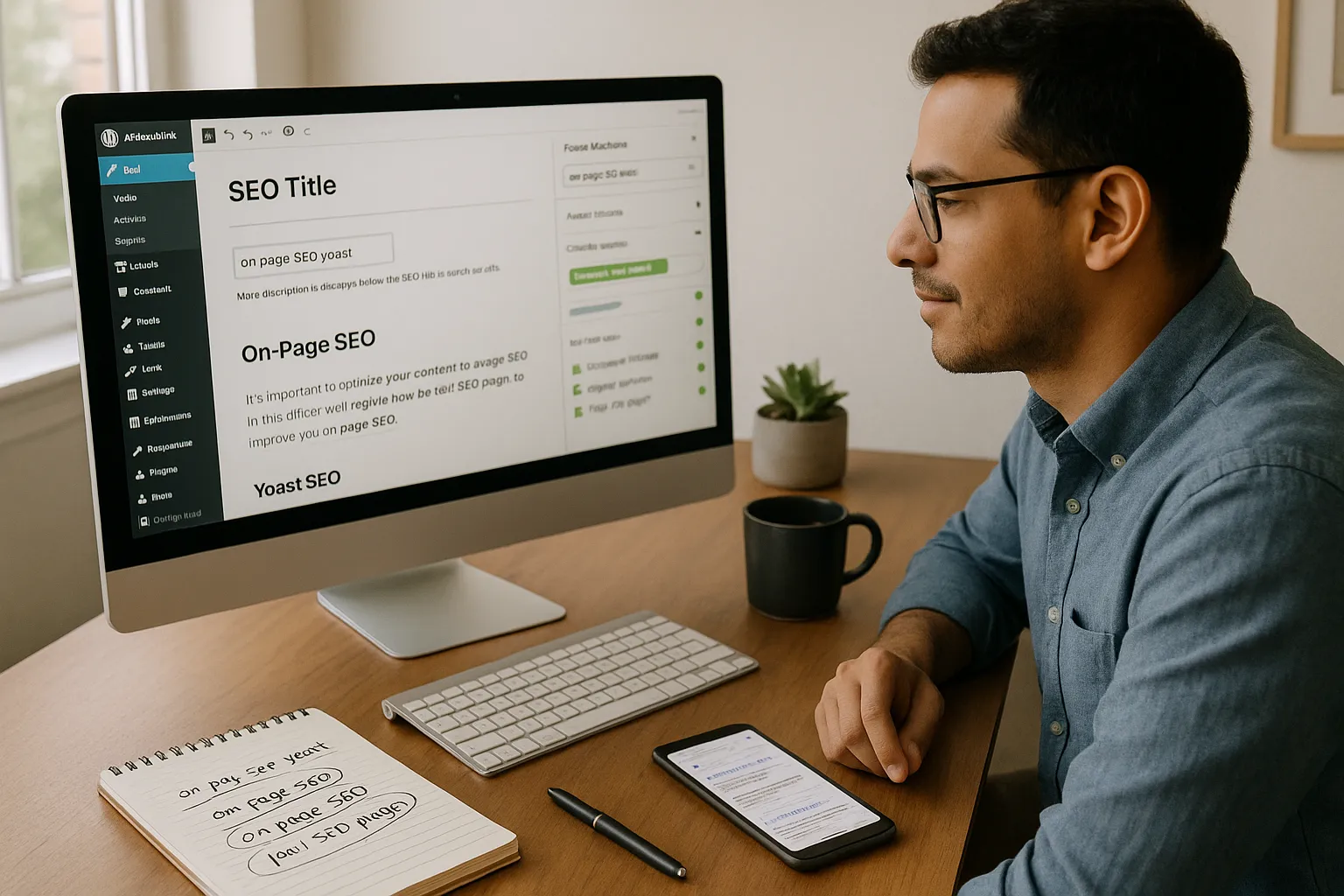
The focus keyphrase sits at the heart of on page SEO Yoast work. It tells Yoast what a given page is mainly about, so the plugin can compare that phrase with our content.
We treat the focus keyphrase as the search phrase a real person would type when they hope to land on this exact page. Then we:
- Place it in the SEO title.
- Use it or a close variant in the meta description.
- Work it into the first paragraph in a natural way.
- Use parts of it in one or more headings.
- Sprinkle it and close synonyms through the body.
We avoid stuffing. If a page uses the phrase “on page SEO Yoast” every second sentence, it feels spammy and Yoast will still warn about readability. Instead we mix in related terms like “on page SEO”, “Yoast SEO plugin”, “SEO title”, and “meta description”.
A simple rule helps. If we would feel silly saying the sentence out loud to a client, we cut or rewrite it, even if the plugin score looks green.
Optimizing Content With Yoast’s Readability And SEO Checks
Yoast gives two panels under each post, one for SEO and one for readability. These guide our on page SEO Yoast process while we write.
The SEO tab checks things like:
- Focus keyphrase in title, URL, intro, and headings.
- Keyphrase density.
- Internal and external links.
- Length of title and meta description.
The readability tab looks at:
- Sentence length and paragraph length.
- Use of subheadings.
- Passive voice.
- Transition words.
We start by writing for humans, then use Yoast to clean rough edges. If the plugin flags long walls of text, we break them into shorter paragraphs. If it shows missing internal links, we connect to related guides, such as our page on “technical SEO basics” or our walkthrough of “content audit steps”.
The goal is not a perfect score. The goal is a page that feels smooth to read and easy for search engines to parse. When we use on page SEO Yoast checks as coaching instead of strict rules, we get there faster.
Technical On-Page Elements Yoast Helps You Control
Yoast touches several technical pieces that matter for on-page SEO, even if we never touch code.
Core items we adjust on each page:
- SEO title: This becomes the HTML title tag. We keep it clear, under about 60 characters, and include our focus keyphrase.
- Slug: We keep URLs short, descriptive, and aligned with our main phrase. For on page SEO Yoast content, a slug like
/on-page-seo-yoast-guide/works well. - Meta description: We write a short pitch for the click, 120 to 155 characters, that repeats the idea of our keyphrase.
- Canonical URL: We use this when similar pages exist, so search engines know which one is the main version.
- Index / noindex settings: We hide thin or duplicate content from search when needed.
At a site-wide level, Yoast also helps with XML sitemaps and structured data settings. Google Search Central notes that clear titles, meta descriptions, and descriptive URLs all support better crawling and understanding of pages, and Yoast makes those items part of our normal publishing habit. That tight link between plugins and publishing is what keeps on page SEO Yoast work from drifting off our radar.
Industry-Specific Tips For Making The Most Of Yoast SEO
Different fields use Yoast in slightly different ways, even though the plugin stays the same.
- B2B, SaaS, and tech: We map each major feature or service to its own page, then use focus keyphrases that match high intent queries. We connect those pages with internal links using descriptive anchor text, and we keep meta descriptions focused on outcomes, not just features.
- Law, medical, and finance: Trust matters. We use Yoast to keep content readable and structured, then pair that with clear author bios, citations, and disclaimers. That helps with E-E-A-T signals that Google references in its quality rater guidelines.
- Creators, educators, and influencers: We center focus keyphrases on problems the audience actually types, like “how to start a YouTube channel”. We use Yoast internal link prompts to connect tutorials, resource pages, and lead magnets.
- Local service, hospitality, and restaurants: We blend location phrases with service terms, such as “Italian restaurant in Austin” or “emergency plumber Brooklyn”. Yoast helps us keep NAP information consistent and encourages internal links from blog content to key location and menu pages.
Across all of these, on page SEO Yoast work pairs well with strong internal structure. We support it with hub pages, like “SEO services” or “menu and catering”, and we link out to deeper posts whenever Yoast reminds us to add internal links. For more depth on this, we can connect this guide to our internal linking strategy page and our content cluster planning guide.
Conclusion
On page SEO Yoast work gives us a simple rhythm. Choose a clear focus, tune the page around that idea, and let Yoast double check details we might miss when we are tired or rushed.
Choosing The Right Focus For Business And Entrepreneur Sites
For business, entrepreneur, and startup sites, the risk is vague copy. We can fix that with precise focus keyphrases tied to offers, like “B2B SEO consulting” or “email marketing for ecommerce”. Each service or product page gets one main phrase, backed by related posts that answer supporting questions.
We keep on page SEO Yoast settings tight on those money pages. Titles speak directly to buyers, meta descriptions promise clear outcomes, and internal links steer readers toward demos, calls, or contact forms.
Content Optimization For Professionals And Regulated Fields
Lawyers, doctors, and finance experts often write in dense, formal language. Yoast helps us soften that without losing rigor. When the readability tab complains about long sentences, we treat it as a hint that real clients might also struggle.
We keep medical, legal, and financial pages backed by sources and transparent authorship. That pairs our on page SEO Yoast work with trust, which matters far more than a perfect green bullet.
Local And Service-Based Businesses: Hospitality, Restaurants, And More
Local sites live or die on clarity. People search on phones, in a hurry. Our titles, headings, and meta descriptions must answer three things right away: what we do, where we do it, and why choose us.
Yoast nudges us to keep that message consistent. We use focus keyphrases that blend service and location, add structured internal links from blog stories to booking or menu pages, and keep slugs clean. Over time, that steady on page SEO Yoast practice builds a site that search engines understand and locals trust.
Sources:
- “Yoast SEO plugin”, WordPress.org, accessed December 2025, https://wordpress.org/plugins/wordpress-seo/
- “Yoast SEO: The ultimate guide”, Yoast, updated 2024, https://yoast.com/wordpress/plugins/seo/
- “Search Engine Optimization Starter Guide”, Google Search Central, 2023, https://developers.google.com/search/docs/fundamentals/seo-starter-guide
On-Page SEO with Yoast – Frequently Asked Questions
What is on page SEO with Yoast and why is it important?
On page SEO with Yoast means using the Yoast SEO plugin to fine‑tune elements like titles, meta descriptions, headings, URLs, and internal links inside WordPress. These clear signals help search engines understand each page, match it to real queries, and improve your chances of ranking and earning qualified clicks.
How do I choose the right focus keyphrase for on page SEO Yoast optimization?
Pick a focus keyphrase that a real person would type when they specifically want your page, such as “on page SEO Yoast guide” for this topic. It should match search intent, describe the page’s main promise, and be used naturally in the SEO title, meta description, intro, headings, and body content.
Which on-page elements can Yoast SEO control without editing code?
Yoast lets you adjust key technical on-page elements per page: SEO title (title tag), slug/URL, meta description, canonical URL, and index/noindex settings. It also manages XML sitemaps and structured data globally, turning important SEO tasks into a routine part of your WordPress publishing workflow.
How can I use on page SEO Yoast settings for local businesses like restaurants or service providers?
For local SEO, combine your service and location in the focus keyphrase, such as “Italian restaurant in Austin” or “emergency plumber Brooklyn.” Use Yoast to keep NAP details consistent, write clear titles and meta descriptions, and add internal links from blog posts to your key booking, menu, or contact pages.
Is it necessary to get all green lights in Yoast SEO for good rankings?
No, you don’t need every Yoast bullet to be green to rank. The indicators are guidance, not strict rules. Prioritize clear intent, strong on-page basics (title, headings, meta description, internal links), and natural readability. A slightly imperfect score is fine if the page effectively serves users and aligns with search intent.
Some of the links shared in this post are affiliate links. If you click on the link & make any purchase, we will receive an affiliate commission at no extra cost of you.
