

Most WooCommerce stores are not held back by products or pricing. They are held back because Google cannot clearly see what they sell, who they serve, and why they matter. When we fix that, organic sales often jump without touching ads or redesigns. In this guide, we walk through practical WooCommerce SEO steps that help real buyers find you, click you, and trust you enough to purchase.
Key Takeaways
- WooCommerce SEO works best when you treat it as a revenue-focused sales system, aligning technical setup, content, and user experience to match real buyer intent.
- A solid technical foundation—fast hosting, clean URLs, mobile optimization, and proper crawl/index controls—ensures search engines can fully access and understand your WooCommerce store.
- Optimized category and product pages with clear titles, benefit-led descriptions, strong media, and internal links help your WooCommerce SEO target both broad and long-tail search terms that convert.
- Strategic content like buying guides, comparison posts, and how-to articles attracts research-stage visitors and nudges them toward relevant product and category pages.
- On-page optimization and accurate Product, Offer, and Review schema boost visibility and click-through rates by enabling rich results with prices, ratings, and availability in Google.
- Measuring performance in GA4 and Search Console, then running monthly tests on titles, meta descriptions, and FAQs, lets you continually scale WooCommerce SEO results based on what drives more sales.
Understanding How WooCommerce SEO Works
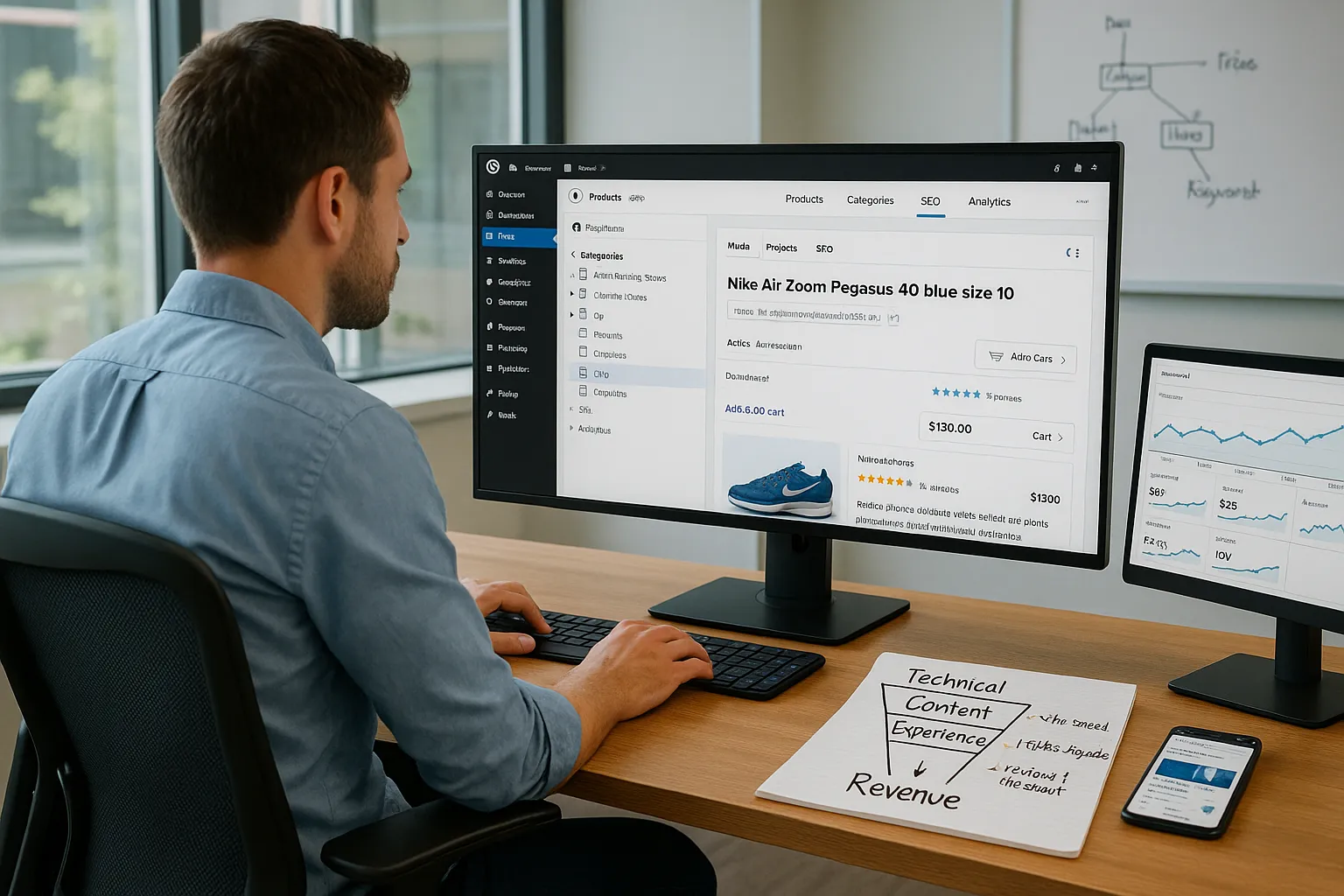
WooCommerce SEO is about turning your WordPress store into something search engines and humans understand at a glance. That means clean structure, clear intent on every page, and content that matches what buyers actually type into Google.
Here is the simple version. Search engines want to:
- Crawl your store without hitting dead ends or duplicate pages.
- Understand your categories, product types, and key attributes.
- Match buyer intent terms like “buy,” “price,” “near me,” or “online” with the right landing page.
On WooCommerce stores we think about three layers:
- Technical layer: Site speed, mobile layout, crawlability, XML sitemaps, index rules, canonical tags.
- Content layer: Product titles, descriptions, categories, filters, blog posts, brand pages.
- Experience layer: Reviews, internal links, stock status, clear pricing, and smooth checkout.
When these three line up, you get a pattern where:
- Category pages rank for broader terms like “men’s running shoes.”
- Product pages rank for very specific terms like “Nike Air Zoom Pegasus 40 blue size 10.”
- Content, like buying guides, captures early research searches and pushes people toward products.
We want WooCommerce SEO to sit inside our overall growth plan, not as a side project. That means tracking revenue, not only rankings.
Technical Foundations For A Search-Friendly WooCommerce Store
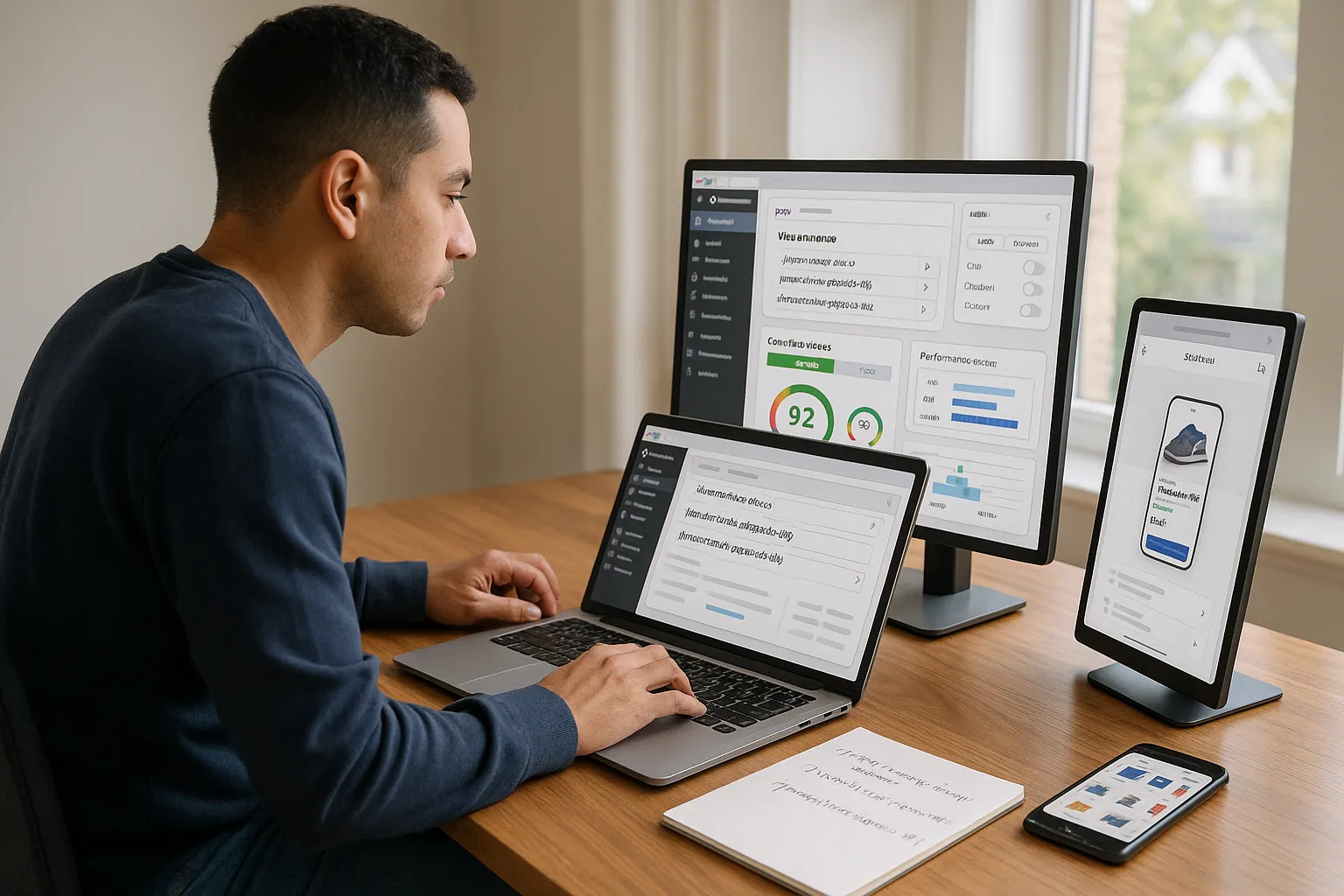
We start with the technical base because weak foundations cap everything that follows. Google’s own documentation explains that fast, mobile friendly sites with clean URLs and proper internal links tend to rank and convert better [Search Console Help, Google, updated 2024, https://support.google.com/webmasters/answer/7451184].
Focus on these parts first:
- Hosting and performance
- Use PHP 8+, HTTP/2 or HTTP/3, and persistent object caching.
- Compress images with WebP or AVIF.
- Use a content delivery network for global audiences.
- Clean URL structure
- Keep URLs short and readable:
/shop/running-shoes/and/product/nike-pegasus-40/. - Avoid random parameters on important pages.
- Crawl and index control
- Submit XML sitemaps through Google Search Console.
- Block internal search results and cart, checkout, and account pages from indexing.
- Use canonical tags to handle tag pages, sorting, and filter URLs.
- Mobile and Core Web Vitals
- Test pages with PageSpeed Insights and Search Console reports.
- Keep main content visible fast, without heavy sliders or autoplay video.
If our store already runs on WordPress, we can use a solid SEO plugin plus a performance plugin and a caching layer to cover many of these points. A dedicated guide like our WooCommerce speed guide at /woocommerce-speed-optimization can sit beside this work and support transactions further.
Optimizing Product And Category Pages For Search
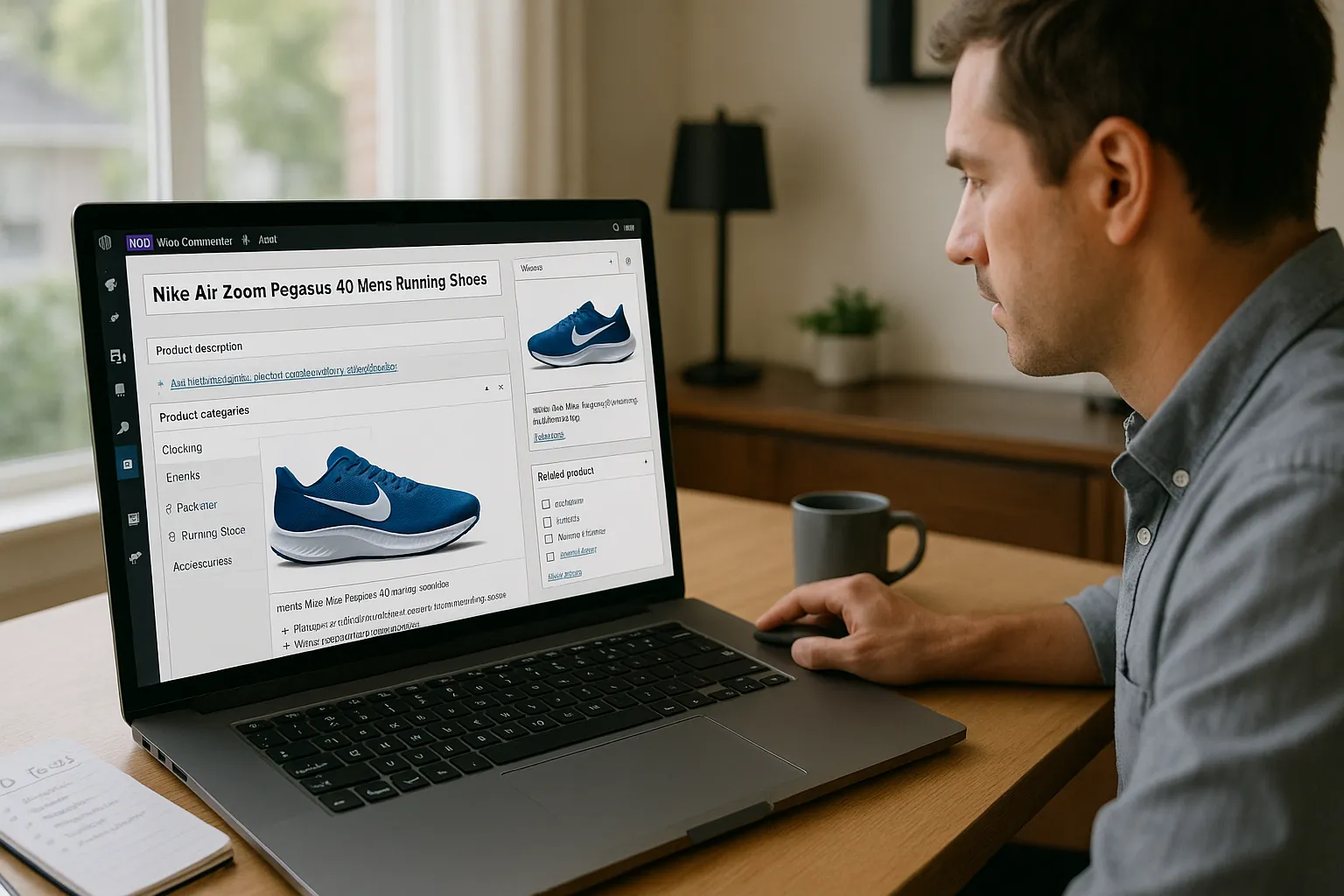
Once the technical side is in good shape, product and category pages become the money pages for WooCommerce SEO.
Start with categories:
- Use category names that match buyer language, not internal jargon.
- Add a short intro paragraph that states what the category sells, who it is for, and any standout qualities.
- Include subcategory links to help both users and crawlers move deeper.
Then tune product pages around clear search intent:
- Product titles
- Include brand, model, type, and main attribute: “Nike Air Zoom Pegasus 40 Men’s Running Shoes Blue.”
- Keep one main keyword, avoid stuffing synonyms.
- Product descriptions
- Lead with the main benefit in the first two sentences.
- Answer real buyer questions: sizing, materials, compatibility, warranty, shipping.
- Use short paragraphs and bullet lists for scan-ability.
- Media and alt text
- Use multiple angles and close-ups.
- Add alt text that describes the image: “men’s blue Nike Pegasus 40 running shoe side view”.
- Internal links
- Link from blog posts and guides to these product and category pages.
- Add “related products” that stay in the same intent cluster.
We want each product page to feel like the clear answer to a very specific search. That is what search engines reward with higher visibility and what humans reward with sales.
Content And Blogging Strategies That Drive Buyers, Not Just Traffic
Traffic without buyers is an ego metric. We want content that pushes visitors closer to checkout.
A simple structure for WooCommerce SEO content looks like this:
- Buying guides
- “How to choose the right trail running shoes for rocky terrain” with links to trail shoe categories.
- Use clear sections: who it is for, key features, common mistakes, and recommended products.
- Comparison posts
- “AirPods Pro 2 vs Sony WF-1000XM5: Which is better for remote work from home?”
- Link to both product pages with clear calls to action.
- How‑to and care content
- “How to clean leather boots so they last longer” with links to boot care kits and boot categories.
According to a 2023 ecommerce study, buyers who read educational content before a product page converted at higher rates than those who landed cold on product pages [“2023 Ecommerce Benchmarks”, Shopify, 2023, https://www.shopify.com/research/ecommerce-report]. The pattern lines up with what most of us see in analytics: helpful content lowers doubt.
To keep this content engine tidy, we can:
- Map topics to categories and tags in WordPress.
- Cluster articles around core categories like “running shoes” or “studio microphones.”
- Use internal links from older content to newer content and product pages. A dedicated resource such as our
/internal-linking-guidehelps keep this repeatable.
Essential On-Page And Schema Optimizations For WooCommerce
On-page work and schema help search engines understand pages and pull richer results, like prices and ratings, straight into search.
Start with on-page basics:
- Title tags: Include the main keyword and brand. Keep them under roughly 60 characters so they do not truncate too much.
- Meta descriptions: Write short copy that states the benefit, mentions a term buyers use, and hints at social proof.
- Headings (H1–H3): Use one H1, then logical H2 and H3 headings that match how people research.
Schema markup matters a lot for stores. Google’s Product structured data guidelines explain that correct Product and Offer markup can qualify pages for rich results with price, stock, and rating stars [“Product structured data”, Google Search Central, updated 2024, https://developers.google.com/search/docs/appearance/structured-data/product].
On WooCommerce we want at least:
- Product schema with name, description, brand, SKU, GTIN where available.
- Offer data with price, currency, and availability.
- Review schema when ratings exist and match what users see.
Many SEO plugins handle this, but we still test with Google’s Rich Results Test to confirm fields render correctly. Clean schema does not guarantee rankings, yet it helps our result stand out and can lift click‑through rates.
Measuring, Testing, And Scaling Your WooCommerce SEO Results
WooCommerce SEO only matters if revenue moves. We track and test with that in mind.
First, measurement:
- Connect WooCommerce to Google Analytics 4 with enhanced measurement so product views, add‑to‑carts, and purchases show up.
- Use ecommerce reports to see which categories, products, and content assist or close revenue.
Then build a simple testing routine each month:
- Pick one category and one product page with strong impressions but weak clicks in Search Console.
- Rewrite the title and meta description for clearer benefit and intent.
- Add one short FAQ section to the page that answers common questions.
- Track changes in impressions, clicks, and conversion rate for 4–6 weeks.
We repeat this loop and store learnings in a short internal playbook: what kind of title formats win, what content blocks reduce returns or support tickets, what questions keep coming back in reviews and support threads.
Sources like Backlinko’s ranking factor studies show that click‑through rate and on‑page engagement frame strong results in organic search, even though Google does not treat them as simple ranking factors [“We Analyzed 11.8 Million Google Search Results”, Backlinko, 2020, https://backlinko.com/google-ranking-factors]. In practice, better user behavior signals usually move in step with better revenue.
Conclusion
WooCommerce SEO works best when we treat it as a sales system, not a bag of tricks. We tune the technical base so search engines can crawl and understand the store. We shape categories and products around clear buyer intent. We publish content that answers real questions and steers people toward the right items.
If we keep measuring revenue, testing small changes, and folding what we learn back into the store each month, organic traffic shifts from a vanity chart into a reliable sales channel. Start with one category, fix its tech and content, watch the numbers, then roll that winning pattern across the rest of your WooCommerce store.
Sources
- “Get your website on Google”, Google Search Central, updated 2024, https://support.google.com/webmasters/answer/7451184
- “Product structured data”, Google Search Central, updated 2024, https://developers.google.com/search/docs/appearance/structured-data/product
- “2023 Ecommerce Benchmarks”, Shopify, 2023, https://www.shopify.com/research/ecommerce-report
- “We Analyzed 11.8 Million Google Search Results”, Backlinko, 2020, https://backlinko.com/google-ranking-factors
WooCommerce SEO FAQs
What is WooCommerce SEO and why does it matter for my store?
WooCommerce SEO is the process of making your WordPress store easy for search engines and customers to understand. It focuses on technical performance, optimized product and category pages, and helpful content so Google can see what you sell, who you serve, and why you’re the best choice.
How do I optimize WooCommerce product and category pages for search?
Use buyer-friendly category names and add a short intro explaining what the category sells and who it’s for. On product pages, write clear titles with brand and model, benefit-led descriptions that answer real questions, strong images with descriptive alt text, and internal links from guides and related products.
What technical foundations are most important for WooCommerce SEO?
Prioritize fast hosting with PHP 8+, image compression, and caching. Keep URLs short and readable, submit XML sitemaps, block low‑value pages from indexing, and use canonical tags. Test mobile performance and Core Web Vitals with PageSpeed Insights and Search Console to ensure pages load quickly and render clearly on phones.
How should I use content and blogging to improve WooCommerce SEO revenue?
Create content that directly supports buying decisions instead of chasing random traffic. Focus on buying guides, product comparisons, and how‑to or care articles that link to relevant categories and products. Structure posts clearly, answer common doubts, and use internal links so readers naturally move from research to product pages.
How long does it take for WooCommerce SEO changes to show results?
Most WooCommerce SEO improvements start showing measurable impact in 4–12 weeks, depending on competition, crawl frequency, and how much you change. Technical fixes can speed up indexing, but content and on‑page updates usually need a few refresh cycles in Google before rankings, clicks, and revenue stabilize.
Do I need backlinks for successful WooCommerce SEO?
Backlinks are still helpful for WooCommerce SEO, especially to key category and content pages, because they signal authority and can speed up indexing. However, they work best on top of solid foundations: fast site speed, clear structure, optimized product pages, and content that convincingly answers buyer questions.
Some of the links shared in this post are affiliate links. If you click on the link & make any purchase, we will receive an affiliate commission at no extra cost of you.
