
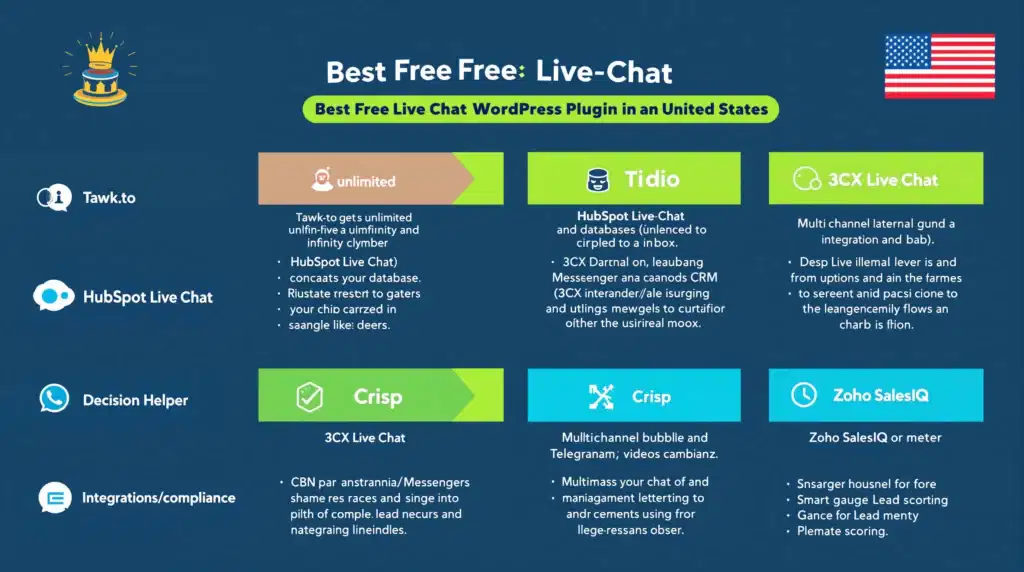
If you’re searching for the best free live chat WordPress plugin to convert more visitors, shorten sales cycles, and provide real-time support, without wrecking your budget, this roundup is for you. Below, we compare the 7 best free WordPress live chat plugin options small businesses actually use in 2026, focusing on ease of setup, scalability, ecommerce readiness, and CRM integrations.
Quick answer: Tawk.to is the most generous truly free option (unlimited agents and chats). For built-in CRM, HubSpot Live Chat stands out. If you want no-code chatbots on a starter plan, Tidio shines. The right choice depends on whether you prioritize unlimited use, automation, multichannel messaging, or deep CRM sync.
Pro tip: If you’d like help matching a live chat tool to your goals, or want it implemented correctly alongside WooCommerce, analytics, and SEO, Zuleika LLC can handle setup, branding, automation, and training so your team hits the ground running.
1. Tawk.to: Completely Free Live Chat With Unlimited Agents
Key Free Features
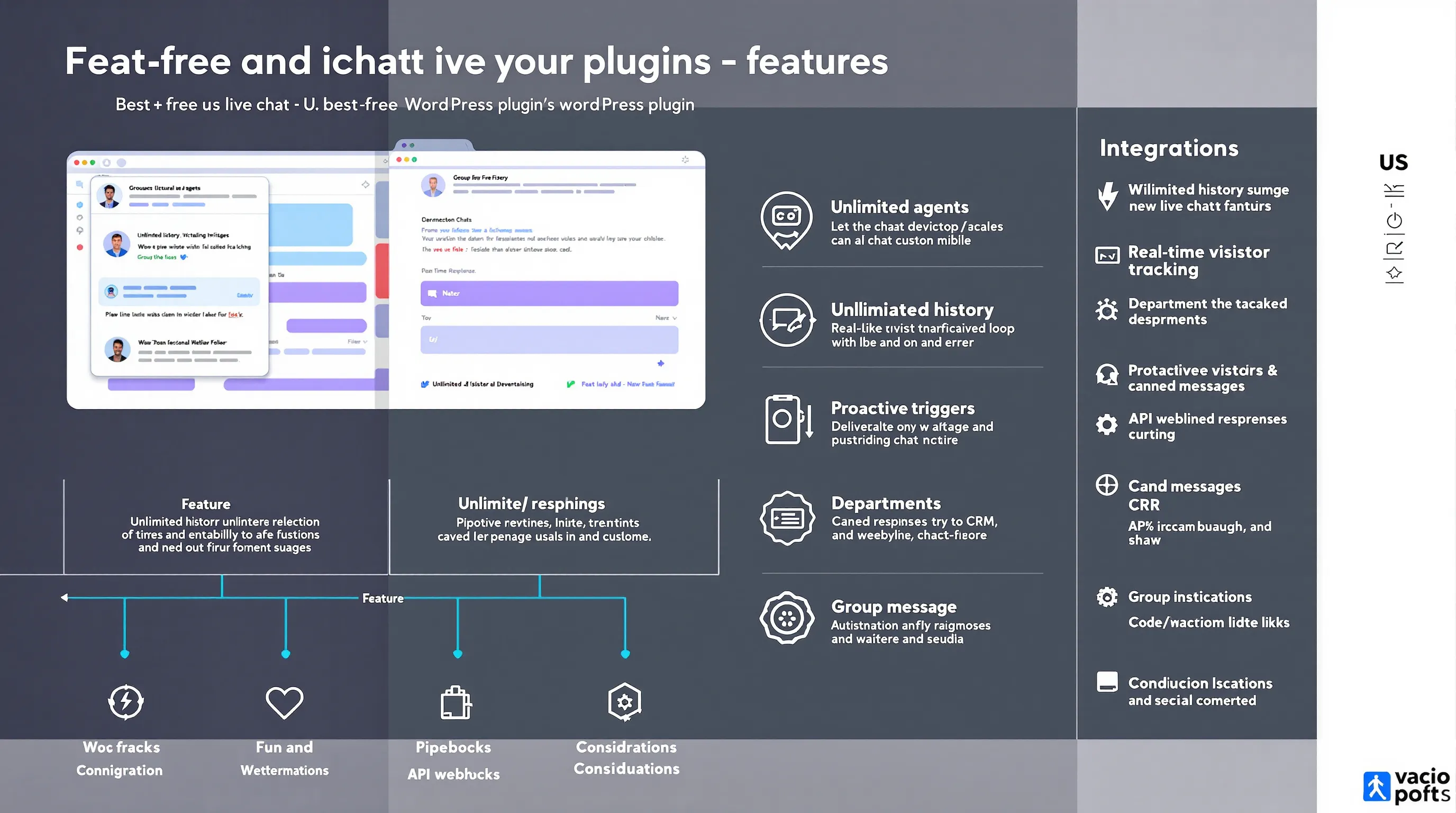
Tawk.to is the only mainstream solution that’s 100% free for unlimited agents, chats, and history. You also get real-time visitor monitoring, proactive chat triggers, ticketing, mobile apps, canned responses, and group messaging, making it a powerhouse for lean teams that need scale now.
- Unlimited agents and chat history
- Triggers, departments, and canned replies
- Mobile apps and desktop apps
- Real-time visitor tracking
Example: A local service business can run sales and support with separate departments, all free, so no one waits for “a license” to join the inbox.
Branding And Limitations
Core is free: removing Tawk.to branding is a paid add-on. Some users report modest load-time overhead versus ultra-lightweight widgets. Still, for most small sites, the value outweighs the minimal performance trade-off.
WooCommerce And CRM Integrations
Tawk.to offers an API and flexible embeds, so it fits WooCommerce stores and custom WordPress builds. You can route leads to your CRM via Zapier, webhooks, or custom code.
Privacy And Compliance Tips
Enable consent prompts, update your privacy policy to reflect chat tracking, and configure data retention inside Tawk.to for GDPR alignment.
2. Tidio: Live Chat Plus No-Code Chatbots
Key Free Features
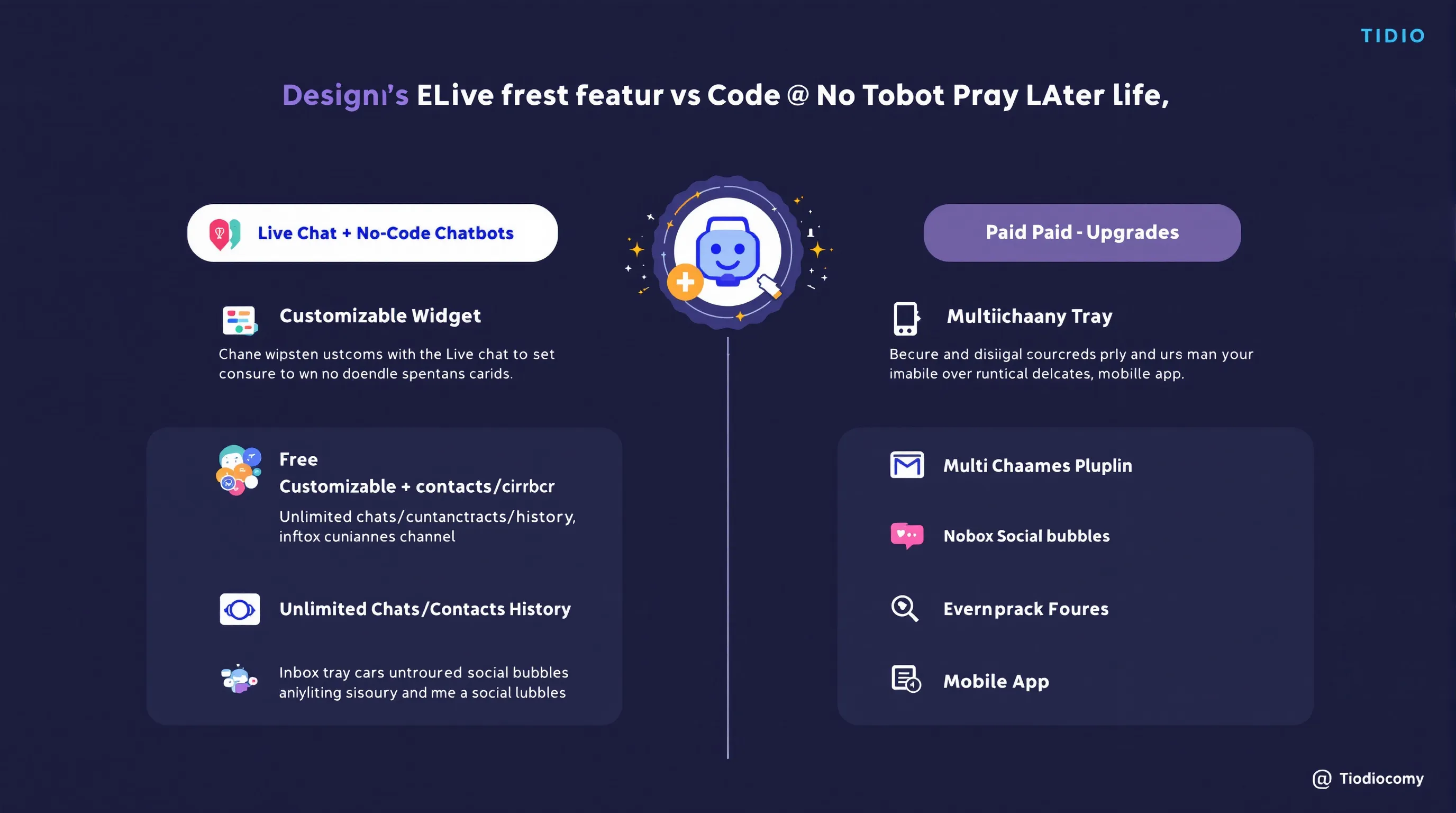
Tidio blends live chat with beginner-friendly chatbots. The free plan typically includes unlimited chats/contacts/history, customizable widgets, a multichannel inbox (e.g., Messenger/Instagram), and a mobile app, great for teams that want basic automation fast.
Limits In The Free Plan
Advanced AI bots, analytics, and some automation capacities are paid (plans often start around $24/mo). If you rely heavily on complex flows, expect to upgrade.
Best For
Small ecommerce stores and founders who want to greet visitors automatically, collect emails, and answer FAQs 24/7 without hiring overnight coverage.
WooCommerce And Email/SMS Add-Ons
Tidio has a WooCommerce integration for cart value, order status, and product context in conversations. Email/SMS campaigns and more advanced bots are available on paid tiers.
3. HubSpot Live Chat: CRM-Powered Conversations
Key Free Features
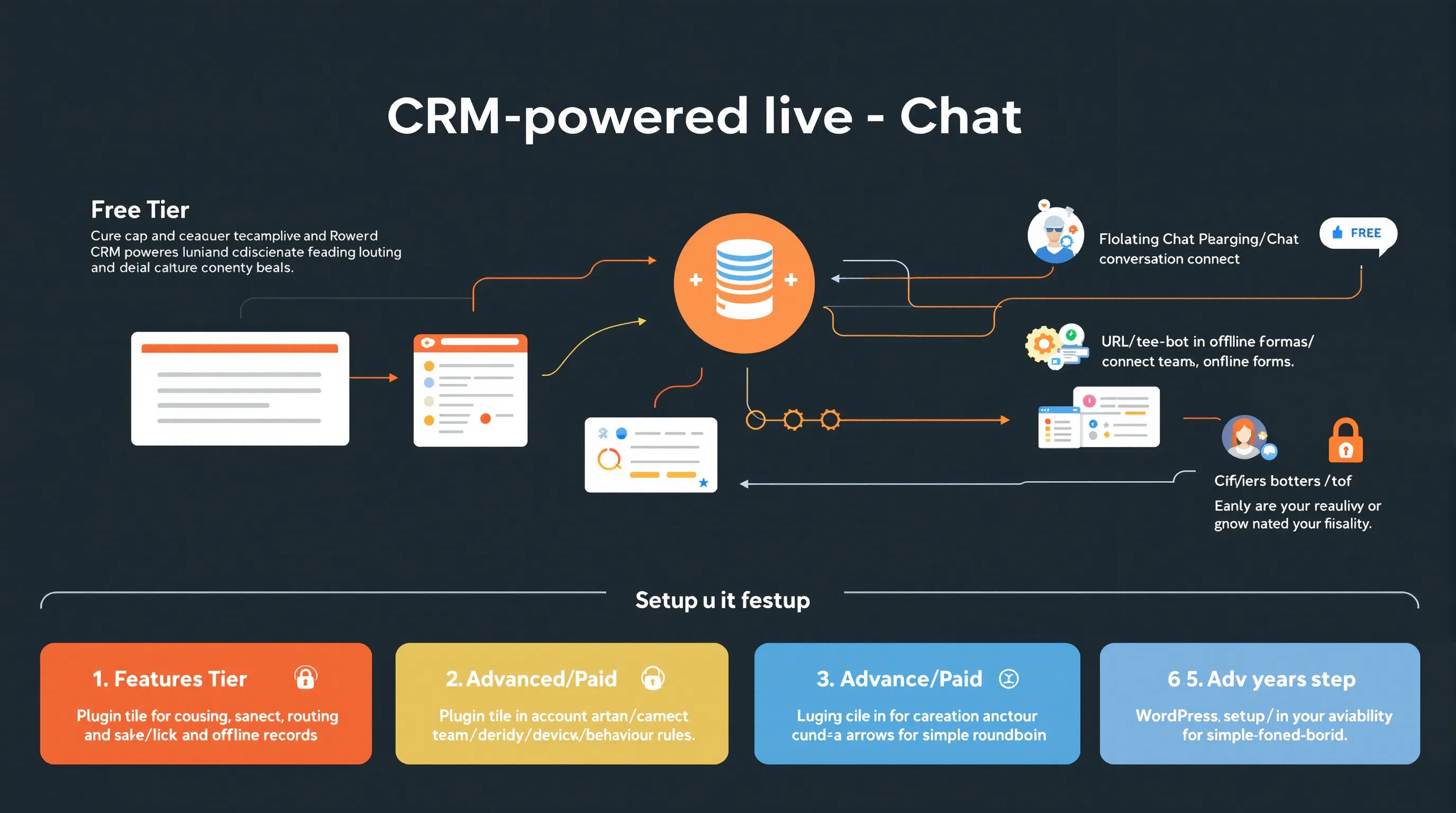
HubSpot’s free live chat connects directly to the free HubSpot CRM, so every conversation builds a unified contact record. You also get basic bots, lead capture, and offline forms that keep your pipeline tidy.
Best For
Businesses focused on lead generation and sales handoff. If your priority is to track prospects from first chat to closed deal, this is a standout “best free WordPress live chat plugin” pick.
What’s Limited Or Paid
Advanced routing, automation, and deeper bot features live on paid HubSpot plans (entry-level fees are modest compared to full suites). The free tier is generous for SMBs, but expect to upgrade as segmentation gets sophisticated.
WordPress Setup And Routing Tips
Install the official HubSpot WordPress plugin, connect your account, and choose targeting rules (by URL, device, or behavior). Set team availability and simple round-robin routing in the HubSpot dashboard so no lead slips through.
4. Crisp: Modern Multichannel Messaging
Key Free Features
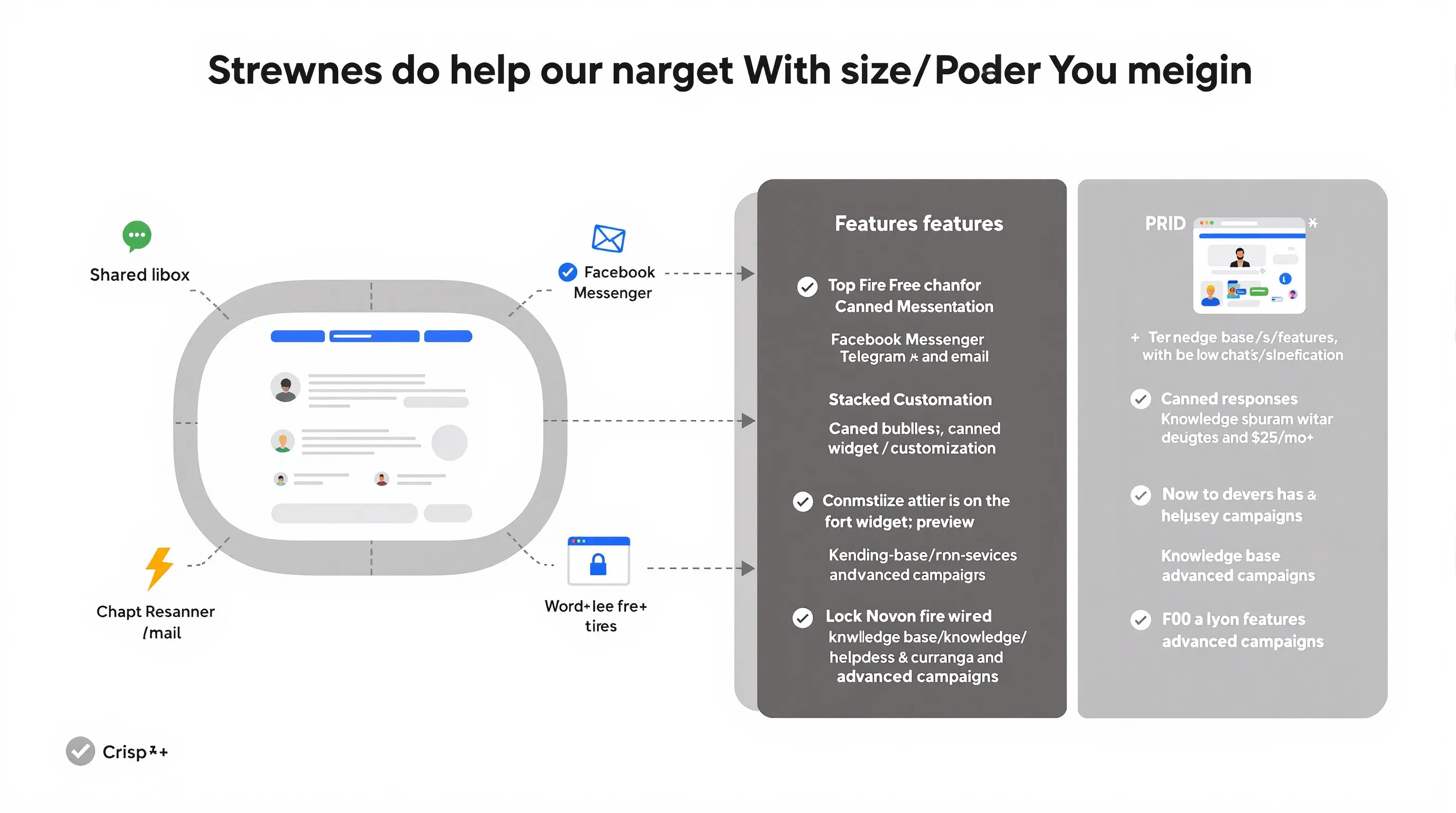
Crisp offers a polished, multichannel inbox with canned responses, triggers, and strong widget customization. Even on free, you’ll feel the product’s focus on fast, friendly UX.
Best For
Teams that collaborate across channels, think Facebook Messenger, Telegram, and email, in a modern shared inbox.
Limitations To Note
Advanced features such as a knowledge base/helpdesk, advanced campaigns, and some integrations are on paid plans (often starting near $25/mo). The free tier is ideal for getting started and testing fit.
Integrations And Shared Inbox
With 200+ integrations, Crisp plugs into CRMs, marketing tools, and analytics. The shared inbox centralizes conversations so anyone can jump in with context at hand.
5. 3CX Live Chat (Formerly WP Live Chat): Lightweight And Self-Hosted Control
Key Free Features
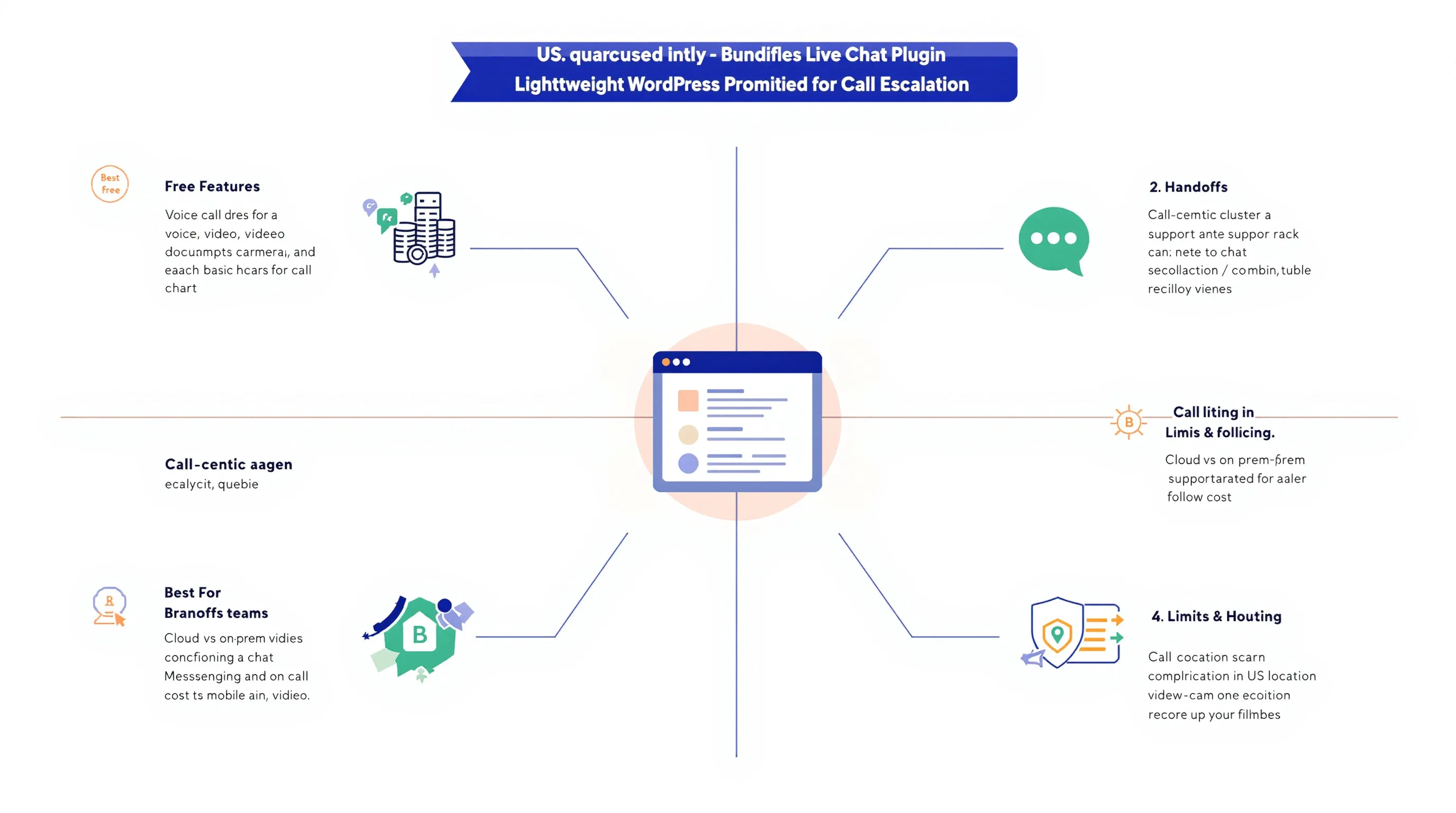
3CX Live Chat is known for speed and a lightweight widget. When paired with the free 3CX system, you can unlock voice/video escalation from chat, transcripts, and basic reporting, handy for service teams that solve issues faster by hopping on a call.
Best For
Call-centric teams (IT support, service providers) that benefit from moving a chat into a quick voice or video conversation without juggling tools.
Phone And WhatsApp Handoff Options
Route chats to phone agents or escalate to WhatsApp via integrations when cases need richer media or follow-ups on mobile.
Limits And Hosting Considerations
Free is great for small teams: cloud hosting and advanced features scale on paid licenses (historically from around $195/yr). Confirm server/location settings to meet compliance needs and ensure stable call quality.
6. Zoho SalesIQ: Live Chat With Lead Scoring And Automations
Key Free Features
Zoho SalesIQ combines live chat with lead scoring, basic bots, and operator routing, giving you more signal on which visitors deserve immediate attention.
Best For
Teams already using Zoho CRM or businesses that want automated prioritization (e.g., score high-intent pages like pricing or checkout).
Free Plan Limits
Expect caps on operators, website count, and some automation/bot features in the free tier. Advanced analytics, assignment rules, and deep integrations live in paid plans.
Ecommerce And CRM Integrations
Plays nicely with popular ecommerce stacks and connects natively to Zoho’s ecosystem. You can also integrate via Google Tag Manager or plugins to surface cart context to agents.
7. Smartsupp: Live Chat With Session Recordings
Key Free Features
Smartsupp’s hook is session recordings alongside live chat, letting you see what a visitor did before and during a conversation, gold for UX troubleshooting and sales insights.
Best For
Marketers and store owners who want qualitative context (recordings + chat) to reduce friction on key funnels and recover abandoned carts.
Limitations And Data Handling
Free tiers usually limit recording volume, agents, and advanced automation. Be mindful of PII: mask sensitive fields and note recordings in your privacy policy.
Quick Setup Tips For WordPress
Install the official plugin, add your site key, and test. Set proactive messages on product pages, use tags to label “cart issue” or “checkout help,” and sync events to analytics for better attribution.
Conclusion
Choosing the best free live chat WordPress plugin comes down to your priority:
- Need unlimited agents and chats at $0? Go with Tawk.to.
- Want built-in CRM for lead tracking? HubSpot Live Chat.
- Crave no-code chatbots on a starter plan? Tidio.
- Prefer multichannel polish and a modern inbox? Crisp.
- Plan to escalate chats to voice/video? 3CX Live Chat.
- Want lead scoring and Zoho ecosystem tie-in? Zoho SalesIQ.
- Value session recordings for conversion fixes? Smartsupp.
Each of these tools can be the “best free WordPress live chat plugin” for a specific use case. Start with your business goals (lead capture, faster support, higher AOV), confirm must-have integrations (WooCommerce, CRM, email/SMS), and test 1–2 tools for a week each. If you’d like expert help selecting, integrating, and branding your chat, plus training your team, schedule a free consultation with Zuleika LLC at zuleikallc.com. We’ll carry out the best free live chat WordPress plugin for your stack and set you up to convert more visitors, right away.
Some of the links shared in this post are affiliate links. If you click on the link & make any purchase, we will receive an affiliate commission at no extra cost of you.
