

Yoast SEO for Easy Digital Downloads can turn a quiet digital store into a steady, searchable sales channel that buyers actually find. We remember the first time we tuned an EDD shop and watched product pages that barely ranked start pulling in revenue from organic search. In this guide we walk through the exact settings, schema tweaks, and content habits we now use on every download driven site. If you sell software, templates, audio, or any digital asset, this is the workflow we rely on.
Key Takeaways
- Enable the Yoast SEO for Easy Digital Downloads integration so Yoast and EDD share a single clean Product schema graph, reducing duplicate markup and improving rich result eligibility.
- Set up global Yoast SEO options—organization details, download post type settings, and XML sitemaps—so every new digital product automatically has indexable, well-structured metadata.
- Treat each download page’s SEO title and meta description as sales-focused ad copy that uses a clear focus keyphrase, specific benefits, and price cues to drive higher click-through rates.
- Build SEO-friendly download categories and turn priority ones into brief landing pages with targeted copy, internal links, and clear product groupings to strengthen site structure.
- Use noindex on cart, checkout, account, and other thin or private system pages so search engines focus on high-value product, category, and content URLs that can actually rank and sell.
- Regularly track impressions, clicks, and revenue in Search Console and analytics, then refine copy, previews, and internal links to turn well-ranking Yoast SEO for Easy Digital Downloads pages into stronger converters.
Understanding How Yoast SEO And Easy Digital Downloads Work Together

Yoast SEO and Easy Digital Downloads speak the same language when it comes to structured data and content.
EDD outputs Product schema in JSON LD on each single download page, following schema.org guidelines for product rich results [“Product – schema.org”, Schema.org, ongoing, https://schema.org/Product]. Yoast SEO 20.1 added an official EDD integration so that EDD’s Product schema connects into Yoast’s schema graph, which helps search engines understand your store as a coherent entity with products, brand, and sitewide context [“Yoast SEO 20.1: Easy Digital Downloads integration”, Yoast, Feb 14 2023, https://yoast.com/yoast-seo-20-1/].
Once we enable the integration in Yoast → Integrations, Yoast reads EDD’s output instead of fighting it. That reduces the risk of duplicate Product markup and gives your downloads a better shot at rich snippets with price and availability. From there, Yoast handles titles, meta descriptions, XML sitemaps, and schema graph, while EDD continues to handle pricing, files, and checkout.
If you want more background before you start, keep a separate tab open with your internal SEO guides, such as a general WordPress SEO checklist or a schema markup overview.
Essential Yoast SEO Settings For Digital Product Sites
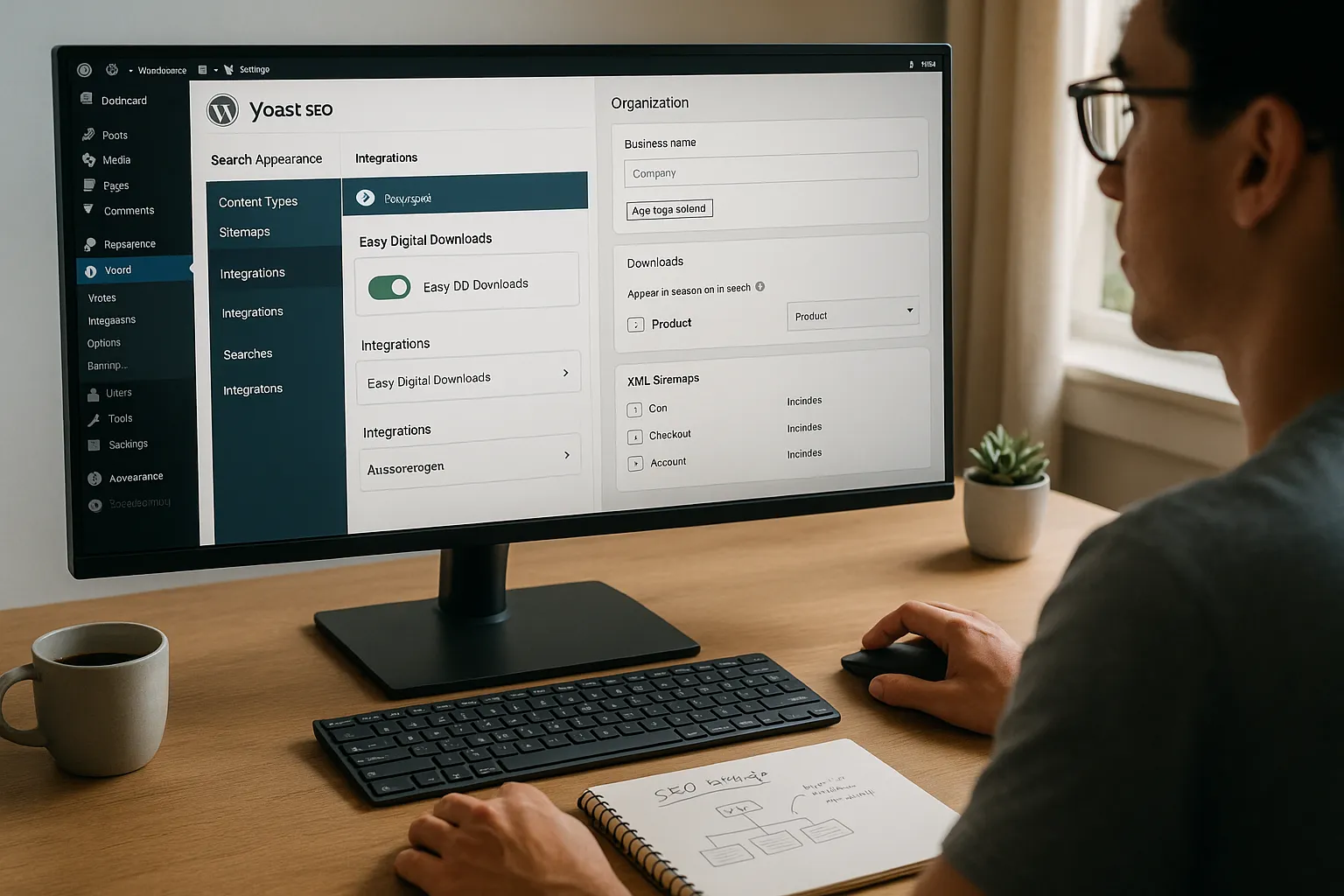
For a download first site, we treat Yoast’s global settings as the safety net.
First, in Yoast → Integrations, switch on the Easy Digital Downloads toggle. That step tells Yoast to fold EDD’s schema into its schema graph rather than overwrite it.
Next, in Search Appearance, set your organization details, logo, and social profiles. Google uses this information to connect products, brand, and knowledge panels [“Enable rich results with structured data”, Google Search Central, 2023, https://developers.google.com/search/docs/appearance/structured-data/intro-structured-data]. Under Content Types, make sure the “Downloads” post type is set to show in search results and carries Product schema.
We keep XML sitemaps on, but prune anything that does not help searchers, such as cart or checkout. Google’s own documentation advises focusing sitemaps on URLs that should rank and receive traffic [“Sitemaps”, Google Search Central, 2023, https://developers.google.com/search/docs/crawling-indexing/sitemaps/overview]. That is why we also mark cart, checkout, and account pages as noindex in the Yoast meta box to avoid thin system pages cluttering the index [“Avoid creating thin content”, Google Search Central, 2022, https://developers.google.com/search/docs/fundamentals/creating-helpful-content].
Optimizing Product Pages In Easy Digital Downloads With Yoast SEO
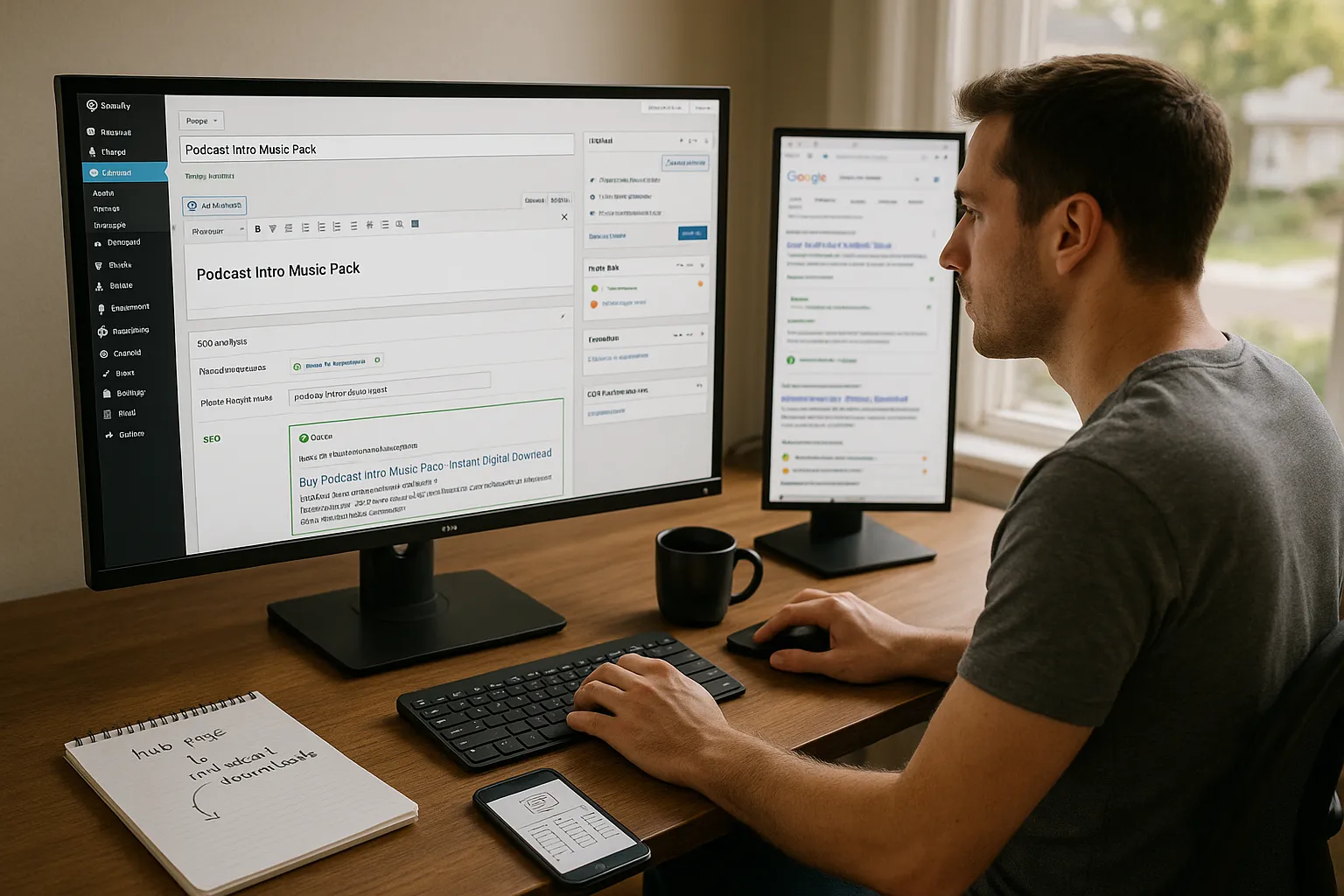
On each EDD download, we treat Yoast’s panel as our on page control room.
We start with a focus keyphrase that matches real search behavior, such as “podcast intro music pack” or “WordPress invoice plugin”. Then we adjust the product title and meta description until Yoast’s analysis shows that the phrase appears in the title, slug, introduction, and at a natural rhythm in the copy. A pattern that often works is something like “Buy [Product Name] – Instant Digital Download” in the SEO title, with a clear benefit and price range in the description.
Yoast’s readability checks help us keep sentences short and scannable, which tends to match what buyers want on a product page. We still ignore any suggestion that clashes with brand voice, but if Yoast warns that we buried the focus keyphrase or used a vague title, we fix it.
Remember, EDD already outputs Product schema. Yoast refines context rather than replacing it, which keeps Google’s view of the page clean and consistent with schema.org guidance.
If you sell many similar items, consider a separate hub page for broader phrases, then link to individual downloads. That ties nicely into an internal downloads hub such as /edd-seo-setup.
Improving Site Structure, Categories, And Tags For Better Rankings
Search engines love clear structure, and EDD gives us categories and tags that Yoast can read.
We group downloads into focused categories such as “Legal templates”, “Podcast assets”, or “3D models”. Inside Yoast’s settings, we make sure download categories are listed in search results with sensible SEO titles and meta descriptions. If we notice that custom titles do not appear on category archives, we first check that the “Downloads” post type is set to use Yoast’s settings, then test a sample category in an incognito window.
From there, we turn important categories into landing pages. That means a short intro above the archive grid that targets a category level keyphrase, answers buyer questions, and links to top downloads. Internal links from blog posts, tutorials, and comparison pages back into these hubs help with crawl paths and make the store feel logical to real people.
Tags stay narrow and practical, such as “GPL”, “Excel”, or “sound effects”, instead of messy catchall labels.
Advanced Tips For Professionals, Creators, And SaaS-Style Stores
Once the basics run smoothly, we can squeeze extra search value from Yoast SEO for Easy Digital Downloads.
We make sure the Product schema includes accurate price, currency, and availability, since Google can surface that data in rich snippets [“Product structured data”, Google Search Central, 2024, https://developers.google.com/search/docs/appearance/structured-data/product]. Yoast and EDD cover this together, but we still test a few product URLs in Google’s Rich Results Test to catch schema errors.
For software as a service or membership style setups, we often sell access through EDD while real use happens elsewhere. In these cases, we noindex sensitive areas such as customer dashboards, license lookup tools, or custom account pages, and keep our public knowledge base indexed. Multi author sites bring another wrinkle: we turn on author archives only for writers who publish regularly, and set empty archives to noindex to avoid thin pages.
To track results, we connect Google Search Console and, if we like a single dashboard, Google Site Kit. Then we scan Yoast’s dashboard for crawl issues and content scores, and mix that with search query data to decide the next wave of changes.
Conclusion
Configuring Global SEO Options For A Download-Driven Site
When we set up a new Easy Digital Downloads store, we always start in Yoast with organization schema, download content type settings, XML sitemaps, and the official EDD integration toggle. That baseline means every new product has clean metadata and lives in a sitemap that search engines can trust.
Tuning Schema, Social, And Sitemap Settings For Digital Products
Next, we confirm that downloads use Product schema, social profiles are linked, and sitemaps exclude throwaway pages. This combination helps turn a random list of files into a catalog that Google understands as a real business.
Crafting SEO Titles And Meta Descriptions That Sell
On each product, we treat the SEO title and meta description as ad copy. Clear benefit, main keyphrase, price or outcome, and a reason to click now. That small habit, repeated across the catalog, can move click through rates.
Using Focus Keyphrases And Content Analysis On Download Pages
We let Yoast’s focus keyphrase tools keep us honest on phrasing, headings, and on page relevance. The traffic comes from matching searcher language, not from clever wordplay alone.
Optimizing Images, Previews, And Product Descriptions
Short, concrete descriptions, along with sharp preview images or audio snippets, do double duty. They help Yoast tick boxes for content quality and give buyers enough detail to decide.
Creating SEO-Friendly Download Categories And Landing Pages
We turn high value categories into small landing pages that explain who the downloads help and link to the strongest items. That makes store structure easy for crawlers and humans.
Managing Noindex For Cart, Checkout, And Account Pages
System pages stay noindex so that search engines focus on content that can rank and sell. We still keep them in the XML sitemap only when they add real value, which is rare.
Local, Niche, And Multi-Author Stores: Special SEO Considerations
Local agencies, niche creators, and multi author blogs that sell through EDD share one rule. Decide which pages kick off sales journeys, then tune Yoast so those URLs have index status, schema, and rich content, while peripheral or private pages stay out of the index.
Tracking Performance And Iterating On Your SEO For EDD
Finally, we watch impressions, clicks, and revenue per product in Search Console and analytics. When we see a Yoast SEO for Easy Digital Downloads product page that ranks but does not sell, we revisit copy, previews, and pricing. When a page sells well, we send it more internal links and treat it as a model for the rest of the store.
Frequently Asked Questions
What is Yoast SEO for Easy Digital Downloads and how do they work together?
Yoast SEO for Easy Digital Downloads connects EDD’s Product schema with Yoast’s schema graph, titles, meta descriptions, and sitemaps. EDD handles pricing, files, and checkout, while Yoast structures metadata and schema so Google understands your store as a coherent brand with individual digital products.
How do I configure Yoast SEO for Easy Digital Downloads product pages?
On each download, choose a focus keyphrase that matches real search terms, then optimize the SEO title, slug, intro, and meta description around it. Use patterns like “Buy [Product Name] – Instant Digital Download” and rely on Yoast’s content and readability checks while keeping your brand voice intact.
Which Yoast SEO settings are most important for an Easy Digital Downloads store?
Enable the Easy Digital Downloads integration, set organization details, logo, and social profiles, and ensure the “Downloads” post type is indexed with Product schema. Keep XML sitemaps on, exclude cart and checkout, and mark thin system pages like cart, checkout, and account as noindex in the Yoast meta box.
How can I improve categories and site structure for Easy Digital Downloads SEO?
Group downloads into focused categories such as “Legal templates” or “Podcast assets,” then turn key categories into mini landing pages with short intros, targeted keyphrases, and links to top products. Use narrow, practical tags and add internal links from blog posts and tutorials back to these hub pages.
Do I need Yoast SEO Premium for Easy Digital Downloads, or is the free version enough?
For most digital product stores, the free Yoast SEO plugin plus the Easy Digital Downloads integration is enough to manage titles, meta descriptions, schema, and sitemaps. Yoast SEO Premium adds conveniences like internal linking suggestions and redirects, which help larger or fast-growing EDD stores but aren’t strictly required.
