
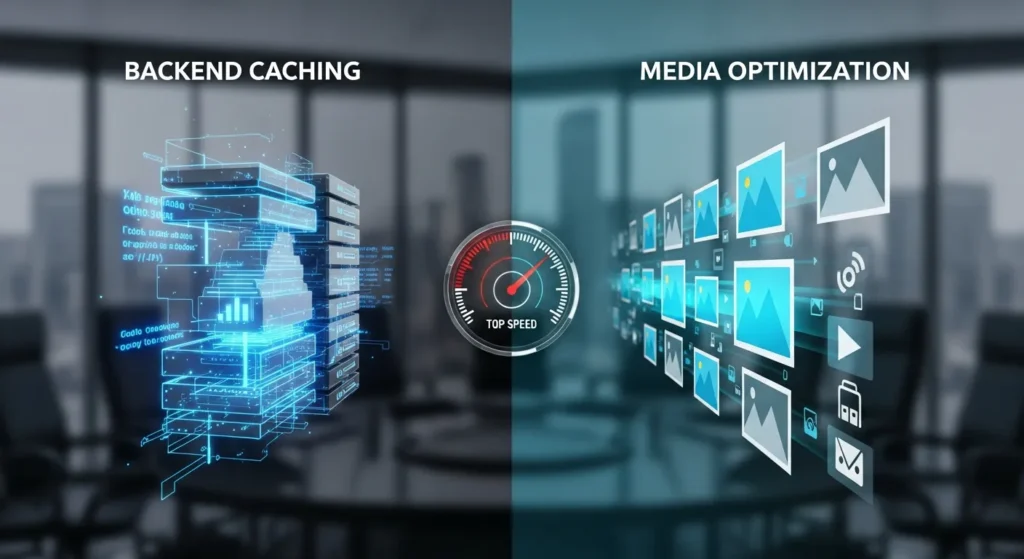
We often see clients confused by the WP Rocket vs WP Compress debate, assuming these plugins perform the exact same task. They do not. If your WordPress site feels heavy, you might be looking at two different bottlenecks: code delivery or media weight. We break down which tool fixes what so you stop guessing and start speeding things up. Here is the part nobody tells you: you might actually need both, or perhaps just one specific fix depending on your current hosting stack.
Key Takeaways
- The WP Rocket vs WP Compress comparison reveals two distinct roles, with WP Rocket handling caching and WP Compress focusing on image optimization.
- WP Rocket establishes a performance foundation by creating static HTML pages and minifying code to improve server response times.
- WP Compress specializes in media handling by automatically resizing images, converting formats, and serving assets via a global CDN.
- Site owners should prioritize WP Rocket to fix Core Web Vitals and render-blocking issues before addressing media compression.
- For the best results, using both tools together ensures that the site structure loads quickly while heavy visual assets are optimized efficiently.
Quick Answer: Understanding the Fundamental Difference
Here is the core distinction: WP Rocket is a caching plugin, while WP Compress is an image optimization service.
Comparing them directly is like asking if you should buy a new engine or lighter tires for your race car. You probably need a fast engine (caching) first, but heavy tires (unoptimized images) will still slow you down.
WP Rocket handles the heavy lifting of server-side performance. It creates static HTML versions of your pages, so your server does not have to process PHP for every visitor. It creates the foundational speed layer for your site.
WP Compress focuses strictly on media assets. It takes your images, shrinks the file size without ruining quality, and serves them from a global network. It does not cache your HTML or minify your JavaScript code in the same way WP Rocket does.
The verdict: If you have zero optimization tools installed, start with WP Rocket. It covers a broader base. If your site is already cached but loads slowly due to high-resolution photography, WP Compress is your solution.
Analyzing WP Rocket: Establishing the Caching Layer
We treat WP Rocket as the baseline for almost every WordPress installation we manage. It acts as the “brain” of your site’s frontend performance.
What It Does Best
WP Rocket applies page caching immediately upon activation. This means when a user visits your site, they receive a pre-built file rather than waiting for WordPress to query the database and build the page from scratch.
Beyond simple caching, it handles technical tasks that usually require a developer:
- File Optimization: It shrinks (minifies) CSS and JavaScript files. It can also delay JavaScript execution, which is critical for fixing “Render Blocking” warnings in Google PageSpeed Insights.
- Preloading: It anticipates user behavior and prepares pages before a user even clicks a link.
- Database Hygiene: It cleans up post revisions, spam comments, and transient data that bloat your database over time.
The Limitations
While WP Rocket includes a feature called “LazyLoad” for images, it is not a dedicated image compression engine. It will not take a 5MB photo and convert it to a 50KB WebP file automatically on its own server infrastructure without add-ons. It optimizes how the site loads, but it does not fundamentally alter the media assets themselves as aggressively as a dedicated tool.
Analyzing WP Compress: Advanced Media Handling and Agency Controls
WP Compress solves a specific problem: heavy media slowing down the visual render of a page. We find this tool particularly useful for photographers, creative agencies, and eCommerce stores where product images are non-negotiable.
What It Does Best
WP Compress operates differently than a standard plugin. It connects your site to their optimization cloud. When a visitor loads your site, images are served directly from their global CDN (Content Delivery Network), not your server.
- Adaptive Images: It detects the visitor’s screen size and delivers the exact image size needed. A mobile user never downloads a desktop-sized background image.
- Smart Automation: You can set it to “Autopilot,” and it will compress, resize, and convert images to Next-Gen formats (like WebP) in the background.
- Agency Controls: This is a standout feature. If you manage multiple client sites, you can control all of them from a single remote dashboard. You can view quotas, bulk optimize, and generate reports without logging into each WordPress dashboard individually.
The Limitations
WP Compress is not a caching plugin. It will not speed up your server response time (TTFB) or minify your CSS code. If your hosting is slow, WP Compress makes the pictures load faster, but the page itself will still lag.
Feature Comparison: Performance, Pricing, and Complexity
When we map these tools side-by-side, the functional overlap is minimal, which reinforces the idea that they often work better together than apart.
| Feature | WP Rocket | WP Compress |
|---|---|---|
| Primary Function | Page Caching & Code Optimization | Image Optimization & CDN Delivery |
| Caching Type | Page, Browser, Preload | None (Media serving only) |
| File Minification | CSS, JavaScript, HTML | No |
| Image Handling | Basic LazyLoad | Compression, WebP Conversion, Adaptive Resizing |
| CDN Included | No (Integrates with others) | Yes (Global CDN for images included) |
| Pricing Model | Annual License (Per site) | Monthly/Annual Quotas based on traffic/bandwidth |
| Best For | Core Web Vitals & Server Speed | Visual Heavy Sites & Agencies |
Pricing Note: WP Rocket charges a flat yearly fee. WP Compress typically operates on a credit or bandwidth model, meaning your cost scales with your traffic. For high-traffic sites, this variable cost is something to watch.
Decision Matrix: Matching the Tool to the Need
We use a simple logic flow to decide which tool to deploy for a client. It comes down to identifying the primary “pain point” in the speed test reports.
When to Prioritize WP Rocket
Choose WP Rocket if your Google PageSpeed Insights report complains about:
- Slow Server Response Time (TTFB).
- Render-blocking resources (CSS/JS).
- Unused JavaScript or CSS.
- Total Blocking Time (TBT).
If your site is on shared hosting or a budget server, WP Rocket is mandatory. It masks the slowness of the server by serving static files. For more on setting up a strong foundation, check out our guide on WordPress website development.
When to Prioritize WP Compress
Choose WP Compress if your report highlights:
- “Properly size images.”
- “Serve images in next-gen formats.”
- “Defer offscreen images.”
- High payload sizes (e.g., your page is 5MB+).
This is the right choice for portfolios. If you already have a fast host (like Kinsta or WP Engine) that handles caching at the server level, you might not need WP Rocket, but you will still benefit from WP Compress handling your media library.
Conclusion
The battle of WP Rocket vs WP Compress is largely a misunderstanding of roles. WP Rocket builds the house: WP Compress furnishes it efficiently.
For 90% of the sites we audit, WP Rocket is the first install. It addresses the widest range of performance issues with a single click. It is the safest bet for immediate ROI on site speed.
But, if you run a visual-heavy site and your caching is already sorted, WP Compress offers a specialized, set-it-and-forget-it solution for media that generic plugins cannot match.
Our recommendation: Start with WP Rocket to fix your Core Web Vitals. If your media library is massive, layer WP Compress on top for a truly fast experience.
Frequently Asked Questions about WP Rocket vs WP Compress
What is the main difference between WP Rocket and WP Compress?
The core difference lies in their primary function: WP Rocket is a caching plugin that optimizes server-side performance and code (HTML, CSS, JS), while WP Compress is a dedicated image optimization service that reduces media file sizes and serves them via a global CDN.
Can I use WP Rocket and WP Compress together?
Yes, using them together is often recommended for maximum speed. Since WP Rocket handles page caching and code minification, and WP Compress handles image optimization and delivery, they address different bottlenecks and work harmoniously to improve Core Web Vitals.
Does WP Rocket optimize images automatically?
WP Rocket includes a basic “LazyLoad” feature, but it does not function as a full image compression engine. It cannot automatically resize large photos or convert them to next-gen formats like WebP; for those specific tasks, WP Compress is the superior tool.
When should I choose WP Compress over WP Rocket?
You should prioritize WP Compress if your website is visually heavy (like a photography portfolio) and your speed test reports specifically flag issues like “properly size images” or “high payload sizes,” especially if your hosting provider already handles server-level caching.
Do WP Rocket or WP Compress offer a free version?
WP Rocket is a premium-only plugin with no free version. WP Compress typically operates on a credit or bandwidth model that may include a free tier or trial for smaller sites, allowing you to test optimization before committing to a paid plan.
Which tool helps more with Google Core Web Vitals?
WP Rocket generally addresses a broader range of Core Web Vitals, such as Largest Contentful Paint (LCP) and Total Blocking Time (TBT), by speeding up server response. However, WP Compress specifically fixes layout shifts and load times caused by unoptimized media.
Some of the links shared in this post are affiliate links. If you click on the link & make any purchase, we will receive an affiliate commission at no extra cost of you.
Related Posts
- How To Use Admin and Site Enhancements (ASE) for WordPress
- Local SEO For Hotels: How To Attract More Guests From Nearby Searches
- Yoast SEO for Wix: What You Can (And Can’t) Do
- How To Use Perplexity To Automate Your Workflow
