
Technical SEO for WordPress is usually what we push to “later” until traffic stalls or rankings slide. Then we open the dashboard, see a wall of settings, and quietly close the laptop. We wrote this guide for those moments. In a few focused passes, we can turn WordPress from “it works” into a fast, crawlable site that search engines actually trust.
Key Takeaways
- Treat technical SEO for WordPress as an ongoing system that focuses on speed, clean structure, and stable signals so search engines can reliably crawl and trust your site.
- Start with a solid foundation by choosing fast hosting, running PHP 8.1+ with HTTP/2 or HTTP/3, and using a lightweight, SEO-friendly theme instead of heavy builders.
- Configure SEO basics in WordPress by setting clean permalinks, using a single SEO plugin for titles, canonicals, and sitemaps, and ensuring live sites are not blocked from indexing.
- Boost speed and Core Web Vitals by compressing images, enabling caching, carefully minifying CSS/JS, and reducing heavy third‑party scripts, especially on mobile.
- Protect crawlability and indexation by submitting XML sitemaps, managing robots.txt, fixing broken links and redirects, and controlling duplicates with canonicals or noindex tags.
- Maintain strong technical SEO for WordPress with clear site architecture, helpful schema markup, and regular audits using tools like Search Console, GA4, and a crawling tool.
What Technical SEO Means For A WordPress Site

Technical SEO for WordPress is everything that controls how search engines access, understand, and serve our content. It is less about copy and more about structure, speed, and signals.
In practice, that means we care about:
- How fast pages load on desktop and mobile
- Whether Googlebot and Bing can crawl our pages without dead ends
- How our URLs, canonicals, and redirects handle duplicates
- Whether our HTML and schema make content easy to interpret
- How stable our site stays when plugins, themes, and WordPress itself update
When we treat technical SEO for WordPress as a system, not a one-off task, we get three payoffs: better rankings potential, more stable traffic, and fewer “why did our leads drop this week?” surprises.
Laying The Right Foundation: Hosting, Core, And Theme

We cannot fix technical SEO for WordPress with plugins alone if the foundation is weak.
First, hosting. We want:
- A recent PHP version (8.1 or higher as of 2025)
- HTTP/2 or HTTP/3 support
- Solid uptime and fast response times in the regions our audience lives in
A slow shared host will drag every technical SEO win down. If we serve an audience in the US and Europe, we lean toward hosts with regional data centers and built-in caching.
Next, WordPress core. We keep WordPress on the current stable branch and clean old installs, themes, and plugins we no longer use. Extra code adds load time and risk.
Finally, the theme. A heavy theme with dozens of built-in sliders, builders, and shortcodes usually hurts technical SEO for WordPress. We prefer lightweight themes like GeneratePress, Astra, or Kadence paired with a page builder only where we really need it. That keeps HTML cleaner and pages leaner.
Configuring Essential Technical Settings In WordPress
Out of the box, WordPress gets many things right, but we still need to tune it for search.
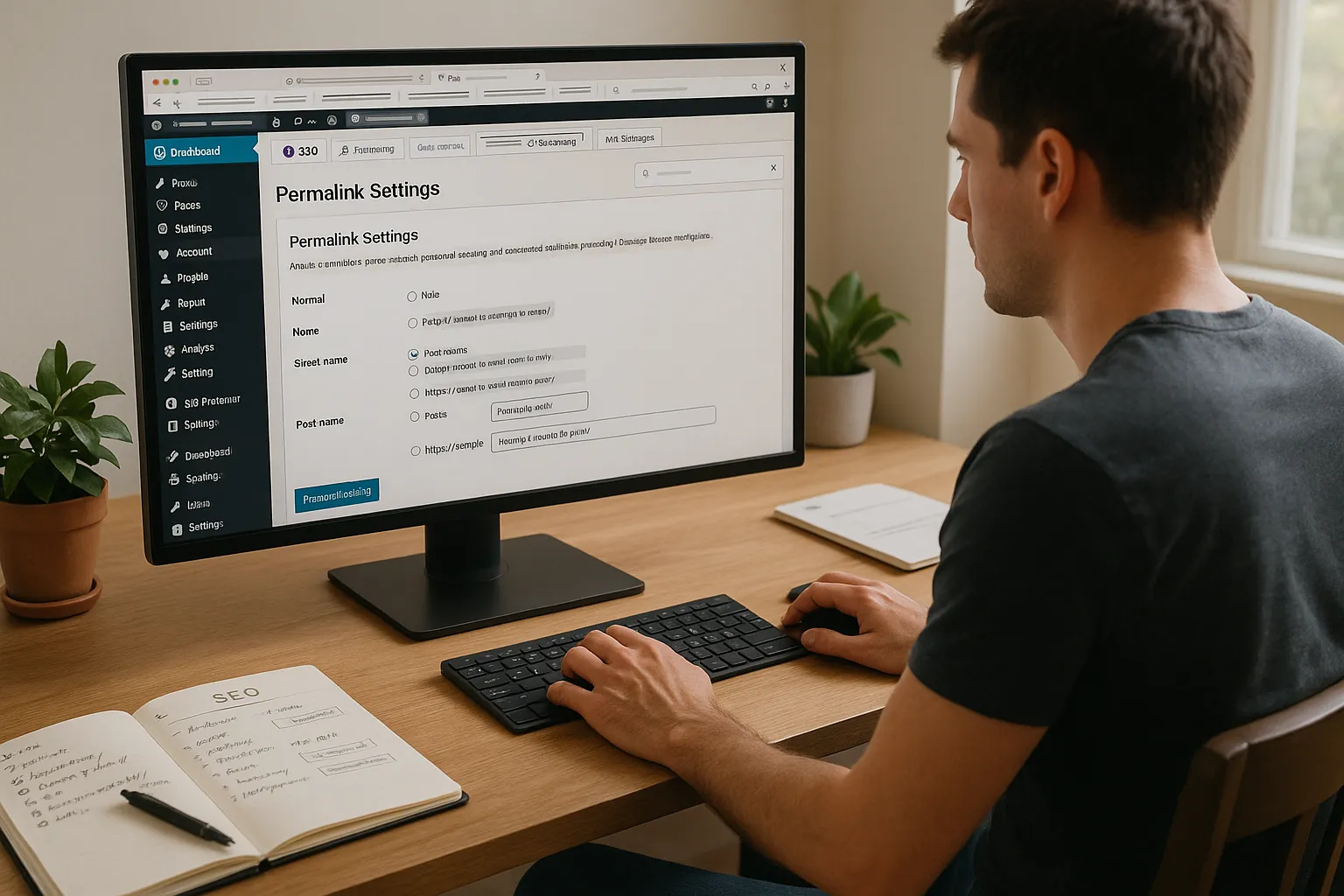
We start in Settings → Permalinks. Choose the “Post name” structure or a short custom structure with category and post name if it suits our content. Clean, descriptive URLs help users and aid technical SEO for WordPress.
We then install a serious SEO plugin such as Yoast SEO, SEOPress, or Rank Math. We use only one. From there we:
- Set global title and meta templates
- Configure default canonicals
- Turn off indexing for thin or system pages (tag archives we do not use, internal search results)
We make sure the site is not blocked from search under Settings → Reading. The “Discourage search engines from indexing this site” box must stay unchecked on any live site.
This base setup supports every other part of technical SEO for WordPress, from schema output to sitemaps.
Improving Speed And Core Web Vitals On WordPress
Speed work sounds technical, but we can follow a simple checklist.
We start with PageSpeed Insights from Google. It reports Core Web Vitals like Largest Contentful Paint (LCP), Cumulative Layout Shift (CLS), and Interaction to Next Paint (INP) for each template. These are part of how Google evaluates page experience for ranking.
To improve technical SEO for WordPress through speed, we:
- Compress and resize images before upload, then use a plugin like ShortPixel or Imagify for extra compression
- Enable page caching using plugins such as WP Rocket, W3 Total Cache, or the built-in cache from our host
- Minify and combine CSS/JS carefully, testing on staging if possible
- Limit heavy third-party scripts such as chat widgets or tracking pixels
On mobile, we watch for layout shifts from late-loading ads or embeds. We fix them with fixed heights or placeholders. Every millisecond we save helps site visitors and strengthens technical SEO for WordPress.
For a deeper run-through, we can pair this with a speed-focused guide at our WordPress performance checklist.
Ensuring Clean Crawlability And Indexation
Technical SEO for WordPress fails if search engines cannot reach and index our content safely.
We start with an XML sitemap from our SEO plugin. We submit it in Google Search Console and Bing Webmaster Tools. That gives search engines an up-to-date list of our pages.
Then we manage robots.txt. We allow crawling of our main content paths and block system folders like /wp-admin/ while still allowing /wp-admin/admin-ajax.php so plugins continue to function.
Next, we look at indexation. In Search Console, the “Pages” report shows which URLs are indexed, blocked, or excluded as duplicates. If we see parameters, staging URLs, or thin pages indexed, we fix them with canonicals, noindex, or redirects.
We also check for broken links and 404s with tools like Screaming Frog SEO Spider or the internal reports in plugins. Fixing or redirecting these keeps crawl paths clean and adds stability to technical SEO for WordPress.
If we want a step-by-step crawl hygiene checklist, we can group tasks in a resource like our WordPress SEO checklist.
Structuring Your Site And Adding Schema Markup
A clear site structure helps both visitors and crawlers. It is a big part of technical SEO for WordPress that many teams skip.
We start by mapping our main topics and assigning each to a top-level page or category. Every important page should be reachable in three clicks or less from the homepage. Internal links between related posts keep “orphan” content from drifting out of sight.
Breadcrumbs help users understand where they are. Many SEO plugins or themes support them. We enable them and make sure the breadcrumb path mirrors our category and page structure.
Then we add schema markup. Good SEO plugins can output schema for:
- Articles and blog posts
- Products
- Local businesses
- Events and FAQs
Schema reinforces what a page is about and can earn rich results like stars, FAQs, or event details. That improves click-through rates and overall return from technical SEO for WordPress. We keep schema accurate and avoid spammy or fake review markup.
Monitoring, Auditing, And Ongoing Maintenance
Technical SEO for WordPress is not a one-time sprint. Plugins update, PHP versions change, and new content types appear.
We keep three tools in regular use:
- Google Search Console for indexation, Core Web Vitals, and crawl issues
- Google Analytics 4 for traffic and engagement shifts
- A crawler such as Screaming Frog or Sitebulb every quarter to catch broken links, redirect chains, or canonicals that drifted
After large theme or plugin changes, we re-run PageSpeed Insights on main templates and check Search Console for spikes in errors.
We also maintain a short technical SEO for WordPress log. Every time we change hosting, add a major plugin, or adjust redirects, we record the date and what changed. When traffic moves up or down, this log saves hours of guesswork.
Here is a short list of reputable sources we lean on when we refine our process:
- “Search Engine Optimization (SEO) Starter Guide”, Google, 2023, https://developers.google.com/search/docs/fundamentals/seo-starter-guide
- “Core Web Vitals & Page Experience”, Google Search Central, 2023, https://developers.google.com/search/docs/appearance/page-experience
- “Page Experience: What site owners need to know”, Google, 2023, https://web.dev/vitals/
Conclusion
Technical SEO for WordPress looks deep on day one, but in practice it splits into a set of repeatable habits. We tighten the foundation, keep performance in shape, protect crawl paths, and structure content in a way that search engines and humans both understand.
Here is a fast checklist we can keep near our desk.
Choose The Right Hosting And PHP Version
Pick a host with fast servers near our audience, HTTP/2 or HTTP/3, and PHP 8.1 or higher. This alone lifts technical SEO for WordPress.
Keep WordPress, Themes, And Plugins Lean And Updated
Remove unused plugins and themes. Keep what remains updated on a schedule. Less code means fewer conflicts and faster pages.
Use A Lightweight, SEO-Friendly Theme
Choose a theme that loads quickly and avoids heavy visual builders on every page. Enable only the features we actually use.
Set SEO-Friendly URLs And Canonicals
Use short, descriptive permalinks. Let our SEO plugin set canonicals and fix any duplicate content issues we see in crawl reports.
Handle HTTPS, WWW, And Redirects Correctly
Force one version of our domain over HTTPS with a single 301 pattern. Avoid chains and loops. Test old URLs after large site changes.
Optimize Media, Caching, And Minification
Compress and resize images, enable caching, and minify CSS and JS with care. Re-test each change with PageSpeed Insights before and after.
Measure And Improve Core Web Vitals
Watch LCP, CLS, and INP in Search Console. Tackle slow templates first, then heavy scripts. Track gains to see the impact on technical SEO for WordPress.
Create An XML Sitemap And Robots.txt
Generate an XML sitemap with our SEO plugin and submit it to Google and Bing. Keep robots.txt clean, only blocking paths that truly should stay private.
Fix Crawl Errors And Broken Links
Check Search Console and a crawler tool for 404s and soft 404s. Fix internal links or create logical redirects that send users to close matches.
Design A Logical Site Architecture
Group content by topic. Make sure important pages sit near the homepage in the click path. Use breadcrumbs and internal links as supporting signals.
Use Schema For Key Content Types
Turn on schema for articles, products, local business pages, and FAQs where they fit. Keep fields truthful to avoid penalties.
Track Performance And Run Regular Technical Audits
Set a calendar reminder every quarter. Re-run speed tests, crawl the site, and scan Search Console. Technical SEO for WordPress works best as a quiet, steady habit, not a one-time emergency project.
Technical SEO for WordPress: Frequently Asked Questions
What is technical SEO for WordPress and why does it matter?
Technical SEO for WordPress covers everything that affects how search engines crawl, understand, and serve your site: hosting setup, speed, Core Web Vitals, clean URLs, canonicals, redirects, schema, and site structure. Getting this right improves rankings potential, stabilizes traffic, and reduces sudden drops in leads or visibility.
How do I set up WordPress permalinks for better technical SEO?
Go to Settings → Permalinks and choose the “Post name” option or a short custom structure that may include category and post name. Avoid date-heavy or parameter-based URLs. Clean, descriptive slugs support technical SEO for WordPress by helping both users and search engines interpret your content quickly.
What is the best way to improve Core Web Vitals on a WordPress site?
Run key templates through PageSpeed Insights and check LCP, CLS, and INP. Then compress and resize images, enable page caching, carefully minify CSS and JS, and reduce heavy third‑party scripts. Fix mobile layout shifts with fixed heights or placeholders to stabilize CLS and enhance page experience.
Can a plugin alone fix technical SEO for WordPress?
No. An SEO plugin helps with titles, canonicals, sitemaps, and schema, but it cannot overcome slow hosting, bloated themes, or poor site structure. Strong technical SEO for WordPress combines solid hosting, a lightweight theme, careful plugin use, performance tuning, and regular crawl and indexation checks in Search Console.
How often should I audit technical SEO on my WordPress site?
Run a light technical SEO audit at least quarterly, or after major theme, plugin, or hosting changes. Crawl the site with a tool like Screaming Frog or Sitebulb, re-test speed and Core Web Vitals, and review Google Search Console for new errors, indexation issues, and significant traffic or ranking shifts.
Some of the links shared in this post are affiliate links. If you click on the link & make any purchase, we will receive an affiliate commission at no extra cost of you.
