

The first time we saw a client’s traffic jump after adding schema WordPress support, it felt like watching their site suddenly speak fluent “search engine.” Rich snippets appeared, FAQs expanded in the results, and their click‑through rate quietly climbed. If you run a serious WordPress site and you are not thinking about structured data yet, you are leaving visibility and trust on the table. In this guide, we will show how schema WordPress setups work in plain English, and how we can use them across different professions without bloating our sites or breaking our themes.
Key Takeaways
- Schema WordPress implementation helps search engines understand your content better, leading to richer results like FAQs, reviews, and product details that can lift click-through rates.
- Choosing the right schema types for your real-world business (LocalBusiness, Organization, Article, Product, SoftwareApplication, etc.) matters more than adding every possible markup.
- Most sites should manage schema WordPress setup with a single, well-configured SEO or schema plugin, avoiding duplicate markup and mapping each post type to the correct schema type.
- Technical users can create ultra-lean structured data by adding custom JSON-LD via theme code or custom fields, keeping full control without extra plugin bloat.
- Regularly testing your schema WordPress output with Google’s Rich Results Test, Schema.org Validator, and Search Console helps catch errors like missing required fields or wrong schema types before they hurt visibility.
What Schema Markup Is And Why It Matters In WordPress
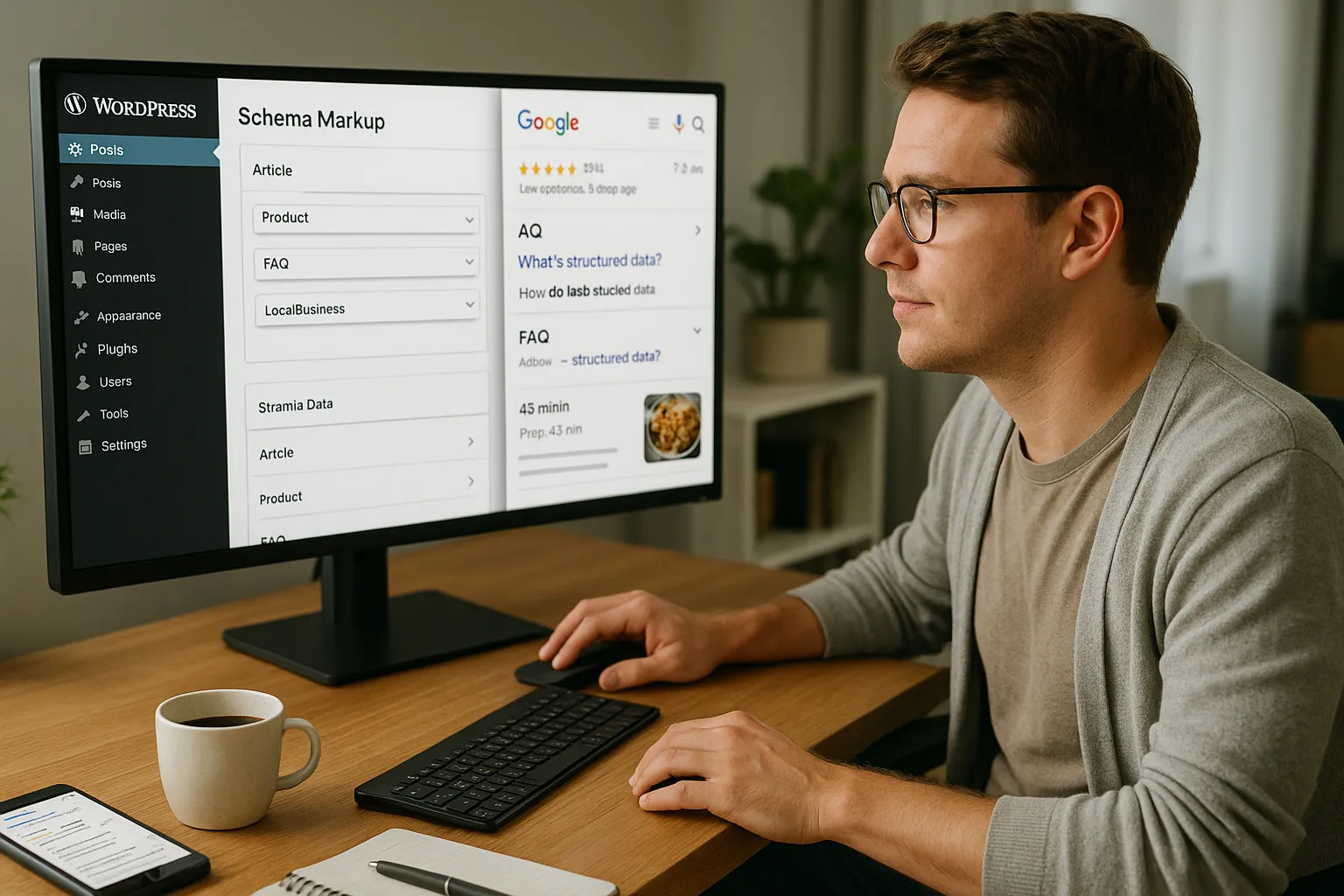
Schema markup is structured data that we add to our WordPress pages so search engines can understand the meaning behind our content, not just the words on the screen. Instead of guessing, Google, Bing, and other engines read clear signals about who we are, what we offer, and why a page exists.
Here is why this matters.
Schema helps search engines create rich results. That can mean star ratings, price ranges, FAQ drop‑downs, recipe cards, event dates, job postings, and more. When we set up schema WordPress correctly, we increase our chances of gaining:
- Higher click‑through rates from search results
- Better visibility for brand, author, and product information
- Stronger topical signals that support SEO over time
Search engines recommend structured data for many content types. Google’s own documentation on structured data makes this clear by listing supported features like FAQ, HowTo, Product, LocalBusiness, and Article markup. When we speak that same “schema language” from inside WordPress, our content becomes easier to classify, surface, and trust.
So the goal is simple. We want schema WordPress setup that is accurate, clean, and aligned with our business model, without turning our site into a plugin circus.
How Schema Boosts Visibility For Different Professions And Industries

Schema affects different industries in slightly different ways, but the pattern stays similar. It gives search engines confidence in who we serve and what we offer.
Here is how that plays out for groups like ours:
- Local businesses, restaurants, and hospitality gain rich results with opening hours, price level, cuisine type, and reviews. A small restaurant with correct LocalBusiness and Menu schema can stand out even when larger brands crowd the map pack.
- Professionals such as lawyers, doctors, consultants, and agencies use Person, Organization, and Service schema to clarify expertise, locations, and contact options. That builds trust right in the search results.
- Content creators, educators, and media sites rely on Article, BlogPosting, VideoObject, and FAQPage schema to surface content in Google Discover, Top Stories, and video carousels.
- Ecommerce, software, and SaaS brands benefit from Product and SoftwareApplication schema. These support price, availability, ratings, and supported platforms.
When we design our schema WordPress configuration around the actual entity behind the site, we help search engines connect the dots. A law firm in Chicago looks like a law firm in every machine‑readable field. A SaaS tool reads like software, not a random blog. Over time, these clear signals can support better rankings and richer result types.
Core Ways To Add Schema Markup In WordPress

We have three main ways to handle schema WordPress setup. Most sites use a mix.
Using Schema Plugins In WordPress
Plugins handle the heavy lifting and keep schema in sync with our content. Good schema or SEO plugins usually:
- Auto‑generate base schema like WebSite, Organization, and Person
- Attach Article or BlogPosting schema to posts
- Add Product markup to WooCommerce products
- Let us define LocalBusiness, FAQ, Event, or Recipe data through simple forms
Common options include Yoast SEO, Rank Math, SEOPress, and dedicated schema tools like Schema Pro. We should pick one “schema brain” and avoid overlapping features between plugins.
When we set up schema WordPress with a plugin, we still need to:
- Map post types to the right schema types
- Set organization and person fields correctly
- Turn off schema modules we do not use to keep output lean
This route fits most busy professionals who want consistent structured data without custom coding.
Adding Schema Manually With Code Or Custom Fields
If we want full control, we can add JSON‑LD schema directly in our theme or through a code snippets plugin. The pattern looks like this:
- Decide the schema type for a template, such as Article for blog posts.
- Create a JSON‑LD script that pulls WordPress fields like title, author, date, and featured image.
- Print that script in the
<head>of matching templates.
We can also pair Advanced Custom Fields or similar tools with custom JSON‑LD. That helps when we want precise LocalBusiness or Service details that a plugin does not cover.
This manual schema WordPress route suits developers and technical marketers who want lean output and no extra plugin overhead.
Choosing The Right Schema Types For Your Site
Picking the right schema type is more important than chasing every rich result on Google’s list. We want our schema WordPress setup to match our real‑world entity.
Local Business, Restaurants, And Hospitality
If we run a physical location, LocalBusiness schema is our base. Variants like MedicalOrganization, Restaurant, Hotel, or ProfessionalService give even more clarity.
Practical fields to fill:
- Legal business name that matches our Google Business Profile
- Address and phone in a consistent format
- Opening hours, service area, and price range where relevant
sameAslinks to social profiles and major listings
For restaurants and bars, Menu schema or MenuSection helps search engines show specific dishes. For hotels and rentals, LodgingBusiness with amenity fields highlights features like free Wi‑Fi or parking.
Professionals, Services, And Agencies
Lawyers, doctors, accountants, consultants, and agencies benefit from clear Organization or Person schema linked to Service schema. The pattern looks like this:
- Organization or Person as the main entity
- Service types such as LegalService, FinancialService, or MedicalClinic
- Location, service area, and contact data
We can connect this schema to our About, Contact, and service pages. When we wire schema WordPress structures like this, search engines understand which person offers which service in which city.
Content Creators, Bloggers, And Media
For blogs and online magazines, Article or BlogPosting schema is our everyday workhorse. We can pair it with:
- FAQPage schema on support and knowledge pages
- HowTo schema for step‑by‑step tutorials
- VideoObject schema for embedded YouTube or self‑hosted videos
Creators and influencers should also define Person schema with accurate social links and use Organization where they publish under a brand. Schema WordPress plugins make this easier through author profiles and knowledge graph settings.
Products, Software, And SaaS Tools
If we sell physical products through WooCommerce, Product schema is table stakes. We want to send reliable data on:
- Price, currency, and availability
- AggregateRating and Review, where allowed and honest
- Brand, SKU, and product identifiers
For SaaS tools or apps, SoftwareApplication schema works better. We can declare supported platforms, free trial options, and pricing tiers. That helps our software appear correctly in search result features that focus on digital tools.
Best Practices For Implementing Schema In WordPress
We want clean, consistent, and testable schema. That matters more than volume or chasing every markup type.
Testing, Debugging, And Validating Your Schema
After any change to schema WordPress configuration, we should validate output.
Start with:
- Google Rich Results Test to check if a page is eligible for rich features
- Schema.org Validator to confirm syntax and types
- Search Console Enhancements reports to track issues across the site
Run tests on template pages, not just the homepage. Validate a blog post, a product, a local service page, and any FAQ or HowTo content.
When something fails, fix the cause at the source. That might mean updating a plugin setting, correcting a missing required field, or repairing malformed JSON‑LD.
Useful sources on structured data:
- Introduction to Structured Data, Google Search Central, 2023, https://developers.google.com/search/docs/appearance/structured-data
- Schema.org Official Documentation, Schema.org, ongoing, https://schema.org/docs/full.html
Common Mistakes To Avoid (And How To Fix Them)
We see the same schema WordPress mistakes on many professional sites:
- Duplicate schema from multiple plugins. Fix this by choosing one plugin to handle schema and turning schema features off in others.
- Wrong schema type for the content. A SaaS pricing page marked as BlogPosting confuses search engines. We should switch it to Product or SoftwareApplication.
- Missing required fields. Product markup without price or availability can cause errors. We need to fill every required field in our plugin or custom JSON.
- Fake or misleading reviews. Search engines have clear spam policies for review markup. We should only mark up honest reviews that sit on our own site.
If we keep output simple, remove duplication, and test often, schema becomes a stable asset rather than a source of random rich result problems.
Lightweight Setup Blueprint: A Practical Step‑By‑Step Workflow
Let us walk through a lean schema WordPress setup that fits most professional sites.
- Pick one schema‑aware SEO plugin. Configure global Organization or Person data, social profiles, and default Article schema for posts.
- Map post types to schema types. Assign Product to products, LocalBusiness to the main contact or location page, and Service or FAQPage where needed.
- Disable extra schema modules we do not use. Keep output focused on what matches our real business.
- Add schema to high‑value pages first. Start with homepage, About, Contact, main services, and top‑traffic articles.
- Test with Google Rich Results Test for each template type. Fix any errors at the plugin or template level.
- Document our setup. Keep a simple internal doc that lists which plugin owns schema, which types we use, and where custom JSON‑LD lives.
From there, we can grow slowly. As we publish new content, we check that the schema WordPress rules we set still apply, and we add special types like Event or HowTo only when they match the page. If we need deeper technical SEO, we can connect this work with content audits or internal link cleanups on related pages, such as a separate guide on /wordpress-technical-seo/ or a tutorial on /how-to-structure-silo-pages-in-wordpress/.
Conclusion
Schema WordPress work is not magic, and it does not replace strong content or links. It does one clear job. It helps search engines see our site the way we see our own business.
If we pick the right schema types, keep our setup lean, and test our templates, we build a quiet advantage that stacks over time. Our recipes turn into rich cards, our services read like real services, and our software looks like software instead of another random page.
The next step is simple. Choose one plugin or one custom approach, mark up a single template, and run it through the Rich Results Test. Once we see clean output, we can roll that pattern across our WordPress site with confidence.
Schema Markup & WordPress: Frequently Asked Questions
What is schema markup in WordPress and why does it matter for SEO?
Schema markup in WordPress is structured data (usually JSON-LD) added to your pages so search engines understand what your content represents—business, product, article, service, etc. A solid schema WordPress setup can unlock rich results, improve click-through rates, and strengthen topical relevance over time.
What is the best way to add schema markup in WordPress without bloating my site?
The leanest approach is to choose one main schema-aware SEO plugin (like Yoast, Rank Math, SEOPress, or Schema Pro), configure global Organization/Person data, map post types to the right schema, and disable unused modules. Avoid overlapping schema features from multiple plugins to keep output clean and fast.
How does schema WordPress implementation differ for local businesses, blogs, and eCommerce sites?
Local businesses focus on LocalBusiness and variants (e.g., Restaurant, MedicalOrganization) with address, hours, and reviews. Blogs and media rely on Article, BlogPosting, FAQPage, and HowTo. eCommerce and SaaS sites emphasize Product or SoftwareApplication schema for price, availability, ratings, and supported platforms.
How do I test and validate my schema WordPress setup?
After configuring schema, test key templates (home, posts, products, services, FAQs) using Google’s Rich Results Test and the Schema.org Validator. Then monitor Google Search Console’s Enhancements reports for structured data issues. Fix problems at the source—plugin settings, required fields, or malformed JSON-LD.
Can I add schema to WordPress without a plugin, and when is that a good idea?
Yes. You can add JSON-LD directly in your theme or via a code snippets plugin, often combined with custom fields (like ACF). This manual schema WordPress approach suits developers or technical SEOs who want full control, ultra-lean markup, and fewer dependencies than an all-in-one SEO plugin.
Some of the links shared in this post are affiliate links. If you click on the link & make any purchase, we will receive an affiliate commission at no extra cost of you.
