
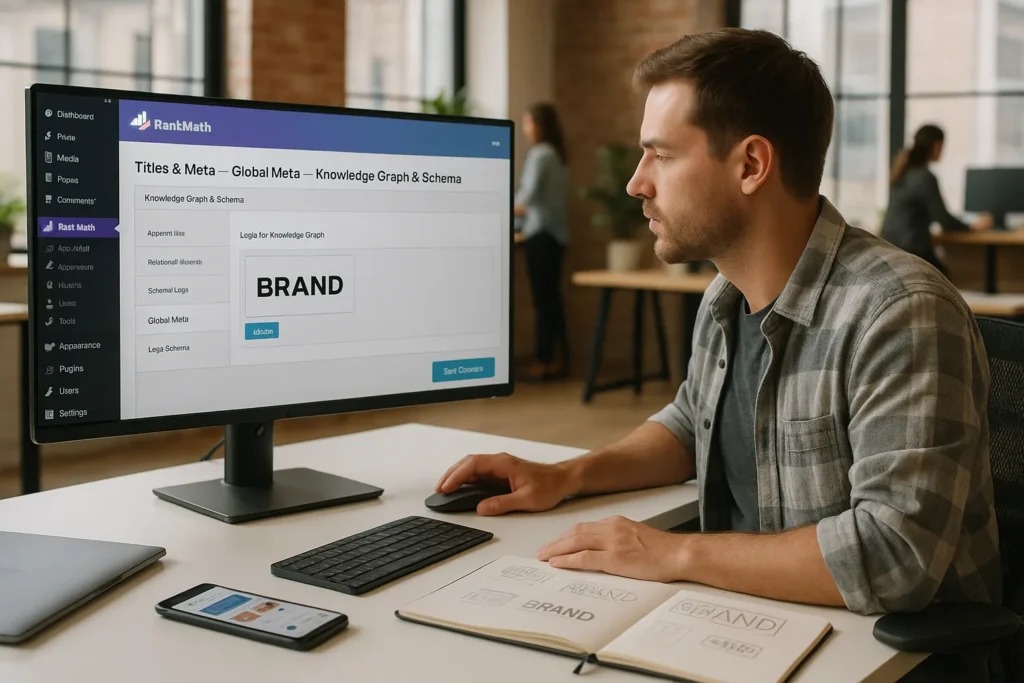
We see a lot of people obsess over keywords and links while ignoring a quiet workhorse of SEO: the Rank Math SEO logo setup. That tiny image that follows your brand across Google, Knowledge Panels, rich results, and social cards often decides whether someone clicks us or the competitor beside us. In this guide, we walk through how we turn a simple logo file into a consistent, search-ready brand signal inside WordPress and Rank Math.
We will keep things practical, technical enough for power users, and clear enough that our marketing teammates can follow along without calling a developer.
Key Takeaways
- Treat your Rank Math SEO logo setup as a core branding asset, since a clear, consistent logo boosts recognition and trust across Google Search, Knowledge Panels, and social platforms.
- Use one clean, SEO‑friendly logo file (ideally SVG or a lightweight PNG under 100 KB) with a simple horizontal aspect ratio and descriptive filename, and reuse it everywhere for strong brand signals.
- Configure your logo in both WordPress (Site Identity → Logo & Site Icon) and Rank Math (Titles & Meta → Global Meta and Local SEO/Knowledge Graph) so the same image powers schema, site name, and rich results.
- Verify that Rank Math outputs correct Organization or Person schema with a logo property, and test sample URLs in Google’s Rich Results Test and Search Console to confirm how your Rank Math SEO logo appears to crawlers.
- Set a default Open Graph/Twitter Card image in Rank Math, refresh social caches with tools like Facebook Sharing Debugger and X Card Validator, and avoid plugin conflicts so your logo displays correctly across every share.
Why Your Logo Matters for SEO and Branding
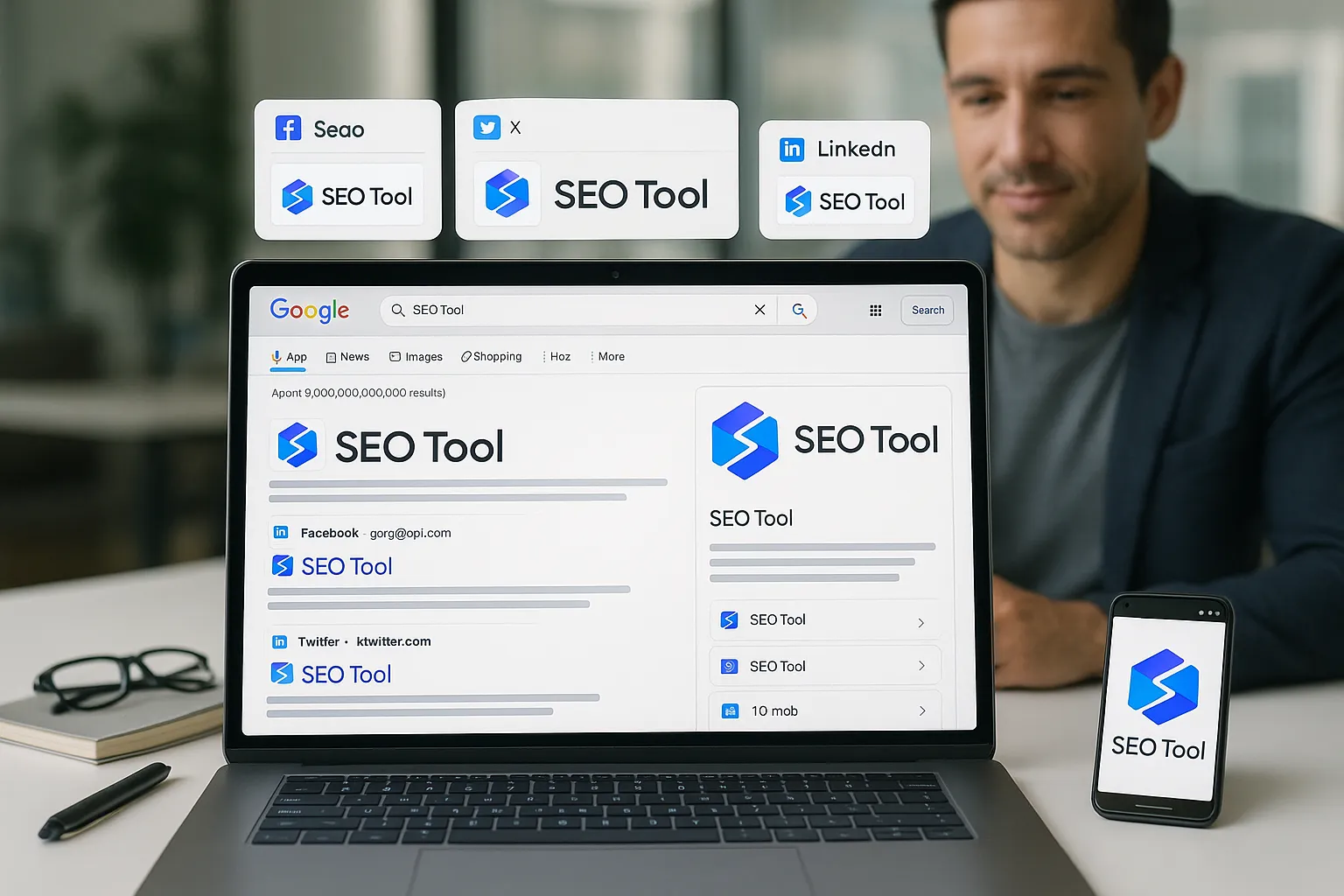
Our logo does more than sit in the corner of our site. It helps search engines and people recognize us across Google Search, Google Discover, Google Business Profiles, and social platforms.
Here is why the logo matters for SEO.
- Brand recognition in search results
Google can show a logo in several places: organization panels, knowledge panels, and sometimes next to site names on mobile results. When our logo is clear and consistent, users spot us faster and trust us more.
- Entity building in Google’s Knowledge Graph
When we pair the Rank Math SEO logo settings with correct Organization or Person schema, we give Google a strong visual signal that ties our site, brand name, and social profiles together. That helps Google treat us as a single entity instead of scattered pages.
- Higher click confidence on social
On Facebook, X (Twitter), LinkedIn, and messaging apps, people decide in a fraction of a second whether a link looks safe and relevant. A crisp logo inside Open Graph and Twitter Card tags supports that split second decision.
- Professional trust across industries
Whether we work in law, medicine, aerospace, education, or e‑commerce, a consistent logo presence across results tells users we take our brand seriously. That trust usually translates into more time on site, referrals, and leads.
If we ignore the Rank Math SEO logo settings, Google and social crawlers often guess which image to use. Their guess is rarely flattering.
Where Rank Math Uses Your Logo Across Search and Social
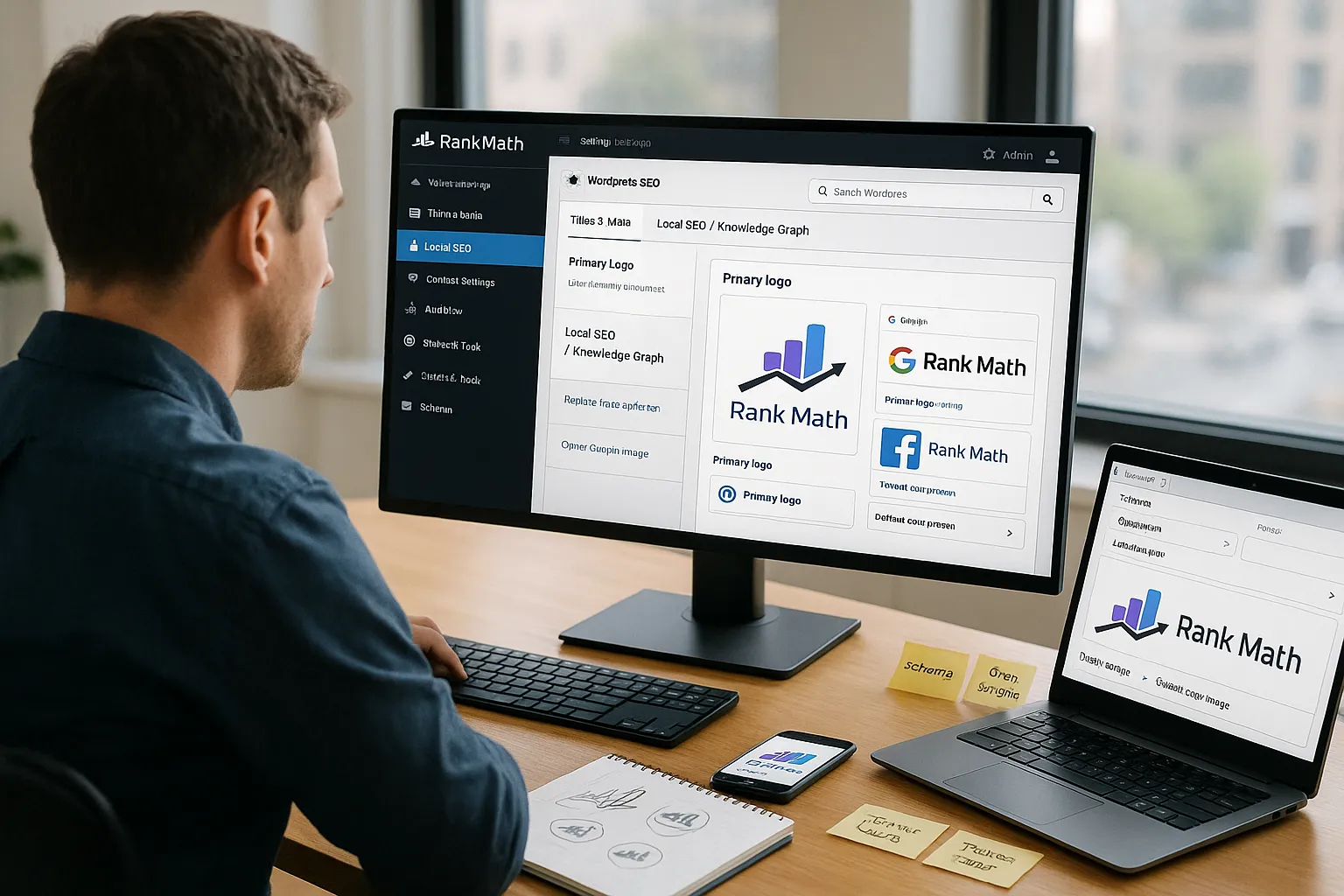
Before we upload anything, we should know where Rank Math actually uses the logo.
- Organization / Person schema
Rank Math can include our logo in Organization or Person structured data. Google’s “Logo” structured data documentation explains that this logo can appear in rich results and Knowledge Panels.
Source: “Logo structured data“, Google Search Central, 2023, https://developers.google.com/search/docs/appearance/structured-data/logo
- Site-wide schema defaults
In Rank Math, the logo we set in the Titles & Meta → Global Meta and Local SEO / Knowledge Graph settings works as the default logo for many schema types. That includes WebSite and LocalBusiness where relevant.
- Open Graph images for social sharing
Rank Math can use our logo as a fallback Open Graph image if a post or page does not define its own image. This affects how links appear on Facebook, LinkedIn, and messaging apps.
- Twitter Cards
Rank Math adds Twitter Card meta tags for our content. If we choose a logo as the default card image, that logo will show whenever a page lacks its own featured image.
- Favicon and site icon synergy
While WordPress handles the favicon through the Site Icon setting, having our site icon, schema logo, and social fallback logo all align in color and style reinforces recognition. Rank Math draws on the WordPress site icon in some cases when a custom logo is not set.
Once we understand these touchpoints, the Rank Math SEO logo stops feeling like a cosmetic extra and starts feeling like a core brand configuration.
Preparing an SEO-Friendly Logo File
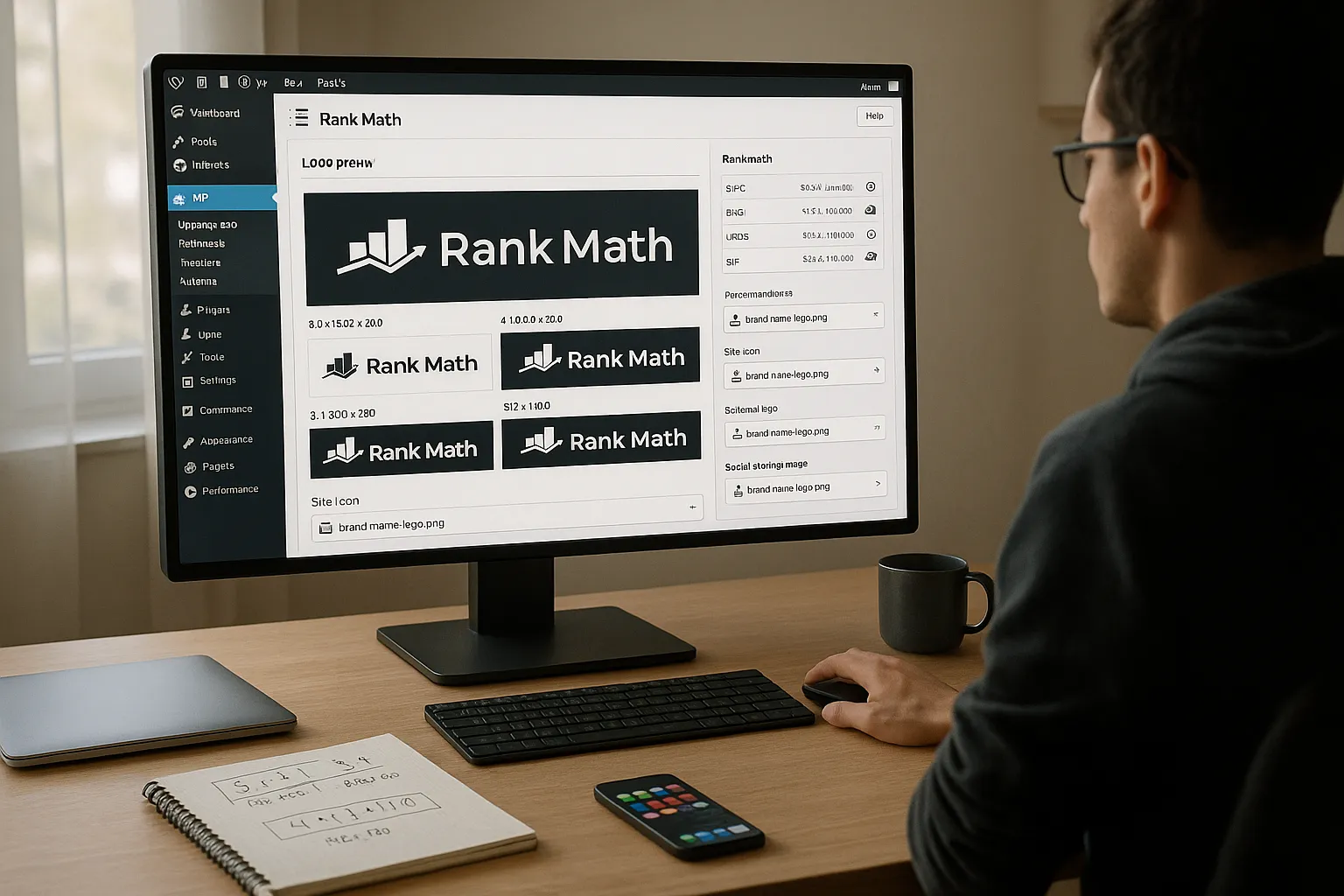
We do not need a fancy design studio to get the logo file right, but we should follow a few technical rules.
- Choose the right format
- SVG when possible: clean edges at any size, small file size, great for modern browsers.
- PNG as a fallback: strong choice when we need transparency and SVG is not suitable.
Google allows multiple formats for logo structured data, including PNG, JPEG, GIF, and SVG.
Source: “Logo structured data“, Google Search Central, 2023, https://developers.google.com/search/docs/appearance/structured-data/logo
- Size and aspect ratio
We prefer a horizontal logo with a simple aspect ratio, like 3:1 or 4:1. We usually export at something like 512×170 or 600×200 pixels for raster formats. Rank Math and social networks will resize, but starting from a clean master file keeps it crisp.
- File size and clarity
We aim for a logo under 100 KB for PNG or JPEG when we can. Tools like ImageOptim or TinyPNG compress the file without a visible drop in quality. Clear edges, no blur, and plenty of contrast against white and dark backgrounds matter more than fancy gradients.
- Naming and consistency
We save the file with a descriptive name like brand-name-logo.png instead of final-logo-3.png. We then use the same logo file in:
- WordPress Site Icon
- Rank Math schema logo
- Social media profile images where possible
Search engines favor a pattern. When our logo, brand name, and URL show up together again and again, we send a strong, unified signal.
Setting Your Site Logo in WordPress and Rank Math
We handle the Rank Math SEO logo in two places: WordPress itself and Rank Math’s settings.
First, we make sure WordPress knows our logo.
- In the WordPress dashboard, go to Appearance → Customize.
- Open the Site Identity panel.
- Set the Logo and Site Icon.
- Publish the changes.
This gives Rank Math and many themes a reliable base to work from.
Next, we configure the logo inside Rank Math.
- Go to Rank Math → Titles & Meta → Global Meta.
- Scroll to the Logo for Knowledge Graph or similar field.
- Upload the same logo file we used in WordPress.
- Save changes.
If we use Rank Math Pro with Local SEO features, we also visit Rank Math → Titles & Meta → Local SEO and confirm the logo there for our business or organization.
Adding Your Logo to Schema Markup in Rank Math
Once the file is in place, we confirm schema output.
- Go to Rank Math → Titles & Meta → Global Meta → Knowledge Graph & Schema.
- Choose whether the site represents an Organization or a Person.
- Make sure the Logo field points at the correct media file.
- Complete other fields like Name, URL, and social profile links.
Rank Math then generates JSON-LD with an "@type": "Organization" or "@type": "Person" block that includes a "logo" object. Schema.org describes this property for both types and Google explicitly calls it out for rich results.
Source: “Organization”, schema.org, accessed 2025, https://schema.org/Organization
After saving, we test a sample page in Google Rich Results Test or URL Inspection inside Google Search Console.
Source: “Rich Results Test“, Google Search Central, 2023, https://search.google.com/test/rich-results
Configuring Your Logo for Social Sharing (Open Graph and Twitter Cards)
Rank Math manages logo use for social meta tags too.
- Go to Rank Math → Titles & Meta → Global Meta → Social Meta.
- Set a Default Open Graph Image. Here we can choose a simple brand graphic or our logo.
- Check the Twitter Card Type.
summary_large_imageworks well for most brands.
On individual posts and pages, we open the Rank Math panel, then the Social tab. There we choose a custom image when the content needs a strong visual. When nothing is set, Rank Math falls back to the default we chose, which can be the Rank Math SEO logo or a branded cover image.
For a deeper WordPress setup, we often pair this with a broader guide like our WordPress SEO setup checklist or our structured data guide so the logo lives in a healthy technical stack.
Troubleshooting Common Rank Math Logo Issues
Even when we follow the steps, Google and social platforms do not always update right away. Here are common issues we see and how we handle them.
- Google shows the wrong logo or no logo
- Check the Rich Results Test for a sample URL and confirm the
logoproperty appears. - Confirm the image is accessible without blocking, not behind a firewall or
noindexrule. - Make sure the logo is not tiny or extremely tall and narrow. Google may ignore awkward aspect ratios.
We also give Google some time. Crawling and recaching can take days or even weeks, especially for smaller sites.
- Social previews show an old logo
Platforms cache previews. We use these tools to refresh:
- Facebook Sharing Debugger: https://developers.facebook.com/tools/debug/
- X (Twitter) Card Validator: https://cards-dev.twitter.com/validator
We paste a URL, scrape again, and check the new preview.
- Multiple SEO plugins fighting over the logo
Running Rank Math next to another SEO plugin often causes duplicate meta tags. We stick to one SEO plugin. If we migrate to Rank Math, we turn off the logo, schema, and social features in the old plugin or uninstall it.
- CDN or cache serves a broken image
If we use Cloudflare or another CDN, we clear the cache for the logo file and the home page. Broken image URLs in cache lead to missing logos in crawlers. We also watch for hotlink protection rules that block bots.
If we still feel stuck, we pull a full HTML snapshot of the page and scan for og:image, twitter:image, and any JSON-LD "logo" fields to confirm what we are sending.
Best Practices for Professionals and Brands Using Rank Math
Once the Rank Math SEO logo works, we go a bit further to make it serve our brand.
- Keep one master logo for all properties
We use the same visual logo across WordPress, Rank Math, LinkedIn, Google Business Profile, YouTube, and email signatures. Different colors or shapes in each place slow recognition.
- Match logo and site name
Google’s site names feature uses a mix of schema, title tags, and other signals. We keep the brand name in Rank Math’s Knowledge Graph settings identical to our logo text and our WordPress site title.
Source: “Control your site name in search results“, Google Search Central, 2023, https://developers.google.com/search/docs/appearance/site-names
- Dark mode and small sizes
Logos that look sharp on a white background sometimes vanish on dark interfaces. We test our logo as a favicon, in Android and iOS shortcuts, and on social dark mode screens. Strong contrast and simple shapes win here.
- Versioning without confusion
When we rebrand, we resist the urge to upload thirty files named new-logo-final. We retire old logo files, upload a single new master, and update WordPress, Rank Math, and social avatars in the same week.
- Document the setup for our team
Brands with bigger teams benefit from a short internal page that covers:
- Exact logo file name and URL
- Recommended export size and format
- Where the logo is set inside Rank Math and WordPress
- Links to tools like Rich Results Test and Facebook Debugger
If we already maintain documentation such as our content SEO playbook or our technical SEO checklist, the logo section fits neatly beside schema and sitemap settings.
Conclusion
A Rank Math SEO logo setup looks simple on the surface, yet it quietly supports how our brand appears across Google and social feeds. When we use one clean logo file, wire it into WordPress, connect it through Rank Math schema, and verify it with Google and social debuggers, we give our brand a steady visual anchor.
Whether we run a law firm, a SaaS platform, a medical practice, or a classroom blog, this small task sends a clear signal. We are one consistent entity that users can recognize and trust from search result to thank you page.
Rank Math SEO Logo FAQs
What is the Rank Math SEO logo and why does it matter for SEO?
The Rank Math SEO logo is the brand image Rank Math uses in schema markup, Knowledge Graph data, and social meta tags. A clear, consistent logo helps Google recognize your entity, improves brand visibility in search results and Knowledge Panels, and builds user trust and click confidence across Google and social platforms.
How do I set up my Rank Math SEO logo in WordPress and Rank Math?
First, go to Appearance → Customize → Site Identity in WordPress and set your Logo and Site Icon. Then open Rank Math → Titles & Meta → Global Meta (and Local SEO if using Pro), and upload the same logo in the Knowledge Graph/Organization settings. Save changes so schema and social tags use this image.
What file format and size should I use for an SEO-friendly logo in Rank Math?
Use SVG when possible for sharp scaling and small file size. If not, use a high-quality PNG with transparency. Export a horizontal logo (around 3:1 or 4:1 ratio) at roughly 512×170 or 600×200 pixels, keep the file ideally under 100 KB, and ensure strong contrast on both light and dark backgrounds.
How does Rank Math use my logo for social sharing previews?
In Rank Math → Titles & Meta → Global Meta → Social Meta, set a Default Open Graph Image—this can be your Rank Math SEO logo or a branded graphic. Rank Math uses it when a post has no custom image, and it also adds Twitter Card tags so your logo can appear in social previews when needed.
Can my logo directly improve Google rankings when using Rank Math SEO logo settings?
Your logo alone won’t directly boost rankings, but correct Rank Math SEO logo settings strengthen entity recognition and brand trust signals. A consistent logo in schema, Knowledge Panels, and social cards can improve click-through rates, repeat recognition, and perceived professionalism, which indirectly supports overall SEO performance and brand authority.
Some of the links shared in this post are affiliate links. If you click on the link & make any purchase, we will receive an affiliate commission at no extra cost of you.
