
If you have a WordPress site and clients, patients, or customers who find you through search, SEO on page WordPress is not a “nice to have.“ It is the difference between a site that quietly sits online and one that wins work every week. We will keep this practical, skip the fluff, and walk through the exact on‑page steps that move a WordPress page from buried to visible.
Key Takeaways
- Effective SEO on page WordPress starts with a solid setup: clean permalinks, one reliable SEO plugin, and a fast, mobile-friendly theme.
- Assign one clear main keyword and supporting semantic terms to each page, then use them in the title tag, H1, intro, subheadings, and body without keyword stuffing.
- Optimize core on-page elements in WordPress—title tags, meta descriptions, headings, URLs, internal links, and images—to help Google understand and trust your content.
- Boost engagement and E‑E‑A‑T by writing for real users with clear structure, short paragraphs, examples, and custom visuals so visitors stay longer and convert.
- Treat SEO on page WordPress as an ongoing experiment by monitoring Search Console and Analytics, then iterating titles, content depth, and internal links to steadily lift rankings and revenue pages.
Understanding On-Page SEO And Why It Matters In WordPress
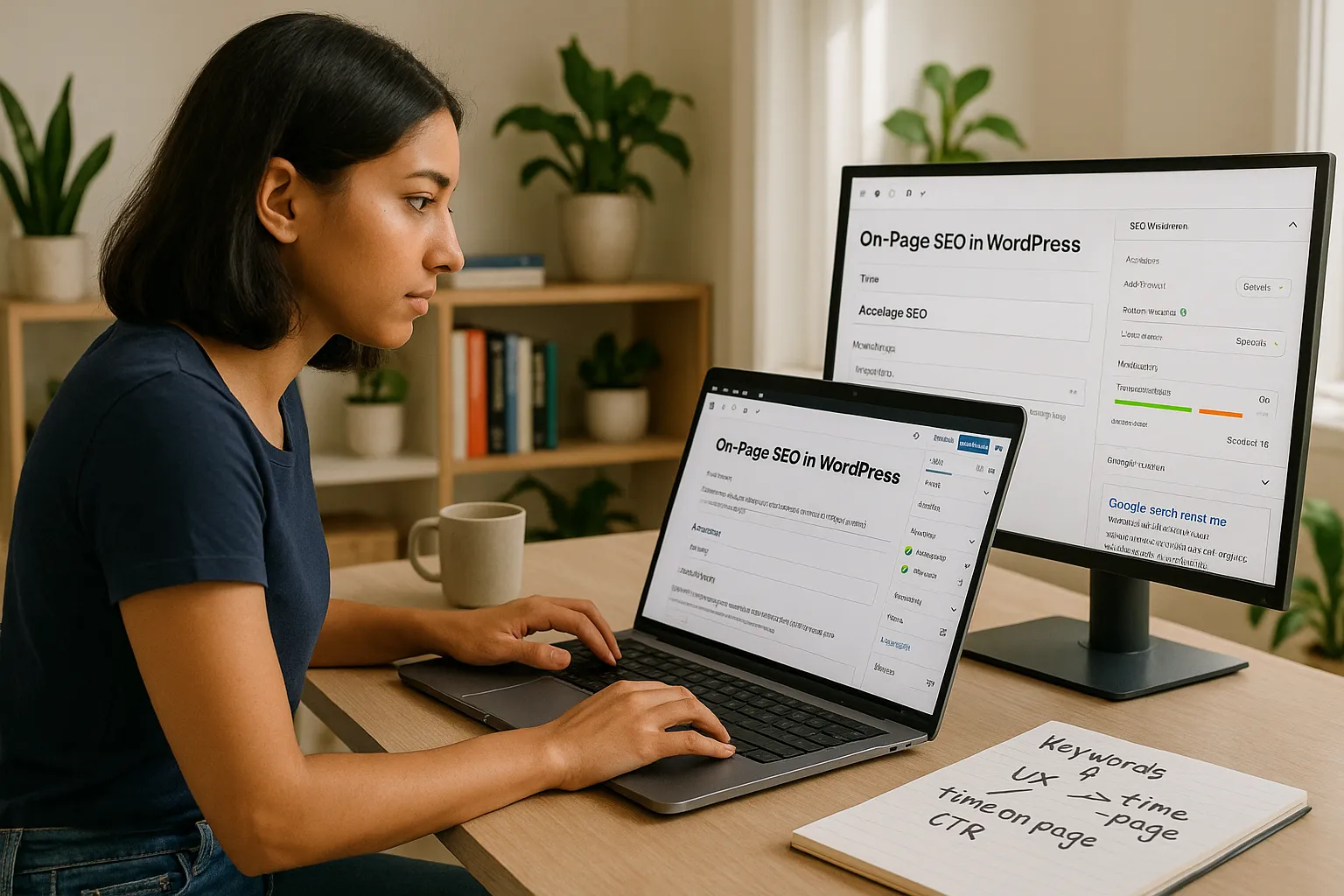
On‑page SEO in WordPress is everything we control on a single URL so search engines trust it and people want to click and stay. That includes the content, keywords, title tag, meta description, headings, internal links, images, and UX signals like time on page.
Here is why it matters. Google’s own documentation says it looks at page content and HTML tags to understand what a page is about and if it matches a searcher’s intent.
We can treat SEO on page WordPress as our “quality signal kit.“ When we tune these signals, we help Google:
- Understand our topic and niche
- Match our pages to the right queries
- Pick our snippet in the search results instead of a competitor
For professionals, this turns into very real outcomes. More booked calls for a law firm, more reservations for a restaurant, more leads for a B2B SaaS, or more referrals for a medical practice.
Setting Up Your WordPress Site For SEO Success
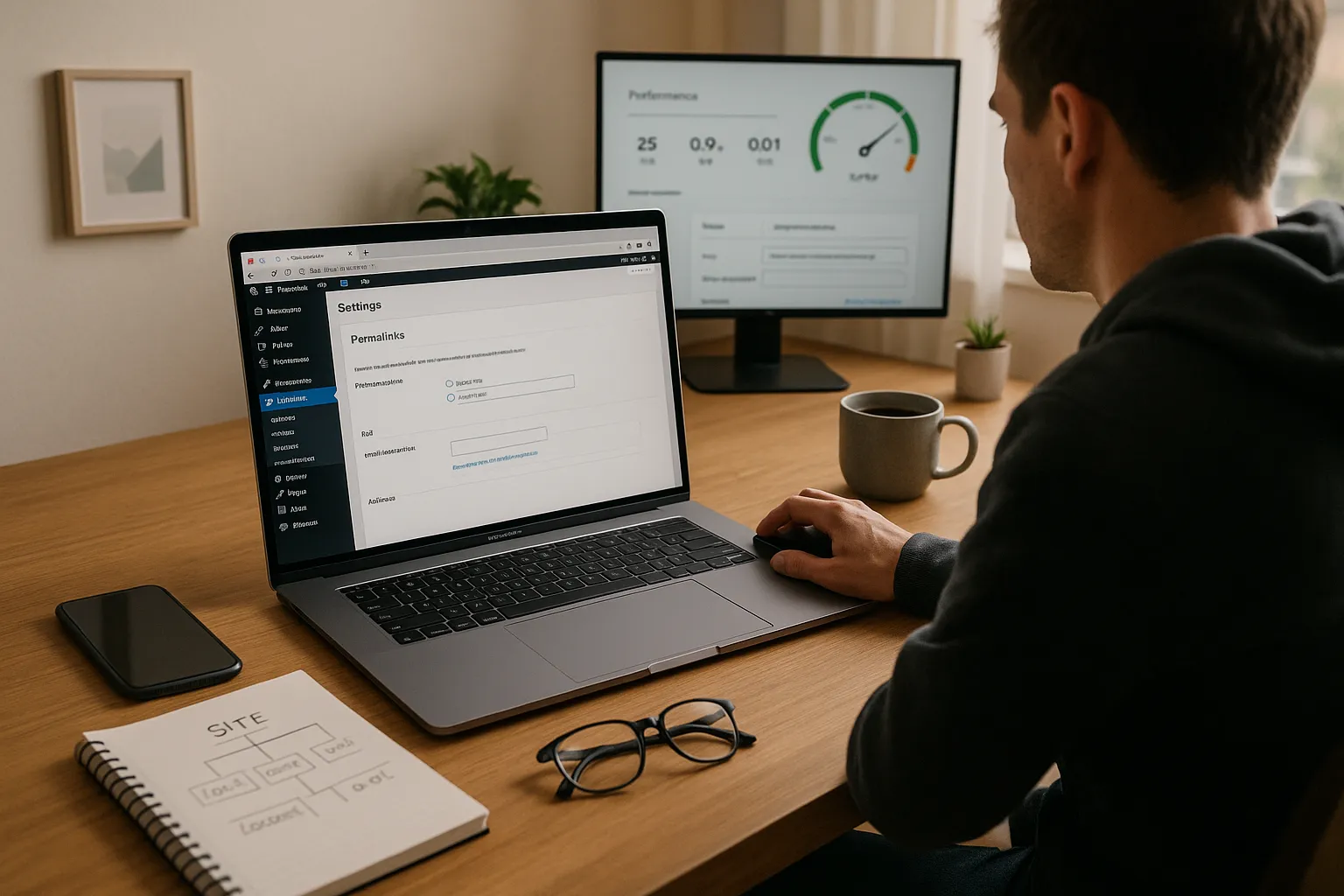
WordPress can support strong on‑page SEO, but we need the right setup first. We start with three things: structure, URL hygiene, and a reliable SEO plugin.
1. Fix permalink structure
Go to Settings → Permalinks and choose Post name. This keeps URLs short and readable, which helps users and search engines.
2. Pick one SEO plugin
Use something like Yoast SEO, Rank Math, or All in One SEO. One plugin is enough. It gives us fields for title tags, meta descriptions, schema, and other SEO on page WordPress controls.
3. Clean theme and performance basics
Choose a theme with clean code and mobile‑friendly design. Pair that with a good caching plugin and image compression. This supports Core Web Vitals and keeps our on‑page work from being dragged down by slow load times.
From here, each published page becomes a controlled experiment where we apply focused on‑page SEO, then measure results.
Researching And Choosing The Right Keywords For Each Page

Strong SEO on page WordPress starts with clear intent. Each page should target one main keyword plus a small cluster of related phrases.
We like a simple process:
1. Start with what clients actually search
Listen to how customers describe your service. Then plug those phrases into tools like Google Keyword Planner, Ahrefs, or Semrush.
2. Check search intent
Google the phrase. Look at the top results. Are they service pages, blog guides, product pages, or comparison posts? Our page type needs to match that intent.
3. Pick one main keyword per page
Use that phrase in the title tag, H1, first paragraph, one subheading, and a few times in the body.
4. Add semantic support terms
Use related entities and phrases that Google expects around the topic. For example, a “WordPress SEO” page might mention “XML sitemap,“ “schema markup,“ and “Core Web Vitals.“
One trap to avoid. Do not assign the same target keyword to multiple pages. That can confuse Google and weaken SEO on page WordPress across the site.
Optimizing Core On-Page Elements In WordPress
Once we have the keyword, we shape the page around it. This is where WordPress and an SEO plugin make seo on page wordpress much easier.
Title tag
Use the SEO plugin field, not just the WordPress post title. Keep it under about 60 characters. Include the main keyword close to the front.
Meta description
Write a clear, human‑focused pitch for the search result. Include the main keyword, a benefit, and a soft call to action. Aim for around 150–160 characters.
Headings (H1, H2, H3)
Use a single H1 that includes the main keyword or a close variant. Break sections with descriptive H2s and H3s. Make them useful, not stuffed.
URL
Keep it short. Remove stop words. Include the main keyword if it still reads natural.
Internal links
Link related pages together using descriptive anchor text. For example, from this guide we would link to content about WordPress technical SEO and SEO content strategy so search engines see topic clusters.
Improving Content Quality, Readability, And Engagement
On‑page SEO fails if the content feels like it was written just for robots. Google’s Quality Rater Guidelines talk a lot about E‑E‑A‑T: experience, expertise, authoritativeness, and trust.
Here is how we build that into SEO on page WordPress:
- Lead with a clear answer in the first paragraph. Then expand.
- Use short paragraphs and simple language. Our readers are busy.
- Add concrete examples, numbers, and scenarios from our field.
- Use bullets and subheadings to break down complex ideas.
- Add custom images, charts, or simple screenshots instead of only stock photos.
Engagement matters too. If users bounce right away, that is a bad signal. We keep people on the page with clear structure, fast load times, and content that speaks directly to their real questions.
One simple habit. Before we hit publish, we read the page out loud. If it sounds stiff or stuffed, we revise.
Enhancing Technical On-Page SEO Within WordPress
Technical tweaks sit right inside WordPress and support our on‑page work.
Schema markup
Use your SEO plugin or a schema plugin to add schema types like Article, LocalBusiness, Product, or FAQ where they fit. Schema helps search engines understand entities on the page.
Image SEO
Compress images, use descriptive file names, and set alt text that actually describes the image while lightly echoing the topic. This supports SEO on page WordPress and improves accessibility.
Mobile experience and Core Web Vitals
Google’s documentation on page experience highlights mobile friendliness and speed as signals. We test with PageSpeed Insights and Search Console, then fix layout shifts, slow scripts, and large images.
Canonical tags
Use the SEO plugin to set canonicals if we have near‑duplicate pages. That keeps authority focused on one URL.
All of this lives close to the content. We want each important page technically clean so search engines can crawl, parse, and rank it without friction.
Monitoring Performance And Iterating Your On-Page SEO
Good SEO on page WordPress is not a one‑time task. Search behavior changes, competitors update their pages, and Google tweaks ranking systems.
We keep a simple review loop:
- Search Console
Track queries, impressions, clicks, and average position for each page. Look for pages that rank on page 2 and deserve a push.
- Analytics
Watch organic sessions, bounce rate, and conversions from each key page.
- On‑page tests
Adjust title tags, meta descriptions, and content depth. Then watch how click‑through rate and rankings react over a few weeks.
The goal is steady, small wins. Tune one set of pages at a time. Document what works in your niche so your future WordPress content launches closer to “right” on day one.
Conclusion
Professionals who take SEO on page WordPress seriously usually pull ahead of those who only publish and hope. The platform already gives us a strong base. The advantage comes from how we plan each page, write for real people, and use technical features with intent.
If we had to pick a starting point, we would say this. Pick ten pages that matter for revenue. Give each one a clear keyword, a stronger title tag, a sharper intro, and updated internal links. Then measure what happens over the next 60 to 90 days.
That small experiment often pays for the rest of your SEO work.
What On-Page SEO Looks Like In Different Professional Niches
On‑page SEO in WordPress feels different for a surgeon than for a SaaS founder or a hotel owner. The mechanics stay the same, but the angle, proof, and language shift.
Optimizing Local Pages For Service Professionals
Local professionals depend on geo‑focused SEO on page WordPress. Think “family lawyer in Austin,“ “emergency plumber Brooklyn,“ or “pediatric dentist near me.“
Here is what we stress on local service pages:
- City and neighborhood terms in titles, headings, and body copy
- Embedded Google Maps and consistent NAP (name, address, phone)
- Service sections that match how real people describe problems
- Local proof: reviews, case stories, associations, insurances taken
We pair this with a strong Google Business Profile and local citations. Together, that gives Google strong signals that this specific page serves searchers in a specific place.
Optimizing Thought Leadership And Content-Heavy Sites
Consultants, marketers, engineers, lawyers, and researchers often win with long‑form content. The goal here is topical depth and clear structure.
For these sites, seo on page wordpress focuses on:
- Strong H2 and H3 structure to guide scanning
- Summaries and TL:DR sections near the top
- Original charts, frameworks, or data where possible
- Internal links that connect related posts into topic clusters
We want each article to teach something that generic content does not. Over time, this style of on‑page SEO signals expertise and earns natural links.
Sources
- “Search Engine Optimization (SEO) Starter Guide,” Google Search Central, last updated 2023, https://developers.google.com/search/docs/fundamentals/seo-starter-guide
- “Google Search Essentials,” Google Search Central, 2022, https://developers.google.com/search/docs/fundamentals/search-essentials
- “Search Engine Ranking Factors,” Moz, 2023, https://moz.com/learn/seo/search-ranking-factors
Frequently Asked Questions about On-Page SEO in WordPress
What is on-page SEO in WordPress and why does it matter?
On-page SEO in WordPress is everything you control on a single URL—content, keywords, title tag, meta description, headings, internal links, images, and UX signals. It matters because Google uses these elements to understand your topic, match your page to the right queries, and decide if you deserve clicks.
How do I start with SEO on-page in WordPress the right way?
To set up seo on page wordpress correctly, first fix your permalink structure to “Post name,” choose one solid SEO plugin (Yoast, Rank Math, or All in One SEO), and use a clean, mobile‑friendly theme with caching and image compression so performance doesn’t hold your rankings back.
What is the best way to choose keywords for each WordPress page?
Start with phrases real clients use, then check them in tools like Google Keyword Planner, Ahrefs, or Semrush. Verify search intent in Google’s results, pick one main keyword per page, add a small cluster of related terms, and avoid assigning the same primary keyword to multiple URLs.
How can I optimize title tags and meta descriptions for seo on page wordpress?
Use your SEO plugin fields. Keep title tags under about 60 characters, place the main keyword near the front, and make them compelling. For meta descriptions, write a clear benefit‑driven pitch around 150–160 characters, include the keyword naturally, and add a soft call to action to improve CTR.
Do I really need an SEO plugin for on-page SEO in WordPress?
You can edit content without one, but an SEO plugin makes on-page SEO far easier. It centralizes control of title tags, meta descriptions, canonical tags, schema markup, and XML sitemaps, and often provides readability and on-page checks that reduce mistakes and speed up optimization work.
Some of the links shared in this post are affiliate links. If you click on the link & make any purchase, we will receive an affiliate commission at no extra cost of you.
