
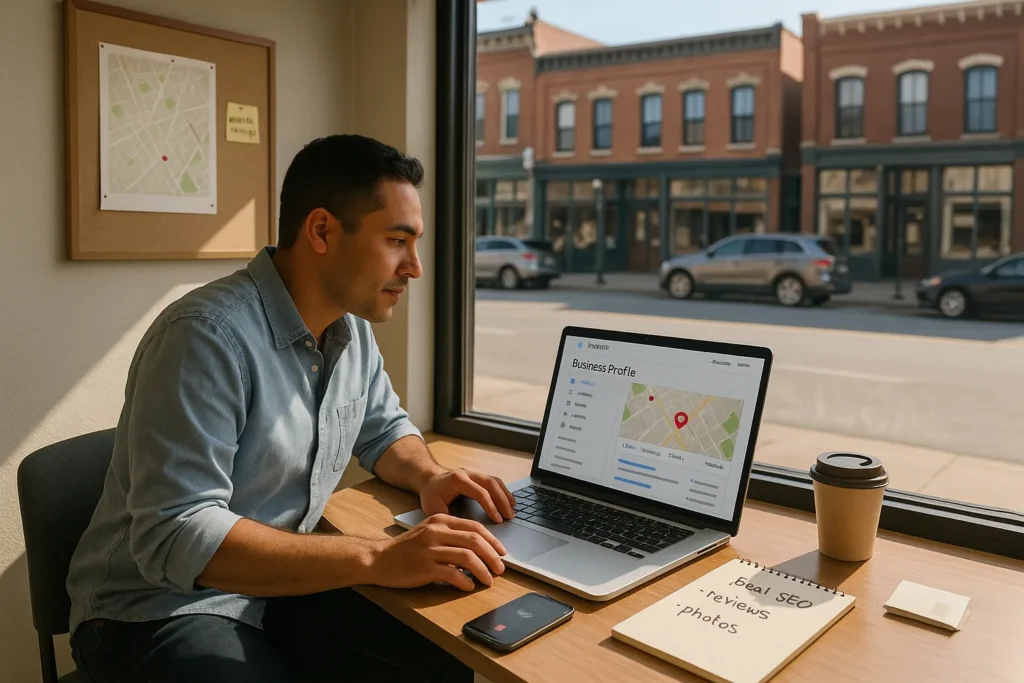
If local customers cannot find us in Google, our storefront or service might as well be invisible. Local SEO with Google My Business, now called Google Business Profile, is the bridge between nearby searchers and our actual doors. In a few screens and fields, we tell Google who we are, where we are, and why we deserve to appear first.
In this guide we walk through practical, concrete steps, not theory. By the end, we can log into our profile, tune it with confidence, and turn local search visibility into real customers.
Key Takeaways
- Local SEO with Google My Business (Google Business Profile) is the core bridge between nearby searchers and your physical or service-area business on Google Search and Maps.
- Claiming, verifying, and keeping your Google Business Profile details (name, address, phone, website, hours, and categories) accurate is foundational to strong local seo google my business results.
- Optimizing relevance, distance, and prominence—through precise categories, correct address/service area, and consistent online mentions—directly influences your local search rankings.
- High-quality reviews, fresh photos, active Posts, and quick responses to messages signal trust and activity, helping your profile attract more clicks, calls, and visits from local customers.
- Regularly reviewing Google Business Profile Insights, Google Analytics, and Search Console data lets you refine your local seo google my business strategy and turn visibility into measurable leads and sales.
What Local SEO Is And Why Google Business Profile Matters
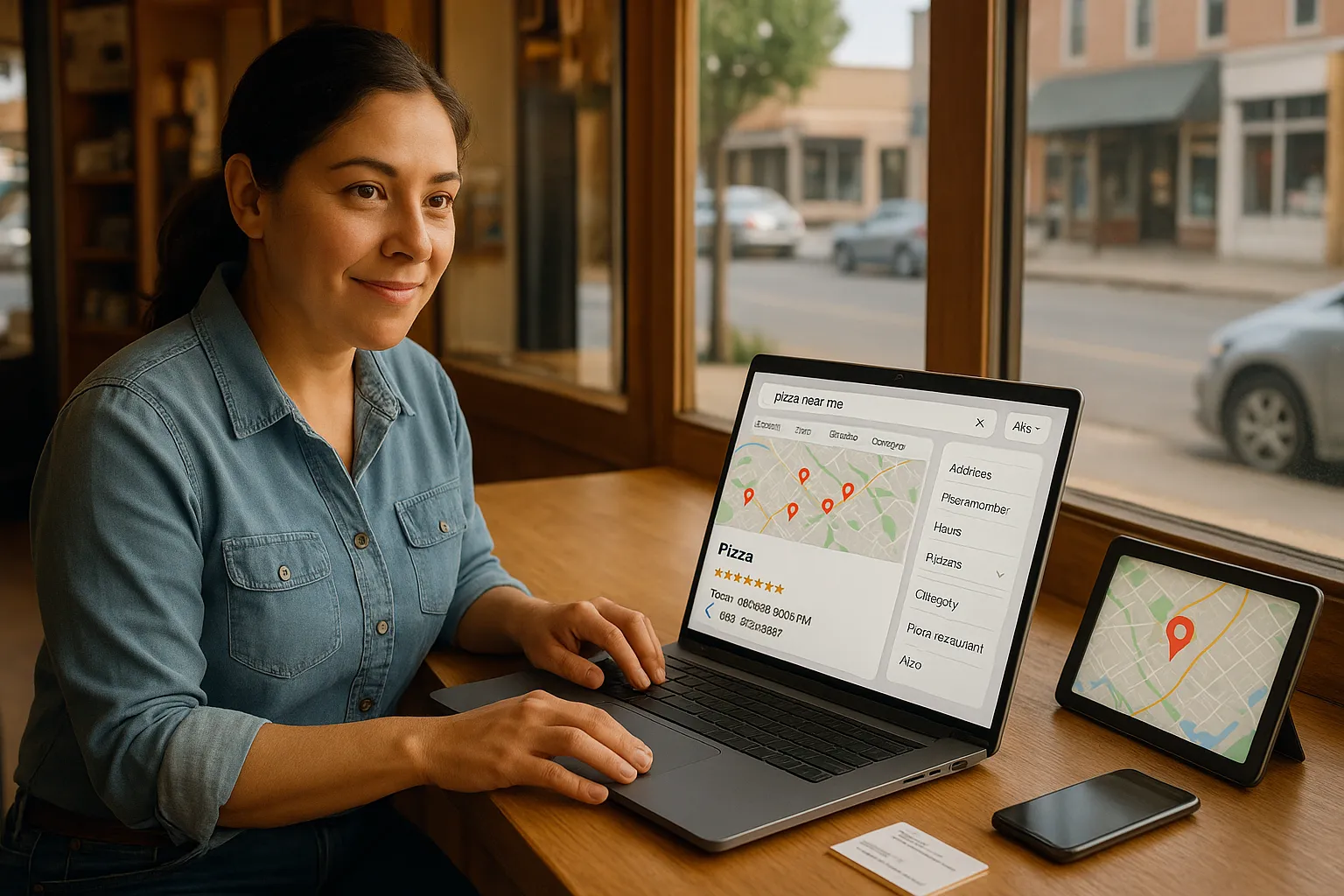
Local SEO focuses on how we appear when people nearby search for services on Google Search and Google Maps. When someone types “pizza near me” or “injury lawyer in Austin”, Google tries to match them with nearby businesses that fit their intent.
Google Business Profile is the central listing Google uses for that local pack, map results, and many brand searches. Our profile feeds Google our name, address, phone, hours, category, reviews, and more. If we care about “local seo google my business” is the most direct lever we can pull.
Here is why it matters:
- Without a claimed and accurate profile, our business may not appear at all in map packs.
- Inconsistent info across the web can confuse Google and lower trust.
- Strong profiles with good reviews and photos often steal attention from bigger brands that ignore local SEO.
Google’s own help docs confirm that relevance, distance, and prominence shape local rankings.
Sources:
- “How to improve your local ranking on Google”, Google Business Profile Help, Google, updated 2024, https://support.google.com/business/answer/7091
How Google Business Profile Influences Local Search Rankings
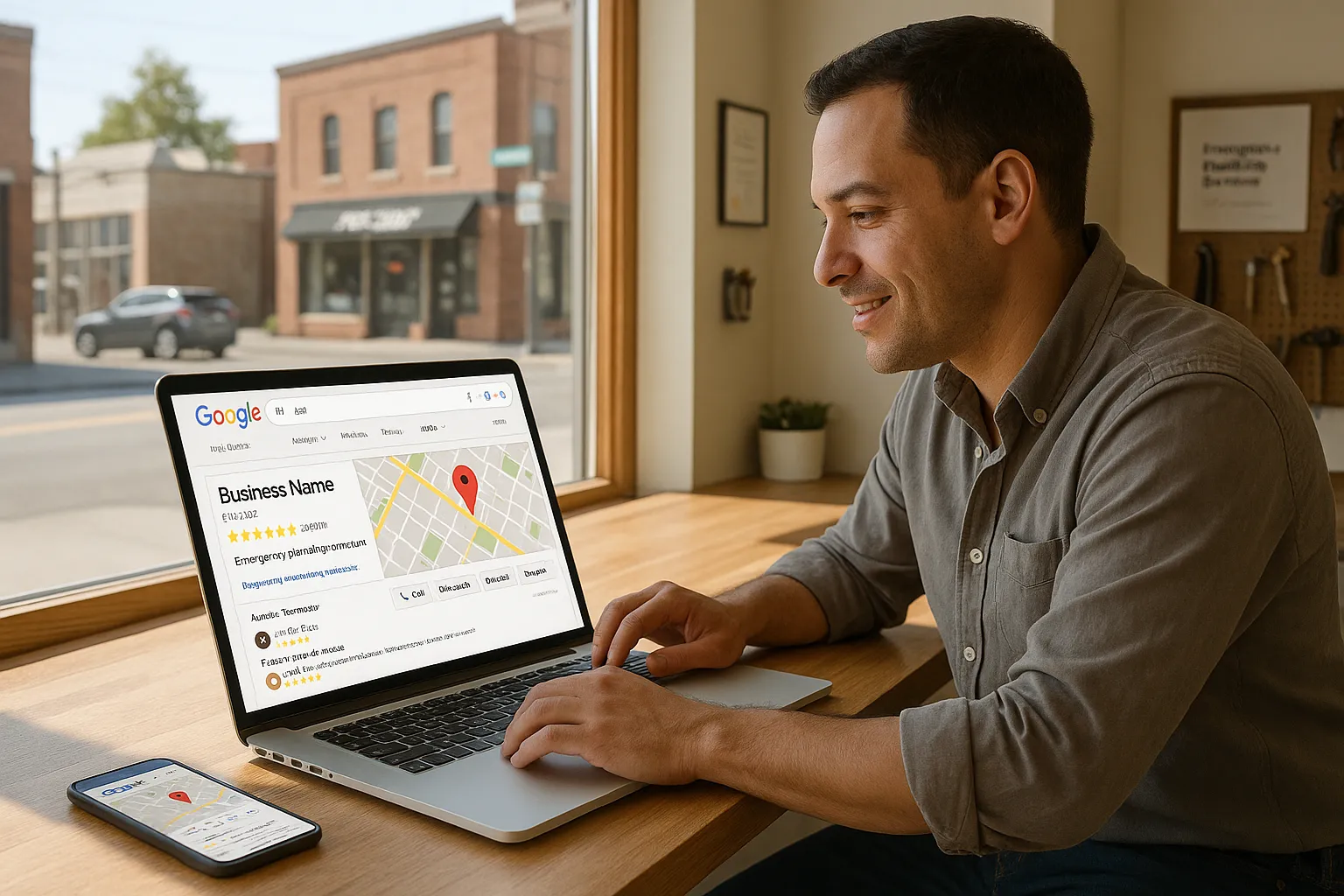
Google has not shared a complete formula, but we do know the main factors at play. When we focus on local SEO with Google My Business, we are really influencing three buckets Google mentions: relevance, distance, and prominence.
Here is a quick breakdown.
Relevance
Relevance is how well our profile matches a searcher’s intent. Our category, description, services, and posts help Google understand what we do. If someone searches “emergency plumber” and our category is just “contractor”, we look less relevant.
Distance
Distance is how close our location is to the person searching or the location term they typed. We cannot move our office for better rankings, but we can ensure our address and service area are accurate.
Prominence
Prominence is how well known and trusted our business appears online. This includes:
- Review count and review score
- Mentions across other sites and directories
- Clicks and engagement with our listing
So when we talk about local seo google my business, we talk about:
- Clear categories and services for relevance
- Exact address data for distance
- Reviews, photos, and engagement for prominence
Sources:
- “Improve your local ranking on Google”, Google Business Profile Help, Google, updated 2024, https://support.google.com/business/answer/7091
- “Local Search Ranking Factors”, Whitespark, 2023, https://whitespark.ca/local-search-ranking-factors/
Setting Up And Claiming Your Google Business Profile Correctly
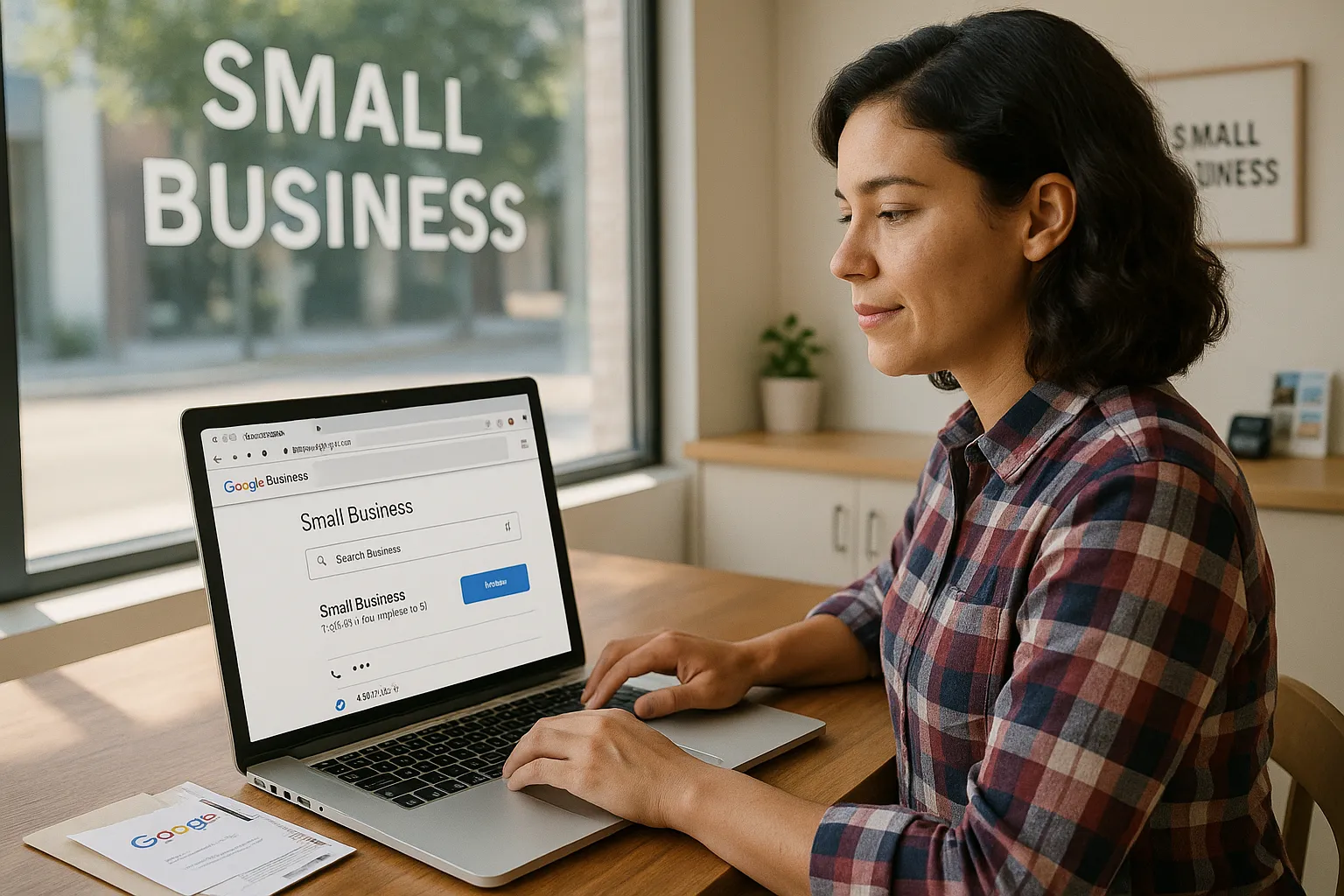
Before we can tune anything, we need full control of our listing.
Step 1: Find or create the profile
- Go to https://business.google.com
- Sign in with the Google account we want to keep long term.
- Search for our business name.
- If it appears, claim it.
- If not, create a new business.
Step 2: Enter accurate core details
Add:
- Exact business name, matching our storefront and website
- Physical address or service area
- Main phone number
- Website URL
- Business category that best reflects our main service
Accuracy here is a big part of local seo google my business work. Small mismatches between our profile, website, and directories can cause confusion.
Step 3: Verify the business
Google usually sends a postcard, text, email, or offers instant verification through Search Console. Until we verify, our edits might not appear. Follow the instructions in the dashboard and complete verification as soon as the code arrives.
Once verified, we control what Google shows and we can start real local SEO tuning.
Internal link suggestion:
- We can connect this step with a deeper resource on our site, such as “Local keyword research for service businesses” at
/local-keyword-research. This pairs well with our work on categories and descriptions.
Optimizing Your Profile For Maximum Local Visibility
Now we turn a plain listing into a strong local asset.
Choose the right categories
Our main category should describe our core offer. Then we can add secondary categories that fit, without stretching. A dentist might use “Dentist” as the main and add “Cosmetic dentist” or “Emergency dental service” if appropriate.
This category choice connects local seo google my business work with traditional keyword research. We look at what our audience searches and choose categories that match intent.
Write a clear business description
Use plain language. Mention our services, city or neighborhood, and what makes us different.
Bad: “We provide high quality solutions to all your needs.”
Better: “We are a family-owned HVAC company serving Chicago’s North Side, handling same-day furnace repair and seasonal AC tune-ups.”
We can include our target terms, but the text should first read naturally to humans.
Add accurate hours and attributes
Set regular hours and special hours for holidays so customers do not arrive to a closed door. Add attributes such as “wheelchair accessible entrance”, “outdoor seating”, or “online appointments” where they apply.
Upload strong photos and short videos
People judge fast. Clear photos of our storefront, interior, staff, food, finished projects, or waiting room build trust. Profiles with photos tend to receive more clicks and calls, according to multiple local SEO studies.
Internal link suggestion:
- If our site has a guide like “How to write a local SEO friendly homepage” at
/local-seo-homepage-guide, we should link to it from content that supports our profile description choices.
Using Reviews, Posts, And Messaging To Attract Local Customers
Once the basics are in place, we shift to ongoing signals that tell Google and people we are active and trusted.
Reviews
Reviews shape both prominence and click behavior. A profile with many recent reviews usually beats a profile with only a few old ones.
Practical steps:
- Ask happy customers by email, text, or at the end of a visit.
- Make it easy with a direct review link from our Business Profile dashboard.
- Reply to every review, good or bad, in a calm and human tone.
Google’s local guide for businesses confirms that quality, quantity, and recency of reviews influence visibility. So reviews sit at the heart of local seo google my business activity.
Posts
Google Posts let us share short updates right on our profile. We can promote:
- Seasonal offers
- Events or webinars
- New menu items or services
Keep posts short, direct, and visual. Add a call to action such as “Book now” or “Call today”.
Messaging and calls
If we enable messaging, customers can text us from our listing. Respond quickly, or disable it if we cannot keep up. Missed messages hurt trust.
Every review, post, message, and call tells Google that our listing is active and useful. That helps our local SEO and brings in more nearby customers.
Tracking Performance And Improving Your Local SEO Strategy
We cannot grow what we do not measure. Local seo google my business work needs regular checks.
Use Google Business Profile Insights
Inside the dashboard we can see:
- How many views our profile receives
- How many people call, visit our website, or request directions
- What search terms people used before seeing us
Watch trends over weeks and months, not just day to day noise.
Connect with Google Analytics and Search Console
Tag the link from our profile to our site with UTM parameters so we see traffic from the listing clearly. In Google Analytics and Search Console we can track:
- Sessions and conversions from GBP traffic
- Local search queries that show our pages
Adjust based on data
If we notice many searches for “emergency electrician” driving views, we can:
- Add a dedicated service page on our site
- Mention emergency service clearly in the profile description and posts
If we see calls dip, we check hours, photos, and reviews. Something in the profile, service, or competition probably changed.
Local SEO is not a one-time task. A quick monthly review, a few fresh photos, and steady review requests keep our presence strong.
Sources:
- “About performance reporting”, Google Business Profile Help, Google, updated 2024, https://support.google.com/business/answer/9756891
Conclusion
Local SEO with Google My Business is less about tricks and more about clear signals. We tell Google who we are, prove that real people like us, and stay active where our customers actually search.
If we do nothing else for local seo google my business work, these steps already move the needle:
- Claim and verify the profile under an account we control.
- Choose accurate categories and write a plain-language description.
- Keep hours, address, and attributes current.
- Add real photos and short videos that reflect daily life at our business.
- Ask for reviews consistently and reply with care.
- Watch Insights, Analytics, and Search Console and adjust.
Local search can feel crowded, but many competitors still ignore these basics. When we take them seriously and repeat them each month, we give our business a steady local edge.
Sources mentioned in this guide:
- “How to improve your local ranking on Google”, Google Business Profile Help, Google, updated 2024, https://support.google.com/business/answer/7091
- “Local Search Ranking Factors”, Whitespark, 2023, https://whitespark.ca/local-search-ranking-factors/
- “About performance reporting”, Google Business Profile Help, Google, updated 2024, https://support.google.com/business/answer/9756891
Frequently Asked Questions
What is local SEO with Google My Business and why does it matter for small businesses?
Local SEO with Google My Business (now Google Business Profile) helps your business appear in local search and Google Maps when people nearby search for services. A complete, accurate profile increases visibility, builds trust through reviews and photos, and can outrank bigger brands that neglect local optimization.
How do I set up and claim my Google Business Profile for local SEO?
Go to business.google.com, sign in, then search for your business. If it exists, request to claim it; if not, create a new listing. Add accurate name, address, phone, website, and primary category, then complete verification via postcard, text, email, or instant verification if available.
What are the most important factors for local SEO in Google My Business rankings?
Google highlights three main factors: relevance, distance, and prominence. Relevance comes from clear categories, services, and descriptions. Distance is how close you are to the searcher or specified location. Prominence reflects reviews, citations, clicks, and engagement with your profile across Google Search and Maps.
How can I optimize my Google Business Profile to improve local SEO results?
Focus on accurate categories, a clear, human-friendly business description, correct hours, and relevant attributes. Add high-quality photos and short videos of your location, team, or work. Regularly publish Google Posts, enable messaging if you can respond quickly, and continuously request and respond to customer reviews.
How long does local SEO with Google My Business usually take to show results?
Timelines vary, but many businesses notice changes within a few weeks of properly setting up and optimizing their profile. Stronger gains often appear over 2–3 months as you collect more reviews, add posts and photos, and refine categories and content based on Insights and Analytics data.
Is Google My Business enough for local SEO, or do I still need a website?
A strong Google Business Profile is critical for local seo google my business work, but it doesn’t replace a website. Your website reinforces relevance, showcases full services, and can rank in organic results. Together—optimized GBP plus a well-structured local website—they create the best chance to dominate local searches.
Some of the links shared in this post are affiliate links. If you click on the link & make any purchase, we will receive an affiliate commission at no extra cost of you.
