
The first time we pointed DeepSeek at a messy, half-finished project and watched it clean, structure, and push work forward on its own, our calendar suddenly felt lighter. Emails stopped piling up, research notes turned into clear briefs, and reports that once took hours showed up in minutes. If we treat DeepSeek as a tireless teammate instead of a fancy toy, we can quietly remove half the grunt work from our day. In this guide, we walk through practical ways to use DeepSeek to automate your workflow without losing control or quality.
Key Takeaways
- Treat DeepSeek as a reusable system of prompts and templates to automate your workflow, not as a one-off chat tool.
- Define clear roles, inputs, and outputs so DeepSeek delivers consistent summaries, reports, and decisions you can trust and reuse.
- Use DeepSeek to automate knowledge, content, data, and process tasks—such as research briefs, content drafts, and email triage—to reclaim hours each week.
- Plug DeepSeek into tools like Zapier, Make, or n8n to trigger automated workflows from events such as new emails, CRM entries, or support tickets.
- Keep humans in the loop by enforcing context, templates, and strict review so DeepSeek handles the heavy drafting while you handle judgment and final approval.
Understanding What DeepSeek Can Do For Your Workday
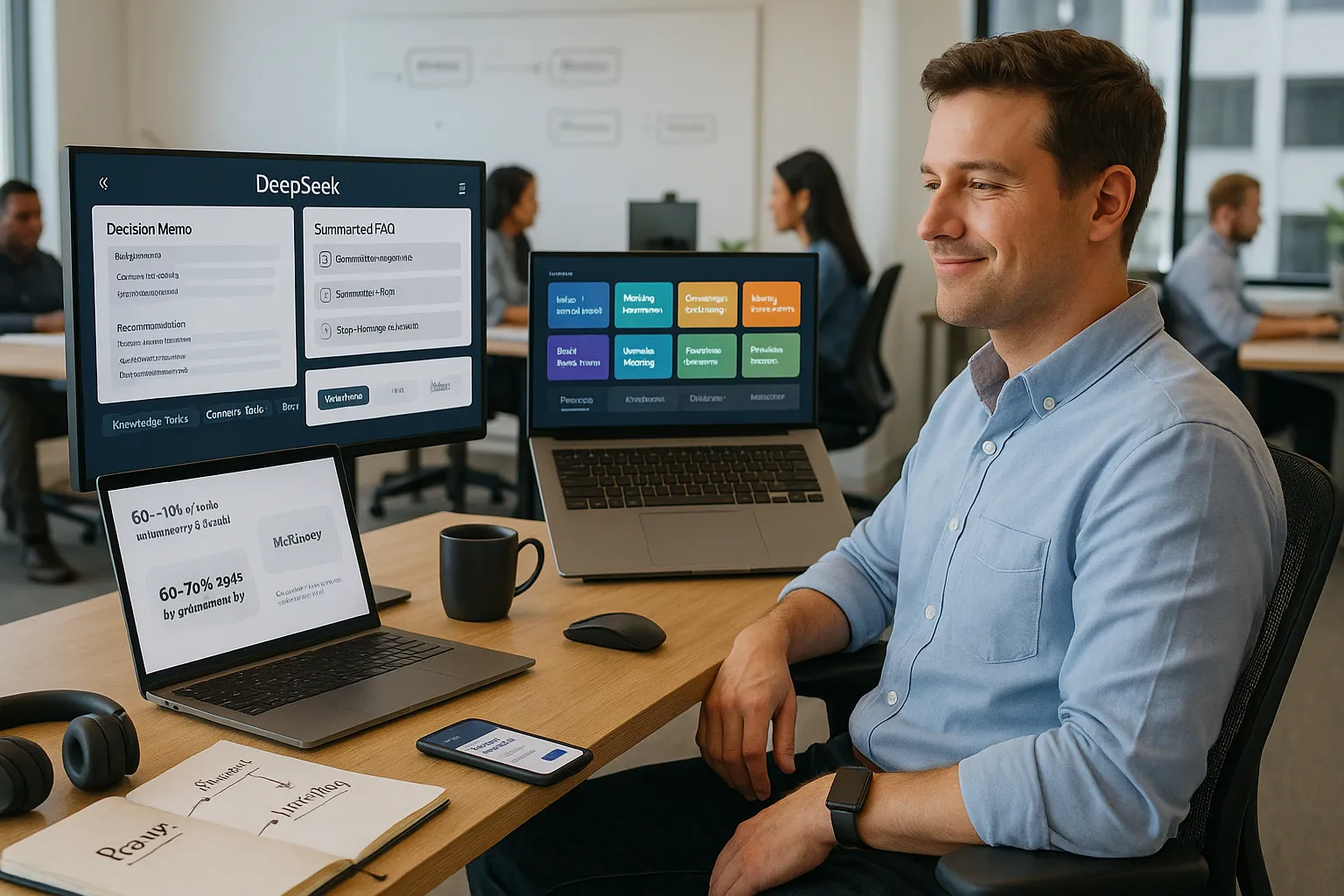
DeepSeek helps us turn instructions into repeatable outputs, which is the core of any workflow automation. We give it context, rules, and examples, and it gives us structured work products instead of random replies.
Here is what DeepSeek can handle in a typical day:
- Knowledge tasks: Summaries, comparisons, structured briefs, FAQs, and decision memos.
- Content tasks: Drafts of posts, emails, outlines, scripts, captions, and replies.
- Data tasks: Light analysis, tables, trend descriptions, scenario breakdowns.
- Process tasks: Checklists, SOPs, onboarding sequences, and step-by-step guides.
The real value comes when we stop using DeepSeek ad hoc and start treating each prompt as a reusable workflow step. The moment we write a prompt that works reliably and saves time, we save it, label it, and plug it into our daily process.
Research from McKinsey shows that generative AI can automate up to 60–70% of the time spent on tasks like writing emails, creating documents, and gathering information [The economic potential of generative AI, McKinsey & Company, June 2023, https://www.mckinsey.com/industries/technology-media-and-telecommunications/our-insights/the-economic-potential-of-generative-ai]. DeepSeek sits right in that zone.
Setting Up DeepSeek For Reliable, Repeatable Automation
We get real automation only when DeepSeek behaves the same way every time. That starts with how we set it up.
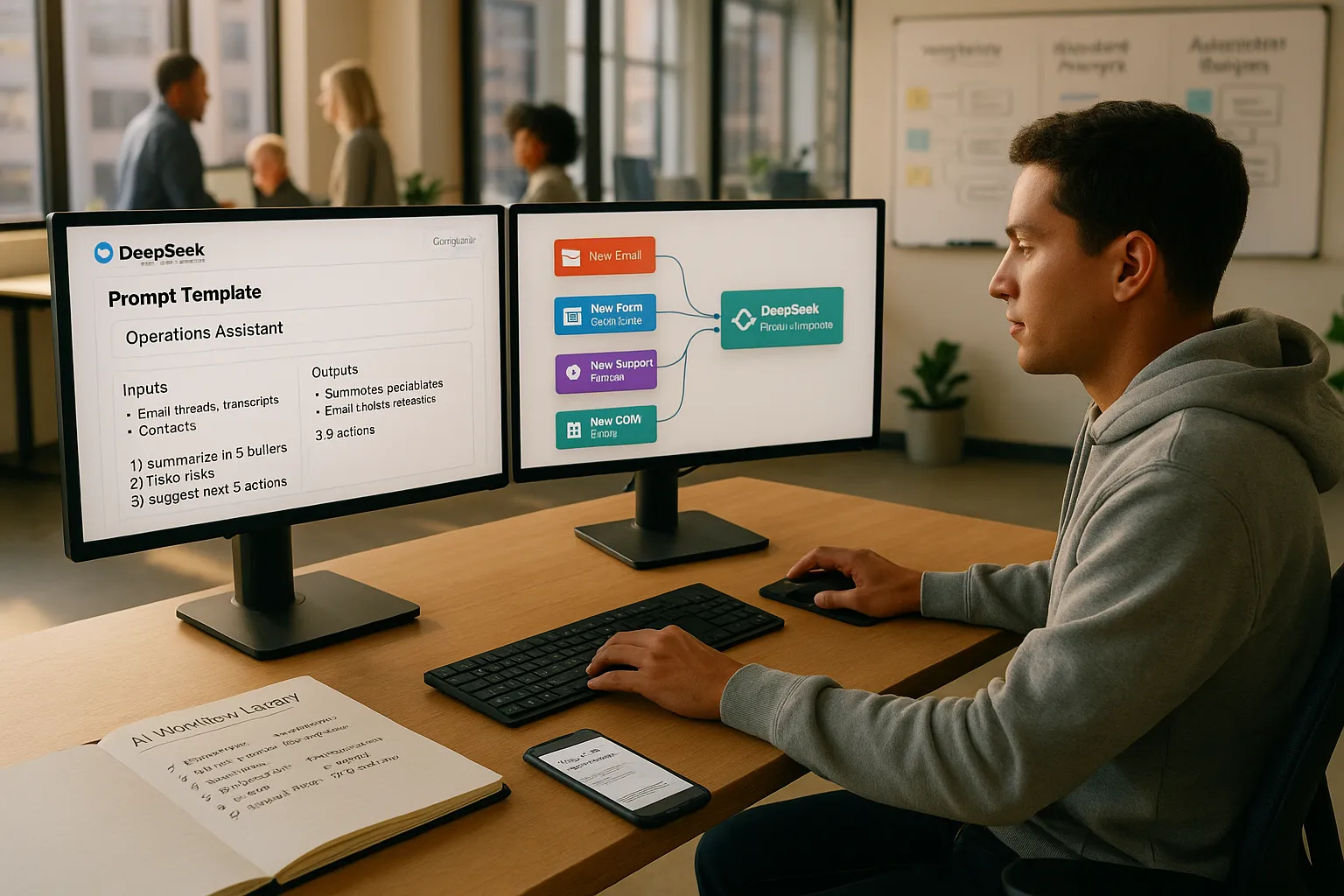
First, we define a role: “You are our operations assistant,” or “You are our in-house legal summarizer.” Then we specify inputs and outputs:
- What we will always give it, such as a transcript, email thread, contract, or dataset.
- What it should always return, such as a summary, decision table, email reply, or checklist.
Next, we write a standard prompt template and reuse it:
“Read the input. Then 1) summarize in 5 bullets, 2) list 3 risks, 3) suggest next 3 actions, each with owner and due date.”
We store these templates in our notes tool, project management app, or a shared AI workflow library. Over time, this becomes a catalog of DeepSeek recipes the whole team can run without thinking.
If we use DeepSeek through an API or automation tool like Zapier, Make, or n8n, we plug these prompts into triggers: new email, new form response, new support ticket, or new CRM entry.
Automating Knowledge Work: Research, Analysis, And Reporting
DeepSeek shines when we ask it to handle structured thinking tasks that follow a pattern.
Research
We feed DeepSeek raw material: web pages, PDFs, interview notes, spreadsheets. Then we ask it to output:
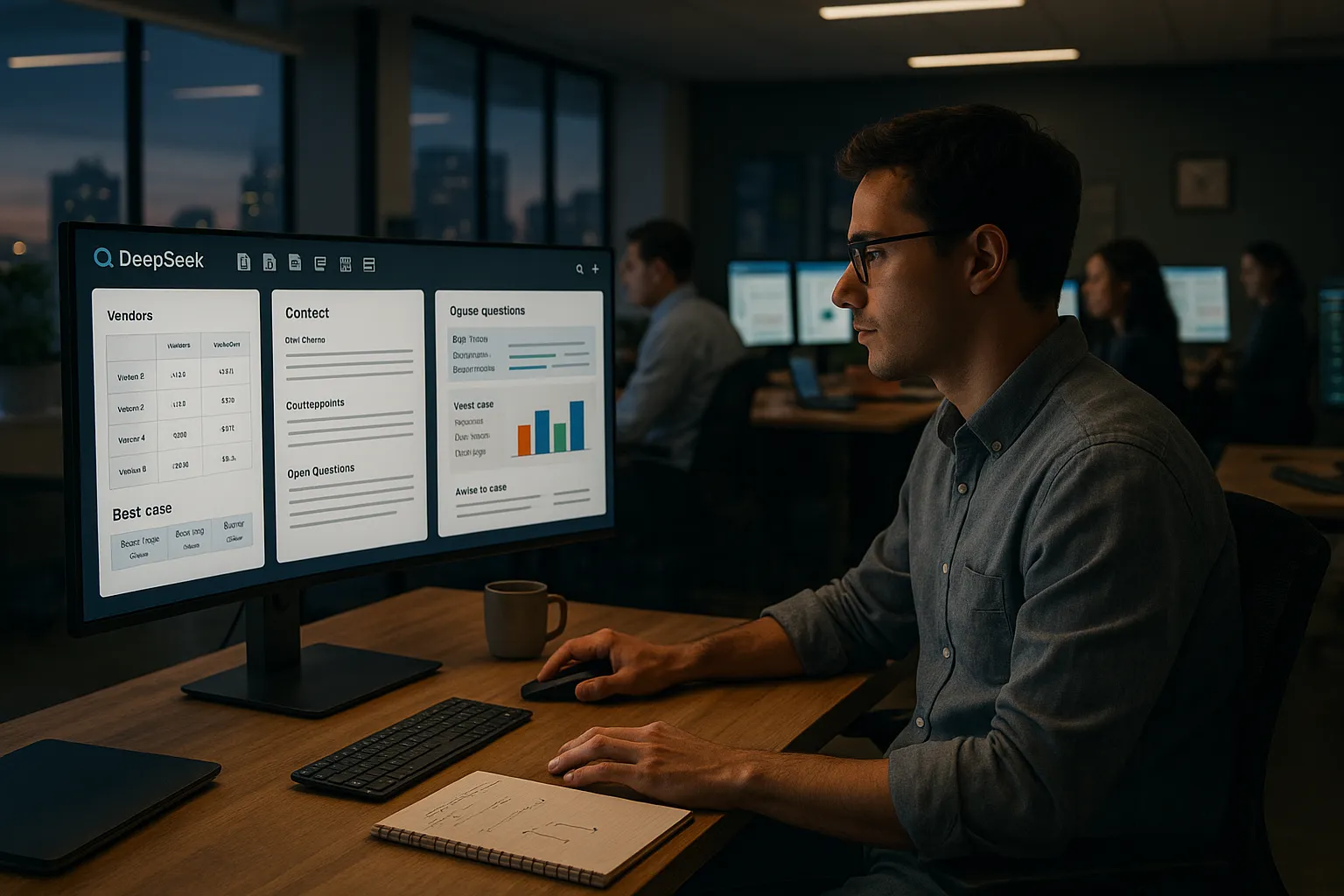
- Briefs with sections like “context, main claims, counterpoints, open questions.”
- Comparison tables across vendors, tools, or options.
- Question lists for deeper interviews or due diligence.
Analysis
We set rules: “Always challenge assumptions,” “Always show both upside and downside,” “Always flag legal or compliance risks.” DeepSeek can then:
- Extract key metrics or themes from text.
- Draft scenario descriptions: best case, base case, worst case.
- Turn messy data into a narrative insight report.
Reporting
We point DeepSeek at source material and give it report templates.
- Weekly status updates from project boards.
- Client updates pulled from CRM notes.
- Board-level summaries with bullets and charts described in text.
A study by MIT and Stanford found that workers using generative AI cut task time by about 40% on writing and support work [Experimental Evidence on the Productivity Effects of Generative Artificial Intelligence, MIT / NBER, 2023, https://www.nber.org/papers/w31161]. With steady templates, DeepSeek fits right into that pattern.
Using DeepSeek To Streamline Content And Communication
DeepSeek can quietly handle half of our daily communication if we train it on our style and boundaries.
Content
We start with a simple pipeline:
- Idea list: Ask DeepSeek to generate content angles from our niche and audience.
- Outline: Turn a chosen idea into sections, headings, and talking points.
- Draft: Produce a first pass, with clear instructions on tone, length, and structure.
- Edit: Ask for a tighter version, then we do a final human pass.
We can mirror this pipeline across blog posts, YouTube scripts, LinkedIn threads, or podcast show notes. Storing these steps inside a content calendar or a content workflow guide keeps the process repeatable.
Communication
DeepSeek also helps with:
- Inbox triage, with suggested replies and tags.
- Client or patient updates, based on notes or transcripts.
- Internal updates written from project comments.
We set rules for tone: “polite but direct,” “no promises without dates,” “always suggest next step.” DeepSeek then becomes our first draft engine while we keep final say.
Industry-Specific Workflow Automations With DeepSeek
DeepSeek gets more powerful when we plug it into our specific field and jargon. Here is how we can shape it across different roles.
Business And Entrepreneurship
Founders and operators can use DeepSeek to:
- Turn meeting notes into decision logs and action lists.
- Draft job descriptions, scorecards, and interview question sets.
- Create quick models in plain language, with revenue and cost scenarios.
- Generate SOP drafts for recurring processes like hiring, billing, or support.
We feed DeepSeek our actual documents so it learns our format, then tell it to “mirror the structure and tone of the examples.”
Marketing, Influencers, And Content Creators
For marketing teams and creators, DeepSeek works as a campaign assistant:
- Campaign briefs from client questionnaires.
- Content calendars mapped by channel, theme, and goal.
- Variations of hooks, headlines, and CTAs from one base idea.
- Comment and DM replies that follow our brand voice.
We can even ask DeepSeek to tag content by funnel stage or audience segment, then export that for ads and CRM.
Professional Services: Legal, Medical, And Finance
In regulated fields, we keep DeepSeek behind strict guardrails. It helps with structure, not final judgment.
- Legal: Clause summaries, issue lists, timeline reconstructions from emails, discovery question drafts.
- Medical: Visit summaries, patient education drafts from clinician notes, intake form triage.
- Finance: Management commentary from spreadsheets, variance notes, portfolio snapshots.
We always add a rule: “Never give final legal/medical/financial advice. Flag issues and prepare drafts for expert review.” That keeps DeepSeek in a supportive role, not a decision maker.
Technical Fields: Technology, Space, And Aerospace
Engineers and technical leaders can point DeepSeek at specifications, tickets, and research.
- Turn feature ideas into spec outlines and test cases.
- Rewrite dense technical material into stakeholder-friendly updates.
- Create documentation drafts from commit messages or pull request notes.
- Summarize research papers, test plans, and anomaly reports.
We can maintain a short glossary for DeepSeek so it handles acronyms and domain language correctly.
Service Industries: Hospitality, Restaurants, And Transportation
For high-touch service work, DeepSeek helps central teams keep quality high without writing everything from scratch.
- Standard replies to guest inquiries, tuned by brand and property.
- Staff training outlines, quiz questions, and one-page playbooks.
- Menu descriptions, promotion blurbs, and reservation follow-ups.
- Route update notices, safety reminders, and schedule summaries.
Frontline staff still adapt messages based on context, yet DeepSeek removes the blank-page feeling and keeps tone consistent.
Best Practices, Limitations, And How To Stay In Control
DeepSeek is powerful, but it is still pattern-matching text, not thinking like a human. We stay in control by setting clear rules.
Good habits:
- Always give context: Who is the audience, what is the goal, what is off-limits.
- Lock templates: Reuse proven prompts instead of rewriting them every time.
- Fact-check: Treat any claim, number, or citation as a draft, not ground truth.
- Log wins: When DeepSeek saves an hour, capture the prompt and add it to your internal library.
Limits to respect:
- It can sound confident while being wrong.
- It may miss nuance in ethics, law, and safety.
- It does not know our internal politics, history, or unspoken rules.
So we let DeepSeek do the heavy lifting on structure, drafting, and first passes. Humans handle judgment, edge cases, and final approval.
Conclusion
DeepSeek turns repeatable thinking into repeatable workflows. When we treat prompts as building blocks, plug them into our tools, and keep tight human review, we trade busywork for higher-level work.
If we start with just three flows this week, say research briefs, content drafts, and email triage, we will feel the shift right away. From there, every new project becomes a chance to add another DeepSeek recipe to our stack and free up more time for the work only we can do.
Frequently Asked Questions
How can you use DeepSeek to automate your workflow day to day?
You can use DeepSeek to automate your workflow by turning recurring tasks into reusable prompt templates. Define a role, specify consistent inputs and outputs, and save prompts for research briefs, content drafts, email triage, reports, and checklists. Reusing these “recipes” makes automation reliable instead of one-off.
What types of tasks is DeepSeek best at automating?
DeepSeek is strongest with knowledge and text-based tasks. It can automate summaries, comparisons, briefs, FAQs, decision memos, content drafts, email replies, light data analysis, scenario descriptions, SOPs, onboarding flows, and checklists. Anywhere your work follows a repeatable pattern, DeepSeek can usually produce a structured first draft.
How do I set up DeepSeek for reliable, repeatable workflow automation?
Start by defining DeepSeek’s role (e.g., operations assistant), then standardize inputs and outputs. Create prompt templates like “summarize, list risks, suggest next actions,” and store them in a shared library or project tool. If you use Zapier, Make, or n8n, connect those prompts to triggers such as new emails or form responses.
Can I integrate DeepSeek with my existing tools like email, CRM, or project management?
Yes. Through an API or automation platforms such as Zapier, Make, or n8n, you can connect DeepSeek to tools you already use. Common automations include drafting replies from new emails, turning CRM notes into client updates, and generating weekly status summaries from project boards or ticket systems.
What are best practices to safely use DeepSeek to automate your workflow in regulated fields?
In legal, medical, and financial work, use DeepSeek only for structure and drafting. Ask for summaries, issue lists, timelines, education materials, or variance notes, and add a rule like “never provide final advice; flag issues for expert review.” Always keep human professionals responsible for judgment and sign-off.
