
The first time we moved a busy WooCommerce store without a solid plan, we just stared at the spinning loader and hoped the checkout would not break. That was the moment we decided to stop treating migration plugins like one-size-fits-all magic buttons.
Quick answer: Doubly, Duplicator, WP Staging, and All‑in‑One WP Migration each solve a different job, and the safest choice depends on your site risk, size, and team. In this guide we walk through how we pick the right one for clients, and where each plugin fits into a responsible WordPress workflow.
Key Takeaways
- Doubly, Duplicator, WP Staging, and All‑in‑One WP Migration each serve different use cases, so you should pick based on site risk, size, and how your team works.
- Doubly and All‑in‑One WP Migration fit small, low‑risk brochure sites that need simple cloning or one‑off moves, ideally on top of solid host backups.
- Duplicator (especially Pro) is best for structured migrations, client handoffs, and scheduled backups on larger or more complex WordPress and WooCommerce sites.
- WP Staging shines for safe, same‑server staging where you test updates, designs, and checkout flows before pushing changes live.
- High‑risk, regulated, or multi‑site environments should combine these plugins with clear processes, access controls, and independent backups instead of relying on a single tool.
Quick Answer: How These Four Plugins Fit Different Jobs
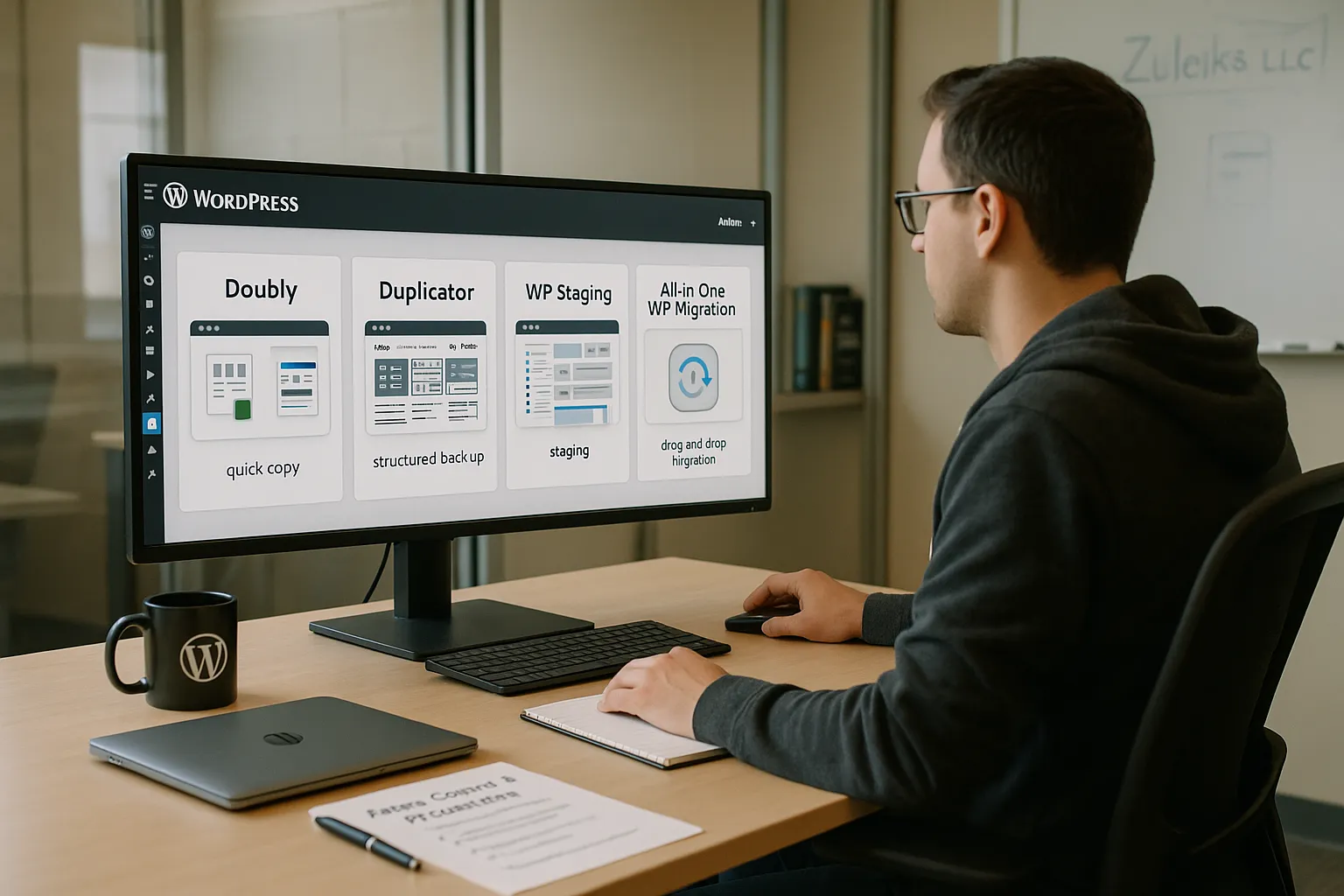
Doubly, Duplicator, WP Staging, and All‑in‑One WP Migration sit in different spots on the migration and staging spectrum.
Here is the short version:
- Doubly: Lightweight cloning for very small, low-risk sites when you just want a quick copy.
- Duplicator: Our go-to workhorse for controlled migrations, handoffs, and structured backups.
- WP Staging: Click-to-clone staging on the same server so you can test updates safely.
- All‑in‑One WP Migration: Fast, drag-and-drop moves or restores, especially for beginners.
If you run a small brochure site, you can often stay with Doubly or All‑in‑One WP Migration. If you manage a busy blog, membership, or WooCommerce store, Duplicator and WP Staging give you more control and less downtime risk. For regulated teams like law or medical, we combine these tools with strong access control and written procedures, not just plugins.
For readers who want a done-for-you setup, we cover this kind of planning during WordPress projects at Zuleika LLC.
What To Look For In A Migration Or Staging Plugin
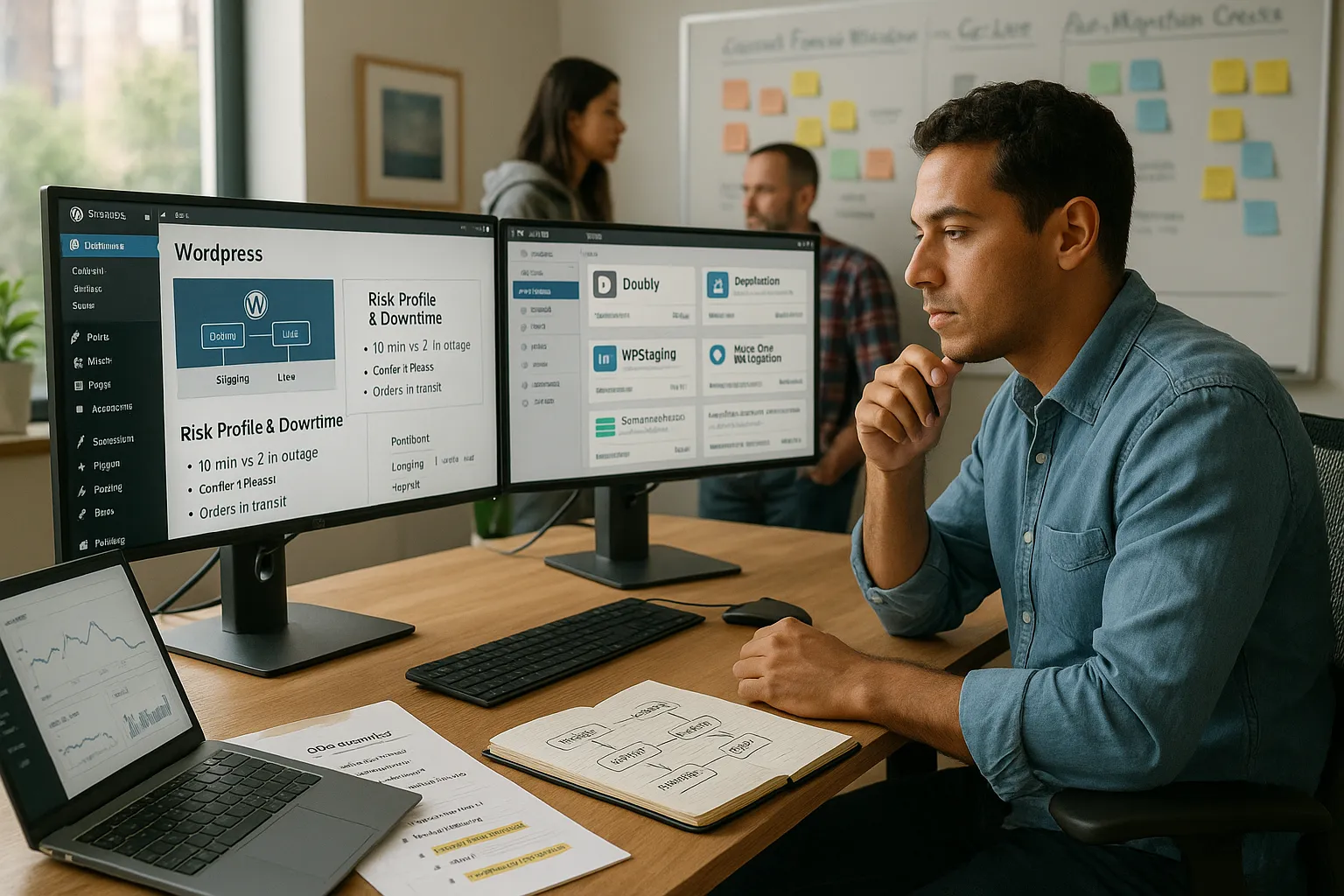
Before we touch any plugin, we map what can go wrong. Broken logins, half-moved media, lost orders, or leaked staging sites. Here is what we check.
Risk Profile And Downtime Tolerance
We start with one question: what happens if the site is down for 10 minutes? What about 2 hours?
- If the site is a simple portfolio with no payments, short downtime is annoying but not a disaster. That opens the door to simple tools like Doubly or All‑in‑One WP Migration.
- If you run live payments, bookings, or patient portals, even a short outage hurts revenue, trust, or compliance. In those cases we favor Duplicator with tested restore plans and WP Staging for dry runs.
We also ask whether you can accept “content freeze” periods while we migrate, or if new orders and posts must keep flowing.
Site Size, Complexity, And Hosting Limits
Next we look at:
- Database size and number of orders, members, or posts.
- Media folder size and file count.
- Host limits such as execution time, memory, and upload caps.
Large sites with weak hosting often break halfway through a move. Duplicator Pro and All‑in‑One WP Migration both have strategies to chunk files, but they still need enough server room. For huge websites, we sometimes pair plugins with manual database imports or host tools.
Team, Process, And Compliance Requirements
Teams and regulated fields need more than a quick clone. They need:
- Written steps: who pushes staging to live, who verifies, who signs off.
- Clear access control for staging so private data stays private.
- Logging of changes and clean rollback points.
Doubly: Lightweight Cloning For Simple, Low‑Risk Sites
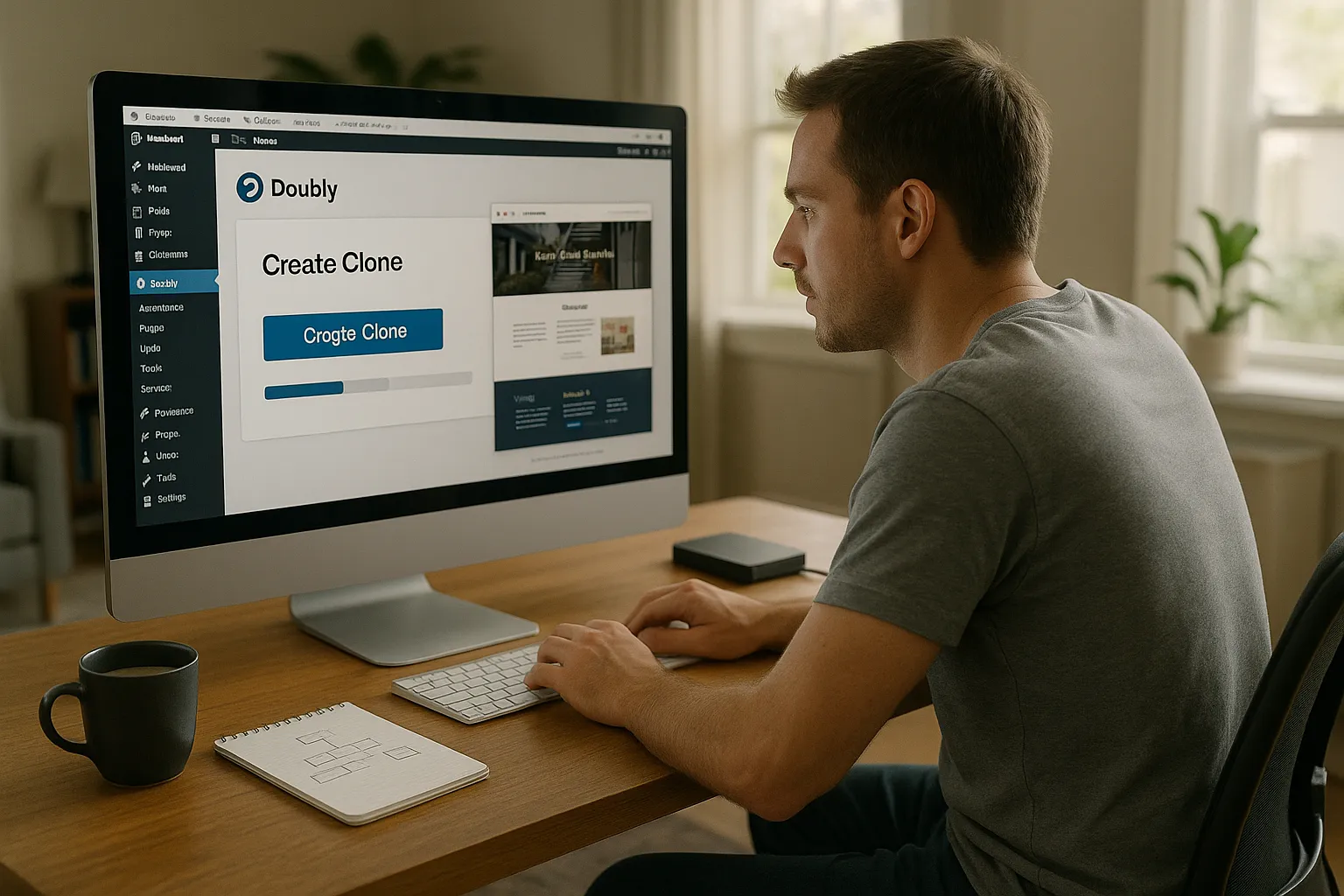
Doubly sits at the simple end of the spectrum. Public information on Doubly is limited in major 2026 plugin roundups, which already tells us something about its target audience.
Strengths And Ideal Use Cases For Doubly
From what we see, Doubly aims at quick cloning rather than heavy-duty staging or large migrations. That can be enough when:
- You run a small brochure site or personal brand.
- Your hosting is decent, but you do not want to deal with advanced options.
- You just want a backup copy before trying a new theme or plugin.
If a client comes to us with a five-page site, no payments, and local service leads, a simple clone with a tool like Doubly may be fine, as long as we have a tested backup from the host as well.
Limitations And Risk Considerations With Doubly
The tradeoff: a light tool rarely covers advanced needs. Based on current visibility, Doubly:
- Likely does not handle very large databases or media libraries.
- Probably offers limited search-and-replace safeguards for URLs and serialized data.
- Does not advertise strong governance features such as roles, detailed logs, or strict staging isolation.
So we treat Doubly as an “extra seatbelt” for small, low-risk sites, not as the only line of defense for a busy store or regulated portal.
Duplicator: Full‑Control Migration And Backup Workhorse
Duplicator is the plugin we reach for when we care about structure and repeatability. It builds a package with your site files and database plus an installer script that recreates the site on the new server.
Strengths And Ideal Use Cases For Duplicator
Here is where Duplicator shines:
- Moving a site between hosts without relying on the host tools.
- Cloning sites for staging or development.
- Handing off finished WordPress builds to clients.
Duplicator Pro adds scheduled backups, cloud storage, and multisite support, which suits agencies or busy shops that need regular restore points.
Independent reviews describe Duplicator as suitable for complex sites when configured correctly [“Duplicator WordPress Migration Plugin Review“, WPLift, 2024, https://wplift.com/duplicator-review]. That matches our experience on larger WooCommerce stores and membership platforms.
Limitations And Common Pitfalls With Duplicator
The free version can struggle with huge sites on weak hosting. Typical issues include:
- Timeouts while building the package.
- Archive files too large for the destination upload limits.
We reduce these risks by excluding logs and cache folders, running on better hosting when possible, and testing one smaller package first. We also prefer to keep at least one independent backup, such as a host snapshot, before trusting any single plugin.
If you want us to handle that setup, we fold Duplicator planning into our WordPress development projects.
WP Staging: Safe, Click‑To‑Clone Staging For Ongoing Changes
WP Staging focuses on one clear job: give you a safe copy of your site on the same server so you can test changes without touching live.
Strengths And Ideal Use Cases For WP Staging
We bring WP Staging into the picture when:
- You update plugins or themes often.
- You want to test new layouts or checkout flows first.
- You manage client sites and need a place to rehearse changes.
WP Staging lets you create a clone, update or experiment, then push changes back to live in a controlled way [“WP Staging Plugin Review“, ThemeIsle, 2023, https://themeisle.com/blog/wp-staging-review]. This approach cuts the risk of surprise errors on a Monday morning when everyone is trying to buy.
Limitations And Governance Considerations With WP Staging
Because WP Staging keeps staging on the same host, you do not get full physical separation. For strict security or compliance, we may pair it with separate servers or VPN-based access.
WP Staging also does not pretend to be a full CI pipeline. Roles, approvals, and long-term logging still need manual process or extra tools. In agencies and regulated teams, we use WP Staging as one piece in a bigger workflow that includes version control, ticketing, and human sign off.
All‑in‑One WP Migration: Fast One‑Off Moves And Restores
All‑in‑One WP Migration has built a reputation as a beginner friendly option for moving sites with a drag-and-drop upload.
Strengths And Ideal Use Cases For All‑in‑One WP Migration
We like All‑in‑One WP Migration for:
- One-time host moves for personal or brochure sites.
- Quick restores after a theme or plugin breaks the layout.
- Non-technical clients who want a simple emergency escape hatch.
Many hosting companies document compatibility with All‑in‑One WP Migration, which lowers friction for simpler moves [“How to use All‑in‑One WP Migration“, SiteGround Help, 2023, https://www.siteground.com/kb/all-in-one-wp-migration-plugin]. The plugin also handles search-and-replace of URLs, which protects against broken links after domain changes.
Limitations, File Size Caps, And Vendor Lock‑In Risk
The downside is the free upload size cap. Larger sites need paid extensions, and backups use a proprietary format. That can nudge you into long term dependence on the plugin.
We manage that risk by:
- Keeping at least one backup in a more standard form, such as host snapshots or Duplicator archives.
- Exporting and storing backups outside the website hosting account.
For small, low-risk sites, All‑in‑One WP Migration on top of host backups is often enough. For anything that handles payments or sensitive data, we treat it as a helper, not the only safety net.
How We Match These Tools To Real‑World Scenarios
Let us put this together. Doubly, Duplicator, WP Staging, and All‑in‑One WP Migration are ingredients. Your site type decides the recipe.
Solo Creators And Small Brochure Sites
If you run a small site with a contact form and portfolio, your priorities are simplicity and low cost. We usually recommend:
- Doubly or All‑in‑One WP Migration for simple moves or clones.
- Daily or weekly host backups.
You still need to test restores at least once. A backup that never gets tested is a story that ends on a weekend when you need it most.
Growing Blogs, Memberships, And WooCommerce Stores
Growth brings new risk. Orders, subscriptions, and content need more structure.
Our pattern:
- WP Staging for plugin, theme, and layout testing.
- Duplicator Pro for scheduled backups, handoffs, and bigger moves.
- Host-level backups as a final fallback.
We also document who can push staging to live and how we verify key flows like checkout or login each time.
Law, Medical, Finance, And Other Regulated Professionals
Here, privacy and record keeping sit in front of convenience. Our approach:
- Prefer staging with strict access controls, either with WP Staging plus server rules or separate staging servers.
- Use Duplicator Pro or host tools for auditable backups and migrations.
- Keep sensitive data out of third party systems when possible, following guidance from regulators such as the European Data Protection Board on data minimization [“Guidelines on Data Protection by Design and by Default“, EDPB, 2020, https://edpb.europa.eu].
Plugins help, but the real safety comes from written rules, user training, and clear contracts.
Agencies And Multi‑Site, Multi‑Environment Workflows
Agencies and internal teams with many sites need repeatable patterns.
We usually build a stack like this:
- WP Staging or host staging for day-to-day testing.
- Duplicator Pro packages for controlled releases or client handoffs.
- Git or similar for theme and plugin code.
- Logged change requests inside a ticket system.
Here, Doubly, Duplicator, WP Staging, and All‑in‑One WP Migration live inside a broader process that treats prompts, checklists, and backups as part of the product, not an afterthought.
Conclusion
Doubly, Duplicator, WP Staging, and All‑in‑One WP Migration are not competitors as much as tools for different jobs.
Small sites can stay with simple cloning and host backups. As risk, traffic, and regulation grow, you win more by stacking tools and clear procedures than by hunting for a single perfect plugin.
If you want help picking and configuring the right mix for your WordPress site, we handle that planning as part of our development and maintenance work at Zuleika LLC. The goal is simple: your site keeps working while you ship updates faster and sleep better.
Frequently Asked Questions
How do I choose between Doubly, Duplicator, WP Staging, and All-in-One WP Migration for my WordPress site?
Match the plugin to your risk, size, and workflow. Small brochure sites can usually rely on Doubly or All-in-One WP Migration. For busy blogs, membership sites, or WooCommerce stores, Duplicator and WP Staging offer more control, safer testing, and lower downtime risk—especially when combined with host backups and clear procedures.
When is Doubly a good choice for WordPress backups or cloning?
Doubly works best for very small, low-risk sites like simple portfolios or personal brands. It’s useful when you just need a quick clone before changing a theme or plugin. Because it’s lightweight and limited, it should be treated as an extra safety layer, not the only backup for mission-critical sites.
Why do agencies often prefer Duplicator and WP Staging for WooCommerce and membership sites?
Agencies favor Duplicator and WP Staging because they support structured workflows. Duplicator handles full, controlled migrations and scheduled backups, while WP Staging creates safe clones for testing updates and checkout changes. Together with host backups and written steps, they help reduce downtime, lost orders, and compliance risks on complex sites.
Is All-in-One WP Migration enough to move a large WooCommerce store?
All-in-One WP Migration is excellent for simple, one-time moves, but large WooCommerce stores often hit its free file-size limits and may require paid extensions. For high-traffic or complex sites, it’s safer to pair it with tools like Duplicator Pro, host snapshots, and tested restore procedures to avoid timeouts or partial moves.
What is the safest way to test WordPress updates before going live?
The safest approach is to use a staging environment, such as a WP Staging clone or host-provided staging site, rather than updating on production. Test theme, plugin, and checkout flows there, fix issues, then push changes live using a controlled process that includes backups, access controls, and verification checklists.
Some of the links shared in this post are affiliate links. If you click on the link & make any purchase, we will receive an affiliate commission at no extra cost of you.
