
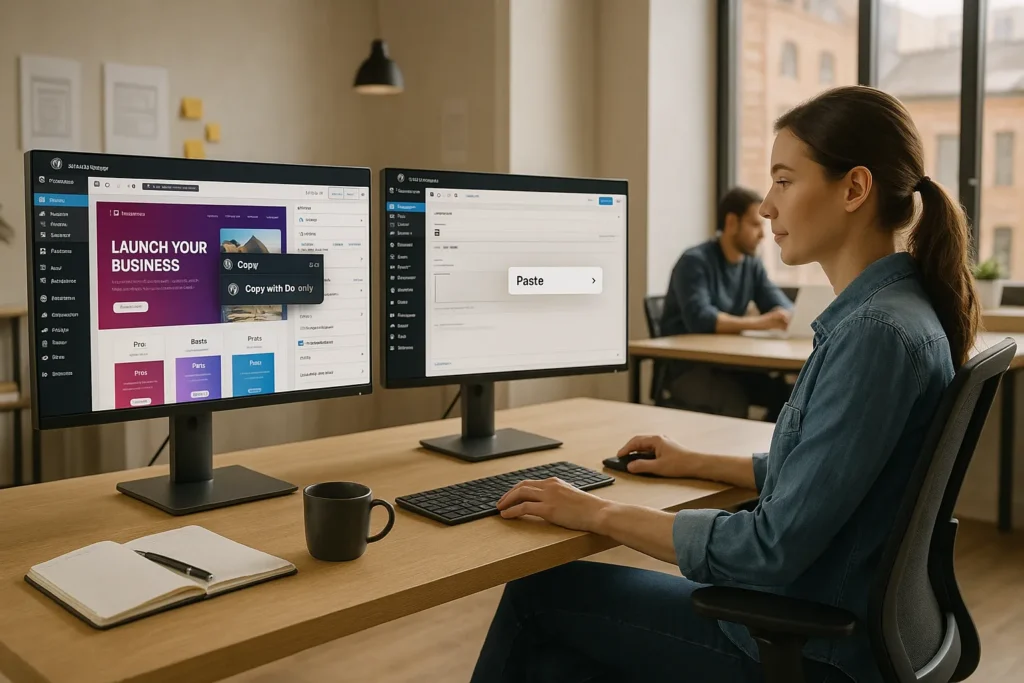
Doubly brings cross domain copy paste for WordPress migrations into the same mental space as copy‑pasting text in a doc. No scripts, no database exports, no holding your breath while the spinner whirls. We keep the familiar WordPress editor experience, but pull out the stressful parts of moving content between sites. In this guide we walk through what Doubly does, how it works, and how teams like ours use it to move real projects in minutes instead of days.
Key Takeaways
- Doubly brings cross domain copy paste for WordPress migrations into the familiar copy‑and‑paste workflow, eliminating fragile full‑site database moves for common tasks.
- Instead of cloning entire sites, Doubly lets you selectively move pages, posts, Elementor sections, WooCommerce products, and media between WordPress installs in minutes.
- Agencies and teams use Doubly to reuse designs across client sites, push approved pages from staging to live, and collaborate safely in sandboxes without breaking production.
- Bulk and ZIP export features turn large moves—like hundreds of posts or regional WooCommerce catalogs—into a structured, repeatable migration process.
- Following best practices such as matching themes/plugins, using admin accounts, testing on staging, and keeping Doubly updated keeps cross domain copy paste predictable and stable.
- For stacks built on Elementor, WooCommerce, or shared multi‑brand content, Doubly – Cross Domain Copy Paste for WordPress Migrations becomes a core toolkit piece for faster, less risky deployments.
Why WordPress Migrations Are Still So Painful
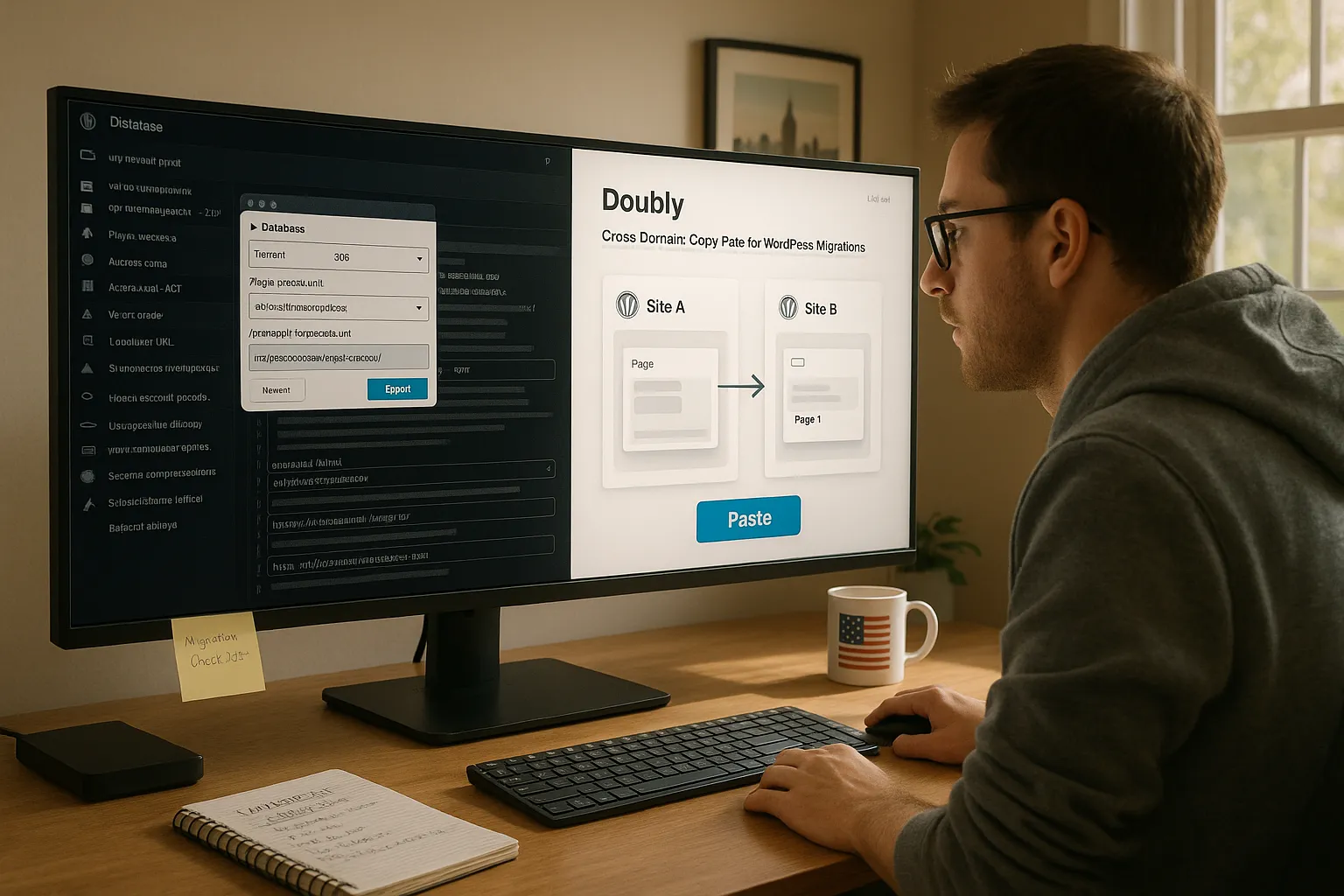
Traditional WordPress migrations feel way too fragile for something so common.
Here is why.
A “simple move” usually means exporting databases, fixing serialized data, syncing wp-content/uploads, checking plugin versions, and hoping URLs and IDs line up. One wrong move and widgets, menus, or builder layouts break. Many of us overcompensate with full-site backups, which are safer but heavy and slow.
WordPress now powers around 43% of all websites on the internet, so this pain hits a huge slice of the web [1]. Teams clone staging to production, duplicate client sites for new brands, or move WooCommerce catalogs between regions. Each time, we repeat the same careful routine.
What we wanted instead was the ability to say: “Just copy that page from Site A and paste it into Site B.“ That is exactly the gap Doubly fills.
What Cross Domain Copy Paste Actually Means
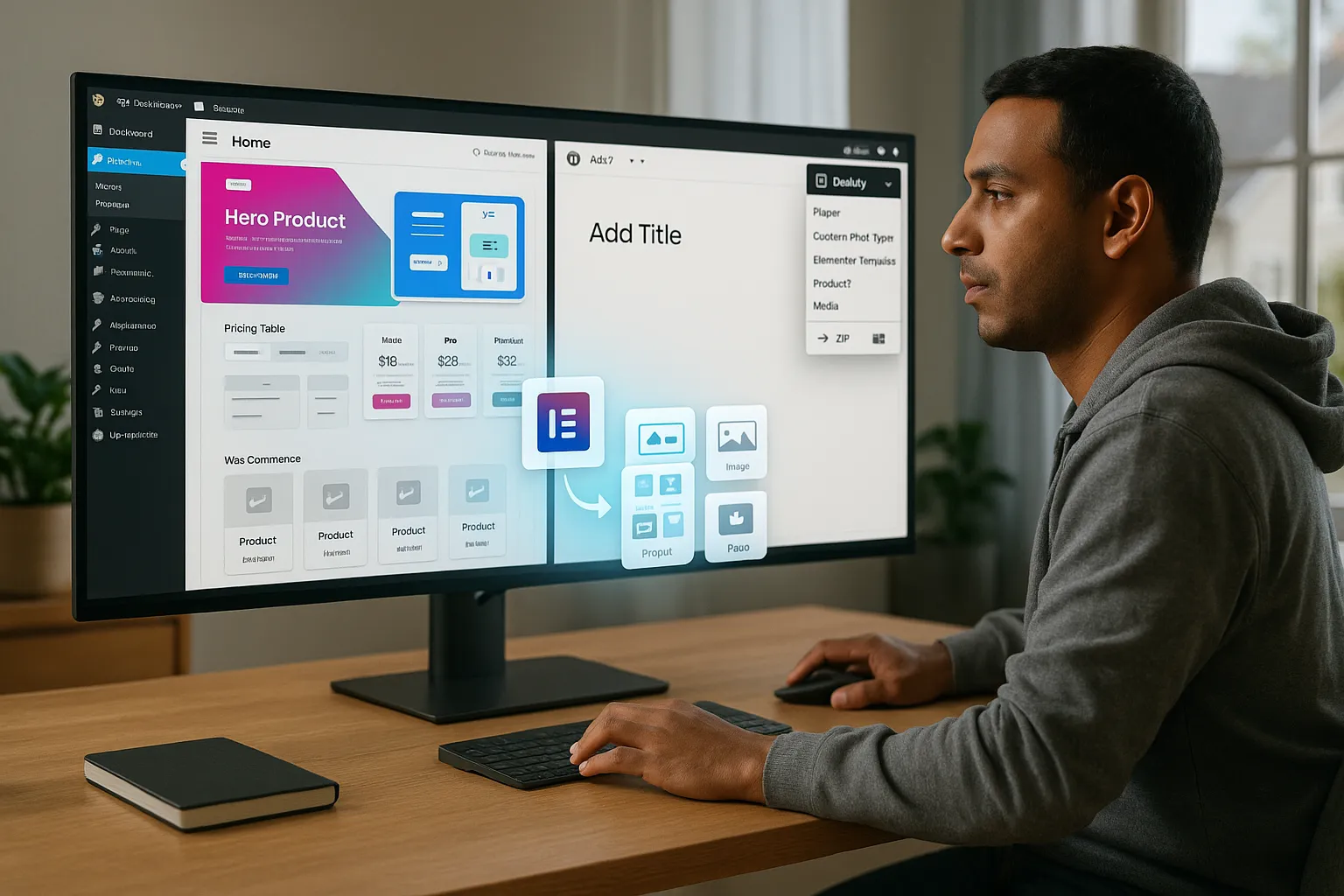
Cross domain copy paste means we can take a page, post, Elementor section, or product from one WordPress site and paste it into another site like it lives there.
With Doubly installed on both sites, we grab:
- Pages and posts
- Custom post types
- Elementor sections and templates
- WooCommerce products
- Media and images
We do not ship an entire database or whole theme. We move just the content or design we care about. We can also export content to a ZIP, hand it off, and import it elsewhere without sharing logins.
In practice this feels like a smarter clipboard that understands WordPress entities, builders, and media. Instead of thinking in terms of tables and rows, we think in terms of “that hero layout,“ “that pricing page,“ or “this product catalog,“ then move it where we need it.
How Doubly Streamlines WordPress Migrations
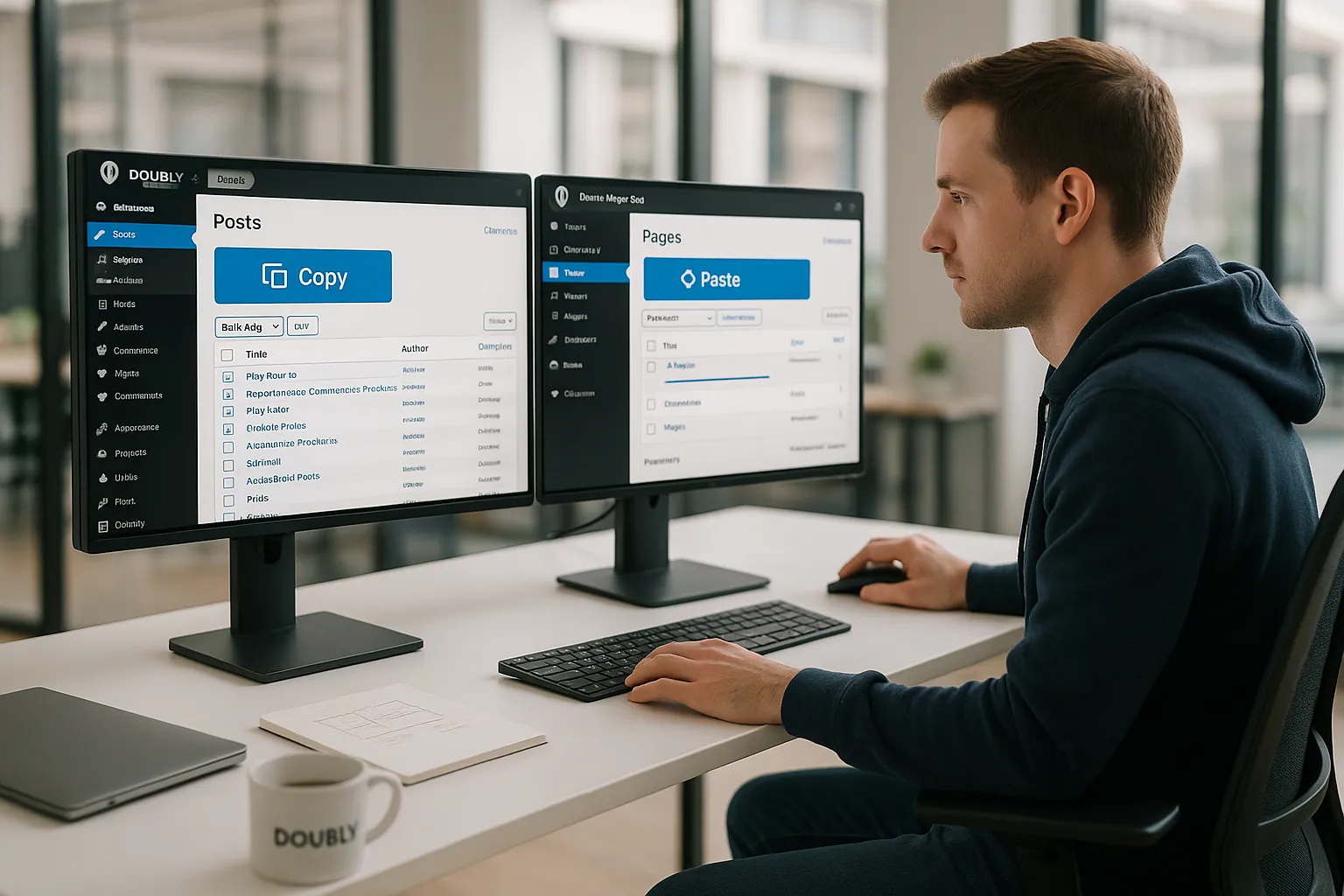
Doubly streamlines WordPress migrations by replacing full-site moves with targeted copy paste.
At its simplest, we install the plugin on two WordPress sites, log in as an admin on both, and use the WordPress toolbar to copy on one site and paste on the other. Pages and Elementor sections work in the free version. Posts, custom post types, WooCommerce products, and media support live in Doubly Pro.
Behind the scenes, Doubly stores copied data in encoded transients that expire after about 10 minutes. That short window keeps things fast and reduces the footprint on the server.
We also get bulk actions. Need to move 200 blog posts from an old site to a new brand? We bulk select them, export to a ZIP, then import that ZIP into the target site. The same flow works for WooCommerce products and other post types.
This pattern fits staging-to-live workflows, micro-launches, and ongoing content operations where whole-database migrations feel heavy.
Core Use Cases for Professionals and Teams
Once we started using Doubly, several patterns kept repeating across projects.
1. Reusing designs across client sites
Agencies and freelancers often want the same Elementor hero, pricing table, or FAQ section on three client sites. Doubly lets us maintain one “source” section, then copy it into each client project instead of rebuilding from scratch.
2. Staging to live deployments
We build new pages on staging, get them approved, then copy those exact pages to production. No risky full-site overwrite. No lost orders or comments.
3. Team collaboration
Designers can shape layouts on their own sandbox site, then content editors paste finished versions into the main site. Everyone works where they feel safe.
4. Selective backups
Before a big change, we copy vital pages or sections into a safe destination or export them as ZIPs. If something breaks, we paste them back.
5. Bulk post or product moves
From splitting blogs into separate sites to carving out a new region-specific WooCommerce store, Doubly speeds up bulk moves.
Step-By-Step: Using Doubly in a Typical Migration Workflow
Here is how we use Doubly in a normal migration.
- Install and activate on both sites
We add Doubly on the source and target WordPress sites from the Plugins screen, then activate it on each.
- Copy from the source site
On the source site, we open the page, post, Elementor template, or product we want. We click Copy in the WordPress admin bar or Doubly menu.
- Switch to the target site
In a new tab, we open the target site where Doubly is active and we are logged in as an admin.
- Paste into the target
We go to Pages or Posts (or the custom post type list), create a new item if needed, then hit Paste in the top toolbar. Where a text field appears, we right click and paste.
- Use bulk and ZIP exports when needed
For larger moves, we go to the Doubly admin menu, select the items, export a ZIP, and import it into the other site. This pairs well with a structured process like in a WordPress staging guide or a WooCommerce migration checklist.
Third party plugins usually work as long as the same plugin runs on both sites.
Best Practices To Avoid Breakage and Inconsistencies
A bit of setup keeps cross domain copy paste predictable.
- Match themes and plugins where content depends on them
If a layout uses Elementor, Unlimited Elements, or a specific WooCommerce extension, we install and activate the same versions on both sites before we paste.
- Use admin accounts, not low-permission roles
Doubly expects admin access. Guest access is possible for sharing, but we keep that restricted and time bound.
- Test on staging first
We copy into a staging site before touching production. This is especially helpful for complex shops or membership sites.
- Stay current with Doubly updates
When Doubly adds support for new objects, like WooCommerce orders in versions around 1.0.38 and above, we update so those flows stay stable.
- Manually verify builder compatibility
After a paste, we open the content in Elementor, Divi, or the relevant builder and do a quick visual pass. Text, media paths, and dynamic data fields should look right before we publish.
Conclusion
WordPress migrations do not need to revolve around entire databases and nerve wracking full-site copies. With Doubly, we keep our focus on the actual units of work that matter to clients and teams: pages, posts, sections, products, and media.
When we treat migrations as cross domain copy paste, we move faster, break less, and collaborate more freely between staging, production, and client sandboxes. The next time someone on your team says, “Can we get that layout from the old site into this new one today?“, the answer can be a calm yes instead of a long weekend.
If your stack leans on Elementor, WooCommerce, or shared content across brands, Doubly belongs in your standard toolkit for WordPress work.
Sources
[1] Usage statistics of content management systems,” W3Techs, accessed 2024, https://w3techs.com/technologies/overview/content_management
[2] “WooCommerce Usage Statistics,” BuiltWith, accessed 2024, https://trends.builtwith.com/shop/WooCommerce
Frequently Asked Questions
What is Doubly and how does it enable cross domain copy paste for WordPress migrations?
Doubly is a WordPress plugin that brings cross domain copy paste for WordPress migrations into a simple copy‑and‑paste workflow. Instead of exporting databases or syncing uploads, you copy pages, posts, Elementor sections, or products on one site and paste them into another, keeping the familiar WordPress editor experience.
How does cross domain copy paste with Doubly work in a typical migration?
Install Doubly on both WordPress sites, log in as an admin, then open the page, post, Elementor template, or product you want to move. Click Copy in the admin bar on the source site, switch to the target site, create or open the destination item, and click Paste in the toolbar to insert the content.
What content types can I move with Doubly during WordPress migrations?
Doubly supports pages, posts, custom post types, Elementor sections and templates, WooCommerce products, and media. Pages and Elementor sections are available in the free version, while posts, custom post types, WooCommerce products, and media handling are part of Doubly Pro, making targeted WordPress migrations much faster and more flexible.
Is Doubly secure for cross domain copy paste between WordPress sites?
Yes. Doubly stores copied data in encoded transients that automatically expire after about 10 minutes, minimizing server footprint and exposure. You must be logged in as an admin on each site, and you can further control risk by testing on staging, restricting guest sharing, and keeping themes, plugins, and Doubly itself updated.
What are the limitations or best practices when using cross domain copy paste for WordPress migrations?
For reliable results, both sites should run the same theme and any dependent plugins, such as Elementor, WooCommerce, or add-ons used in layouts. Always use admin accounts, test pastes on staging before production, and visually verify pages in your builder. Doubly is ideal for content-level moves, not full server or configuration migrations.
