

The first time we watched a “simple” cookie banner break conversion tracking on a WooCommerce store, we just stared at the screen in silence. Your consent management platform in WordPress is supposed to keep you compliant, not quietly kill your analytics or annoy visitors into bouncing.
Quick answer: a good WordPress consent management platform gives you clear consent records, working analytics, and a banner that does its job without hijacking your design. In this guide, we will walk through seven practical steps we use with clients to make consent both compliant and user‑friendly, without turning your marketing stack into a science project.
Key Takeaways
- A well-configured consent management platform in WordPress should protect compliance while keeping analytics, conversion tracking, and store functionality working correctly.
- Before choosing a WordPress consent management platform, clarify your legal scope (GDPR, CCPA, etc.) and map all data flows, cookies, and third-party tools on your site.
- Design your cookie banner to be clear, honest, and on-brand, with visible options to accept, reject, or customize non-essential cookies, and separate essential, analytics, and marketing categories.
- Configure your wordpress consent management platform to actually block and control scripts (Google Analytics, Meta Pixel, third-party embeds) until consent is given, ideally integrated with Tag Manager and Consent Mode v2.
- Treat your consent management setup as ongoing governance: run regular cookie scans, maintain logs, update policies when adding tools, and train your team to review new plugins and trackers for privacy impact.
1. Clarify What You Actually Need From A WordPress Consent Management Platform

Before you install yet another plugin, get clear on what your consent management platform in WordPress actually has to cover. This is the step most small businesses skip, and it is why banners end up either useless or overkill.
Defining Legal Scope: GDPR, CCPA, And Other Regulations
Start with where your visitors are and what data you collect.
At a minimum, think about:
- GDPR (EU/UK) – Applies if you have visitors in the EU/UK and collect personal data (IP addresses, emails, form submissions, cookies that identify a person). Cookies for analytics or marketing usually require opt‑in.
- CCPA/CPRA (California) – Focuses on “selling” or sharing personal information. If you meet thresholds (e.g., $25M+ revenue or 100k+ California consumers/households), you need clear opt‑out and a “Do Not Sell or Share My Info“ link.
- Other laws (LGPD in Brazil, ePrivacy rules, etc.) – Similar ideas: transparency, purpose, and control for users.
You do not need to become a lawyer, but you do need to know:
- Are you treating EU/UK visitors as needing opt‑in for non‑essential cookies?
- Do you have a visible privacy policy and cookie policy?
- Do you need a “Do Not Sell“ link in your footer for California?
That legal scope is what your WordPress consent management platform must support.
Mapping Data Flows On Your WordPress Site
Next, map where personal data actually moves. This is quick but powerful.
Walk through your site and note:
- Forms: Contact forms, quote forms, newsletter signups, checkout, account registration.
- Trackers: Google Analytics/GA4, Google Ads, Meta Pixel, LinkedIn, Hotjar, etc.
- Third parties: Live chat, help desks, embedded booking tools, payment gateways.
For each, write a simple line:
Contact form → stores in WordPress + sends to Gmail
Checkout → WooCommerce + Stripe + Mailchimp
This “napkin map” tells you:
- Which tools need consent signals
- Where your consent plugin must block/allow scripts
- What you should mention in your privacy and cookie policy
If you already work with an agency for your WordPress website development, this data‑flow mapping is a great thing to review together.
Functional Vs. Marketing Vs. Analytics Cookies
Most consent platforms for WordPress use categories. You should, too.
Think in three buckets:
- Essential / Functional – Needed for the site to work: WooCommerce cart, login sessions, security tools, payment processing.
- Analytics – Help you measure behavior: Google Analytics, Matomo, Plausible, Hotjar.
- Marketing / Advertising – Used for ads or tracking across sites: Meta Pixel, Google Ads remarketing, affiliate tracking.
Your policy and your consent banner should make this separation obvious:
- Essential: always on, explained clearly.
- Analytics and marketing: off by default for GDPR visitors until they opt in.
This simple structure makes your wordpress consent management platform much easier to configure, and much easier for users to understand.
2. Choose A WordPress Consent Management Platform Plugin That Fits Your Stack
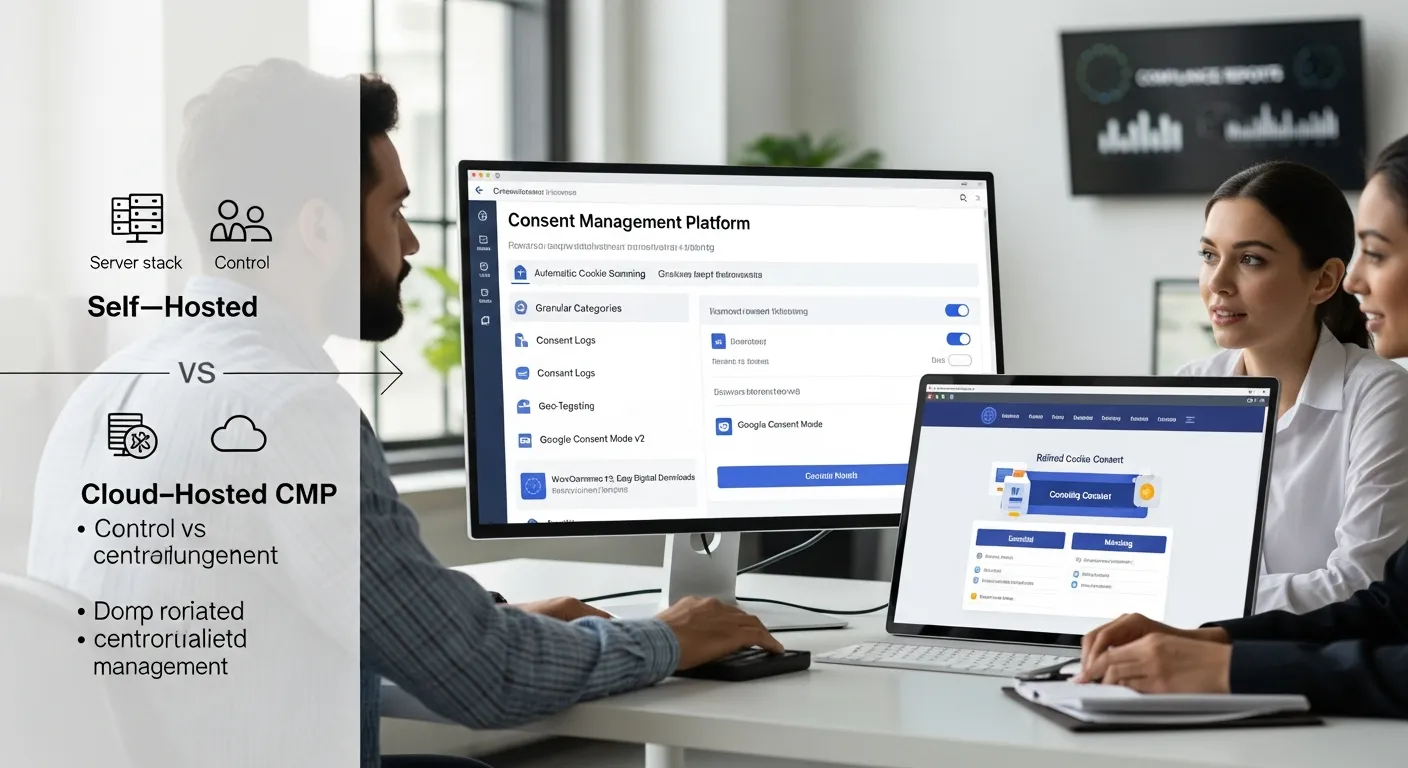
Once you know your legal scope and data flows, you can choose a WordPress consent management platform that matches your stack instead of chasing feature lists.
Key Features To Look For (Beyond Just A Cookie Banner)
A consent banner alone is not enough. Look for features like:
- Automatic cookie scanning – Detects cookies and trackers from your theme and plugins.
- Granular categories – At least Essential, Analytics, Marketing: ideally customizable.
- Consent logging – Stores consent choices with timestamps and anonymized identifiers.
- Google Consent Mode v2 support – Essential if you run GA4 or Google Ads in the EU.
- Geo‑targeting – Show stricter consent options only where needed (e.g., EU/UK).
- Audit trails and export – Ability to export logs for audits or legal questions.
If your site runs ecommerce, also check:
- WooCommerce compatibility (cart/session cookies marked as essential)
- Easy Digital Downloads or membership plugin support
How Popular CMP Plugins Integrate With WordPress And WooCommerce
Several consent tools work well as a wordpress consent management platform:
- Complianz – Strong for GDPR/CCPA, auto‑scans cookies, supports Google Consent Mode and WooCommerce. Good fit for many small business sites.
- CookieYes – Simple interface, flexible banner designs, integrates with popular themes and builders.
- Cookie Notice – Lightweight GDPR/CCPA banner with WooCommerce support and basic consent controls.
- Cookiebot (Usercentrics) – Cloud‑based with deep scanning and multi‑site management, good if you run several domains.
For most small to mid‑size businesses on WordPress or WooCommerce, a plugin like Complianz or CookieYes is often enough, as long as it is configured correctly.
Self‑Hosted Vs. Cloud‑Hosted Consent Platforms
You will see two main models:
- Self‑hosted CMP (WordPress‑centric)
- Settings and logs live inside WordPress or your database.
- Example: Complianz, Cookie Notice.
- Pros: More control over data location, easier to operate for a single site.
- Cons: Slightly more load on your server: multi‑domain setups can be clumsy.
- Cloud‑hosted CMP
- Banner, consent logic, and logs managed on an external service.
- Example: Cookiebot.
- Pros: Strong multi‑site support, centralized management, often deeper reporting.
- Cons: External dependency and data transfer: more moving parts for small teams.
If you run one or two WordPress sites and do not have a dedicated privacy officer, a self‑hosted wordpress consent management platform plugin is usually the simpler and safer starting point.
3. Design A Consent Banner That Is Clear, Compliant, And On‑Brand

Your consent banner is the visible part of your consent management platform in WordPress. It should be honest, simple, and visually aligned with your brand.
Balancing Legal Requirements With User Experience
Aim for three things:
- Clarity: Plain language, short sentences, realistic explanations.
- Real choice: Both “Accept” and “Decline” (or “Only essential”) options visible.
- No dark patterns: Do not hide the reject button or make it tiny and pale compared to Accept.
Remember: a confusing or pushy banner can hurt conversions more than a clean, honest one. Many of our clients see no meaningful drop in opt‑in rates once the copy is clear and respectful.
Banner Copy Examples For Small Businesses
Here are copy snippets you can adapt:
Simple baseline (GDPR‑friendly):
We use cookies to run our site and to measure traffic. You can accept all cookies, reject non‑essential cookies, or manage your choices.
Buttons:
- Accept all
- Only essential
- Manage preferences
With marketing/ads mentioned:
We use cookies to run our store, analyze visits, and show relevant offers. You choose what we can use. Change your mind anytime from “Cookie settings.”
Buttons:
- Accept all
- Only essential
- Customize
Keep it consistent with your privacy policy and make sure the “Cookie settings” link opens the CMP’s preference center.
Styling Your CMP To Match Your WordPress Theme
Most wordpress consent management platform plugins let you adjust:
- Colors and fonts
- Corner radius and button styles
- Position (bottom bar, top bar, modal, small panel)
Tips:
- Use brand colors, but keep contrast high for accessibility.
- Avoid covering critical CTAs or your main navigation on mobile.
- Test both bar and center modal layouts – modals are harder to ignore but can feel heavier.
If your design is custom built, your developer or agency (for example through custom WordPress web design services) can use CSS to make the banner feel like a native part of your brand, not a random add‑on.
4. Configure Granular Consent Categories And Auto‑Blocking In WordPress
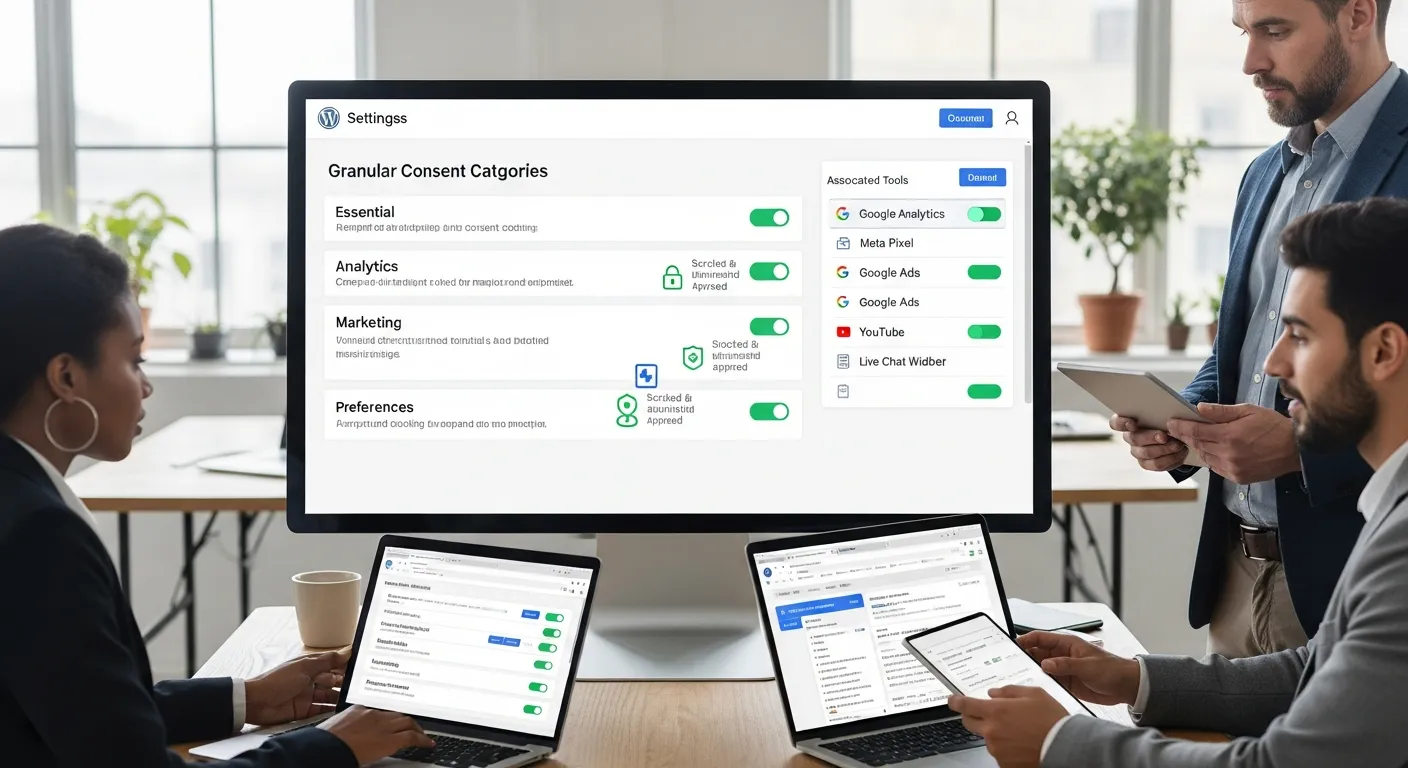
Design is only half of it. Your consent management platform in WordPress has to enforce those choices by controlling scripts and cookies.
Setting Up Consent Categories (Essential, Analytics, Marketing, Etc.)
In your CMP settings:
- Create categories – Essential, Analytics, Marketing, and any others you truly need (e.g., “Preferences”).
- Assign scripts and cookies – Map Google Analytics to Analytics, Meta Pixel to Marketing, etc.
- Explain each category in a sentence or two inside the preference center.
Example descriptions:
- Essential: “Required to run our website and store. You cannot switch these off.”
- Analytics: “Help us understand which pages and products get visits so we can improve.”
- Marketing: “Used by advertising partners to show you relevant ads and measure campaigns.”
Blocking Scripts Until Consent (Google Analytics, Meta Pixel, And More)
For GDPR traffic, Analytics and Marketing scripts should only fire after consent.
Check that your CMP can:
- Wrap scripts in its own consent tags
- Or send consent status to Google Tag Manager / Matomo Tag Manager, which then decides what to fire
Verify that:
- Google Analytics/GA4 loads only after Analytics consent is given.
- Meta Pixel and Google Ads remarketing fire only after Marketing consent.
- Your reports still work correctly from regions where consent is granted.
This is where many DIY setups go wrong: they add a banner but never block anything. Run a quick test with your browser’s dev tools and network tab, or ask your WordPress agency to verify.
Handling Third‑Party Embeds (YouTube, Maps, Chat Widgets)
Embeds often drop cookies even if you never explicitly added a tracking script.
Typical culprits:
- YouTube and Vimeo videos
- Google Maps iframes
- Live chat widgets (e.g., Tidio, Intercom)
- Booking tools and embedded forms
Good wordpress consent management platform plugins can:
- Replace embeds with a placeholder until consent (e.g., “Click to play this YouTube video. We will set a marketing cookie.”)
- Categorize these under Analytics or Marketing as appropriate.
Set a rule: no new embed goes live without a category assignment in your CMP. That single habit keeps your setup clean over time.
5. Connect Your Consent Management Platform To Tag Managers And CRMs
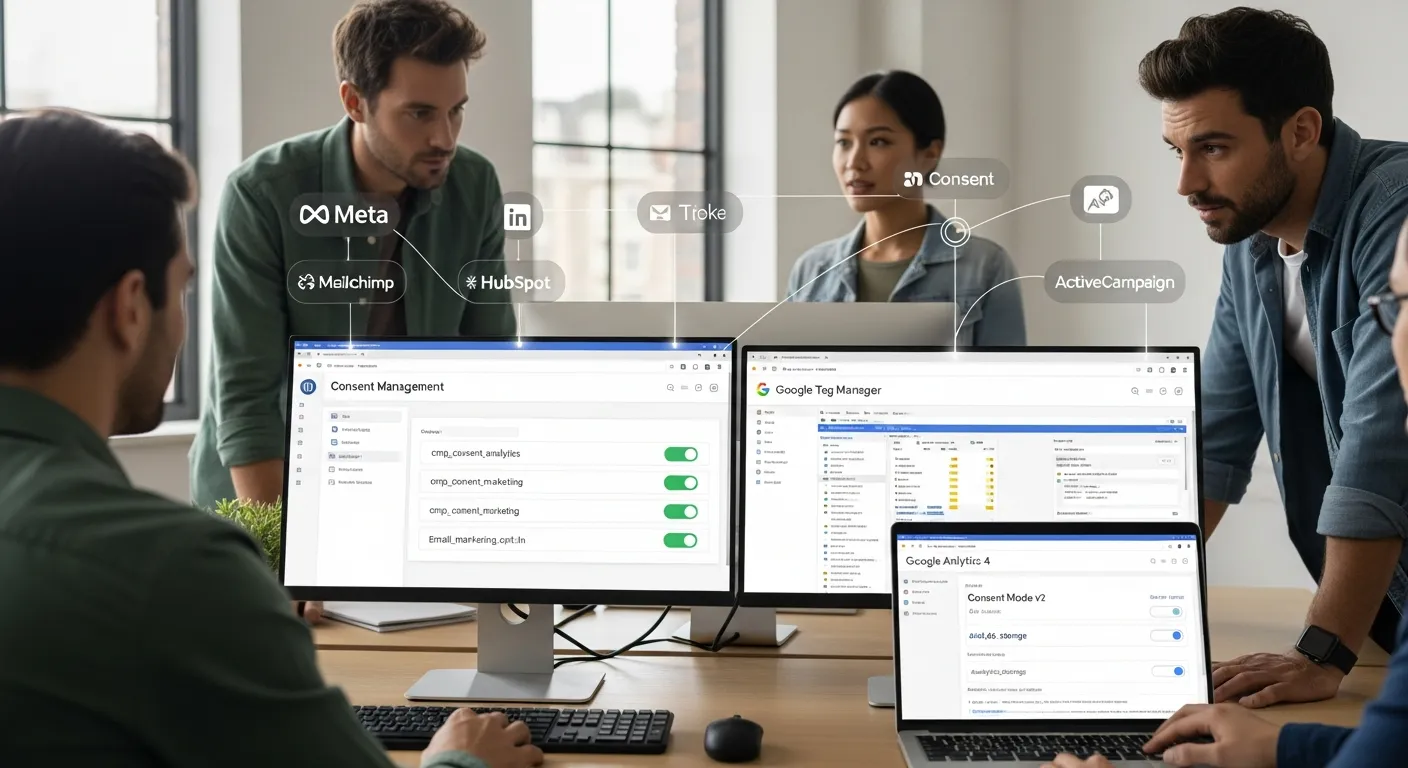
To get real value from your wordpress consent management platform, you need it to talk to the rest of your stack: tag managers, analytics, ads, and your CRM.
Integrating With Google Tag Manager Or Matomo Tag Manager
If you use Google Tag Manager (GTM) or Matomo Tag Manager, treat the CMP as the brain and the tag manager as the hands and feet.
Common pattern:
- CMP sets a data layer variable like
cmp_consent_analyticsorcmp_consent_marketing. - GTM/Matomo reads those variables.
- Tags for GA4, Ads, Meta Pixel, etc. use triggers that check consent before firing.
Many CMPs have direct GTM/Consent Mode v2 integrations, which can simplify this even more.
Passing Consent Signals To Analytics And Ad Platforms
For Google Analytics and Google Ads, look for Consent Mode v2 support. This allows Google to:
- Respect user choices
- Use limited, more private signals when consent is denied
Your CMP should:
- Set
ad_storage,analytics_storage, and related parameters based on the user’s choices - Update these values if the user changes preferences later
For other platforms (Meta, LinkedIn, etc.), the key is: no pixel without consent in regions where opt‑in is required.
Syncing Consent Status With Email And CRM Tools
If you sync WordPress with tools like Mailchimp, HubSpot, ActiveCampaign, or a CRM:
- Keep email marketing consent separate from cookie consent.
- Use fields or tags like
email_marketing_opt_inand manage those through form checkboxes.
Your CMP can still help by:
- Controlling tracking pixels inside emails or on landing pages
- Storing a record that a person consented to certain cookie categories on a given date
If you work with a partner for WordPress SEO and analytics setup, ask them to document exactly which signals flow where and how consent is enforced along the way.
6. Test, Log, And Monitor Your WordPress Consent Setup Over Time
Once configured, treat your wordpress consent management platform like any other key system: you do not just “set and forget.“ You monitor.
Running A Cookie Scan And Fixing Hidden Trackers
Most CMPs offer a cookie scan. Run it:
- After initial setup
- After adding new major plugins or embeds
- At least every few months
Look for:
- Cookies or scripts that are not assigned to any category
- New third‑party domains you did not expect
Fix by:
- Assigning them to the right category
- Or removing the offending script if it is not actually needed
Cross‑Device And Browser Testing Checklist
Test your consent flows in:
- Chrome, Firefox, Safari, Edge
- Desktop, tablet, mobile
- Logged‑in admin vs regular visitor
Things to check:
- Banner shows once, not on every page load (unless legally required).
- Choices are remembered on refresh and on new pages.
- Analytics and marketing scripts behave differently when you click “Accept all” vs “Only essential.”
- The banner does not cover critical UI on small screens.
A quick, scripted test like this can save you from quiet conversion drops or compliance gaps.
Audit Trails, Logs, And Proof Of Consent
If someone asks, “How do you prove consent?“, your CMP should provide:
- Consent logs with date/time, consent categories, and anonymized identifiers
- Export options (CSV/PDF) for audits
- Version history of your banner and category text, if available
Make sure access to these logs is restricted to admins and included in your general website maintenance and support process. Privacy is not only what you promise users: it is also how you handle the data behind the scenes.
7. Build Consent Management Into Your Ongoing WordPress Governance
The safest consent management platform in WordPress is the one that is built into your ongoing governance, not just your launch checklist.
Updating Consent When You Add New Plugins Or Tools
Create a simple rule:
No new plugin, tracker, or embed goes live without a quick consent review.
Checklist for each new tool:
- Does it set cookies or send personal data to a third party?
- Which category (Essential, Analytics, Marketing) does it belong to?
- Does your privacy policy need an update?
- Do you need a new entry in the CMP’s cookie list?
This takes a few minutes per tool and prevents most surprises.
Training Your Team: What To Change, What To Escalate
If your marketing or content team can install plugins, they need light training on consent.
Teach them:
- Which kinds of tools are usually Analytics vs Marketing
- That form checkboxes for email marketing are different from cookie banners
- When to ask for help (e.g., new ad platforms, healthcare/financial data, sensitive categories)
You do not need to turn everyone into privacy counsel, but you do want them to recognize when they are about to add a new data flow.
When To Bring In A WordPress And Privacy Specialist
Consider outside help when:
- You handle sensitive data (health, legal, financial, children)
- You run high‑traffic ecommerce with lots of ad platforms
- You operate across many countries and need more advanced geo‑rules
A good specialist will:
- Map your workflows and data flows
- Configure your wordpress consent management platform to match your real stack
- Document processes so your team can operate safely day to day
We often start with a small audit and “shadow mode” tests: we run the CMP next to your existing setup, watch what would change, then roll out once numbers look healthy and compliance gaps are closed.
Conclusion
A consent management platform in WordPress isn’t just a banner. It is a small governance system that sits between your visitors, your tools, and the laws that apply to you.
If you:
- Clarify your legal scope and data flows
- Choose a wordpress consent management platform that fits your stack
- Design clear, honest banners and categories
- Block scripts correctly and connect consent to your analytics and CRM
- Test, log, and keep consent in your ongoing governance
…you can stay compliant without breaking your marketing or burying your team in manual checks.
If you would like help mapping this out for your specific WordPress or WooCommerce site, a short consult can save you many hours of guesswork, and a few uncomfortable emails from regulators or ad partners later on.
Frequently Asked Questions about WordPress Consent Management Platforms
What is a WordPress consent management platform and why do I need one?
A WordPress consent management platform (CMP) is a system—usually a plugin—that displays cookie banners, categorizes cookies, blocks non‑essential trackers until consent, and logs user choices. You need it to stay compliant with laws like GDPR/CCPA while keeping analytics, WooCommerce, and marketing tools working correctly.
How do I choose the right consent management platform for WordPress?
Start by clarifying your legal scope (GDPR, CCPA, etc.) and mapping data flows on your site: forms, analytics, ads, and third‑party tools. Then pick a WordPress CMP that supports cookie scanning, granular categories, consent logging, Google Consent Mode v2, geo‑targeting, and ecommerce compatibility if you run WooCommerce or memberships.
Which plugins work best as a consent management platform in WordPress?
Popular options include Complianz, CookieYes, Cookie Notice, and Cookiebot (Usercentrics). Complianz and CookieYes suit most small to mid‑size WordPress or WooCommerce sites, offering auto‑scans, granular consent, and Consent Mode support. Cookiebot is strong for multi‑site, cloud‑managed setups. The “best” choice depends on your stack and regions served.
How should I configure cookie categories in a WordPress consent management platform?
Use clear categories: Essential (always on, required for logins, cart, security, payments), Analytics (GA4, Matomo, Hotjar), and Marketing/Advertising (Meta Pixel, Google Ads, affiliate tracking). Explain each in simple language, keep analytics and marketing off by default for GDPR visitors, and ensure related scripts only fire after the user opts in.
Can a consent management platform in WordPress break Google Analytics or WooCommerce?
Yes, a poorly configured WordPress consent management platform can block essential WooCommerce cookies or prevent Google Analytics from firing at all. Avoid this by correctly marking cart/session cookies as Essential, testing “Accept all” vs “Only essential” flows, and verifying via browser dev tools that analytics and pixels trigger only when appropriate.
Do I still need a privacy policy if I use a WordPress consent management platform?
Yes. A CMP does not replace your privacy or cookie policy. You still need clear, accessible policies describing what data you collect, which cookies and tools you use, where data is sent, and how users can change choices or contact you. The consent banner should link directly to these policies for full transparency.
Some of the links shared in this post are affiliate links. If you click on the link & make any purchase, we will receive an affiliate commission at no extra cost of you.
