

We still remember the client who emailed us on a Monday morning: “Our WordPress site is down, and our ads are still running. What do we do?“ Their entire lead funnel was pointing to a blank error page, and every hour offline meant lost calls, lost orders, and rising panic.
Quick answer: comprehensive WordPress maintenance is not a “nice-to-have tech chore.“ It is the quiet system that keeps your site secure, fast, and earning money while you focus on running the business. In this guide, we will walk through a simple, checklist-driven approach to comprehensive WordPress maintenance that any busy owner can understand, and decide whether to keep in-house or hand off to a partner like Zuleika LLC.
Key Takeaways
- Comprehensive WordPress maintenance protects your entire business engine—revenue, brand, and compliance—by preventing downtime, hacks, and performance issues before they become crises.
- Anchor your comprehensive WordPress maintenance program on six pillars: security, performance, backups, updates, content/SEO health, and privacy/compliance, then build repeatable checklists around each.
- Turn maintenance into a routine by running weekly security and user checks, safe core/plugin/theme updates with backups and rollback, and spot tests on forms, checkout, and tracking.
- Use monthly and quarterly sessions for deeper work like database and media cleanup, Core Web Vitals and performance tuning, log reviews, and SEO/conversion analysis to keep the site lean and effective.
- Choose quality managed WordPress hosting, a focused set of security/backup/performance plugins, and light automations for alerts and logs so maintenance runs quietly in the background.
- Decide between DIY and partnering with an agency by weighing site complexity, regulatory risk, and how costly downtime is; a strong maintenance partner treats comprehensive WordPress maintenance as ongoing risk management, not a one-off task.
Why WordPress Maintenance Matters For Your Business, Not Just Your Website
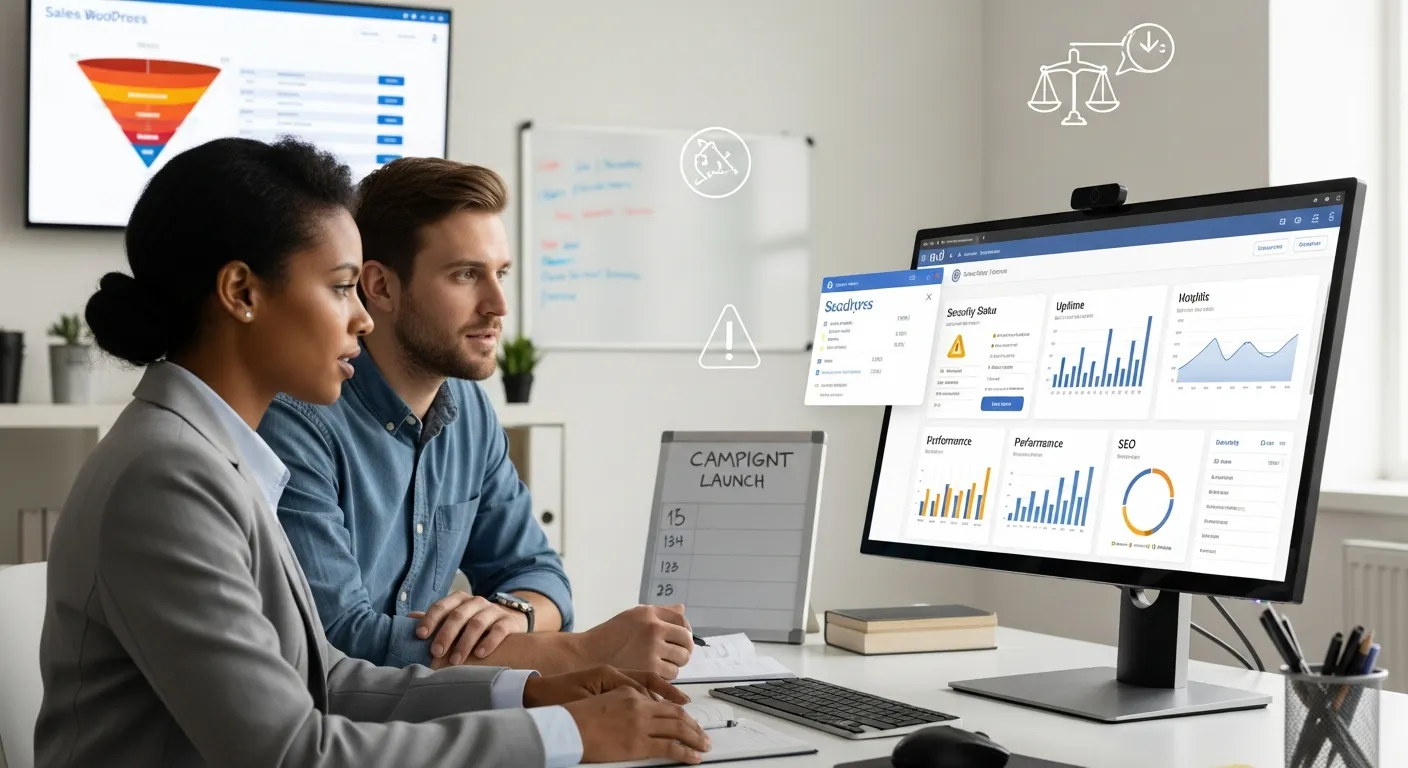
Comprehensive WordPress maintenance protects more than a collection of pages. It protects your sales pipeline, your brand reputation, and often your legal obligations.
Here is what that means in practice:
- Security incidents hit your revenue, not just your server. A hacked site can start sending spam, redirecting visitors, or leaking customer data. That damages trust, triggers refund requests, and can lead to regulatory trouble in fields like healthcare, legal, or finance.
- Performance directly affects conversions. Multiple studies show that a few extra seconds of load time can drop conversion rates and increase bounce. A slow WooCommerce checkout or contact form is traffic wasted.
- SEO is maintenance-driven. Google keeps rewarding sites that stay fast, mobile-friendly, secure (HTTPS), and technically clean. Neglected updates, broken links, and poor Core Web Vitals slowly push you down search results, right when you need organic leads.
- Downtime is visible to customers. When your site is down during a promotion, launch, or busy season, customers rarely come back later. They go to a competitor whose site just loads.
If you think of your site like a vehicle, comprehensive WordPress maintenance is your schedule of oil changes, brake checks, and safety inspections. You can drive without them, for a while, but the eventual failure is never at a convenient time.
For many Zuleika LLC clients, our maintenance and care plans become the “quiet insurance” behind their professional WordPress website so they can focus on content, offers, and customer service instead of firefighting technical issues.
The Core Pillars Of Comprehensive WordPress Maintenance

Comprehensive WordPress maintenance is easier to manage when you break it into repeatable pillars. We use six:
- Security hardening and monitoring
- Performance, speed, and uptime
- Backups, recovery, and staging
- Updates, compatibility, and technical debt
- Content, SEO, and analytics health
- Privacy, compliance, and legal pages
Think of these as your master checklist. Everything you do on a weekly or monthly basis ties back to one (or more) of these pillars.
Security Hardening And Monitoring
Security is the non‑negotiable base of comprehensive WordPress maintenance.
Key moves:
- Harden logins: Enforce strong passwords, enable 2FA for admins, and change the default
/wp-adminbehavior when possible. - Limit user roles: Only give each user the minimum role they need (Editor, Shop Manager, etc.). Remove old staff and contractors immediately.
- Monitor for malware and file changes: Use a security plugin (such as Solid Security or Wordfence) for daily scans and alerts.
- Log access and critical actions: Keep logs for logins, plugin changes, and user role updates. This is invaluable during an incident.
The goal is not zero risk, that is impossible. The goal is early detection, contained impact, and fast recovery.
Performance, Speed, And Uptime
A fast site is not just a luxury: it is a sales tool.
Your performance pillar should cover:
- Page caching and object caching via a quality plugin or your host (many managed hosts like Kinsta or WP Engine handle this).
- Image optimization (compression and next-gen formats such as WebP).
- Core Web Vitals tests using Google PageSpeed Insights and Search Console.
- Uptime monitoring via tools like UptimeRobot or your host’s monitoring.
During comprehensive WordPress maintenance, you are not chasing a “perfect 100” score. You are aiming for consistently good metrics that keep customers from dropping off.
Backups, Recovery, And Staging Environments
Backups are your safety net when an update or hack goes wrong.
Best practices:
- Daily automated backups at minimum for active business sites: hourly for busy stores.
- Off-site storage (not just on the same server) using services like Amazon S3 or secure cloud storage.
- Tested restores: A backup you have never restored is a theory, not a plan.
- Staging environment: A copy of your site where you can test updates, new plugins, or redesigns before touching production.
Comprehensive WordPress maintenance always includes a tested rollback path. If you cannot roll back, you are gambling with every change.
Updates, Compatibility, And Technical Debt
WordPress core, themes, and plugins release updates regularly for security, features, and compatibility. Ignoring them builds technical debt, problems that stack up and cost more to fix later.
Your update strategy should:
- Run backups before updates. Always. No exceptions.
- Batch updates weekly or bi-weekly instead of random daily changes.
- Test critical plugins (like WooCommerce, payment gateways, LMS plugins) on staging first.
- Retire unused plugins and old themes so they do not become quiet liabilities.
Handled this way, comprehensive WordPress maintenance turns “updates” from a source of anxiety into a predictable routine.
Content, SEO, And Analytics Health
A maintained site is not only technically clean: its content is alive.
Regularly:
- Fix broken links and missing images. These frustrate visitors and send poor signals to search engines.
- Check key SEO elements: Titles, meta descriptions, headings, and schema on your main pages.
- Review search performance in Google Search Console, look for drops, errors, and new queries to target.
- Watch behavior in analytics: High exit rates on payment or contact pages often signal technical or UX issues.
For many clients, we pair WordPress maintenance with ongoing WordPress SEO services so content and technical health move together.
Privacy, Compliance, And Legal Pages
Finally, comprehensive WordPress maintenance includes boring but important legal basics:
- SSL certificate active and renewing properly.
- Domain renewals tracked so you never lose your main address.
- Privacy policy, terms, and cookie notices updated to reflect actual data collection (Google Analytics, email marketing, etc.).
- Where needed, compliance with frameworks like GDPR, CCPA, or industry-specific rules. When in doubt, let legal counsel lead and treat the site as an implementation layer.
If your contact forms or ecommerce store collect personal data, this pillar is not optional.
Your Weekly WordPress Maintenance Checklist
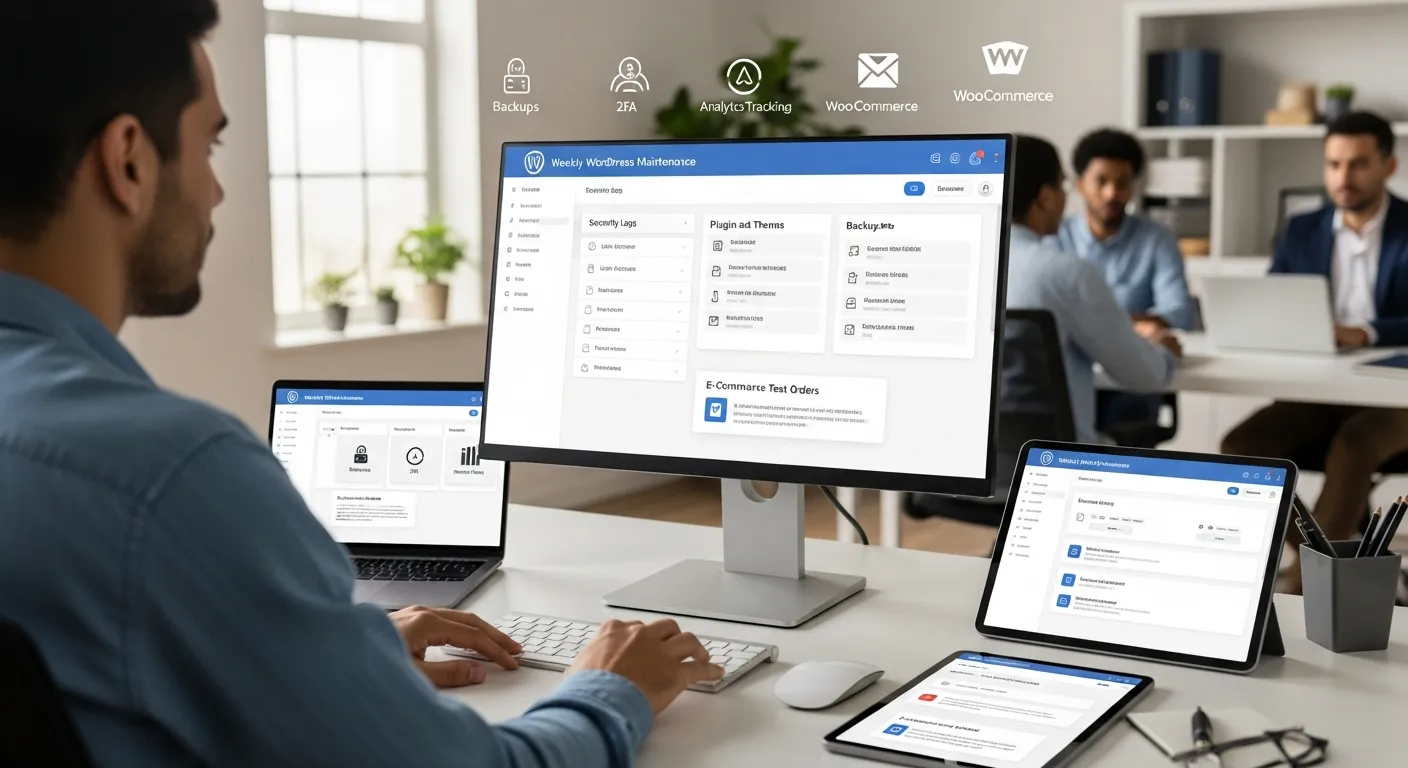
Comprehensive WordPress maintenance becomes manageable when it turns into a 20–40 minute weekly routine instead of a once-a-year emergency.
Here is a simple weekly checklist you can copy into your task manager.
Security And User Access Checks
Each week:
- Review new user accounts. Remove anything suspicious or no longer needed.
- Scan for failed login attempts or brute force activity via your security plugin.
- Confirm admin accounts are still correct staff and use strong passwords.
- Check that 2FA (where used) is working for admins.
This light check often catches problems before they become newsworthy.
Core, Plugin, And Theme Updates With Rollback
Next, handle updates in a calm, predictable way:
- Trigger or confirm a fresh backup. Do not skip.
- Update WordPress core if a stable release is available.
- Update plugins in small batches, starting with less critical ones.
- Update active themes, especially your main site theme.
- After each batch, spot-check the homepage, a blog post, a product page, and checkout/contact form.
If something breaks, roll back via your backup system or your host’s snapshot. This is the heart of safe, comprehensive WordPress maintenance.
Content, Forms, And Ecommerce Spot Checks
Finally, check the parts of the site that make you money or capture leads:
- Submit a test contact form (and ensure the email reaches the right inbox).
- For WooCommerce or other ecommerce setups, run a test checkout (can be a $1 test product in sandbox mode).
- Skim recent content for obvious layout or image issues.
- Make sure tracking codes for analytics and pixels are still firing.
Ten minutes of weekly spot checks can prevent weeks of “we did not get your message“ problems.
Your Monthly And Quarterly Deep-Dive Routine
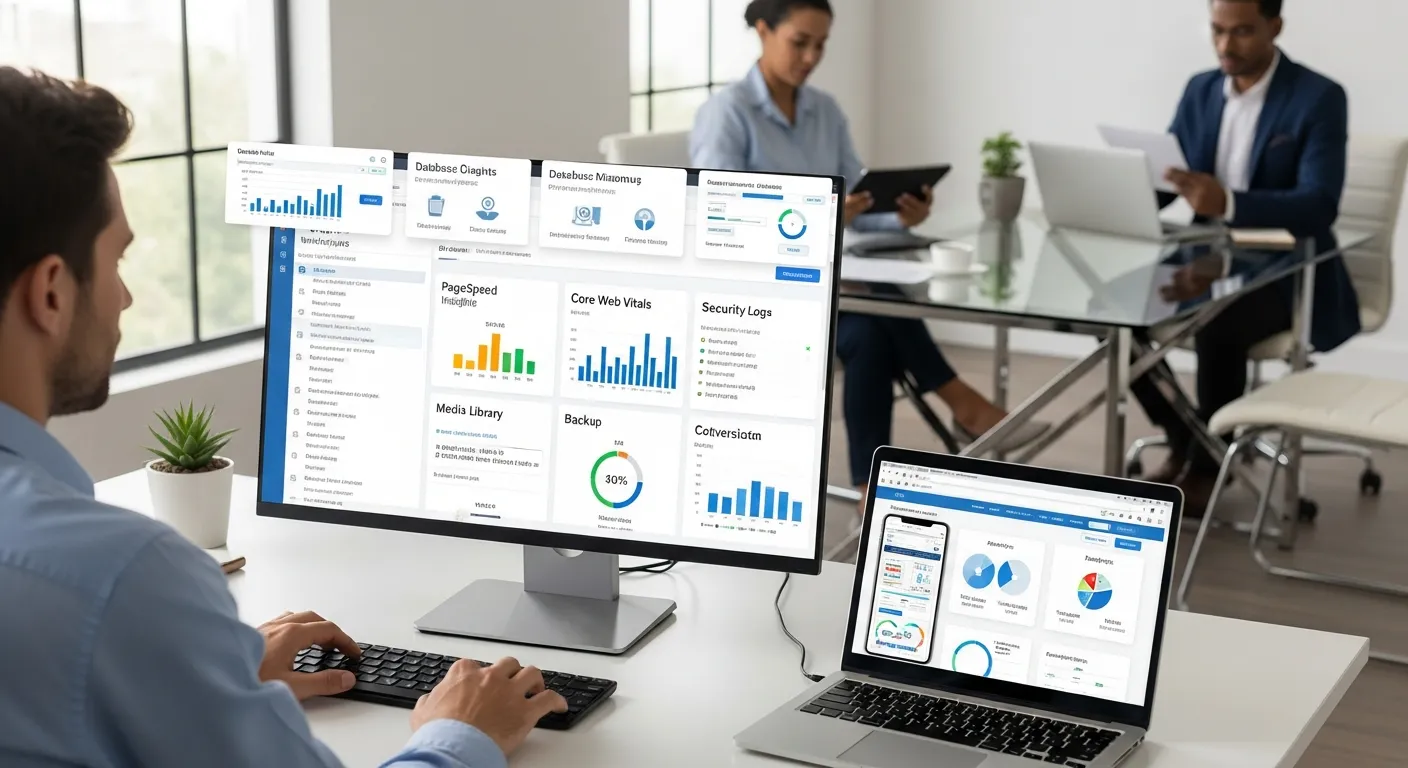
Weekly checks keep you safe. Monthly and quarterly sessions give you space for deeper comprehensive WordPress maintenance work.
Plan 60–90 minutes monthly, and a heavier session once a quarter.
Database, Media, And Plugin Cleanup
Over time, WordPress collects clutter:
- Old post revisions
- Spam and trashed comments
- Transients and orphaned options
- Unused images and media files
- Deactivated plugins you will never use again
Use tools like WP-Optimize or your host’s tools to:
- Clean up revisions and transients
- Remove spam and trash
- Delete unused plugins and themes
Always back up first. The aim is to keep your site lean so future updates stay smooth.
Performance Tuning And Core Web Vitals
Once a month (or at least quarterly):
- Run your key pages through PageSpeed Insights and note any big regressions.
- Check Core Web Vitals inside Google Search Console.
- Review your caching setup and image compression.
- Test from a mobile device on normal data, not office Wi‑Fi.
You are looking for trends: has the site slowly become heavier? Are new scripts from chat widgets, pop-ups, or ad tools hurting load time? Comprehensive WordPress maintenance includes saying “no” to one more script when it is not worth the speed hit.
Security Review, Logs, And Policy Updates
Quarterly, go a bit deeper on security:
- Review logs for repeated suspicious IP addresses.
- Rotate API keys, integration tokens, or old SFTP credentials.
- Confirm backup and monitoring emails are going to active addresses.
- Revisit security policies: who has admin access, and why?
If you work in a regulated field, align this check with your internal compliance reviews.
SEO, Analytics, And Conversion Review
Comprehensive WordPress maintenance should also answer: Is this site still doing its job?
At least monthly:
- Review top landing pages in analytics. Any sudden drops?
- Look at conversion rates for forms, quotes, bookings, and checkout.
- Check 404 reports and fix or redirect dead pages.
- Spot opportunities for new content or FAQ pages based on search queries.
For some clients, these reviews lead into broader digital marketing work or a refresh of their business website package to support new offers and campaigns.
Tools, Hosting, And Automation To Make Maintenance Manageable
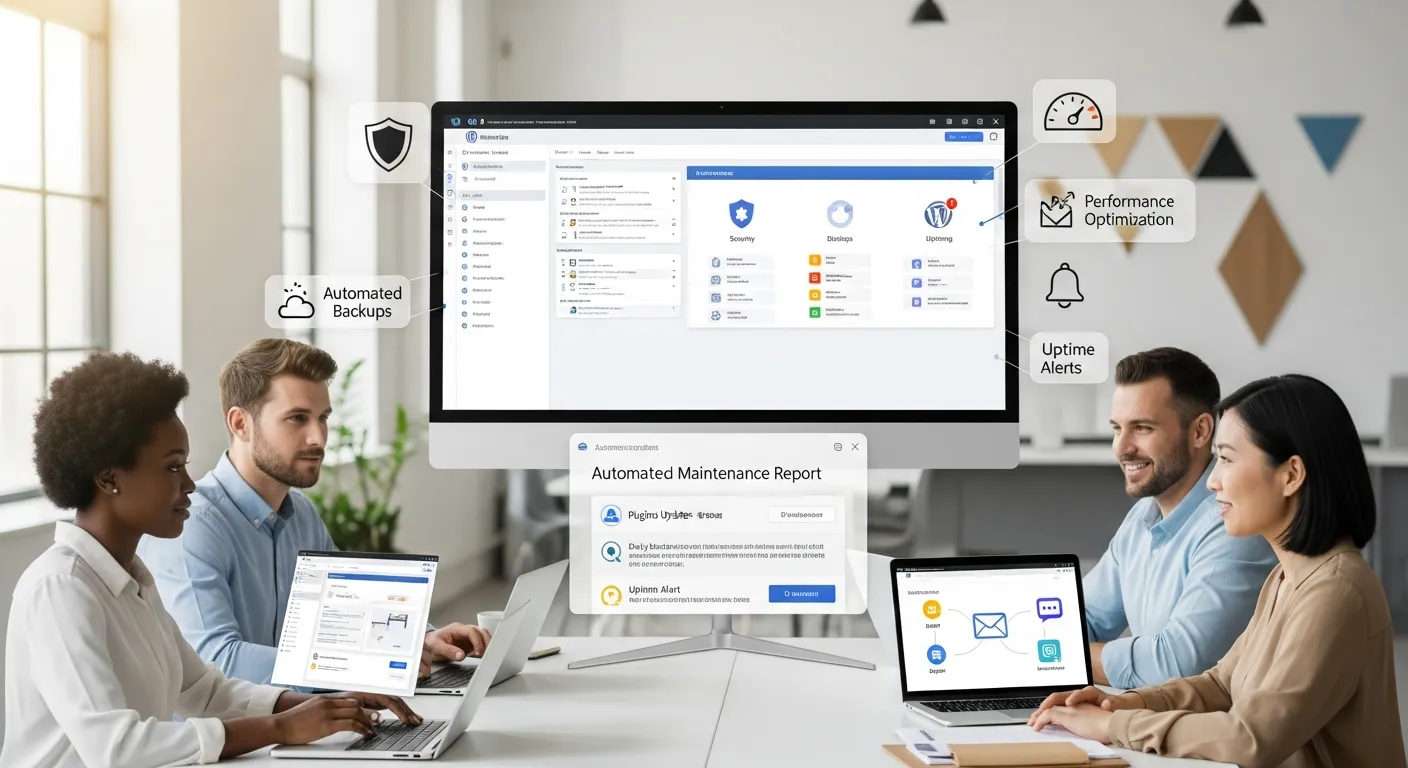
Good tools and hosting turn comprehensive WordPress maintenance from a chore into a routine background process.
You do not need an engineer on staff: you need a smart stack and clear rules.
Choosing The Right Hosting And Backup Strategy
Your host is the foundation. For business sites, we recommend:
- Managed WordPress hosting (like Kinsta, WP Engine, or comparable providers) for built‑in caching, security, and staging.
- Automatic daily backups with easy 1‑click restores.
- Uptime monitoring and support that actually understands WordPress.
If you are on a bargain shared host with no clear backup or support story, even perfect checklists will not fully protect you.
Recommended Maintenance Plugins And Services
A lean, focused plugin set can cover most comprehensive WordPress maintenance tasks:
- Security: Solid Security, Wordfence, or similar.
- Backups: UpdraftPlus, BlogVault, or your host’s native backup.
- Performance: WP Rocket, LiteSpeed Cache (with LiteSpeed servers), or equivalent.
- Database/media cleanup: WP-Optimize, Media Cleaner (used carefully).
- Uptime and error alerts: UptimeRobot, New Relic, or your host’s tools.
Avoid stacking three plugins that all do the same thing. Simpler is usually safer.
Simple Automations For Alerts, Reports, And Logs
You can automate a surprising amount without heavy development:
- Send uptime alerts to Slack or email.
- Deliver a weekly maintenance summary (updates completed, backups successful) to your inbox.
- Log key actions (plugin installs, user role changes) into a shared document or ticketing system.
At Zuleika LLC, we often wire these automations through tools like Zapier or Make, or via light custom code in a small plugin. The point is not fancy technology, it is creating a “paper trail” for your comprehensive WordPress maintenance so you can prove what happened and when.
Governance: Who Owns What, And How You Document Your Maintenance SOPs
Even the best checklist fails if no one owns it. Governance gives your comprehensive WordPress maintenance structure and accountability.
Defining Roles, Permissions, And Approval Flows
Start by answering a few simple questions:
- Who is the site owner? Not just legally, but operationally, who makes final calls?
- Who executes weekly tasks? This could be a staff member, a freelancer, or an agency.
- Who has admin access? Keep this list short and review it regularly.
- What needs approval? For example, major plugin changes, design shifts, or new tracking tools.
Define a basic flow: “Owner approves → implementer updates staging → owner spot-checks → implementer deploys to live.“ Even a light process like this dramatically reduces risk.
Documenting Checklists, Logs, And Incident Response
Before you touch tools, write the process.
For comprehensive WordPress maintenance, we recommend three living documents:
- Weekly checklist: Security, updates, and spot checks.
- Monthly/quarterly review template: Cleanup, performance, SEO, and deeper security.
- Incident response plan: What to do if the site is hacked or down.
Your incident plan should include:
- Who to contact (host, agency, internal owner)
- Where backups are stored and how to restore
- Temporary steps (maintenance mode, password resets, payment pause)
You do not want to write this during a crisis. A few pages in Google Docs can turn a scary night into a measured recovery.
When To DIY WordPress Maintenance Versus Partnering With An Agency
Not every site needs a full care plan, but every serious business does need comprehensive WordPress maintenance. The question is who should own it.
Signs You Can Safely Self-Manage
You can usually handle maintenance in‑house if:
- Your site is simple: a brochure site, portfolio, or basic blog.
- Traffic is modest, and you do not rely on it for real‑time sales.
- You are comfortable following checklists and tutorials.
- You are okay setting aside 1–2 hours per month consistently.
In this case, a guided setup and occasional audit from an agency may be enough.
Signs It Is Time To Hand Maintenance To A Specialist
You should strongly consider a maintenance partner when:
- You run ecommerce, booking, or membership functionality where downtime literally costs money.
- You operate in regulated fields (healthcare, finance, legal) with sensitive data.
- You are investing in SEO, ads, or content and cannot afford technical bottlenecks.
- Your team is too busy to give maintenance real attention.
Here, comprehensive WordPress maintenance is part of your risk management. Offloading it is often cheaper than one serious outage.
How To Evaluate A Maintenance Partner Or Care Plan
When you look at maintenance offers (including ours at Zuleika LLC), ask:
- Backups: How often, stored where, and how fast can you restore?
- Updates: Are they tested on staging? Is there a clear rollback path?
- Monitoring: Do you get security, uptime, and performance monitoring?
- Reporting: Will they send clear, human summaries, not just auto-generated noise?
- Support: What happens if an update breaks something, who fixes it and how quickly?
A good provider treats comprehensive WordPress maintenance as an ongoing partnership, not a one‑time cleanup. You should feel like there is a calm adult watching the site, not just a dashboard full of green checkmarks.
Conclusion
If your stomach drops a little every time you click “update” in WordPress, you are not alone. Most business owners never planned to become part‑time system administrators.
Comprehensive WordPress maintenance is how you step out of that role without stepping into more risk. Break it into clear pillars. Turn those into weekly and monthly routines. Put someone in charge, document the plan, and make sure you can always roll back.
From there, you can choose: keep the process in‑house with solid checklists, or delegate it to a specialist so your time goes back into strategy, sales, and service.
If you want help designing or running a calm, disciplined maintenance program for your WordPress site, Zuleika LLC offers care plans that pair these checklists with hosting, support, and SEO‑aware monitoring. Whether you work with us or not, treat maintenance as a core business function, not a background chore, future you will be very grateful you did.
Comprehensive WordPress Maintenance FAQs
What is comprehensive WordPress maintenance and why does my business need it?
Comprehensive WordPress maintenance is an ongoing system of security, performance, backups, updates, and content/SEO checks that keeps your site fast, secure, and online. It protects your sales funnel, brand reputation, and legal compliance so your website keeps generating leads and revenue without constant firefighting.
What should be included in a comprehensive WordPress maintenance plan?
A solid comprehensive WordPress maintenance plan covers six pillars: security hardening and monitoring, performance and uptime, backups and staging, updates and compatibility, content/SEO/analytics health, and privacy and compliance. Each pillar has weekly, monthly, and quarterly tasks to prevent downtime, hacks, slow pages, and lost leads.
How often should I perform WordPress maintenance tasks?
Do light checks weekly (security scans, user access review, updates with rollback, form and checkout tests). Reserve 60–90 minutes monthly for cleanup, performance tuning, SEO and analytics review, and deeper security checks. Each quarter, review logs, access, backup reliability, and compliance to keep your site stable long-term.
Can I handle comprehensive WordPress maintenance myself or should I hire an agency?
You can usually DIY maintenance if your site is simple, traffic is modest, and you can commit 1–2 hours a month to checklists. If you run ecommerce, bookings, memberships, or work in regulated industries, an agency or care plan is safer and often cheaper than one major outage.
What are the risks of not doing regular WordPress maintenance?
Skipping maintenance can lead to hacks, malware, spam, data leaks, slow load times, broken checkouts or forms, declining SEO, and unexpected downtime—often during promotions or busy seasons. These issues damage trust, reduce conversions, and can trigger legal or regulatory trouble if customer data is affected.
How do I choose the best comprehensive WordPress maintenance service?
Look for a provider that offers frequent off-site backups with fast restores, staging-based updates and clear rollback, real uptime and security monitoring, performance oversight, and human-readable reports. Ask who fixes issues caused by updates, how quickly they respond, and how they handle security incidents and compliance needs.
Some of the links shared in this post are affiliate links. If you click on the link & make any purchase, we will receive an affiliate commission at no extra cost of you.
