
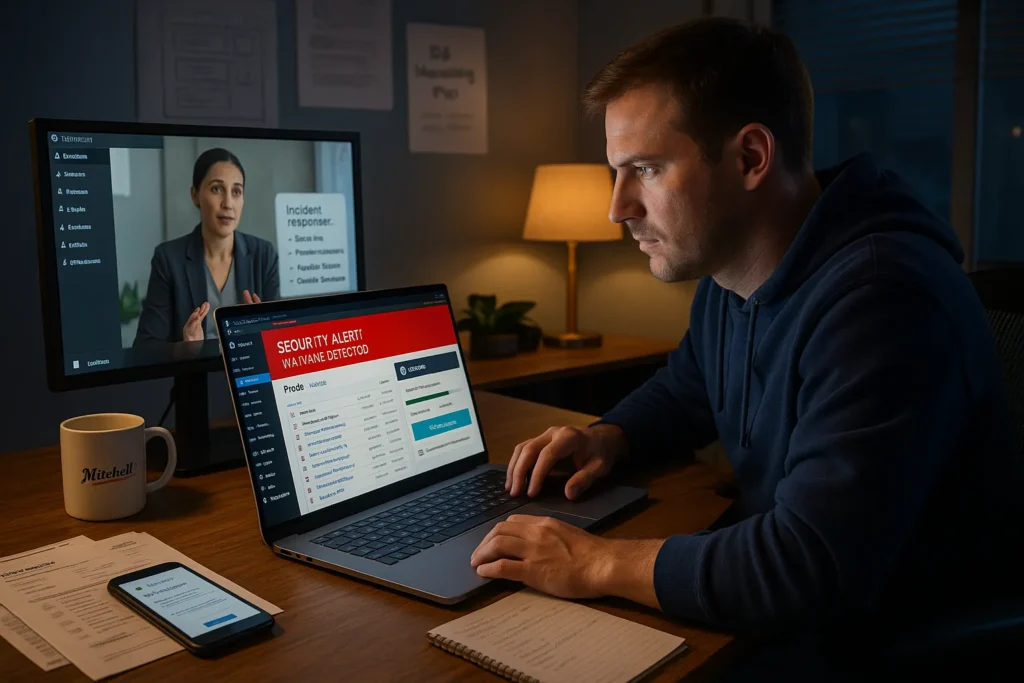
We have sat on Zoom with owners who just wanted to sell coffee beans or book consulting calls, staring at a hacked WordPress dashboard full of pharma spam and strange admin accounts. When that happens, you do not care about theory, you want the best malware removal WordPress options that will get your site back up, keep Google from flagging you, and not blow up your hosting.
Quick answer: the best WordPress malware removal setup for most small business sites is a mix of a strong security plugin (Wordfence or MalCare), reliable offsite backups (like BlogVault or hosting snapshots), and, for higher‑risk or ecommerce sites, a professional security partner to do a one‑time deep clean and hardening. In this guide, we will walk through seven practical options we actually see working on real client sites, from one‑click cleanups to full human‑led recovery, and how to choose the right mix for your risk level and budget.
If you are already in trouble and need help beyond a plugin, you can also bring in a specialist team like ours at Zuleika LLC to handle incident cleanup alongside broader work like WordPress website development and ongoing website maintenance services.
Key Takeaways
- The best malware removal WordPress setup is a stack: a strong security plugin (like Wordfence or MalCare), solid hardening, reliable offsite backups, and quality managed hosting support.
- Wordfence is ideal when you want the best WordPress malware removal combined with ongoing firewall protection, vulnerability alerts, and detailed traffic monitoring in one plugin.
- MalCare excels for emergency cleanups with fast, offsite scanning and one‑click malware removal, making it a powerful first response when a hacked site must be restored quickly.
- BlogVault-style offsite backups let you treat recovery as a clean restore rather than manual code surgery, especially when you catch infections early and have known-good restore points.
- For high-risk or repeatedly hacked sites, the best malware removal WordPress solution is to hire a professional security partner who can perform manual cleanup, hardening, documentation, and ongoing governance.
1. Wordfence Security: All-In-One Firewall And Malware Scanner
Key Malware Removal Features
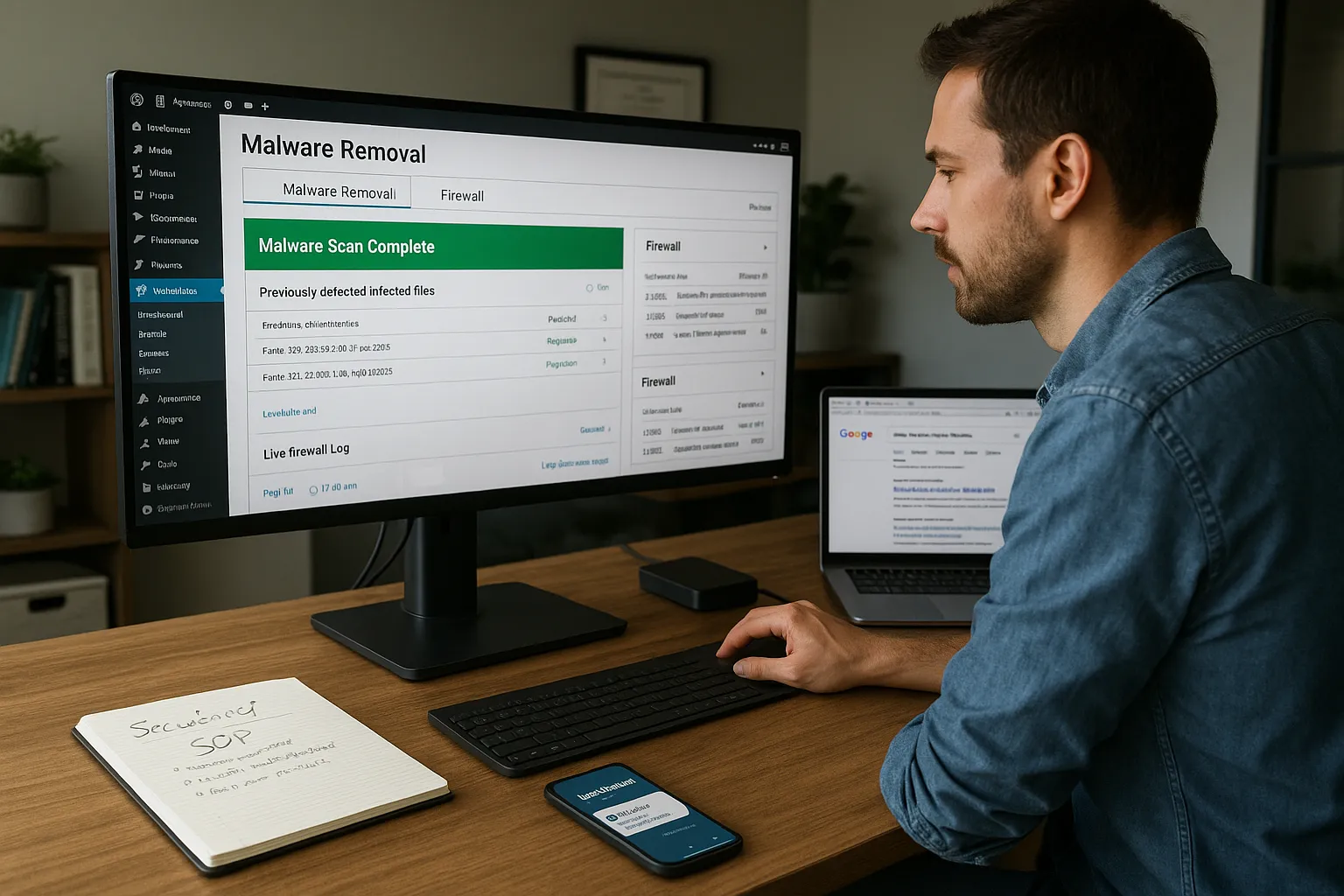
Wordfence is often the first tool we install when someone asks for the best malware removal WordPress solution that stays on guard long after the hack is gone. It combines a malware scanner, endpoint firewall, and file integrity checker in a single plugin with 5+ million active installs.
Core cleanup features:
- Scans core, themes, and plugins for known malware signatures and backdoors.
- Compares your WordPress core files against the official repository and repairs them.
- Detects malicious redirects, injected iframes, and SEO spam in posts and database tables.
- Includes a firewall that blocks known bad IPs, brute-force login attempts, and common exploits.
In practice: we have seen Wordfence turn a site with hundreds of hacked posts into a clean, indexable build in under an hour, as long as the attacker did not gain server‑level access.
When Wordfence Is The Best Fit
Wordfence is usually our top pick when a client wants best WordPress malware removal and long‑term protection in one plugin.
It is ideal if:
- You have a high‑traffic blog, WooCommerce shop, or membership site.
- You want to watch live traffic and block suspicious behavior in real time.
- You need alerts when plugins/themes become vulnerable so you can patch quickly.
If you are on decent hosting and can tolerate slightly heavier scans, Wordfence gives you a strong combination of cleanup, monitoring, and prevention without juggling three different tools.
Governance And Performance Considerations
The free version is enough for many small sites, but premium (roughly $119–$149/year) unlocks real‑time firewall rules and faster malware signature updates, important if security is business‑critical.
Things to watch:
- Performance: Full scans can be heavy on cheap shared hosting. Schedule them for low‑traffic hours.
- Logging: Wordfence logs security events: make sure this aligns with your privacy policies.
- Updates: Treat Wordfence settings as part of your SOP, document who manages it and how alerts are handled.
Used with a disciplined update process and reliable backups, Wordfence alone can cover a large share of the “best malware removal WordPress” playbook for many businesses.
2. MalCare: Fast One-Click WordPress Malware Removal
Why MalCare Is Strong For Cleanup
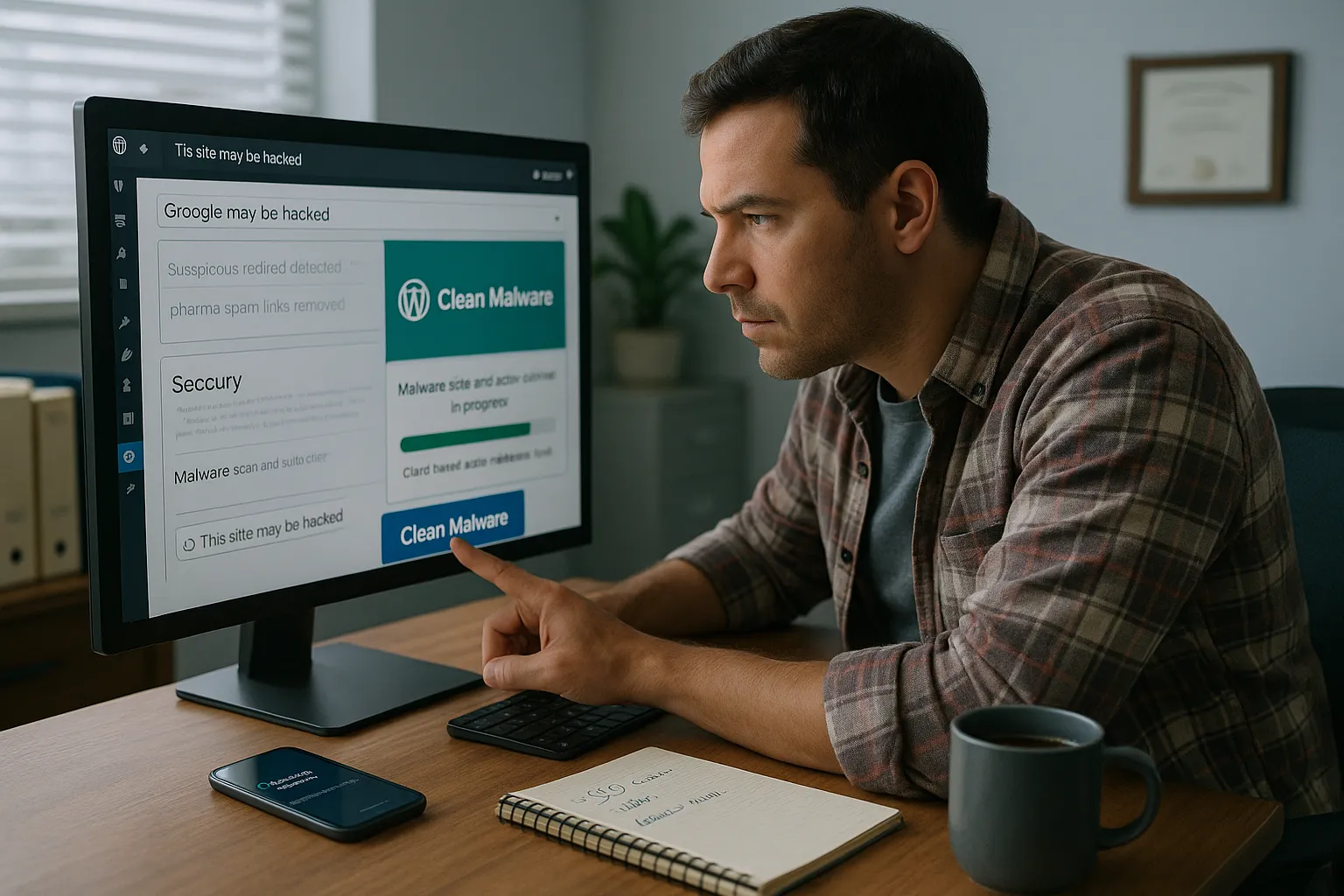
If Wordfence is the security generalist, MalCare is the emergency surgeon. It is built around fast, cloud‑based scans and one‑click malware removal that does not crush your server.
Why it works so well for best malware removal WordPress cleanups:
- Scans happen on MalCare’s servers, so even weak shared hosting is not overloaded.
- It looks for suspicious patterns and behavior, not just known signatures, which helps find new or obfuscated malware.
- One‑click auto‑cleanup removes malicious code in minutes, usually without downtime.
When a site is clearly hacked, pharma spam, weird users, or Google “This site may be hacked” warnings, MalCare is often the fastest way to stop the bleeding while you plan longer‑term defenses.
Best Use Cases For MalCare
We reach for MalCare when:
- A site is already compromised and needs immediate cleaning.
- Hosting is limited, and heavy on‑server scanning would likely time out.
- A non‑technical owner needs a simple, reliable “clean it now” button.
It excels in crisis mode: SEO spam infections, redirect hacks, or sudden blocklisting by Google or security vendors. Once MalCare has cleaned things up, we often layer in Wordfence or Solid Security for ongoing hardening.
Data Handling And Access Control
MalCare has built its detection engine from analyzing 240,000+ sites. That means your site’s file structure and patterns contribute to a shared understanding of what looks malicious.
From a governance angle:
- Scans run offsite, which reduces local resource burden but means external processing of file data.
- Premium plans (starting around $149/year) include frequent scans, firewall features, and site hardening tools.
Set clear rules: limit who can access the MalCare dashboard, connect it using a dedicated admin account, and avoid granting broader hosting access than necessary for cleanup.
3. Sucuri Security: Website Firewall Plus Incident Response Team
Malware Removal And Protection Stack
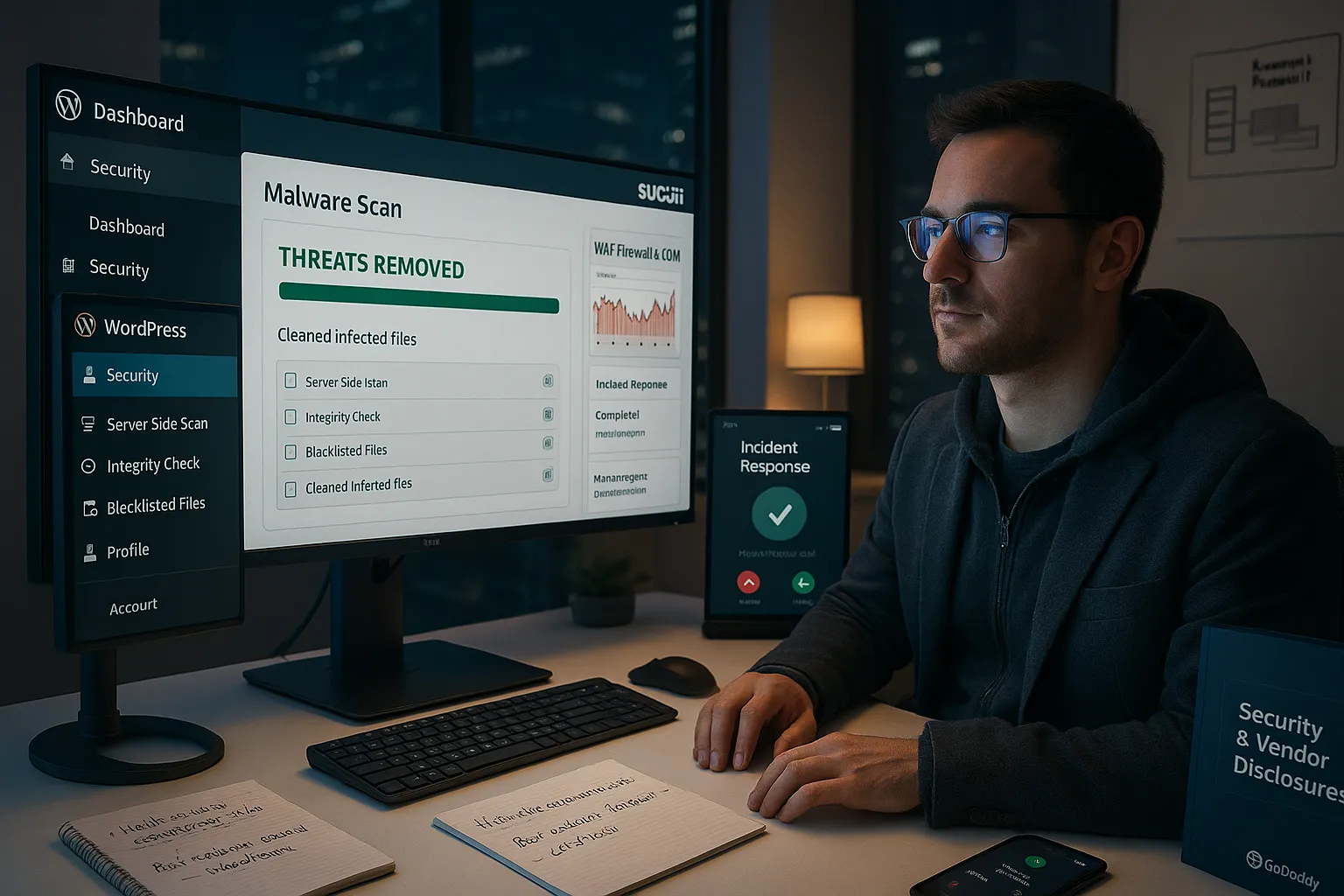
Sucuri combines a security plugin, an external website firewall (WAF), and a human incident response team. For many small businesses, it represents the best WordPress malware removal choice when you want both tools and people.
Key parts of the stack:
- Server‑side scans for malware, blacklisted files, and integrity issues.
- A cloud WAF that filters traffic before it even reaches your hosting.
- A professional cleanup team that will manually remove malware and restore the site.
When you connect the WAF in front of your WordPress install, Sucuri can block common exploit attempts, layer on a CDN, and hide your origin IP, which can reduce future attacks.
When To Choose Sucuri Over Other Tools
Sucuri is often the right answer for best malware removal WordPress when:
- You are running a high‑value site (ecommerce, booking, or high‑lead B2B) where downtime is expensive.
- You prefer a “done for you” cleanup instead of relying only on automated tools.
- You want a single vendor for WAF, CDN, and incident response.
Pricing typically starts around $199/year or $9.99/month depending on plan and billing. For owners who want a phone‑a‑friend during an incident, that human response is what you are really buying.
Security And Compliance Notes
A few governance points:
- Sucuri is owned by GoDaddy, and logs security events and traffic through its WAF.
- It has over 800,000 installations and a strong track record in the WordPress ecosystem.
- Because traffic is proxied, it can help with certain compliance and audit narratives, but you should still document which data passes through which vendors.
For clients with stricter policies, we treat Sucuri as part of a broader security stack and ensure disclosures cover third‑party processing.
If you are already on managed hosting or considering an upgrade, ask whether Sucuri is integrated, you might get some of this protection bundled.
4. Solid Security (Formerly iThemes): Hardening First, Cleanup Second
Core Malware And Hardening Features
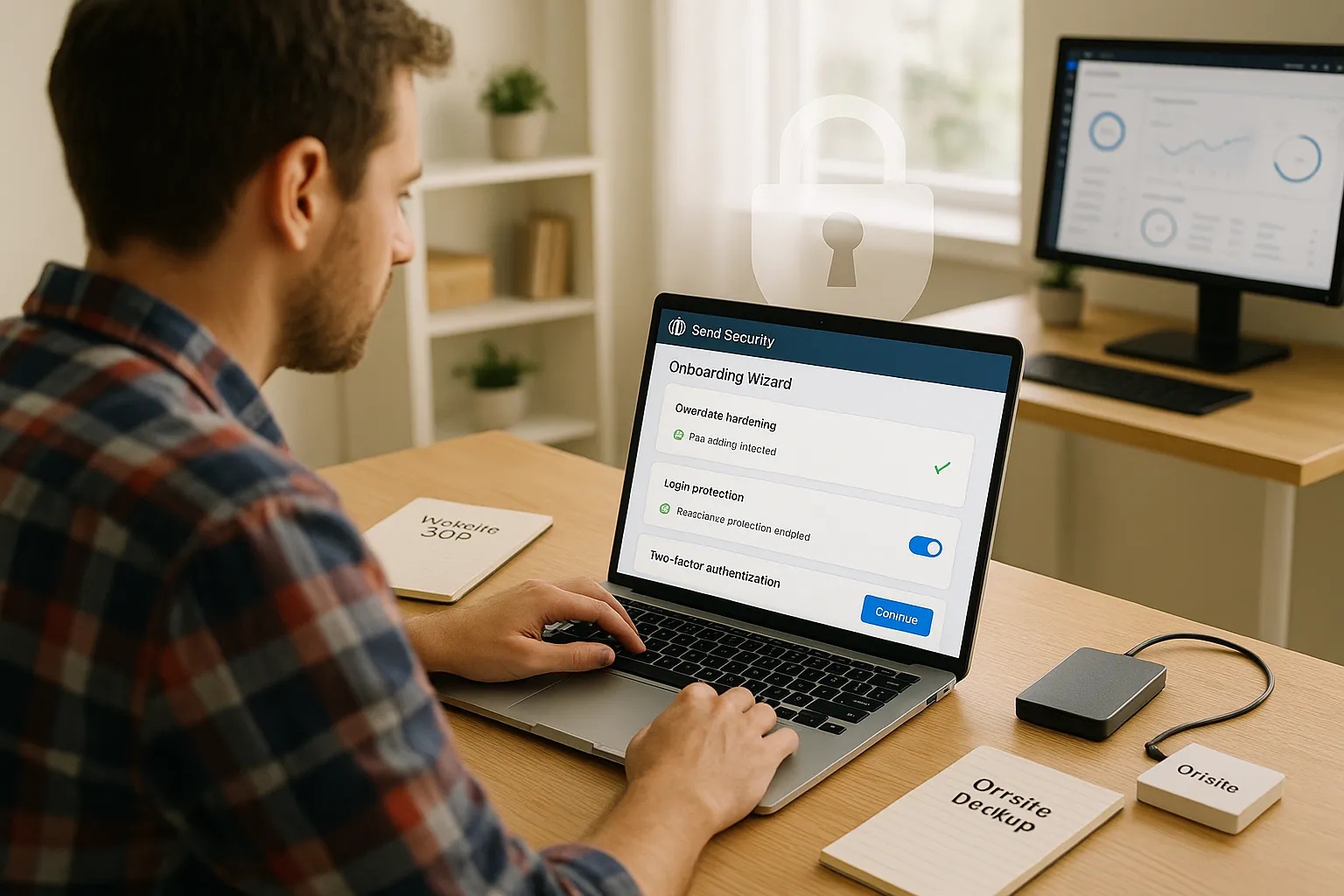
Solid Security (the new name for iThemes Security) leans more into prevention than headline‑grabbing cleanup. It is a great companion in a best malware removal WordPress plan because it lowers your odds of being hacked again.
Core capabilities:
- One‑click hardening: disables file editing, secures default paths, and tightens permissions.
- Login protection: rate limits, lockouts, and brute‑force defense.
- Basic malware scanning and integrity checks.
- User security tools: enforce strong passwords, two‑factor authentication, and role‑based controls.
We like its onboarding wizard for non‑technical business owners, it walks you through sensible defaults without drowning you in jargon.
Who Solid Security Works Best For
Solid Security fits best when:
- You are not currently hacked but want to reduce risk.
- You want guidance and guardrails more than a button labeled “remove malware.”
- Your site has multiple authors or admins and needs better login discipline.
For many small businesses, Solid Security plus regular offsite backups is a quiet but effective way to stay out of trouble in the first place.
How To Pair It With Other Tools
On its own, Solid Security is not usually our first choice for best WordPress malware removal after a full compromise. Instead, we:
- Use MalCare or Wordfence to do initial deep cleaning.
- Add Solid Security to lock down logins, file editing, and user roles.
- Document its rules as part of a broader WordPress SOP.
The free version is strong enough for many sites: Pro adds more detailed rules, logs, and support. Think of Solid Security as the “seatbelt and airbags” layer in your total security approach.
5. BlogVault Backups: Clean Restore As A Malware Recovery Strategy
How Backup-Centric Malware Recovery Works
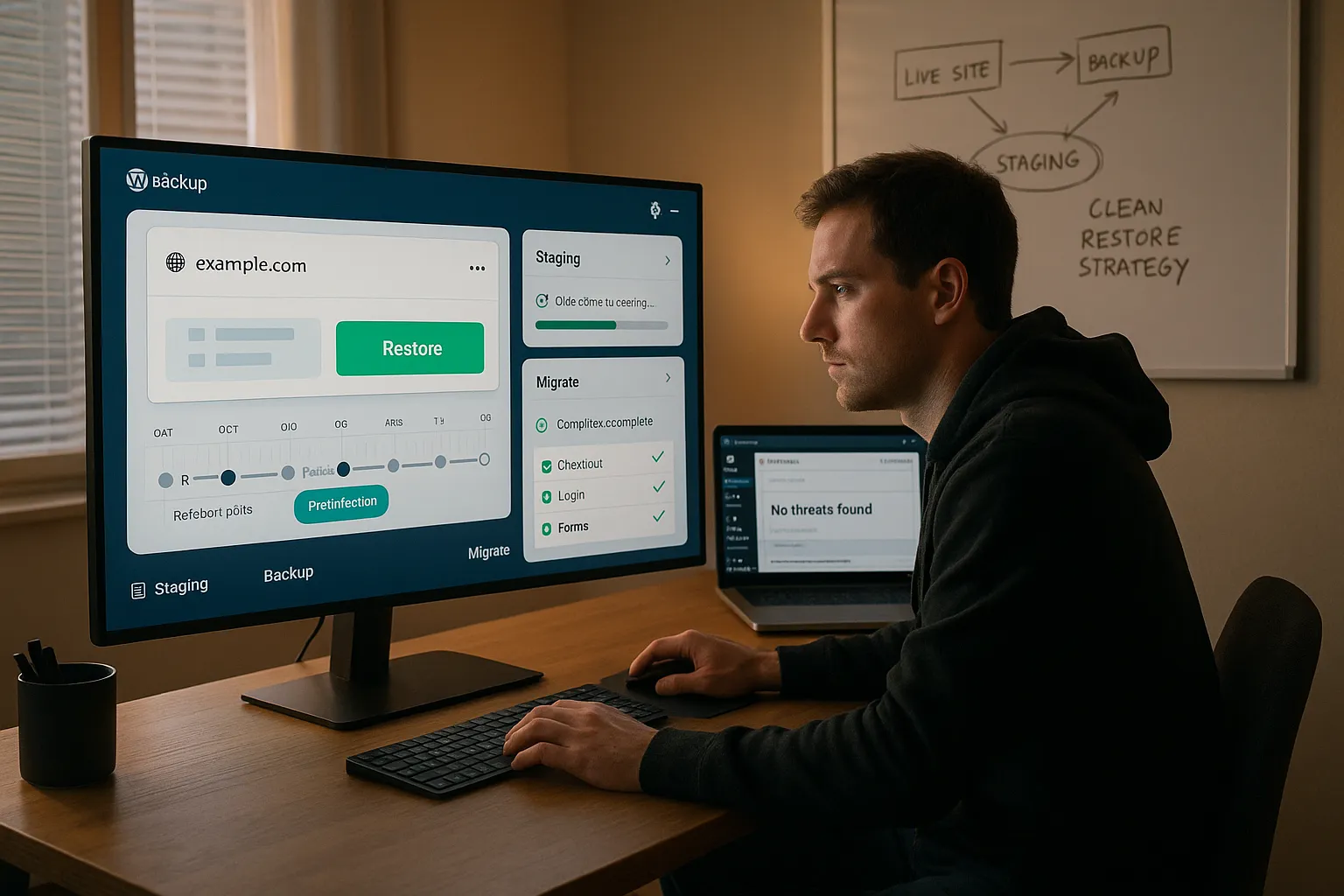
Sometimes the best malware removal WordPress move is not to surgically strip out every malicious line, it is to roll the whole site back to a known‑clean state. BlogVault is a backup and staging solution that makes that practical.
How this approach works:
- BlogVault keeps versioned, offsite backups of your WordPress site.
- When you detect malware, you identify a backup from before the infection.
- You restore that backup, either directly to production or to a staging copy for testing.
This can be safer and faster than hunting through thousands of lines of code, especially if you caught the hack quickly.
When BlogVault Is The Safest Play
We lean on BlogVault‑style backups when:
- The hack is recent, and there is a clearly clean restore point.
- The site codebase is messy or heavily customized, making manual cleanup risky.
- The owner cares more about fast, safe recovery than forensic detail.
For WooCommerce and membership sites, you may need to merge order or user data created after the backup, so time matters. The older the backup, the more tradeoffs you face.
Rollback, Staging, And Testing Changes
The real power of BlogVault is staging:
- Spin up a staging clone from a pre‑hack backup.
- Update plugins/themes, add a security plugin like Wordfence or Solid Security, and harden settings.
- Test everything, checkout, logins, lead forms, before pushing staging back to live.
This “clean lab” makes it easier to validate that your best WordPress malware removal work has truly neutralized the threat before customers touch the site again.
If you do not already have structured backups, your first security project should be to set them up, through BlogVault, your host, or a similar offsite option.
6. Managed WordPress Hosting Malware Cleanup Services
What Hosts Typically Offer For Malware Removal
Many quality managed WordPress hosts quietly include security features that contribute to best malware removal WordPress outcomes without additional plugins.
Typical offerings:
- Automated daily backups with quick restore.
- Malware scanning at the server level.
- Web application firewalls (often powered by partners like Sucuri or Cloudflare).
- Free or low‑cost cleanup if your site is compromised while on their platform.
For small business owners who do not want to learn five new tools, upgrading to a better host can be a simpler move than stacking plugin after plugin.
Questions To Ask Your Hosting Provider
Before assuming your host will save the day, ask:
- Does your plan include malware removal if my WordPress site is hacked?
- Is cleanup fully managed, or do I use a tool myself?
- How long does a typical cleanup take, and will my site be offline?
- What do you do to prevent reinfection after cleaning?
- Are there extra fees per incident?
The answers will tell you whether hosting is part of your best WordPress malware removal plan or you need third‑party tools and a human partner.
Pros And Cons Versus Plugin-Based Cleanup
Pros of relying on hosting:
- Less technical overhead for you.
- Deep server‑level access, which plugins cannot always reach.
- Often bundled into the plan you already pay for.
Cons:
- Timelines depend on support queues, bad during large attack waves.
- Some hosts simply restore backups without deeper investigation.
- You may not get detailed reports or hardening recommendations.
We usually recommend a blended approach: solid managed hosting, plus at least one dedicated security plugin and clear incident procedures.
7. Hiring A Professional WordPress Security Partner (Best For High-Risk Sites)
What A Human-Led Malware Cleanup Includes
There is a point where the best malware removal WordPress strategy is not another plugin, it is a human who does this every week. A professional WordPress security partner will typically provide:
- A full security audit: plugins, themes, user accounts, file structure, and server settings.
- Manual malware removal alongside tool‑based scans to catch what automation misses.
- Hardening: least‑privilege user roles, firewall rules, disallowing risky file edits, and setting policies.
- Documentation: what happened, what was changed, and how to reduce future risk.
This is where we spend a lot of time with clients at Zuleika LLC, usually as an extension of broader WordPress maintenance and support or custom WordPress development work.
When DIY Tools Are Not Enough
You should strongly consider a professional partner if:
- The hack keeps coming back even after multiple “cleanups.”
- You run ecommerce, booking, or membership sites where user data and payments are involved.
- Your business operates in regulated or higher‑risk fields (legal, healthcare, finance).
In these cases, the risk is not just downtime: it is reputation, compliance, and potential legal exposure. The best WordPress malware removal in that context includes policy reviews and continuous monitoring, not just a one‑time scan.
How We Approach Best WordPress Malware Removal For Clients
Our approach at Zuleika LLC is very process‑driven:
- Stabilize: Get backups, pause risky plugins, and enable maintenance mode if needed.
- Scan with multiple tools: Often MalCare for fast cleaning plus Wordfence for deep inspection.
- Manual review: Check core files, wp-config.php, uploads, and database tables for anomalies.
- Harden: Install or configure security plugins (Wordfence, Solid Security), lock down logins, enforce updates.
- Document and train: Provide a plain‑English report and quick training for your team.
We keep humans in the loop: no copying sensitive data into random tools, clear audit logs, and realistic guidance that fits your budget and tech comfort. The goal is not a one‑time rescue: it is a calmer, safer WordPress life going forward.
Conclusion
If you remember nothing else, remember this: the best malware removal WordPress solution is rarely a single magic plugin. It is a stack and a process.
In practice, that stack looks like:
- A strong security plugin (Wordfence or MalCare) for scanning and removal.
- Hardening and login protection with tools like Solid Security.
- Reliable offsite backups (BlogVault or host snapshots) so you can roll back safely.
- Quality managed hosting that offers malware scanning and support.
- For higher‑risk sites, a professional security partner to do deep cleanup and ongoing governance.
For many owners, the best WordPress malware removal journey starts during a crisis, but it does not have to end there. Once your site is clean, use that moment to improve everything around it, hosting, backups, security policies, and even your broader WordPress website strategy.
If you want help turning this into a concrete plan, we can review your current site, map your risk, and design a right‑sized security and maintenance package so you spend less time worrying about hacks and more time growing the business.
Frequently Asked Questions
What is the best malware removal WordPress setup for a small business site?
For most small business sites, the best malware removal WordPress setup combines a strong security plugin like Wordfence or MalCare, reliable offsite backups such as BlogVault or host snapshots, and, for higher‑risk or ecommerce sites, a professional security partner for one‑time deep cleanup and hardening.
When should I choose Wordfence vs. MalCare for WordPress malware removal?
Wordfence is ideal when you want ongoing protection with a firewall, detailed scanning, and live traffic monitoring on a reasonably strong host. MalCare is better in crisis mode or on weak hosting, offering fast, cloud‑based scans and one‑click malware removal without overloading your server.
How can backups like BlogVault help with WordPress malware recovery?
Backup tools such as BlogVault keep versioned, offsite copies of your site. If malware is detected, you can roll back to a known‑clean backup, optionally on a staging site first. This often provides a faster, safer recovery than manually stripping malicious code from thousands of files.
What role does managed WordPress hosting play in malware removal?
Quality managed WordPress hosting often includes daily backups, server‑level malware scanning, a web application firewall, and sometimes free or low‑cost cleanup if your site is hacked. It reduces technical overhead, but you should still use at least one dedicated security plugin and clarify exactly what cleanup support is included.
Is hiring a professional security partner really necessary for best malware removal WordPress results?
A professional security partner becomes essential when hacks keep returning, you run ecommerce or membership sites, or operate in regulated industries. Experts combine automated tools with manual code and database review, hardening, incident documentation, and ongoing monitoring, delivering a deeper and more reliable best malware removal WordPress process.
Can I remove WordPress malware for free using only plugins?
Sometimes. Free versions of plugins like Wordfence or Solid Security can detect and remove many common infections, especially minor ones. However, complex or repeated hacks, server‑level compromises, or sites handling payments and user data usually require paid tools, high‑quality backups, and often professional, human‑led cleanup for full safety.
Some of the links shared in this post are affiliate links. If you click on the link & make any purchase, we will receive an affiliate commission at no extra cost of you.
We improve our products and advertising by using Microsoft Clarity to see how you use our website. By using our site, you agree that we and Microsoft can collect and use this data. Our privacy policy has more details.
