
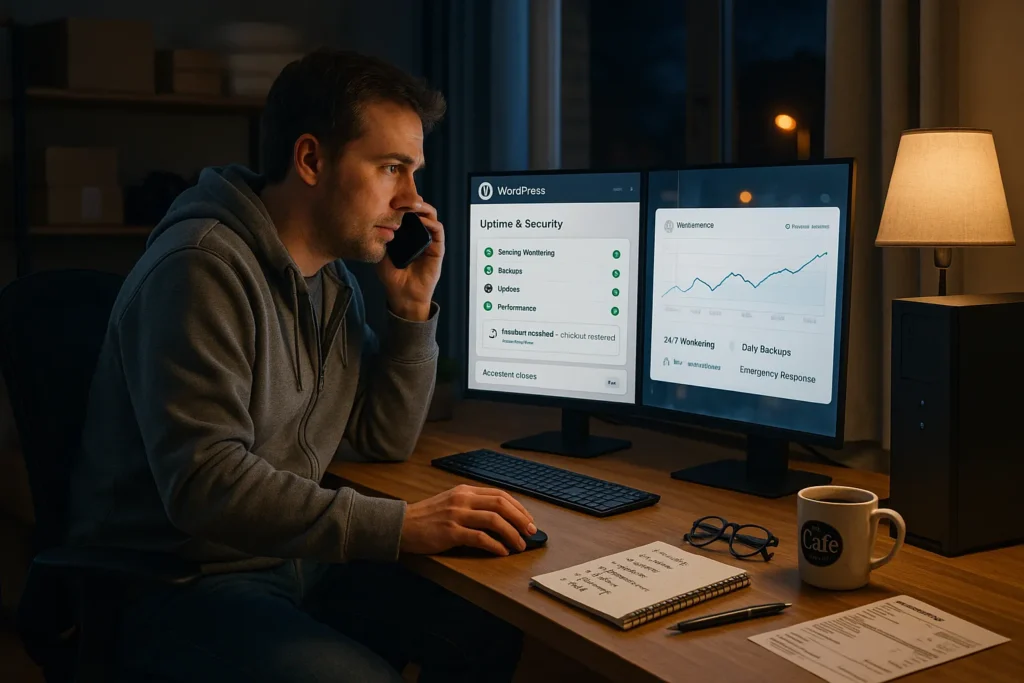
We still remember the first time a client’s WordPress site went down on a Saturday night, checkout frozen, ads still running, and a very anxious founder on the phone. It drove home how the best WordPress maintenance services are not a “nice to have,” but the thin line between steady revenue and very public chaos.
Quick answer: the best WordPress maintenance services combine seven pillars, security, backups, safe updates, performance, hosting support, SEO/content care, and emergency response, wrapped in clear SLAs and human oversight. In this guide, we will walk through each of those pillars so you can compare providers like WP Buffs, SiteCare, GoWP, FixRunner, Valet, Elementor Care, and agencies like Zuleika LLC, with a confident checklist instead of guesswork.
Key Takeaways
- The best WordPress maintenance services rest on seven pillars: security, backups, safe updates, performance, hosting support, SEO and content care, and responsive emergency support with clear SLAs.
- Strong security and backup policies—24/7 monitoring, guaranteed malware removal, and frequent offsite, tested backups—protect small and regulated businesses from data loss, revenue hits, and compliance issues.
- Top providers of WordPress maintenance use staging environments, documented update workflows, and detailed change logs to safely handle core, theme, and plugin updates without breaking revenue-critical features like checkout or forms.
- Performance-focused care plans combine caching, image optimization, database cleanup, Core Web Vitals monitoring, and uptime alerts to directly improve SEO, user experience, and conversion rates.
- The best WordPress maintenance services go beyond “keeping the lights on” by including content edits, on-page SEO fixes, analytics reporting, and simple KPIs that tie website health to real business outcomes.
- Choosing a long-term maintenance partner means comparing coverage of all seven pillars, transparency of SLAs and reports, understanding of your business model, and access to consistent human support instead of one-off emergency fixes.
1. Security Monitoring And Malware Protection
What This Service Typically Includes
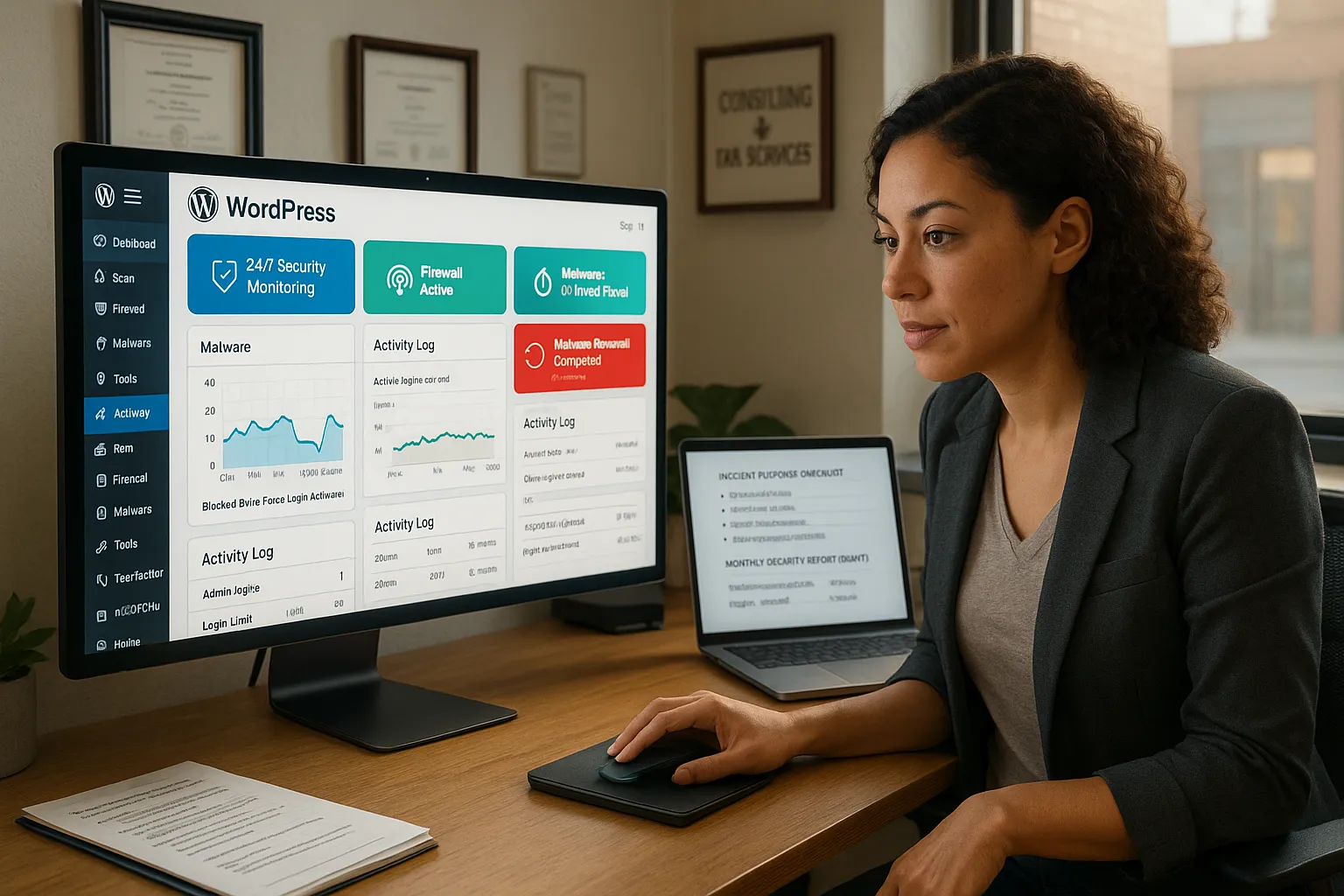
For any of the best WordPress maintenance services, security monitoring is non-negotiable. You should expect:
- 24/7 security scanning and firewall protection
- Malware detection and guaranteed malware removal
- Brute-force login protection and two-factor authentication options
- Core, theme, and plugin vulnerability monitoring
- Login and admin-activity logs so you can see who did what, and when
Many quality providers use tools such as Wordfence, Sucuri, or server-level firewalls, then wrap them in their own incident-response process. At Zuleika LLC, for example, we pair automated scanning with human checks after major changes or plugin updates.
The key idea: monitoring without a clear cleanup process is like a smoke alarm with no fire extinguisher.
Red Flags And Questions To Ask Providers
Security sales language can sound impressive while saying very little. Red flags:
- Vague phrases like “security scans” with no mention of malware removal
- No stated response time for incidents
- No mention of specific tools or logs
- “Unlimited fixes” with no description of process or limits
Questions to ask any maintenance provider:
- Which tools and firewalls do you use for WordPress security?
- Do you include malware cleanup in every plan? Any extra fees?
- What is your typical response time for a hacked site?
- Do you harden WordPress logins (2FA, reCAPTCHA, limit login attempts)?
- Do you provide monthly security reports or audit logs?
If they cannot answer clearly in under a minute, that is a sign to keep looking.
Why Security Matters For Small And Regulated Businesses
Small businesses often assume attackers only care about big brands. Reality: automated bots scan the internet and hit any vulnerable WordPress site they find, including local shops and solo practices.
For regulated or sensitive niches (health, legal, finance, education), a compromise can mean:
- Data exposure and potential regulatory scrutiny
- Forced password resets for all users and clients
- Chargebacks, refunds, and downtime losses
- Long-term trust damage when customers see “this site may be hacked” warnings
The best WordPress maintenance services reduce that risk with ongoing monitoring, hardening, and fast cleanup. The cost of a monthly security-focused plan is tiny compared with a single serious breach or a week of lost sales.
2. Automated Backups And Disaster Recovery
Daily, Offsite, And Versioned Backups
After security, backups are your parachute. Any service claiming to be one of the best WordPress maintenance services should offer at least:
- Automated daily backups (hourly for busy stores)
- Offsite storage (not just on the same server as your site)
- Versioned restore points so you can roll back to different days
Good providers will separate:
- Files (themes, plugins, uploads)
- Database (orders, posts, settings)
…so they can restore one without breaking the other. Ask whether backups are encrypted and where they are stored (region and provider).
Restore Time, Testing, And Rollback Plans
Backups that nobody has tested are hope, not a strategy.
When you evaluate a maintenance provider, ask:
- How long does a typical full restore take?
- How often do you test restores on a staging site?
- Can you restore just the database or just the files?
- Do you charge extra for disaster recovery support?
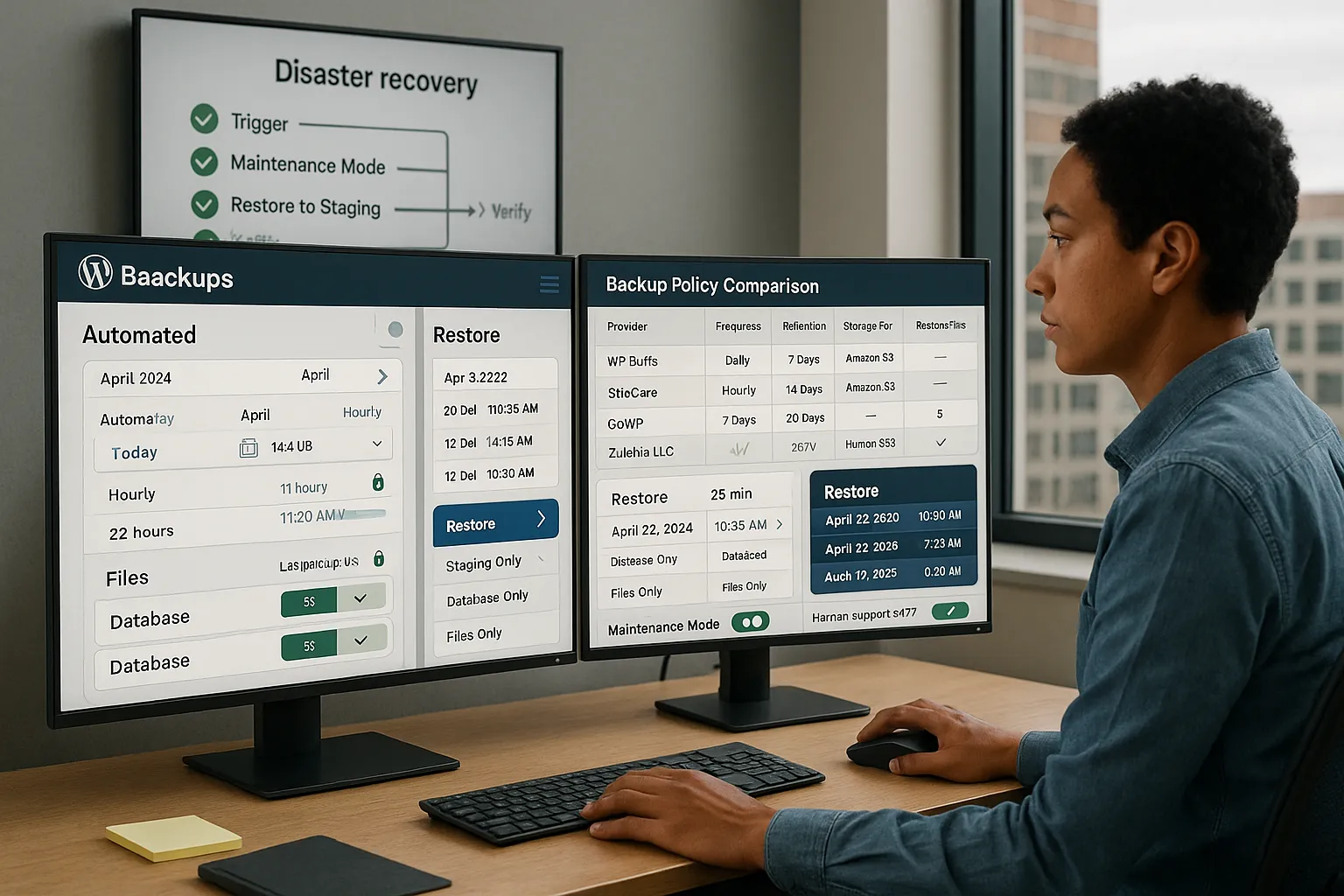
A simple rollback plan might look like this:
- Trigger: major bug, hack, or broken update.
- Put the site in maintenance mode (or use a simple holding page).
- Restore from the most recent clean backup to staging.
- Verify logins, checkout, forms, and key pages.
- Push staging to live and monitor for issues.
Ask providers to describe their version of these steps in plain English.
How To Compare Backup Policies Across Providers
When you look at plans from WP Buffs, SiteCare, GoWP, Zuleika LLC, or others, line up their backup policies side by side. Compare:
- Frequency: daily vs hourly
- Retention: 7, 14, 30, or 90+ days
- Location: same server, separate server, or third-party (e.g., Amazon S3)
- Restore fees: included vs billed per incident
- Human help: do you get a real person during a crisis?
If your site drives direct revenue, lean toward more frequent backups and longer retention. For content-heavy sites, long retention can save you when a problem goes unnoticed for weeks.
3. Core, Theme, And Plugin Updates With Testing
Safe Update Workflow (Staging, Testing, Go-Live)
Many “set and forget” update tools will blindly auto-update everything. That is how sites break.
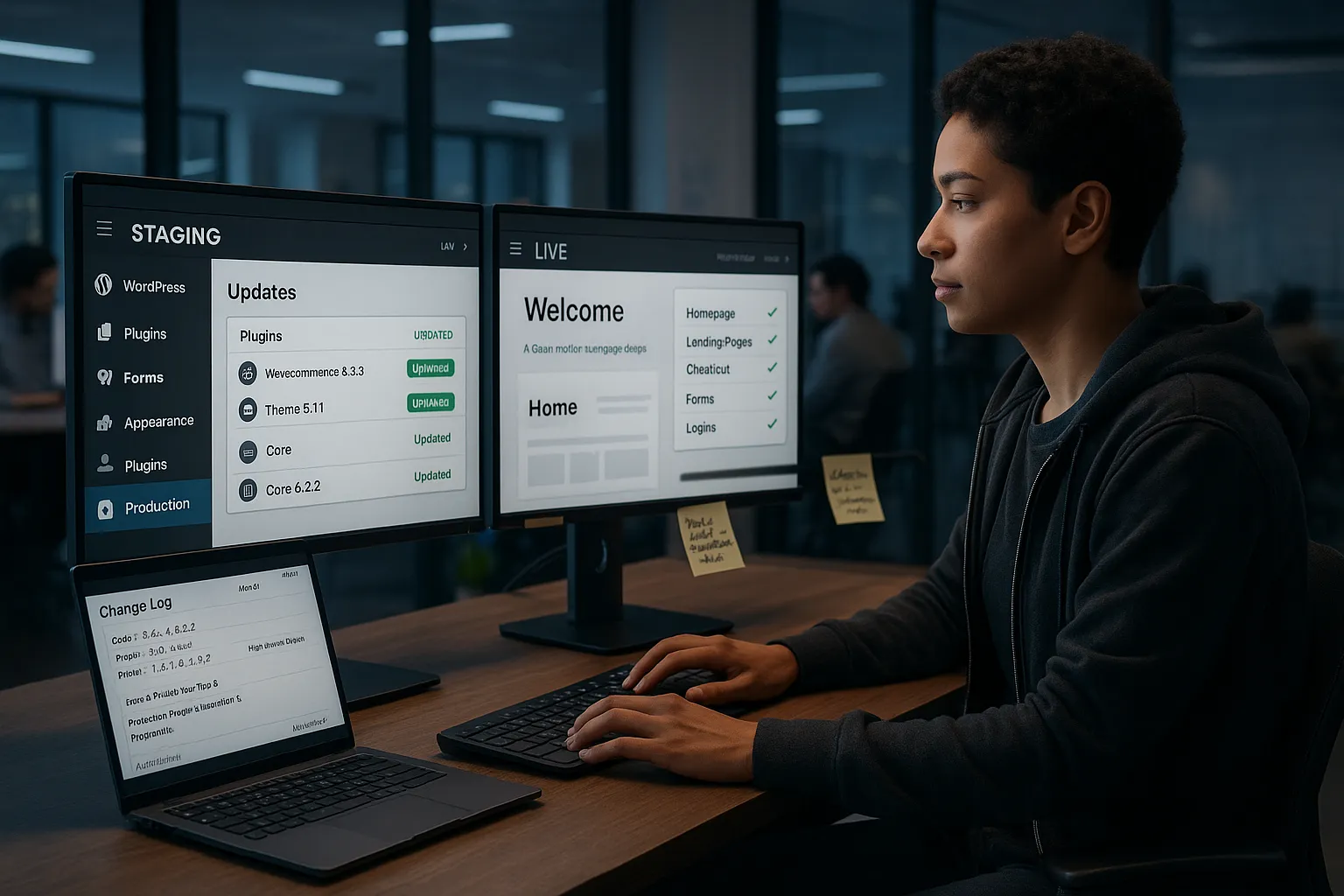
The best WordPress maintenance services follow a safer pattern:
- Staging first: clone your site to a staging environment.
- Apply updates: core, theme, and plugins.
- Test: check homepage, key landing pages, checkout, forms, and logins.
- Schedule go-live: push changes to production during low-traffic hours.
- Monitor: watch for errors, slowdowns, or layout glitches.
Ask potential providers to walk you through their update workflow step by step. If there is no mention of staging, testing, or rollback, your risk is higher.
Handling Premium Plugins And License Renewals
Most serious WordPress sites rely on premium plugins: WooCommerce extensions, form builders, LMS tools, security suites, and more.
Maintenance providers typically work in one of two ways:
- You own the licenses: they remind you when renewals are due.
- They provide “agency” licenses: you get access while you are on their plan.
Clarify:
- Who pays for which licenses?
- What happens to premium features if you leave that provider?
- Do they verify plugin compatibility before major WordPress core updates?
If your site uses many paid plugins, choose a partner used to ecommerce and membership setups, not just simple blogs.
Update Reporting And Change Logs
When updates are done right, you should see clear records. Look for:
- Monthly or weekly update summaries
- A list of plugins/themes updated, with versions
- Notes on any issues found and fixed
- A change log for custom code edits
This matters for accountability and troubleshooting. When a bug appears, a good change log lets your team trace it back to a specific update instead of guessing.
At Zuleika LLC, for example, we treat update logs like medical charts: who did what, when, and why, so nothing relies on memory alone.
4. Performance Optimization And Uptime Monitoring
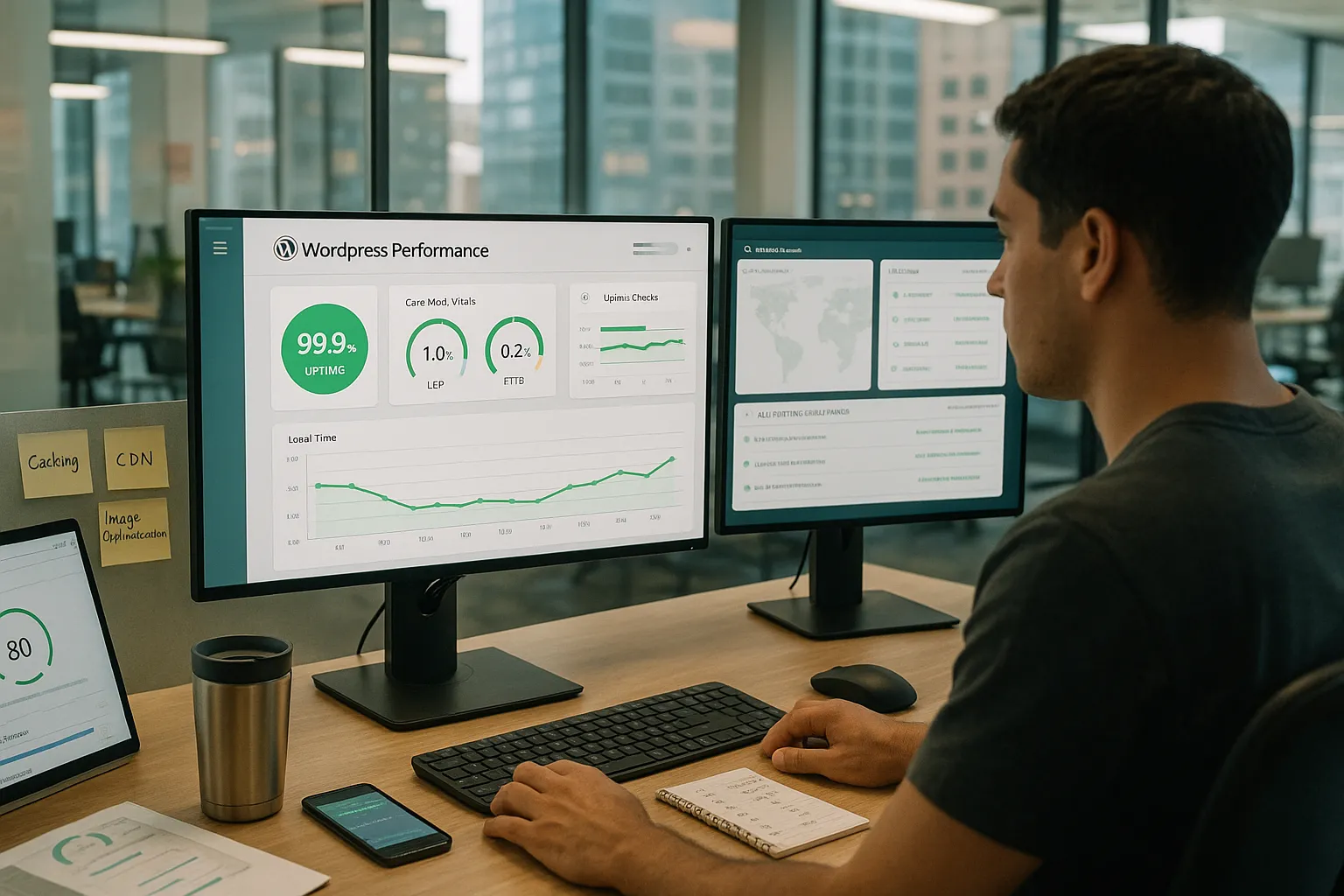
Caching, Image Optimization, And Database Cleanup
Speed is a ranking factor and a conversion factor. The best WordPress maintenance services include performance work, not just “check engine lights.”
Look for:
- Proper caching (page cache + browser cache)
- Image compression and next-gen formats (WebP)
- Database cleanup (old revisions, transients, spam comments)
- Minification/combination of CSS and JS where appropriate
- CDN integration if your traffic is global
Ask providers how they measure improvements: before/after tests on tools like GTmetrix or PageSpeed Insights are a good sign.
Uptime SLAs And Real-Time Alerts
Uptime monitoring watches your site from multiple locations and pings someone if it goes down.
When comparing services, check:
- Do you get 24/7 uptime monitoring?
- Are alerts sent by email, SMS, Slack, or all three?
- What is the promised response time if your site is offline?
- Is there an uptime SLA (for example, 99.9%)?
A realistic small-business standard is: alerted within minutes, human eyes on the issue within 15–30 minutes, and clear communication while it is being fixed.
Speed Benchmarks That Actually Impact SEO And Sales
Forget chasing perfect 100/100 scores. Focus on the metrics that move revenue:
- Largest Contentful Paint (LCP): ideally under 2.5s
- Time to First Byte (TTFB): low server response times
- Mobile load time on 4G: under 3 seconds for key pages
Maintenance providers with a performance focus, such as SiteCare or a development agency like Zuleika LLC, will talk about Core Web Vitals, not just “fast hosting.” This blend of technical tuning and ongoing measurement is what helps your SEO and paid campaigns work harder over time.
For deeper technical tuning ideas, you can later pair maintenance with a dedicated WordPress website development engagement.
5. Managed WordPress Hosting And Technical Support
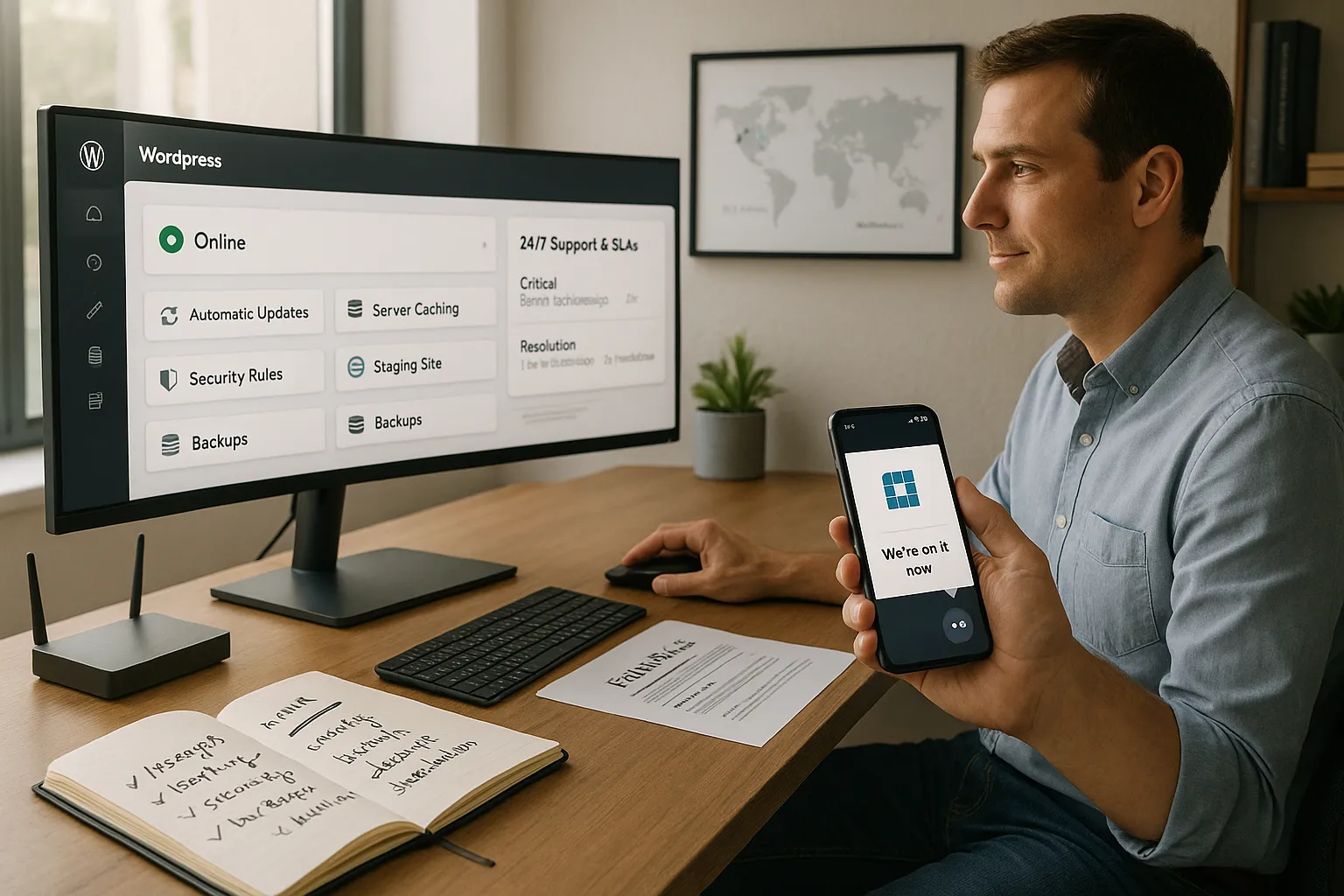
Difference Between Generic Hosting And Managed WordPress
Generic shared hosting keeps your site online. Managed WordPress hosting actively cares for it.
A managed plan often includes:
- Automatic WordPress core updates
- Server-level caching and performance tuning
- Built-in security rules tuned for WordPress
- Staging environments and one-click restores
Many of the best WordPress maintenance services either:
- Bundle managed hosting (one bill, one team), or
- Integrate tightly with high-quality hosts like Kinsta, WP Engine, or similar.
If you already host elsewhere, ask how they will coordinate with your provider during incidents.
Support Channels, SLAs, And Escalation Paths
Small-business owners care less about “ticket systems” and more about “who helps me when I am losing money?”
Compare:
- Channels: live chat, email, phone, Slack
- Coverage: business hours only vs true 24/7
- Response SLAs: first human reply and typical resolution time
- Escalation: how complex issues reach senior engineers or developers
You want clear expectations: for example, “critical incidents acknowledged in 15 minutes, resolved or mitigated in 2 hours when possible.”
Security, Privacy, And Data Location Considerations
For many founders, data location and access control are not top of mind until a client asks about it.
Ask maintenance providers:
- Where are your data centers located?
- Where are backups stored and for how long?
- Who on your team has admin access to our site and database?
- Can you support EU data-residency needs if we have European customers?
This is especially important for regulated or privacy-sensitive businesses. You want a partner that treats access to your WordPress admin and customer data as a privilege, not a casual convenience.
6. Content, SEO, And Conversion-Focused Maintenance
On-Page SEO Tweaks And Technical SEO Hygiene
Many maintenance companies stop at “keeping the lights on.” The best WordPress maintenance services go further and help your site grow.
On the SEO front, that can include:
- Fixing title tags, meta descriptions, and heading structures
- Cleaning up broken links and 404s
- Generating or updating XML sitemaps
- Improving internal linking between key pages
- Checking schema markup and Core Web Vitals
A provider that also offers dedicated WordPress SEO services can fold these into a monthly rhythm instead of one-off audits.
Routine Content Updates And Landing Page Improvements
Real growth comes from small, steady improvements:
- Publishing or updating blog posts
- Refreshing outdated service pages
- Testing new hero copy or calls to action
- Tweaking product pages and checkout messages
Some providers include “content edit hours” in their care plans: you send copy or small layout requests, and their team implements them safely. This is ideal if you want to avoid “white-knuckle editing” in the WordPress editor.
Analytics, Reporting, And Simple KPIs To Track
Your maintenance report should help you answer: “Is this site moving the business forward?”
Key metrics to include:
- Sessions and top landing pages
- Leads or sales from contact forms and checkout
- Page speed and uptime trends
- Security events and resolved issues
Ask for a simple monthly summary that non-technical stakeholders can understand in five minutes. That keeps your website from becoming a black box and connects maintenance to real outcomes.
7. Emergency Support, Care Plans, And Strategic Guidance
Emergency Fixes Versus Ongoing Care Plans
Most agencies, and big names like WP Buffs, FixRunner, or WP Tech Support, offer two broad options:
- Emergency fixes: one-time hack cleanup, bug fixing, or performance triage.
- Ongoing care plans: monthly or annual maintenance across all the areas above.
Emergency work is useful when you are already on fire. Ongoing care is what keeps you out of fire in the first place.
Pricing for care plans usually ranges from $30–$500+ per month, depending on:
- Number of sites
- Traffic and complexity (ecommerce, membership, LMS)
- Level of support and strategy included
Human-In-The-Loop Review And Governance For Changes
As sites grow, ad-hoc changes become risky. You want:
- A clear change-approval process for big updates
- Staging tests for new features or plugins
- Logging and rollback plans for all critical changes
- Periodic review calls to align website work with business goals
At Zuleika LLC, we talk about “human in the loop”: automation handles backups, scans, and checks, while real people review logs, test key flows, and sign off before major changes go live.
How To Choose A Long-Term WordPress Maintenance Partner
When you compare the best WordPress maintenance services, WP Buffs, SiteCare, GoWP, Valet, Elementor Care, or a boutique agency like Zuleika LLC, use this short checklist:
- Coverage: Do they clearly cover all seven pillars in this text?
- Clarity: Are SLAs, response times, and scope written in plain language?
- Fit: Do they understand ecommerce, bookings, or whatever your core flow is?
- Reports: Do you get useful, human-readable monthly reports?
- Relationship: Will you have a consistent point of contact who learns your business?
If you are already working with a WordPress developer, ask whether they offer website maintenance services that integrate with your existing setup instead of starting from scratch.
Conclusion
Choosing among the best WordPress maintenance services is less about chasing a brand name and more about matching a provider to these seven pillars: security, backups, safe updates, performance, hosting support, SEO/content care, and emergency response with real humans involved.
For a growing small business, a good care plan quietly turns hours of risk and grunt work into a predictable monthly line item. It keeps your site fast, safe, and revenue-ready while you focus on products, clients, and marketing.
If you want help turning this checklist into a concrete plan for your own site, consider booking a quick consult with a WordPress-focused partner such as Zuleika LLC. Bring your current hosting details, traffic level, and business goals, and walk away with a simple maintenance roadmap, whether you work with us or just use it to evaluate other providers.
Frequently Asked Questions about WordPress Maintenance Services
What should the best WordPress maintenance services include?
The best WordPress maintenance services cover seven essentials: security monitoring and malware removal, automated offsite backups, safe core/theme/plugin updates with staging, performance optimization and uptime monitoring, managed hosting support, ongoing SEO and content updates, and reliable emergency response backed by clear SLAs and human oversight.
How do I compare different WordPress maintenance providers effectively?
Line up plans from providers like WP Buffs, SiteCare, GoWP, Valet, or a boutique agency side by side. Compare security tools and response times, backup frequency and retention, update workflows (staging vs direct), performance guarantees, hosting integration, reporting quality, and whether you get a consistent, knowledgeable point of contact.
How much do the best WordPress maintenance services typically cost?
WordPress maintenance pricing usually ranges from about $30 to $500+ per month. Costs depend on the number of sites, traffic levels, ecommerce or membership complexity, required response times, and whether you want only technical upkeep or broader support that includes strategy, SEO, and regular content or design changes.
Do I really need a WordPress maintenance service for a small or low-traffic site?
Yes. Most attacks are automated bots that target any vulnerable WordPress site, not just high-traffic brands. A maintenance service handles security, backups, updates, and uptime monitoring so a single hack, broken update, or week-long outage doesn’t wipe out your data, reputation, or limited marketing budget.
Can I manage WordPress maintenance myself instead of hiring a service?
You can DIY maintenance if you’re comfortable handling security plugins, backups, staging sites, performance tuning, and emergency fixes. However, as revenue or complexity grows, the risk of downtime and data loss increases. Many businesses eventually outsource to the best WordPress maintenance services to get expert coverage and predictable support.
Some of the links shared in this post are affiliate links. If you click on the link & make any purchase, we will receive an affiliate commission at no extra cost of you.
