

The first time we turned on an auto SEO WordPress plugin and watched dozens of pages instantly gain clean titles, meta descriptions, and sitemaps, it felt like cheating. Then we checked the search results and saw something else, too, bland snippets and missed opportunities where automation guessed wrong. That is the tension we all live with on WordPress: we want speed and scale, but we cannot afford to hand our entire organic traffic strategy to a set of default settings.
In this guide we walk through how to use auto SEO in WordPress as a smart assistant, not a replacement. We will keep the power tools, set hard limits on what they touch, and keep human judgment where it still moves the needle.
Key Takeaways
- Use auto SEO WordPress plugins as assistants for repetitive tasks like titles, meta descriptions, sitemaps, and schema, not as a replacement for SEO strategy or content expertise.
- Choose a lean auto SEO WordPress stack that won’t slow your site, integrates cleanly with your theme and builders, and gives you granular control over indexation, schema, and archives.
- Configure core settings on day one—search appearance templates, canonical URLs, indexation rules, and XML sitemaps—and then manually refine titles and descriptions on high‑value pages.
- Leverage automation safely for performance and technical SEO, including caching, image compression, security monitoring, and broken link scanning, while validating improvements with tools like PageSpeed Insights and Google Search Console.
- Keep human control over keyword and topic selection, search intent matching, content quality, and strategic internal linking so auto SEO in WordPress amplifies your work instead of creating generic or low‑quality pages.
What Auto SEO in WordPress Actually Does (And What It Cannot Do)
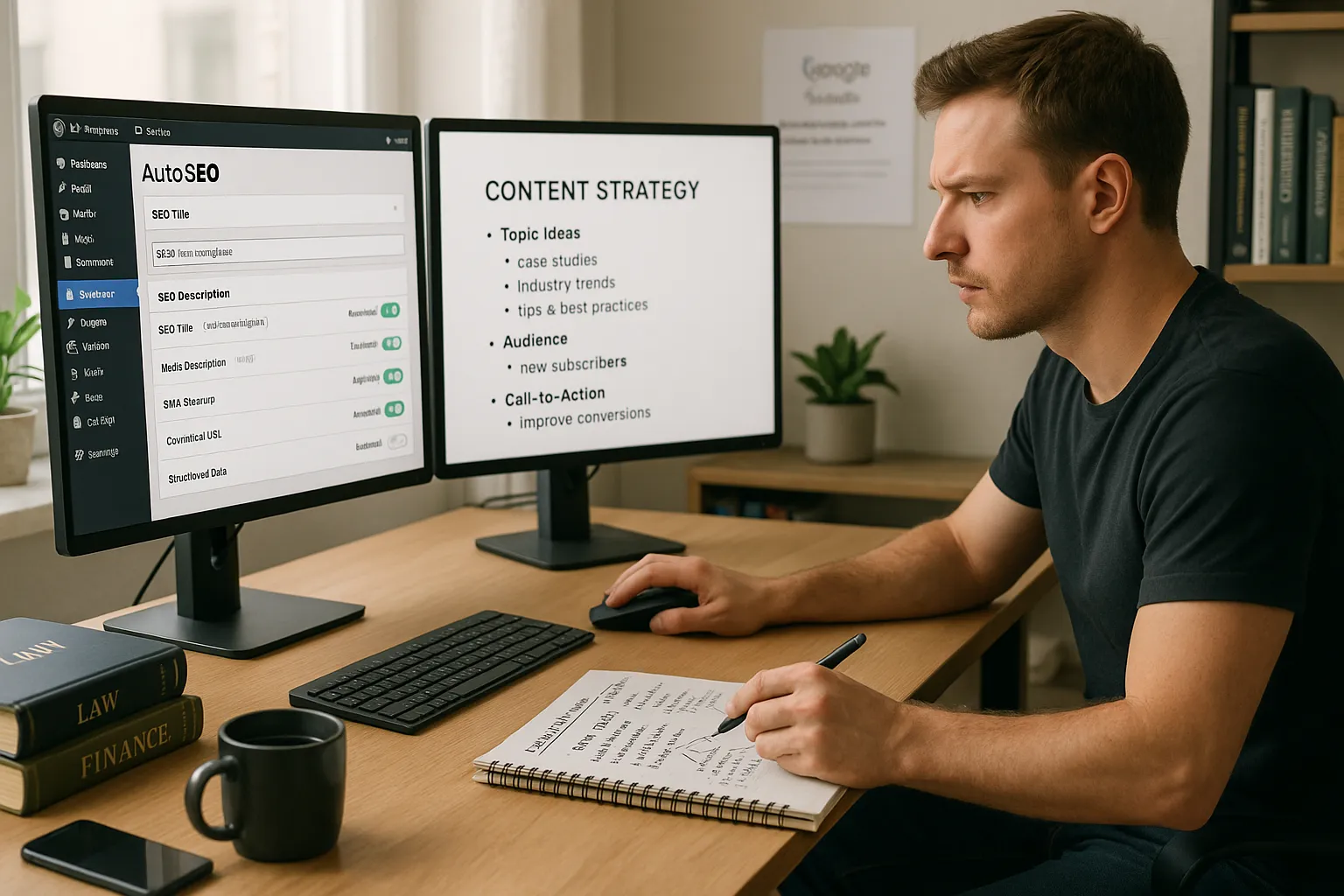
Auto SEO in WordPress handles repetitive, rule based tasks that machines are great at. It does not replace strategy, original thinking, or deep knowledge of your audience.
Here is what most auto SEO WordPress plugins can do well:
- Generate SEO titles and meta descriptions from templates
- Add canonical tags and handle basic duplicate content problems
- Build XML sitemaps and ping search engines
- Add structured data for posts, products, or local businesses
- Auto generate internal links or breadcrumbs in some setups
That covers the mechanical layer. It saves us a lot of time.
Here is what auto SEO tools cannot do for our WordPress site:
- Choose winning topics that match search demand and business goals
- Write trustworthy content that reflects our expertise
- Understand legal, medical, or financial nuance
- Decide which pages deserve heavy internal linking support
- Fix weak offers or confusing calls to action
Google’s Search Essentials make this clear. The guidelines stress original content, user focus, and expertise, not plugin settings.
- Source: “Google Search Essentials”, Google Search Central, updated 2023, https://developers.google.com/search/docs/essentials
So we treat auto SEO as a way to remove manual drudgery. The thinking stays in house, where it belongs.
Choosing the Right Auto SEO Plugin for Your WordPress Site
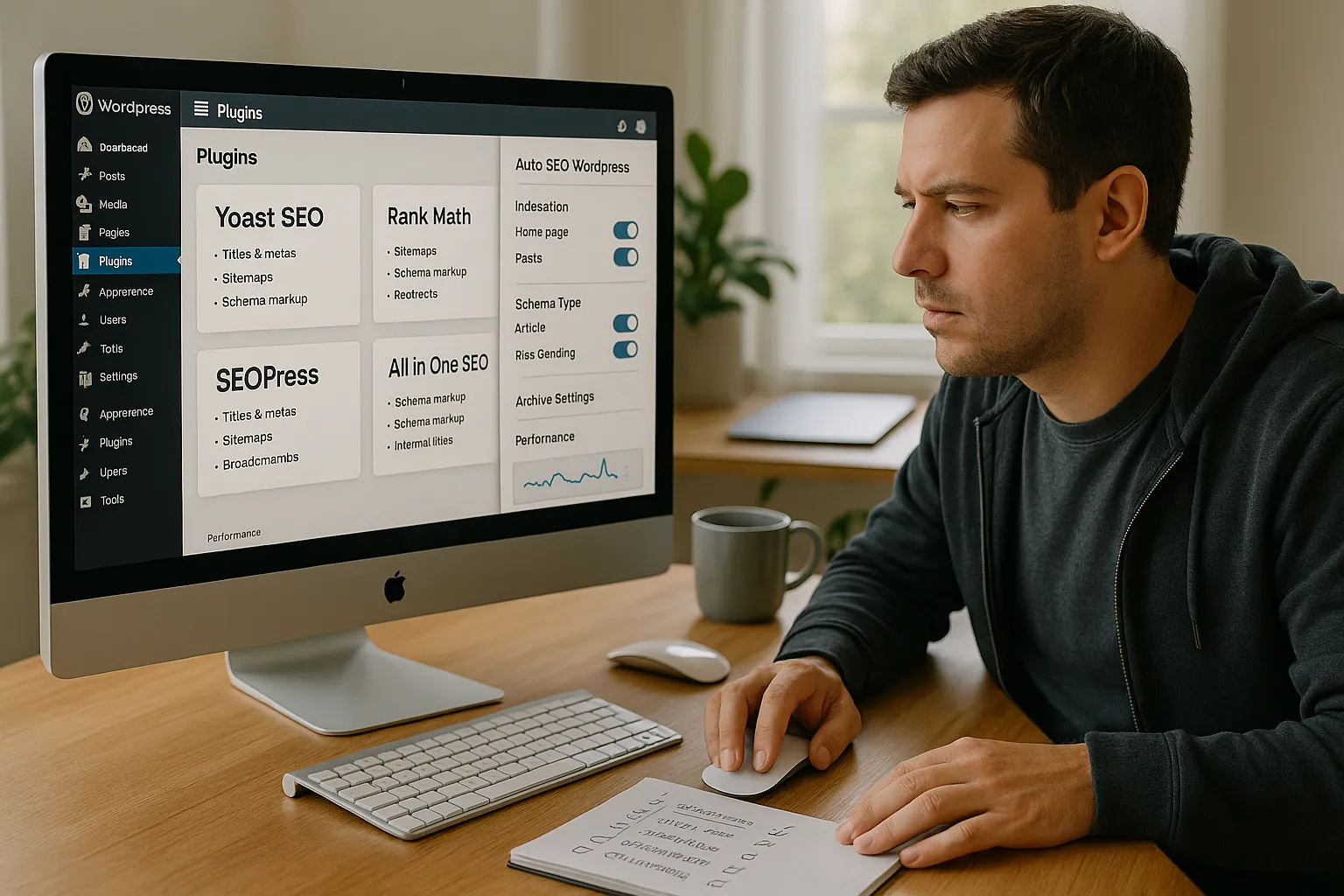
Before we flip any switches, we need the right auto SEO WordPress stack. We do not need ten plugins that overlap. We need one or two that cover our use cases cleanly.
Questions we ask when we choose:
- What features do we actually need?
- Titles and metas
- Sitemaps
- Schema markup
- Basic redirects
- Breadcrumbs and internal linking support
- Will it bloat our site?
We prefer plugins with a long history, active updates, and measured performance. A slow SEO plugin defeats the whole point.
- Does it play well with our theme and page builder?
We check documentation for Elementor, Gutenberg, Divi, WooCommerce, or any LMS we use, so auto features do not break layouts.
Popular choices include Yoast SEO, Rank Math, SEOPress, and All in One SEO. Each covers auto SEO WordPress basics but with different pricing, interface, and internal link tools.
We also look at how clearly the plugin exposes advanced toggles. We want control over indexation, schema types, and RSS or archive pages. Automation should be transparent and reversible, not hidden behind a magic button.
Essential Auto SEO Settings To Configure From Day One
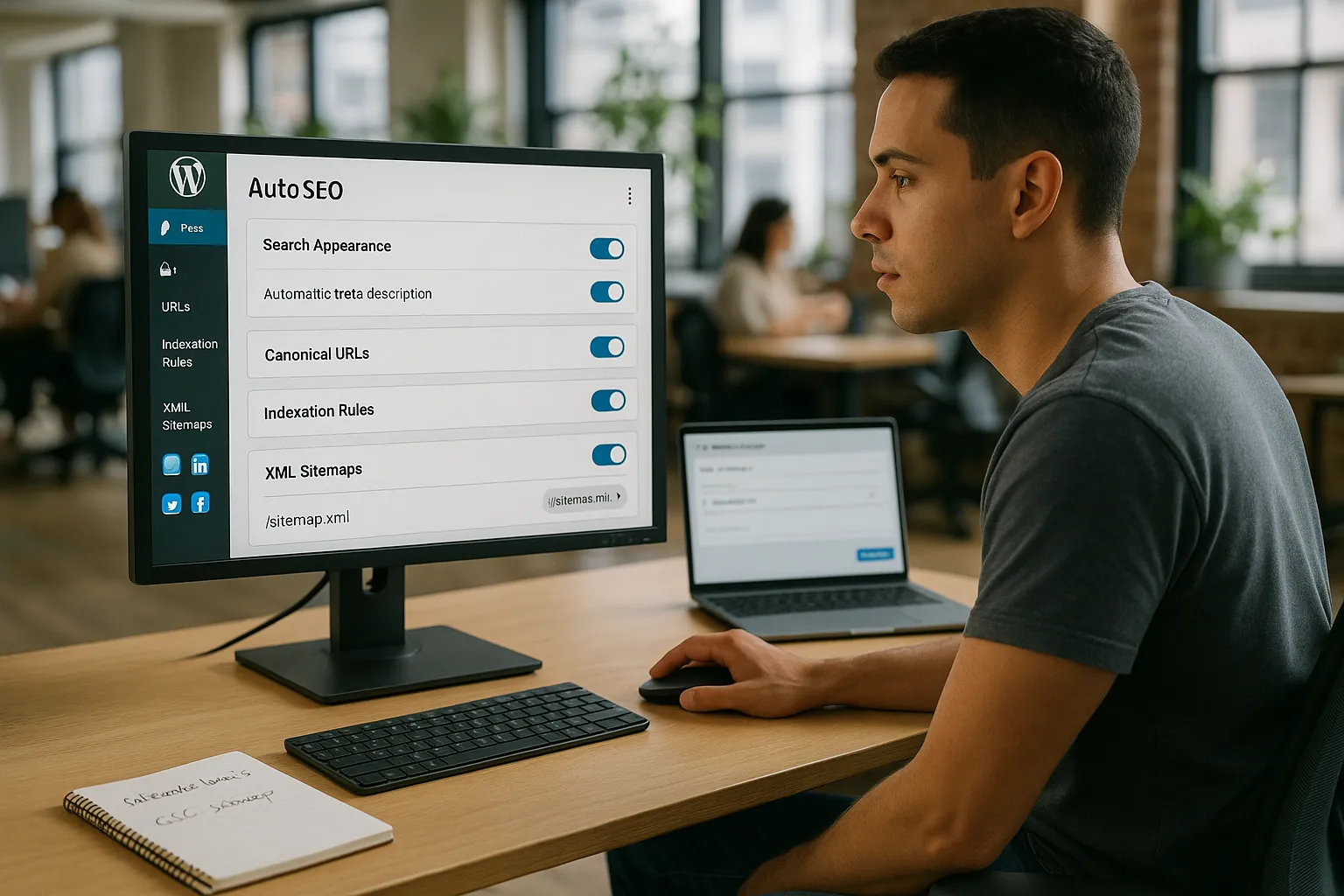
Once we install our auto SEO WordPress plugin, we lock in a solid baseline before publishing more content. These are the first settings we touch.
Site wide basics
- Search appearance templates We set default title and meta templates for posts, pages, products, and custom post types. Short, descriptive, and readable.
- Canonical URLs We make sure the plugin outputs canonicals and that they match our preferred URLs.
- Indexation rules We usually noindex search results pages, tag archives, and thin media pages so crawl budget stays focused.
Sitemaps and indexing
- Enable XML sitemaps and confirm they live at
/sitemap.xmlor the plugin’s path. - Submit the main sitemap URL in Google Search Console.
- Regularly check for 404s or blocked sections.
Content level defaults
- Turn on automatic meta description generation, but plan to override for priority pages.
- Use the plugin’s social tags so sharing on X, LinkedIn, and Facebook pulls the right image and text.
If we already have a piece on WordPress SEO basics, we link it from internal manuals for our content team. That way everyone understands how these global settings interact with day to day publishing.
Content Automation: Smart Ways To Speed Up SEO Without Creating Spam
Content is where auto SEO WordPress setups can either help us scale or quietly trash our reputation. We want speed, not spam.
Here is how we automate without crossing that line.
- Use templates as a starting point, not a final draft Auto generated meta descriptions and titles give us a quick baseline. For top traffic pages, we always rewrite by hand.
- Create internal linking rules Some plugins let us define keyword and URL pairs. We use that gently, for branded terms or evergreen guides, not for every phrase. It keeps anchor text natural.
- Standardize content structures For recurring formats, such as case studies or practice area pages, we use reusable blocks. The SEO plugin fills in schema and metas, our writers fill in the substance.
- Use AI writing tools with strong editing If we bring in text generators, we run strict fact checks and heavy edits. Google’s guidance on AI content focuses on intent and quality, not the tool.
- Source: “Google Search Central Blog: What site owners should know about AI generated content”, Google, 2023, https://developers.google.com/search/blog
We also keep a few house rules. No auto spinning. No mass publishing thousands of thin variants. We would rather publish ten strong pages than one hundred low trust pieces that scare away real people and search engines.
Performance, Security, And Technical SEO You Can Safely Automate
Auto SEO in WordPress stretches beyond titles and metas. A big part of organic visibility comes from speed, stability, and crawl health. Here we welcome automation.
We treat these as safe areas for auto SEO WordPress tools and companion plugins:
- Caching and page optimization Tools like WP Rocket or W3 Total Cache handle HTML caching, minification, and browser cache rules. Faster pages usually correlate with better user engagement.
- Image compression ShortPixel, Imagify, or Smush compress images on upload. That guards us from 5 MB hero photos that tank Core Web Vitals.
- Security basics Wordfence or Sucuri can block brute force attempts and suspicious traffic. A hacked site ranks poorly and puts users at risk.
- Broken link scanning Automated crawlers catch 404s, looped redirects, and blocked pages before Googlebot hits them too often.
We confirm changes using tools like PageSpeed Insights and the Core Web Vitals report in Google Search Console.
- Source: “Core Web Vitals & Page Experience”, Google Search Central, updated 2023, https://developers.google.com/search/docs/appearance/page-experience
We also maintain a simple technical SEO checklist for WordPress inside our team wiki. Automation handles the checks, but humans decide when to refactor themes, remove old plugins, or move to better hosting.
When You Must Go Beyond Automation: Manual SEO That Still Matters
There are parts of SEO on WordPress that we refuse to hand over to a plugin. These areas still demand human judgment.
- Topic and keyword selection No auto SEO WordPress feature can weigh revenue potential, legal risk, and audience intent the way we can. We use tools like Google Keyword Planner and Ahrefs for research, then decide which phrases deserve pages.
- Search intent matching Only humans can look at the current top results and see patterns. Are searchers looking for a template, a calculator, a lawyer, or a tutorial video, The page format must match that intent.
- Content quality and expertise In fields like medicine, law, or finance we involve licensed professionals or subject experts. Google’s E E A T discussion in the Quality Rater Guidelines backs this up.
- Source: “Search Quality Evaluator Guidelines”, Google, December 2022, https://static.googleusercontent.com/media/guidelines.raterhub.com/en//searchqualityevaluatorguidelines.pdf
- Link earning and outreach Auto SEO plugins cannot build real relationships. Guest posts, digital PR, and community involvement still depend on us.
- Strategic internal linking We might use tools to suggest links, but we curate the final structure. Money pages, key thought pieces, and lead magnets get deliberate internal support.
When we keep these levers in human hands, auto features work as a multiplier instead of a shortcut that caps our growth.
Conclusion
Recap: Building A Sustainable, Semi‑Automated SEO Setup In WordPress
A healthy auto SEO WordPress setup feels a bit like a good autopilot. It handles routine corrections, but we keep our hands near the controls.
We let automation manage titles, metas, sitemaps, schema, caching, and image compression. We standardize templates so every new post ships with clean technical SEO by default. Then we save our energy for research, intent analysis, content quality, and link strategy.
If we do this well, we get faster publishing, fewer technical mistakes, and better long term rankings without losing our voice or our standards. Auto SEO in WordPress becomes a quiet partner that handles the boring parts while we focus on the creative and strategic work that no plugin can replace.
Frequently Asked Questions
What is auto SEO in WordPress and how does it actually work?
Auto SEO in WordPress uses plugins to handle repetitive, rule-based tasks like generating SEO titles and meta descriptions from templates, creating XML sitemaps, adding canonical tags, and outputting schema markup. It streamlines the mechanical side of SEO so you can focus on strategy, content quality, and user experience.
Which auto SEO WordPress settings should I configure first?
Start with search appearance templates for titles and meta descriptions, canonical URLs, and indexation rules for archives and thin pages. Then enable XML sitemaps, submit them in Google Search Console, and turn on automatic social tags. These auto SEO WordPress basics create a solid technical foundation before scaling content.
What SEO tasks should never be fully automated in WordPress?
You should keep topic and keyword selection, search intent analysis, content quality and expertise, link earning and outreach, and strategic internal linking in human hands. Plugins can suggest or streamline, but they cannot weigh business goals, legal risk, or nuanced audience needs the way a thoughtful editor or strategist can.
Can auto SEO WordPress plugins harm my rankings if used incorrectly?
Yes. Over-relying on default settings can create bland or misleading snippets, index low-value archives, or auto-generate thin, repetitive content. Aggressive auto-linking or spun text can look spammy. Use automation for templates and technical tasks, but manually refine important pages and avoid mass-publishing low-quality content.
What is the best way to choose an auto SEO plugin for a WordPress site?
Focus on needed features—titles and metas, sitemaps, schema, redirects, and breadcrumb support—while checking performance, update history, and compatibility with your theme, page builder, and WooCommerce or LMS. Avoid stacking overlapping plugins; pick one or two well-supported tools with clear, reversible settings and good documentation.
Some of the links shared in this post are affiliate links. If you click on the link & make any purchase, we will receive an affiliate commission at no extra cost of you.
