
When we first installed the All In One SEO plugin for Easy Digital Downloads, our quiet little download store started getting traffic we did not expect. Search impressions climbed, product pages that had been buried on page five slipped into the top results, and sales followed. None of this came from ads or a fancy redesign, just better signals to search engines. In this guide, we will walk through how we set up and tuned AIOSEO for an Easy Digital Downloads store so you can repeat it with your own products.
Key Takeaways
- Pairing the All In One SEO plugin for Easy Digital Downloads with your EDD store turns basic product pages into search‑ready listings that can drive more organic traffic and sales.
- Optimize each download by crafting a clear SEO title, persuasive meta description, focused keyphrase, and relevant schema markup so search engines understand exactly what your digital product offers.
- Use AIOSEO’s XML sitemaps, global title/meta rules, and social sharing settings to give search engines and social networks a consistent, crawlable view of your Easy Digital Downloads catalog.
- Leverage Product schema and accurate review, price, and availability data in AIOSEO to earn rich results that boost click‑through rates versus plain blue links.
- Monitor performance with Google Analytics and Search Console, then regularly review AIOSEO scores and refresh product content to maintain and steadily improve SEO results over time.
Why SEO Matters for Easy Digital Downloads Stores
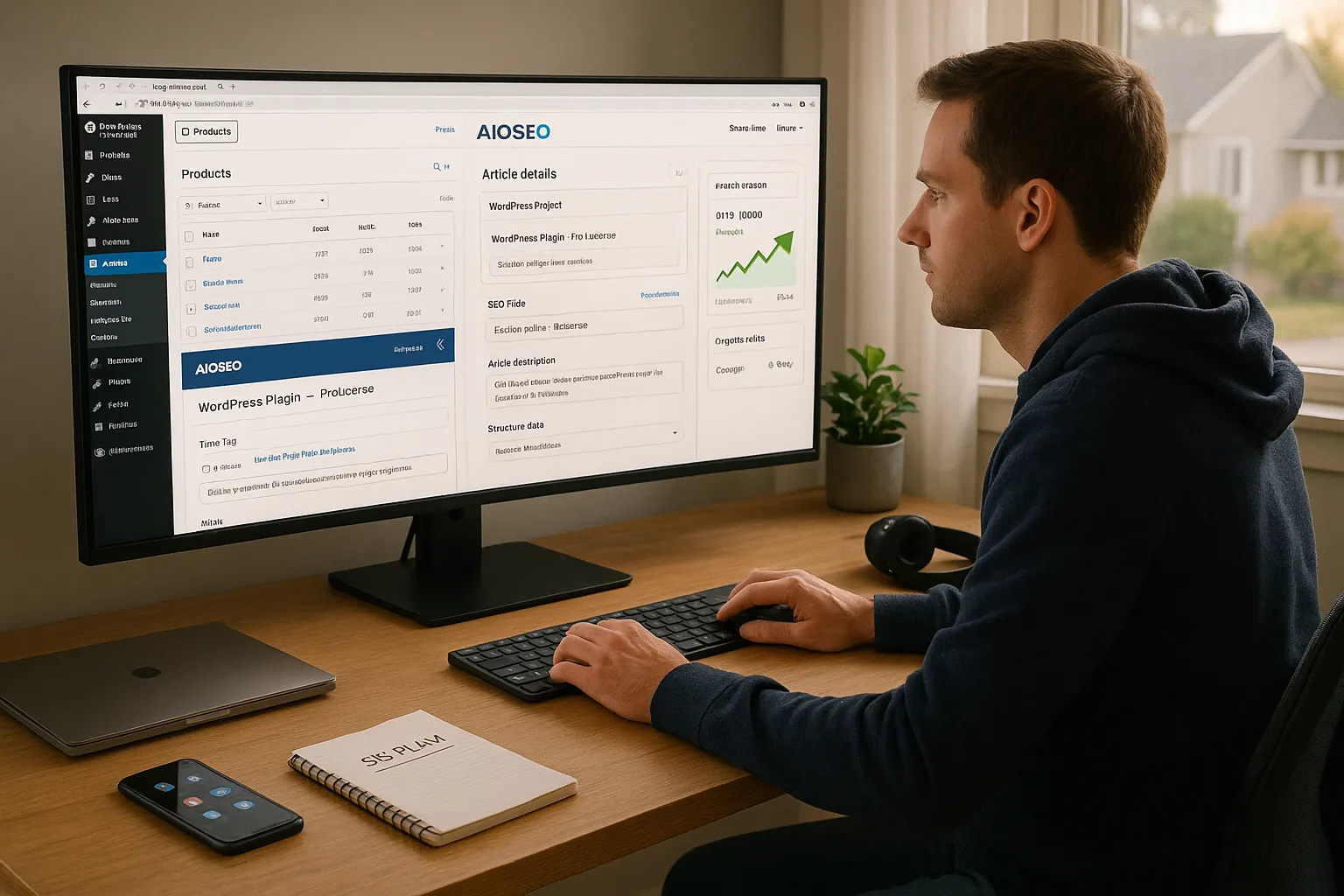
Search engines are usually the first place customers go when they want an eBook, a WordPress plugin, a music pack, or a license key. If our Easy Digital Downloads store does not show up, the sale goes to someone else. That is why pairing Easy Digital Downloads with the All In One SEO plugin for Easy Digital Downloads gives us such an edge.
Here is why. AIOSEO helps search engines understand what each download is, who it is for, and why it should rank. That happens through clean title tags, focused meta descriptions, schema markup, and XML sitemaps.
With EDD alone, we can publish products. With AIOSEO added, we guide Google, Bing, and others toward those products, which supports more organic traffic over time.
If you are still relying only on social posts or email blasts for sales, adding search as a steady channel can smooth out revenue swings. We think of AIOSEO as the missing glue between our digital catalog and search visibility.
If you want a broader refresher first, see our guide on WordPress SEO basics to set expectations around content, speed, and crawlability.
Getting Started: Setting Up All In One SEO With Easy Digital Downloads
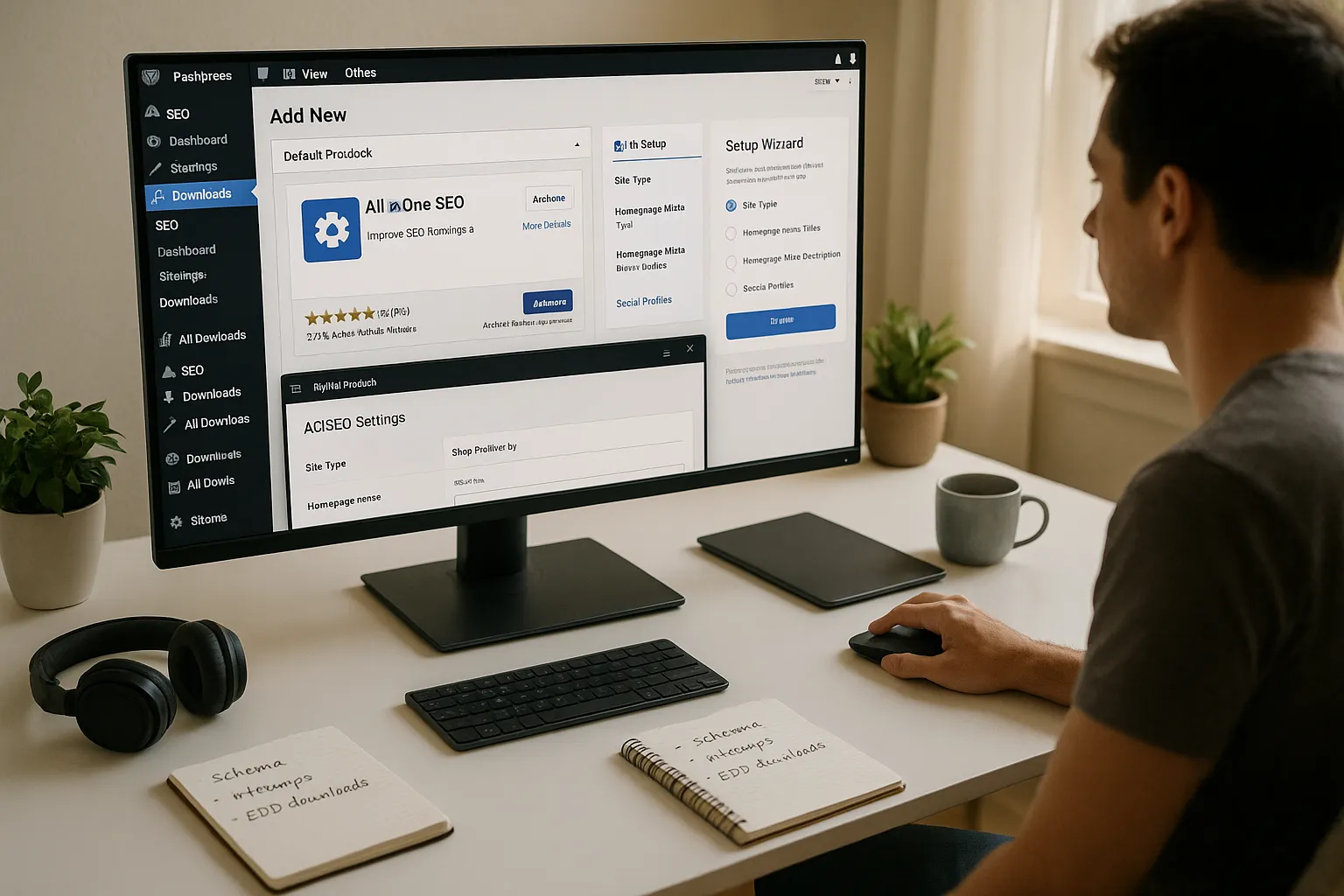
Setup is quick, so we will keep this section practical.
- Install AIOSEO
In your WordPress dashboard, go to Plugins → Add New and search for “All in One SEO.“ Install and activate the free plugin from All in One SEO.
- Check the Easy Digital Downloads link
AIOSEO detects EDD automatically. After activation, open any Downloads → All Downloads item. You should see the AIOSEO settings box under the editor. That confirms the All In One SEO plugin for Easy Digital Downloads is active on product pages.
- Run the setup wizard
Under SEO → Dashboard, use the onboarding wizard. Set your site type, homepage meta title and description, and basic social profiles. This gives search engines a clear picture of your brand.
- Consider AIOSEO Pro for schema
The Pro version adds richer schema options and eCommerce features that pair well with Easy Digital Downloads stores that rely on Google for sales. Pricing as of 2025 starts at $49.50 per year for basic plans [1].
We like to finish setup by visiting SEO → Sitemaps to confirm that product URLs from Easy Digital Downloads appear there.
Optimizing Download Pages for Maximum Visibility
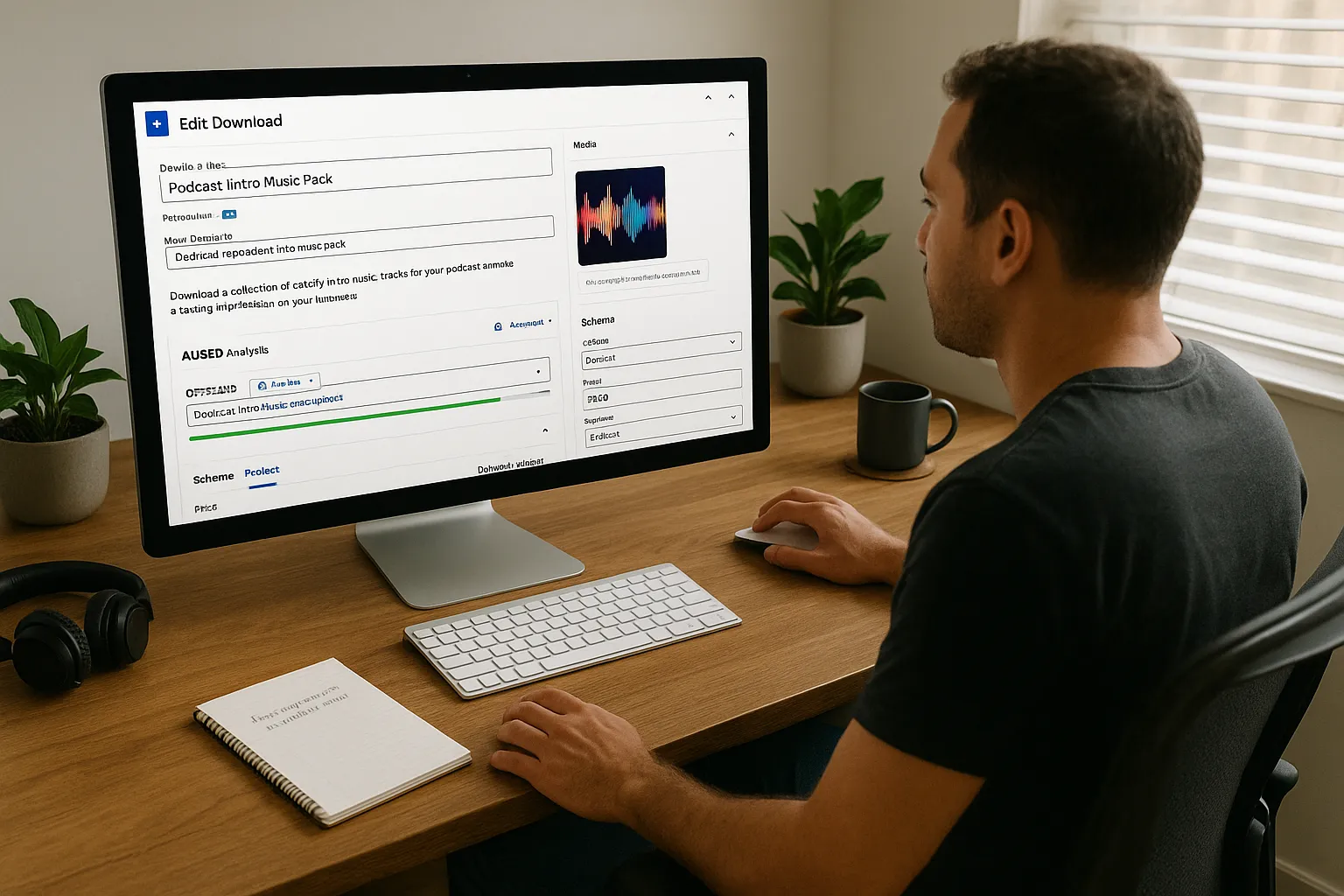
This is where the All In One SEO plugin for Easy Digital Downloads earns its keep.
Open one of your downloads in WordPress and scroll to the AIOSEO box.
1. Title and description
Write a unique SEO title that includes the product name and a main keyword. Keep it under about 60 characters. Then add a meta description that reads like a short pitch. Aim for one or two phrases customers would actually search. We avoid just repeating the product name.
2. Focus keyphrase and readability
Set a focus keyphrase that matches how buyers search, such as “podcast intro music pack“ or “invoice template for lawyers.“ AIOSEO will flag simple fixes: missing keyphrases in headings, long sentences, thin content, and so on.
Within the schema settings for that download, choose a type that matches your product. Digital products often work as Product schema with price, currency, and availability fields. This data feeds rich results in Google Search [3].
4. Media details
Add descriptive alt text for cover images, software screenshots, or audio previews. Clear image text helps both accessibility and image search.
Once you get into a rhythm, each new EDD product can ship with tuned titles, descriptions, and schema in a couple of minutes.
Improving Storewide SEO Settings and Structure
After product pages look good, we widen our view to the whole store.
1. XML sitemaps for EDD
Under SEO → Sitemaps, make sure sitemaps are on and that your downloads are included. This gives search engines a clear list of URLs to crawl. Google itself recommends XML sitemaps for large or structured sites [4]. If you want more detail on sitemaps, check our explainer on creating XML sitemaps in WordPress.
2. Global title and meta rules
In SEO → Search Appearance, we set patterns for downloads, categories, and tags. For example:
Download Title | Brand Name
This standard keeps things tidy even when we forget to tweak a single item.
3. Social sharing
In the Social Networks settings, add your brand profiles and default images. When someone shares an EDD product link, Facebook, X, and LinkedIn can pull clean Open Graph and Twitter Card data from AIOSEO.
4. Store structure
Inside Easy Digital Downloads, we keep categories simple and logical: “Plugins,“ “Courses,“ “Audio,“ and so on. AIOSEO then reads those taxonomies and helps search engines understand which sections of the store matter most.
Enhancing Conversions With Rich Snippets and Search Features
Once pages are indexed, we want more than plain blue links.
The All In One SEO plugin for Easy Digital Downloads supports schema markup that can add price, rating stars, and availability to search results for your products. Google calls these enhanced displays “rich results” and documents support for product markup in its Search Gallery [3].
Here is how we handle it:
- In the schema settings for each download, pick Product and fill in price, currency, and availability.
- Connect your review plugin or manually add ratings where allowed so schema includes aggregate ratings.
- Keep price and availability accurate. Google guidelines ask that visible page content match structured data [3].
When rich snippets appear, we tend to see higher click‑through rates because buyers can compare price and reviews without leaving Google. That extra context helps your listing stand out next to generic product links that lack schema.
We also use AIOSEO‘s search appearance settings to tune breadcrumb trails, which can show in search results and guide visitors deeper into the EDD catalog.
Monitoring, Testing, and Maintaining Your SEO Over Time
Search visibility for an Easy Digital Downloads store is not a one‑time task. We treat it like product support: ongoing.
Here is our basic routine:
- Watch analytics
Connect Google Analytics to WordPress. Plugins such as MonsterInsights include Easy Digital Downloads tracking, so we can see which product pages bring traffic and revenue [5].
- Review AIOSEO scores
Every month, we scan the All In One SEO plugin for Easy Digital Downloads scores on top products. If we see a low score, we check title tags, descriptions, and content depth.
- Track search queries
In Google Search Console, we look at queries that already send impressions. When we see a phrase where we rank on page two, we adjust content and meta to better answer that search.
- Keep content fresh
We update outdated screenshots, version numbers, and pricing on our downloads. Fresh details signal that the product is still maintained, which often supports better engagement and lower bounce rates.
Small, steady fixes beat big, rare overhauls. Over time, that habit builds a strong search footprint for your digital store.
Conclusion
If we boil this down, the All In One SEO plugin for Easy Digital Downloads turns a basic digital store into a search‑ready product catalog.
AIOSEO helps us shape every important signal: clear titles, persuasive descriptions, accurate schema, and clean sitemaps. Easy Digital Downloads handles the cart and delivery, while AIOSEO handles how search engines see that inventory.
If you already run EDD, start by tuning a single high‑value product with the steps above. Watch how impressions, clicks, and sales shift over a few weeks. Once you see movement, roll those same patterns across the rest of your downloads and let search work alongside your other traffic channels.
Sources
[1] Getting Started with All in One SEO,” All in One SEO, 2024, https://aioseo.com/docs/
[2] “Easy Digital Downloads Documentation,” Sandhills Development, 2024, https://easydigitaldownloads.com/docs/
[3] “Search Gallery – Product Results,” Google Search Central, Google, 2024, https://developers.google.com/search/docs/appearance
[4] “Sitemaps,” Google Search Central, Google, 2024, https://developers.google.com/search/docs/crawling-indexing/sitemaps/overview
[5] “Easy Digital Downloads eCommerce Tracking,” MonsterInsights, 2024, https://www.monsterinsights.com/
Frequently Asked Questions
What is the All In One SEO plugin for Easy Digital Downloads and why should I use it?
The All In One SEO plugin for Easy Digital Downloads (AIOSEO) helps search engines understand your digital products with optimized titles, meta descriptions, schema markup, and XML sitemaps. When combined with Easy Digital Downloads, it can increase search visibility for product pages and drive more consistent organic traffic and sales.
How do I set up the All In One SEO plugin for Easy Digital Downloads?
Install and activate AIOSEO from Plugins → Add New in your WordPress dashboard. AIOSEO will automatically detect Easy Digital Downloads. Then run the setup wizard under SEO → Dashboard, configure your homepage meta data, social profiles, and confirm your downloads are included in the XML sitemap under SEO → Sitemaps.
How can I optimize individual download pages with AIOSEO for better SEO?
Open a download in WordPress and use the AIOSEO box to create a unique SEO title and compelling meta description, set a focus keyphrase, and fix readability issues. Choose the correct schema type, usually Product, fill in price and availability, and add descriptive image alt text to improve relevance and visibility.
Does the All In One SEO plugin for Easy Digital Downloads help with rich snippets in Google?
Yes. By enabling Product schema on your Easy Digital Downloads items and including details like price, currency, availability, and ratings, AIOSEO can qualify your products for rich results. These enhanced snippets often show stars, prices, and stock status, which can significantly improve click‑through rates in search results.
Will using AIOSEO with Easy Digital Downloads slow down my WordPress site?
AIOSEO is built to be lightweight and typically does not cause noticeable performance issues on a properly configured WordPress site. Most SEO features, such as generating meta tags and schema, are inexpensive operations. Performance usually depends more on your hosting, caching setup, and overall theme and plugin stack.
Can I use All In One SEO with Easy Digital Downloads if I already rely on social media for traffic?
Yes. AIOSEO complements, rather than replaces, social traffic. While social posts bring bursts of visitors, optimizing Easy Digital Downloads products with AIOSEO builds steady organic search traffic. Over time, this combination helps smooth revenue swings and creates multiple dependable channels for attracting new buyers.
Some of the links shared in this post are affiliate links. If you click on the link & make any purchase, we will receive an affiliate commission at no extra cost of you.
