

If you are searching for lms WordPress free options, you have probably stared at the plugin list and thought, “How am I supposed to pick one of these?” We have been on calls where founders wanted to launch a course quickly, only to freeze at the mix of features, pricing, and tech jargon.
Quick answer: for most small businesses, a WordPress free LMS is enough to launch a clean, professional course area, if you pick a plugin that matches your sales flow, branding needs, and future upgrade plans.
In this guide we will walk through seven leading free LMS plugins, when each actually makes sense, and a simple process to choose the right fit for your business without wasting weeks on trial and error.
Key Takeaways
- A well-chosen lms WordPress free plugin is usually enough to launch a clean, professional course area for most small businesses’ first or second online course.
- LearnPress, Tutor LMS, LifterLMS, MasterStudy, and Sensei each suit different needs—from simple classroom-style courses to membership models, strong branding, or WooCommerce-based stores.
- Tutor LMS and LearnPress are top starting points when you want a modern interface or a fast, no-cost launch, while LifterLMS and MasterStudy better support future expansion and brand control.
- Sensei LMS is the best lms WordPress free option when your business already runs on WooCommerce and you want courses to function like regular products in the same commerce system.
- You should map your workflow, define non‑negotiable features, and run a pilot course before deciding whether to keep your free WordPress LMS or upgrade to a paid, more automated stack.
1. LearnPress: Flexible Free LMS For Standard Online Courses
Core Features In The Free Version
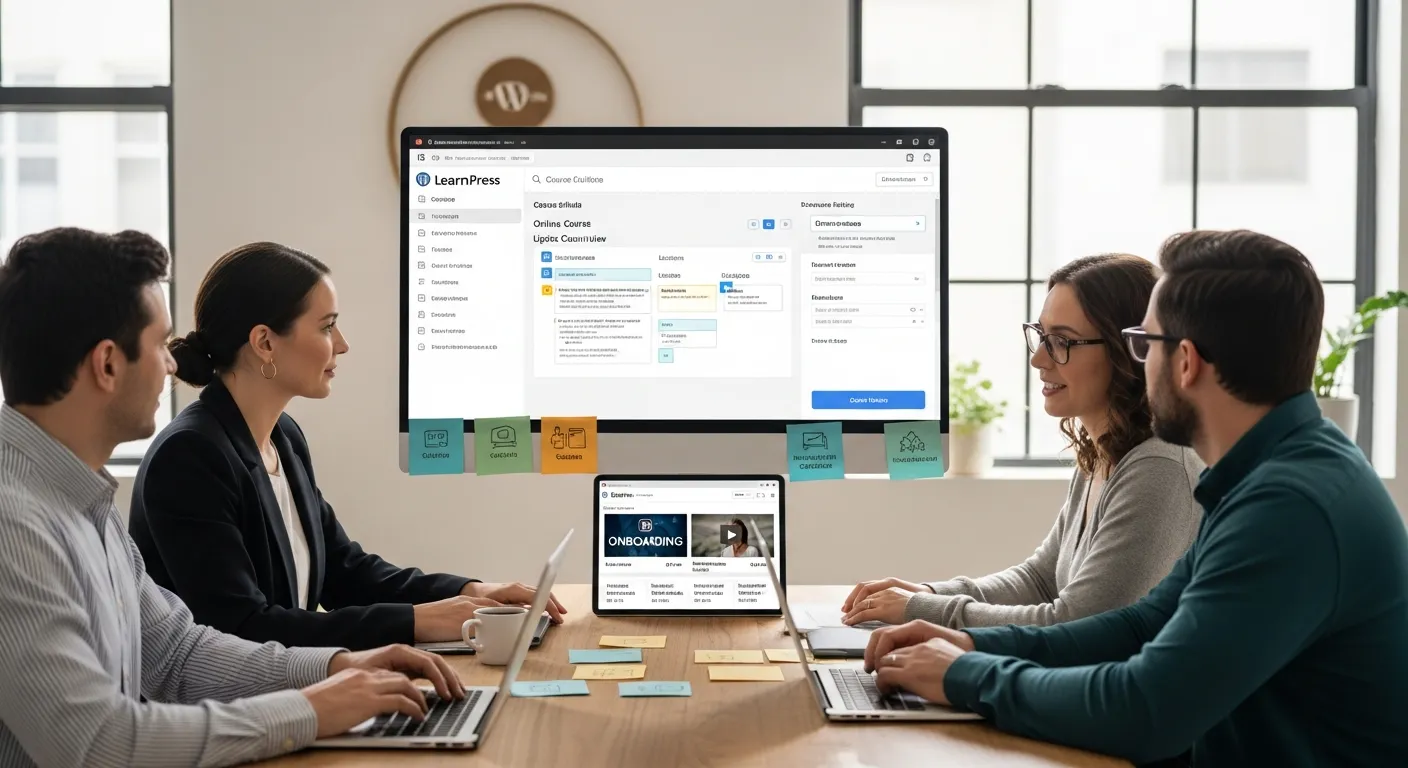
LearnPress is a popular lms WordPress free plugin that focuses on traditional, lesson-based courses. Out of the box you can:
- Create unlimited courses, sections, and lessons
- Add basic quizzes (multiple choice, true/false)
- Organize content in a clear curriculum structure
- Let students enroll and track progress
The interface feels close to standard WordPress editing, so if you are used to writing posts and pages, LearnPress will not feel strange. It plays nicely with most themes, and you can usually get a simple course up in a weekend without touching code.
Where LearnPress slows down is advanced features. Things like content dripping, complex quiz logic, or deep analytics usually require premium add-ons. For many first-time course creators though, the free version covers the essentials.
Where LearnPress Fits Small Business Use Cases
LearnPress works best when you want “straightforward classroom online” rather than a complex learning portal. Good fits:
- A local service business sharing a short training for clients (e.g., onboarding videos)
- A consultant offering a simple, self-paced intro course
- A small nonprofit running basic volunteer training
If you already have a decent WordPress site, ideally built by a professional team offering WordPress web development and ongoing support, LearnPress lets you bolt on a learning area without rethinking your whole stack.
Choose LearnPress if your priority is: launch fast, keep costs at zero, and you do not need fancy automation or heavy reporting yet.
2. Tutor LMS: Modern Interface With Strong Free Features
Standout Tools You Get For Free
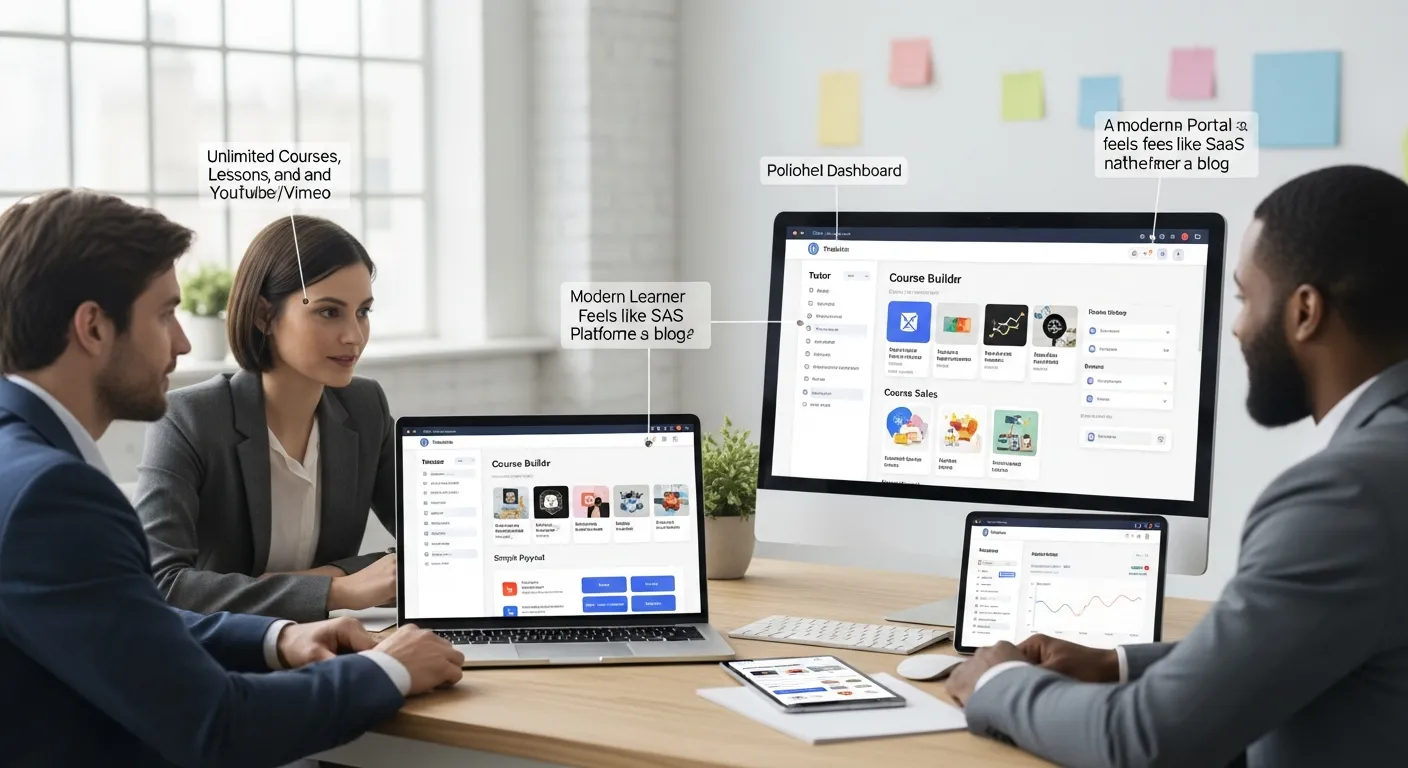
Tutor LMS is one of the strongest WordPress free LMS options if you care about a clean interface and reasonable student management, even on the free tier. The no-cost version typically includes:
- Unlimited courses, lessons, and instructors
- Drag-and-drop course builder
- Basic quizzes and grading options
- Student dashboards and profile pages
- Frontend course creation for instructors
- Video lessons via YouTube/Vimeo embeds
- Course sales via simple payment options such as PayPal
In other words, you do not feel forced to upgrade on day one. You can design a course structure that looks modern and is easy for non-technical staff to maintain.
When Tutor LMS Is The Better Fit
Tutor LMS tends to be the better lms WordPress free choice when:
- You want a polished student dashboard and modern layout
- You plan to sell courses but are fine starting with limited payment methods
- You expect to grow into advanced features later (certificates, content dripping, Stripe, Zoom integrations)
Many small businesses use Tutor LMS as a “pilot” platform: run the first course, gather feedback, prove that people are willing to pay, then budget for Tutor Pro or other add-ons.
If you enjoy visual builders and want your first course to look more like a SaaS learning portal than a blog, Tutor LMS is worth serious consideration.
3. LifterLMS: Robust Free Core With Paid Extensions

Key Advantages Of LifterLMS Free
LifterLMS is known for a strong free core that already feels like a professional LMS. Even without paying, you typically get:
- Course, lesson, and quiz management
- Membership-style access rules
- Student enrollment and progress tracking
- Basic email notifications
- Integrations with standard WordPress themes and page builders
For many small businesses, the big draw is that you can structure both courses and memberships in one place. That means you can run a private resource library, a training course, and client-only materials all inside your main site.
Limitations To Budget For As You Grow
The trade-off: LifterLMS makes its money on paid extensions. As your needs grow, you may end up paying for:
- Payment gateways (Stripe, PayPal, etc.)
- Advanced quizzes and assignments
- CRM and email marketing integrations
This is not a bad thing: it just means LifterLMS is a smart choice if you already know you will invest gradually. Start with the lms WordPress free core, test your course idea, and once you are confident in revenue, add paid gateways and automations.
If your long-term vision includes memberships, multi-course bundles, and deeper engagement tools, LifterLMS gives you a clear path from free to full-featured without switching platforms.
4. MasterStudy LMS: Course Builder With Strong Design Controls

Notable Features In The Free Plugin
MasterStudy LMS centers on course creation with a focus on layout and structure. In its free form you usually get:
- An intuitive course builder with sections and lessons
- Quizzes with different question types
- Support for video and multimedia lessons
- Simple student dashboards
For owners who care about how lessons look, MasterStudy tends to feel more design-aware than some older plugins. It pairs nicely with page builders like Elementor and can help your course area look less like a blog and more like a curated learning space.
Design Considerations For Brand-Conscious Businesses
If your brand care level is high, you have custom colors, typography, and visual language, MasterStudy gives you more control over the presentation of your WordPress free LMS.
Consider MasterStudy when:
- You plan to showcase high-quality video or visual content
- You want your course pages to visually match your marketing site
- You expect to collaborate with a designer or WordPress agency to fine-tune styling
It is a solid “middle” choice: more design flexibility than basic plugins, without forcing you into a full paid stack on day one.
5. Sensei LMS: WordPress-Native LMS From The WooCommerce Ecosystem
Why Sensei Works Well With WooCommerce
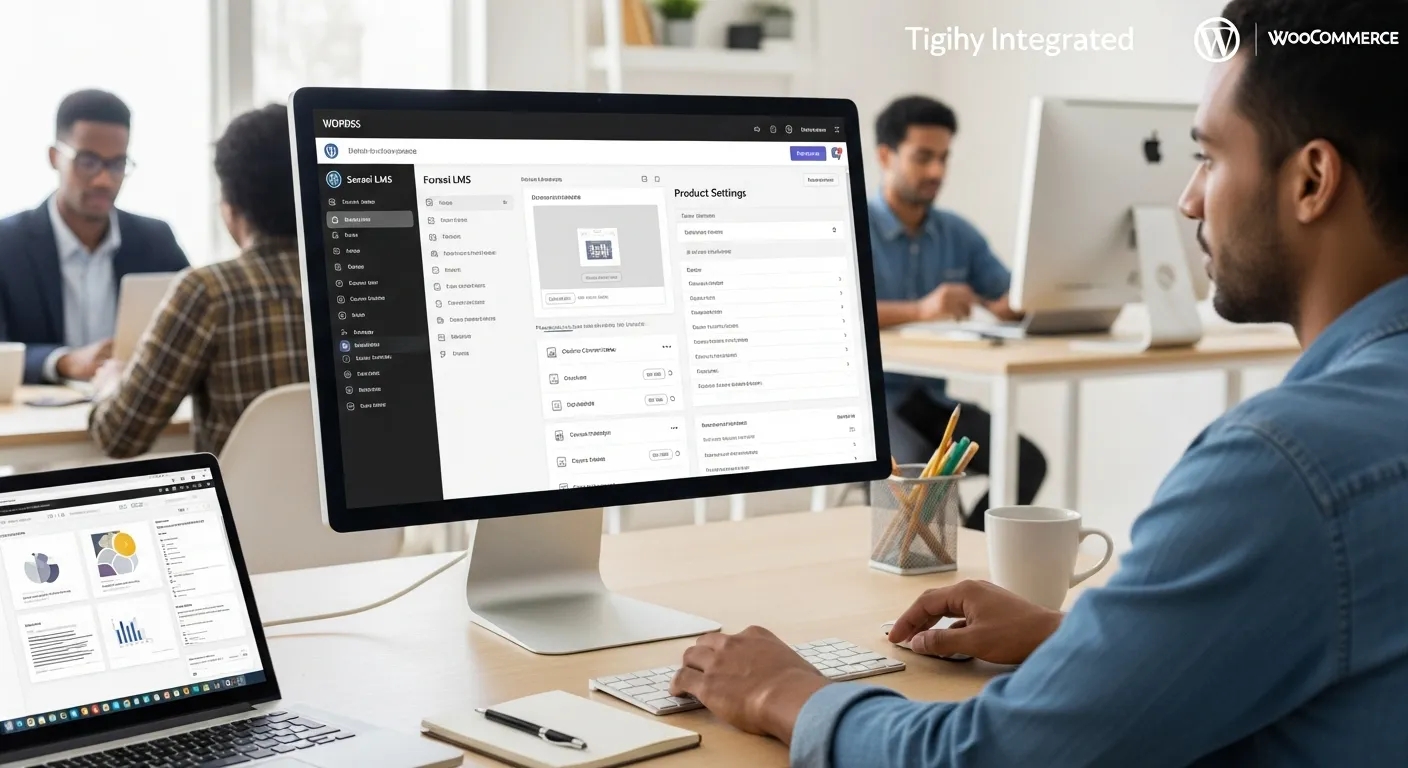
Sensei LMS is developed by Automattic, the company behind WordPress.com and WooCommerce. That heritage matters if your business already runs on WooCommerce.
Key benefits:
- Seamless integration with WooCommerce products for selling courses
- Familiar WordPress editing experience
- Stable, well-maintained codebase
If you are already comfortable managing orders, coupons, and customers inside WooCommerce, Sensei lets you treat courses as another product type. This makes your lms WordPress free setup feel like a natural extension of your existing store.
Best Use Cases For Service And Product Businesses
Sensei LMS shines when your course is tightly connected to services or products you already sell, such as:
- An agency selling a “strategy course + consulting package” bundle
- A physical product brand offering training on installation, safety, or advanced techniques
- A coach pairing digital courses with live WooCommerce-booked sessions
If your goal is to keep everything under one commerce roof and not juggle separate payment stacks, Sensei is a strong candidate.
6. LearnDash Cloud Alternatives: When You Actually Need A Paid LMS
Signals You Are Outgrowing A Free WordPress LMS
At some point, lms WordPress free plugins may start feeling tight. Signs you are hitting the ceiling:
- You need complex quizzes, assignments, or grading logic
- You want content dripping and prerequisite rules across many courses
- You require detailed analytics on student behavior and completion
- You manage multiple instructors and revenue-sharing
- You want AI tools to help generate quizzes, summaries, or feedback
When several of these show up on your wish list, it is time to evaluate paid platforms such as LearnDash Cloud or premium tiers of Tutor, LifterLMS, or Sensei.
Budgeting For A Professional LMS Stack
Moving beyond “free forever” does not have to be painful. Treat it like any other business tool:
- Start with the low-risk free plugin to validate demand
- Calculate revenue from your first one or two course launches
- Then allocate a clear yearly budget for your learning stack
For example, Tutor LMS Pro often starts around the mid-hundreds per year for a license, with extra costs for payment gateways, live-class integrations (Zoom), or email tools.
Do the math: if a paid plan helps you improve conversion or launch more courses, it usually pays for itself quickly. That is also the point where pairing your LMS with conversion helpers, like adding a live chat plugin for student questions, can move completion and sales in the right direction.
7. How To Choose The Right Free WordPress LMS For Your Business
Map Your LMS Workflow Before Choosing A Plugin
Before you install anything, map your workflow. This is the safest way to avoid bouncing between plugins.
Write down:
- Trigger: What starts the learning journey? Purchase, sign-up form, or invitation?
- Input: What content you already have, videos, PDFs, slide decks, checklists
- Job: What your LMS should actually do, host lessons, quiz learners, issue certificates, send reminders
- Output: What “success” looks like, completed training, lead generation, upsell to a service
- Guardrails: Any limits, no sensitive data, no automated grading on regulated topics, human review of assessments
Once you see this flow on a page, it becomes clearer which WordPress free LMS options fit and which are overkill.
Non-Negotiable Features For Small Businesses
For most small business and solo founders, your baseline checklist looks like this:
- Unlimited courses and lessons
- Clear curriculum and lesson navigation
- Basic quizzes (even just multiple choice)
- Simple student accounts and progress tracking
- Ability to sell courses or at least protect content behind logins
- Drag-and-drop or visual course builder so staff can edit content without a developer
Using that lens:
- LearnPress: great for simple, budget-sensitive setups
- Tutor LMS: ideal for modern interface and future growth
- LifterLMS: strong for memberships and long-term expansion
- MasterStudy: good when design and branding are a priority
- Sensei: best when you already use WooCommerce heavily
Remember, there is no single best lms WordPress free plugin. There is only the best fit for your current workflow and next 12–24 months.
Privacy, Compliance, And Student Data Handling
Even with free tools, you are responsible for how you handle student data. A few simple rules:
- Avoid pasting sensitive client data into AI features or third-party services
- Use secure hosting and keep plugins, themes, and WordPress core updated
- Make your privacy policy easy to find and explain what tracking you use
- In regulated fields (health, legal, finance), keep humans firmly in the loop for assessment and advice
Treat your LMS as another part of your business system, not a toy. If you are unsure about performance, security, or integration with your existing site, working with a team that specializes in professional WordPress builds and maintenance can help you avoid expensive mistakes later.
Conclusion
Free LMS plugins for WordPress are good enough for most first and second course launches, as long as you choose the one aligned to your sales model and content. LearnPress and Tutor LMS are strong starting points, LifterLMS and MasterStudy support more advanced structures and branding, and Sensei fits naturally when WooCommerce already sits at the center of your business.
Start small: define your workflow, pick one lms WordPress free plugin, launch a pilot course, and measure results. Once you see real students and real revenue flowing, you will know whether to stay with your current WordPress free LMS or graduate to a paid stack with more power and automation.
Frequently Asked Questions
Is an LMS WordPress free plugin really enough to launch my first online course?
For most small businesses, a free WordPress LMS plugin is enough to launch a clean, professional course area. As long as it matches your sales flow, branding needs, and upgrade plans, you can validate demand, enroll students, and even sell basic courses without paying for premium add-ons upfront.
Which is the best LMS WordPress free plugin for a small business just starting out?
There is no single “best” LMS WordPress free plugin. LearnPress works well for simple, classroom-style courses; Tutor LMS is ideal for a modern interface and future growth; LifterLMS suits membership-style setups; MasterStudy favors strong design control; and Sensei LMS fits best if you already rely heavily on WooCommerce.
When should I move from a free WordPress LMS to a paid solution like LearnDash Cloud or Tutor Pro?
Consider upgrading when you need complex quizzes, content dripping, detailed analytics, multi-instructor management, revenue-sharing, or AI-powered tools. A common path is to start with a free plugin, run one or two paid course launches, then allocate a yearly budget for premium LMS features once revenue is proven.
What key features should I look for in a free LMS plugin for WordPress?
At minimum, look for unlimited courses and lessons, clear curriculum navigation, basic quizzes, simple student accounts and progress tracking, and a drag-and-drop or visual course builder. If you plan to sell courses, ensure it can either integrate with payments or protect content behind logins while you test your offer.
Can I scale a free LMS WordPress setup as my online school grows?
You can scale a free LMS WordPress setup initially by adding more courses, instructors, and basic quizzes. However, as enrollments grow, you will likely need paid extensions for reliable payment gateways, automation, analytics, email or CRM integrations, and advanced assessments to maintain a smooth student experience and operations.
Some of the links shared in this post are affiliate links. If you click on the link & make any purchase, we will receive an affiliate commission at no extra cost of you.
We improve our products and advertising by using Microsoft Clarity to see how you use our website. By using our site, you agree that we and Microsoft can collect and use this data. Our privacy policy has more details.
